
HOMEFITNESSCODE B0CGRSZ984
HomeFitnessCode Under Desk Treadmill User Manual
Model: B0CGRSZ984
Introduction
Thank you for choosing the HomeFitnessCode Under Desk Treadmill. This manual provides essential information for the safe and efficient operation, maintenance, and troubleshooting of your new treadmill. Please read this manual thoroughly before using the product and retain it for future reference.

Figure 1: HomeFitnessCode Under Desk Treadmill in a typical usage scenario.
Safety Instructions
To ensure safe operation and prevent injury, please adhere to the following safety guidelines:
- Always place the treadmill on a flat, stable surface.
- Ensure adequate clear space around the treadmill during operation.
- Do not allow children or pets near the treadmill while it is in use.
- Consult a physician before starting any new exercise program.
- Stop exercising immediately if you feel faint, dizzy, or experience pain.
- Keep hands and feet clear of all moving parts.
- Unplug the treadmill from the power outlet when not in use or before cleaning/maintenance.
- Do not use the treadmill if the power cord or plug is damaged.
- The maximum user weight capacity for this treadmill is 120 kg (approximately 264 lbs).
Package Contents
Upon unpacking, please verify that all the following components are included:
- HomeFitnessCode Portable Treadmill Unit
- Lubrication Oil
- Power Cord
- Remote Control
- Tool Kit
- User Manual (this document)
Setup
The HomeFitnessCode Under Desk Treadmill comes fully assembled and requires no complex installation. Follow these simple steps to prepare your treadmill for first use:
- Unpacking: Carefully remove the treadmill from its packaging.
- Placement: Place the treadmill on a firm, level surface. Ensure there is sufficient space around the unit for safe operation and movement. The compact design allows it to be placed under a sofa or in a corner when not in use.
- Power Connection: Connect the power cord to the treadmill's power input port and then plug it into a standard electrical outlet.
- Initial Check: Before stepping on, ensure the running belt is centered and free of any obstructions.
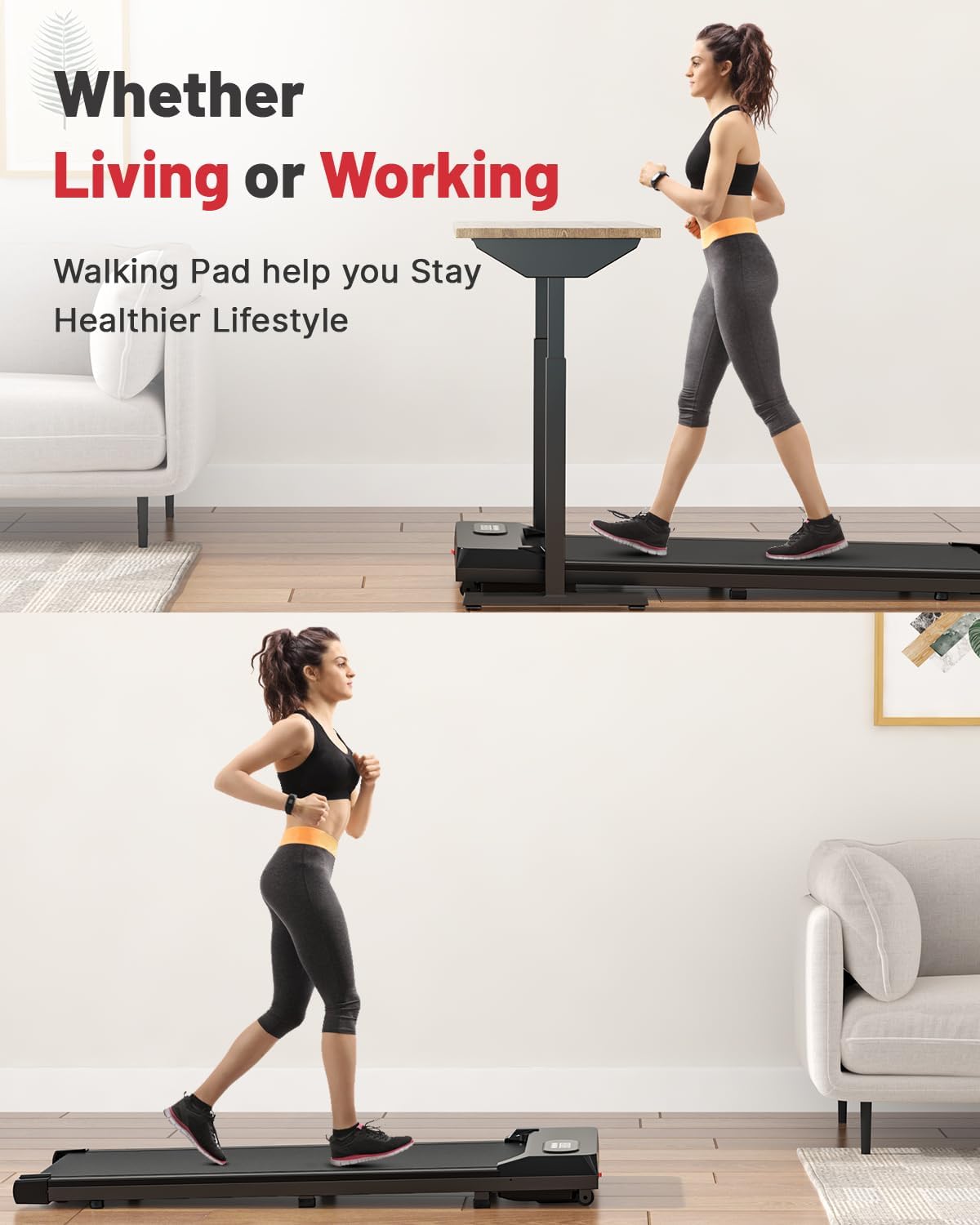
Figure 2: Treadmill positioned for use in a home or office environment.
Operating Instructions
The treadmill is operated primarily using the included remote control. The LED display provides real-time workout data.
Remote Control Functions

Figure 3: LED Display and Remote Control.
- Power On/Off: Press the power button on the remote to turn the treadmill on or off.
- Start/Stop: Press the start/stop button to begin or pause your workout.
- Speed Adjustment: Use the "+" button to increase speed and the "-" button to decrease speed. Each press adjusts the speed by 0.5 km/h. The speed range is 1-10 km/h.
- Mode/Display Cycle: Some remotes may have a mode button to cycle through different display metrics (Time, Distance, Calories, Speed).
LED Display
The integrated LED display provides real-time feedback on your workout progress:
- Time: Duration of your current workout session.
- Distance: Total distance covered during your workout.
- Calories: Estimated calories burned.
- Speed: Current speed in km/h.
Maintenance
Regular maintenance ensures the longevity and optimal performance of your treadmill. Always unplug the treadmill before performing any maintenance.
Lubrication
The running belt requires periodic lubrication to reduce friction and extend its lifespan. Use the provided lubrication oil.
- Turn off and unplug the treadmill.
- Carefully lift the edge of the running belt on one side.
- Apply a small amount of lubrication oil evenly along the center of the deck, underneath the belt.
- Repeat on the other side.
- Plug in the treadmill and run it at a low speed (e.g., 1 km/h) for 5 minutes to distribute the lubricant.
- Lubricate every 3-6 months depending on usage.

Figure 4: Illustration of the 5-layer running belt for optimal performance and joint protection.
Running Belt Adjustment
If the running belt shifts to one side during use, it may need adjustment. This is crucial for safe operation and to prevent damage to the belt.
- Turn off and unplug the treadmill.
- Locate the adjustment bolts at the rear of the treadmill.
- If the belt has shifted to the left, turn the left bolt clockwise a quarter turn, or the right bolt counter-clockwise a quarter turn.
- If the belt has shifted to the right, turn the right bolt clockwise a quarter turn, or the left bolt counter-clockwise a quarter turn.
- Plug in the treadmill and run it at a low speed (e.g., 1 km/h) for a few minutes to check the alignment. Repeat small adjustments as necessary until the belt is centered.
- Do not overtighten the belt. It should be snug but not excessively tight.
Troubleshooting
This section addresses common issues you might encounter with your treadmill. For problems not listed here, please contact customer support.
| Problem | Possible Cause | Solution |
|---|---|---|
| Treadmill does not power on. | Power cord not properly connected; power outlet issue; main power switch off. | Ensure power cord is securely plugged into both the treadmill and a working outlet. Check if the main power switch (if present) is in the ON position. |
| Running belt slips or hesitates. | Belt too loose; insufficient lubrication. | Adjust belt tension (refer to Maintenance section). Apply lubrication oil if needed. |
| Running belt shifts to one side. | Belt misalignment. | Adjust belt alignment using the rear adjustment bolts (refer to Maintenance section). |
| Unusual noise during operation. | Loose parts; lack of lubrication; foreign object. | Check for loose screws and tighten them. Lubricate the belt. Inspect for any foreign objects under the belt or near moving parts. |
| Remote control not responding. | Dead batteries; remote out of range; interference. | Replace remote control batteries. Ensure you are within effective range. Remove any potential sources of interference. |
Specifications
Detailed technical specifications for the HomeFitnessCode Under Desk Treadmill:
- Model: B0CGRSZ984
- Color: Black
- Frame Material: Alloy Steel
- Motor Horsepower: 1.5 HP
- Speed Range: 1-10 km/h
- Maximum Weight Capacity: 120 kg (264 lbs)
- Running Area: Approximately 103 x 39 cm (40.5 x 15.3 inches)
- Product Dimensions (L x W x H): 121 x 49 x 12 cm (47.6 x 19.3 x 4.7 inches)
- Item Weight: 18.9 kg (41.7 lbs)
- Features: Shock Absorbent, LED Display, Remote Control
- Power Source: Corded Electric

Figure 5: Internal view highlighting the powerful and low-noise motor.
Note: The image indicates 2.5 HP and 1-8 KM/H, but product specifications state 1.5 HP and 1-10 KM/H. Please refer to the text specifications for accurate details.
Warranty and Support
HomeFitnessCode is committed to providing high-quality products and excellent customer service.
- Warranty: This product comes with a 1-year warranty from the date of purchase. This warranty covers manufacturing defects and material flaws under normal use. It does not cover damage caused by misuse, accident, unauthorized modification, or improper maintenance.
- Customer Service: If you have any questions, concerns, or require assistance with your HomeFitnessCode Under Desk Treadmill, please do not hesitate to contact our friendly customer service team. We are dedicated to ensuring your satisfaction.
- Contact Information: Please refer to the contact details provided on the product packaging or the official HomeFitnessCode website for the most current support information.
Related documentsB0CGRSZ984

Ask a question about this manual
Ask about setup, troubleshooting, compatibility, parts, safety, or missing instructions. Manuals+ will review the question and use this page’s manual context to help answer it.