
1. Introduction
This manual provides comprehensive instructions for the installation, operation, and maintenance of your Bosch Serie 4 SPV4HMX49E semi-integrated dishwasher. Please read this manual carefully before using the appliance to ensure safe and efficient operation.
The Bosch SPV4HMX49E is designed for daily dish and glass washing, offering a capacity of 10 place settings. It features easy loading via remote control through the Home Connect app and operates with a low noise level of 44 dB.
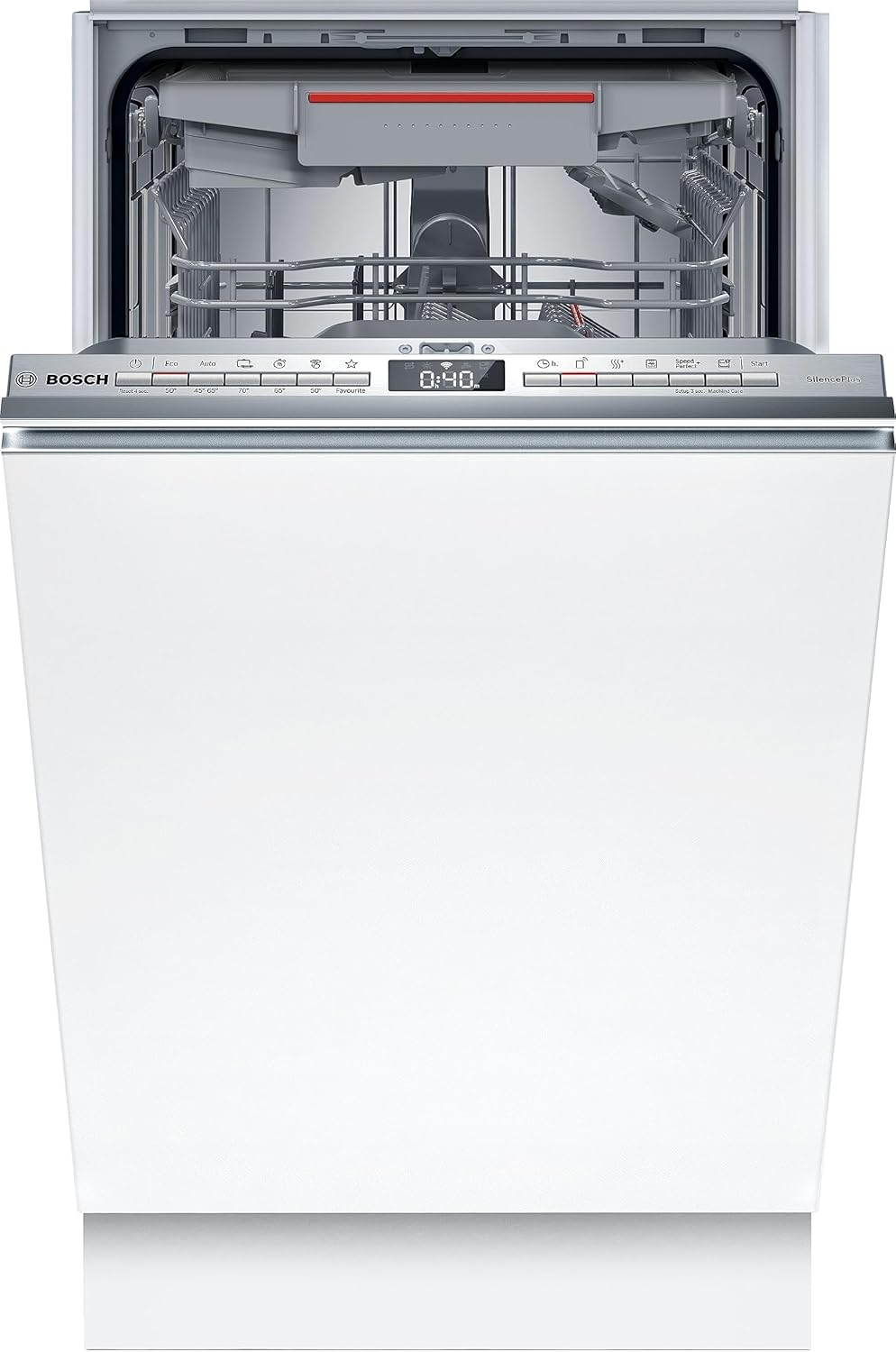
Figure 1.1: Front view of the Bosch SPV4HMX49E semi-integrated dishwasher with the door open, showing the control panel and interior racks.
2. Safety Information
Always adhere to the following safety guidelines to prevent injury or damage to the appliance:
- Read all instructions before use.
- Ensure the appliance is properly grounded.
- Do not operate the dishwasher if it is damaged.
- Keep children away from the appliance during operation.
- Use only detergents and rinse aids specifically designed for dishwashers.
- Do not touch the heating element during or immediately after operation.
- The appliance is equipped with an AquaStop system to prevent water leaks.

Figure 2.1: The AquaStop system, designed to prevent water leaks from the dishwasher.
3. Setup and Installation
The Bosch SPV4HMX49E is a semi-integrated dishwasher designed for built-in installation. Proper installation is crucial for optimal performance and safety.
3.1 Dimensions and Weight
- Product Dimensions (L x W x H): 55 x 44.8 x 81.5 cm
- Item Weight: 30.7 Kilograms
3.2 Electrical and Water Connections
Ensure that the electrical supply is 240 Volts and the power consumption is 2400 Watts. Connect the water supply and drainage hoses according to local plumbing codes.

Figure 3.1: Side view diagram illustrating the installation dimensions in millimeters for the dishwasher.
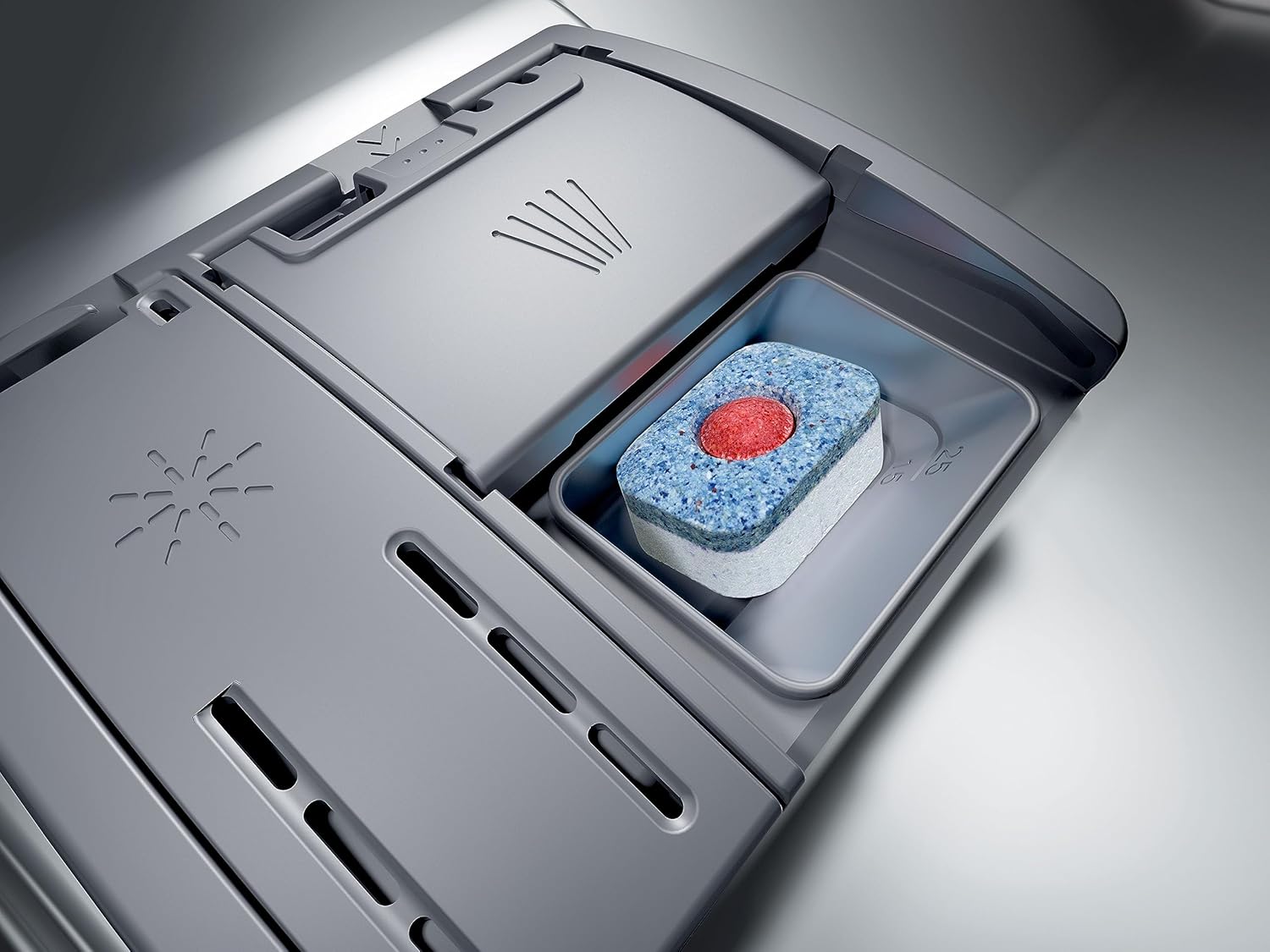
Figure 3.2: Front and back view diagram showing installation dimensions, power outlet, and water connections in millimeters.
4. Operating Instructions
Your Bosch dishwasher offers various programs and features for efficient cleaning.
4.1 Control Panel
The control panel is located on the top edge of the dishwasher door. It features push-button controls for program selection, start/pause, and other functions. The digital display shows the remaining cycle time.
4.2 Loading the Dishwasher
The dishwasher has a capacity for 10 place settings. Arrange dishes to allow water to reach all surfaces. The lower rack is suitable for plates and larger items, while the upper rack is ideal for glasses and smaller bowls. A dedicated cutlery drawer is provided for silverware.
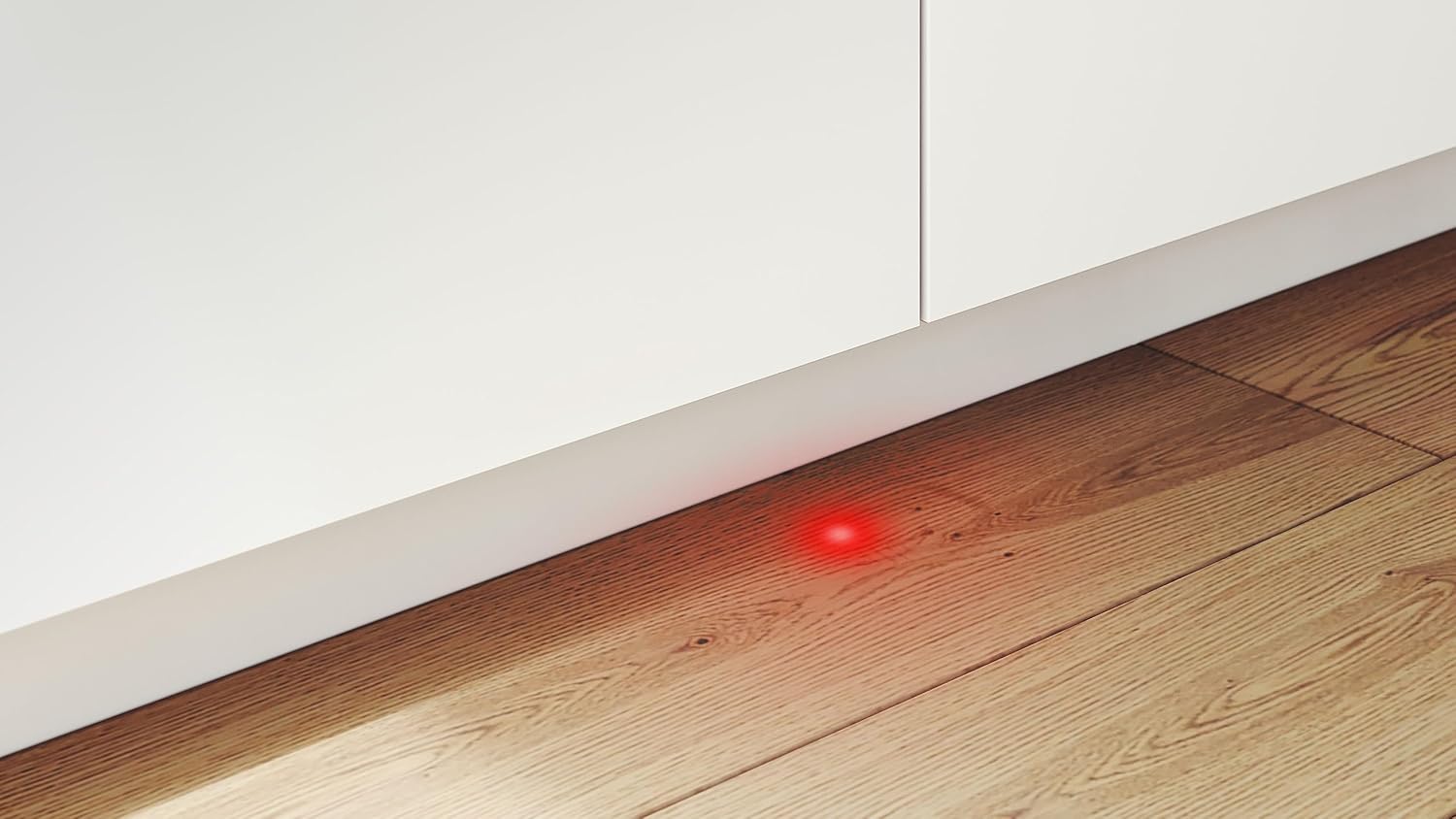
Figure 4.1: View of the lower rack of the dishwasher, showing proper arrangement of plates and glasses for effective cleaning.

Figure 4.2: The dedicated cutlery drawer, designed to hold silverware and small items for thorough cleaning.
4.3 Detergent Dispenser
Use only dishwasher-specific detergents. The dispenser is located inside the door. Place a detergent tablet or powder into the compartment before starting a cycle.
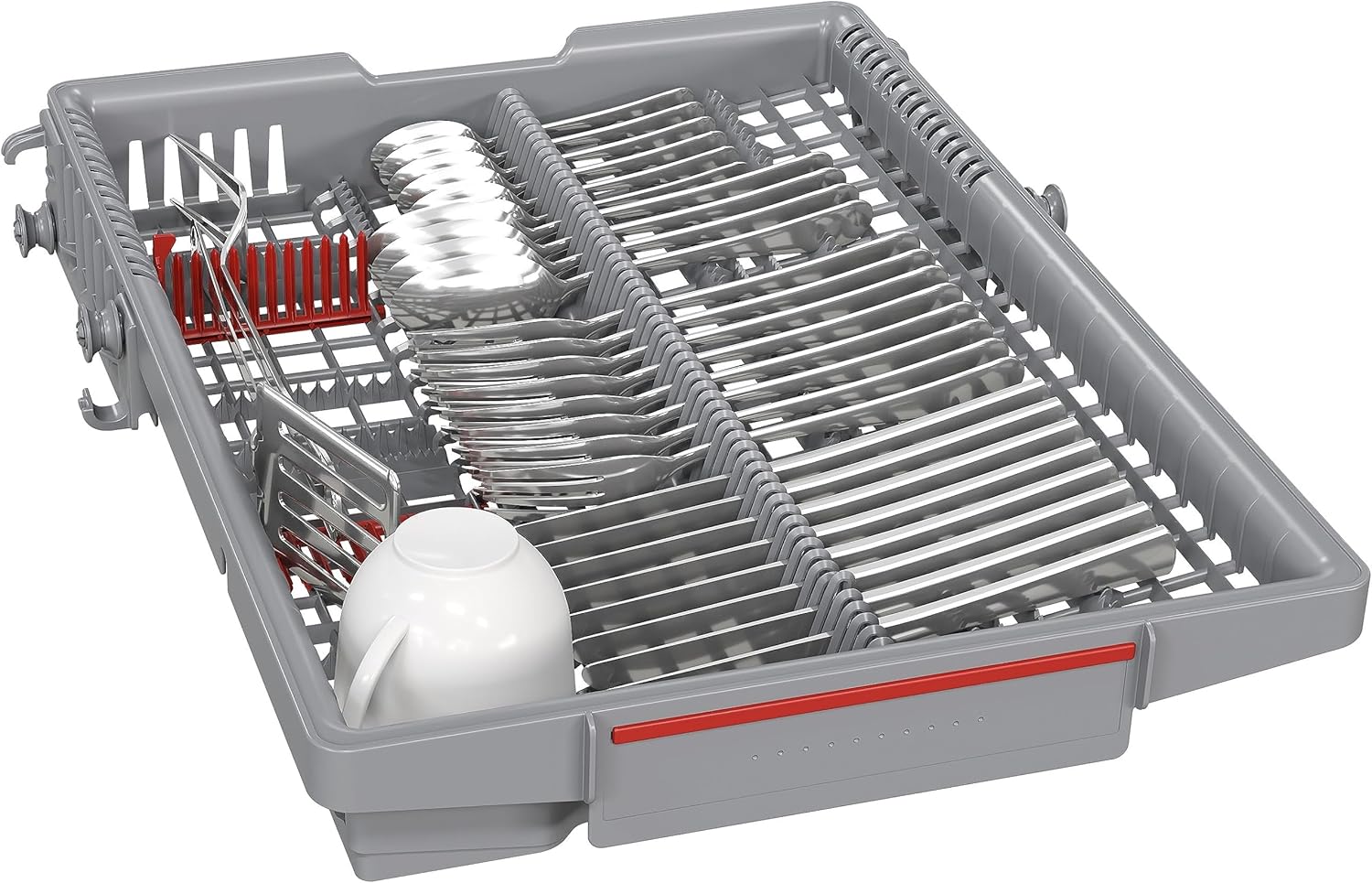
Figure 4.3: Close-up view of the detergent dispenser, showing a detergent tablet placed inside.
4.4 Wash Programs and Options
The dishwasher offers 6 wash programs, including a sensor wash option for optimized cleaning based on soil level. The Eco program has a duration of 3 hours and 40 minutes and consumes 9.5 liters of water.
4.5 Home Connect App
The dishwasher can be controlled remotely via the Home Connect app, allowing for easy program selection and monitoring from your smartphone or tablet.
4.6 InfoLight
The InfoLight projects a red light onto the floor during operation, indicating that the dishwasher is running. The light disappears when the cycle is complete.

Figure 4.4: The InfoLight feature, projecting a red light onto the floor to indicate the dishwasher is in operation.
5. Maintenance and Care
Regular maintenance ensures the longevity and optimal performance of your dishwasher.
5.1 Cleaning the Dishwasher
- Wipe down the exterior with a damp cloth.
- Clean the spray arms and filters regularly to prevent blockages.
- Check and refill rinse aid and salt as needed.
6. Troubleshooting
If you encounter issues with your dishwasher, refer to the following common troubleshooting steps. For more complex problems, contact customer support.
- Dishwasher not starting: Check power supply, door closure, and selected program.
- Dishes not clean: Ensure proper loading, check spray arms for blockages, verify detergent usage, and clean filters.
- Water not draining: Check drain hose for kinks, clean drain filter.
- Unusual noises: Ensure dishes are not obstructing spray arms, check for foreign objects.
7. Specifications
| Feature | Value |
|---|---|
| Model Name | SPV4HMX49E |
| Item Weight | 30.7 Kilograms |
| Voltage | 240 Volts |
| Cycle Options | Sensor wash |
| Recommended Uses | Daily dishes and glasses |
| Style | Less noise |
| Number of Settings | 6 |
| Cycles | 6 |
| Product Dimensions (L x W x H) | 55 x 44.8 x 81.5 cm |
| Annual Energy Consumption (100 cycles) | 76 Kilowatt-hours |
| Power | 2400 Watts |
| Sound Level | 44 dB |
| Included Components | User manual |
| Form Factor | Integrated |
| Capacity | 10 Place Settings |
| Color | Black |
| Controls Type | Push-button |
| Material | Stainless steel |
| Energy Efficiency Rating | E |
| Eco Program Duration | 3 hours 40 minutes |
| Eco Program Water Consumption | 9.5 Liters |

Figure 7.1: The energy label for the Bosch SPV4HMX49E dishwasher, showing its energy efficiency class (E), annual energy consumption, water consumption, and noise level.
For detailed product information, refer to the EPREL database: EPREL Product Information
8. Warranty and Support
Your Bosch SPV4HMX49E dishwasher comes with a manufacturer's warranty of 2 years.
For technical support, service, or warranty claims, please contact Bosch customer service or visit the official Bosch website. Keep your purchase receipt as proof of purchase.
You can find more information about Bosch products and support at the Bosch Brand Store on Amazon.