
ADZERD D08 Pro
ADZERD Remote Page Turner User Manual
Model: D08 Pro
Brand: ADZERD
Introduction
The ADZERD D08 Pro Remote Page Turner is a multi-functional device designed to enhance your digital reading and photography experience. It provides convenient, hands-free control for e-readers and serves as a remote shutter for your smartphone camera. This manual will guide you through the setup, operation, and maintenance of your device.
Product Features
- Remote Page Turning: Effortlessly turn pages forward and backward on compatible e-readers, allowing for comfortable, hands-free reading.
- Smartphone Camera Remote: Control your smartphone camera for selfies, group photos, and video recording without needing to touch your device.
- Easy Setup: Features wireless RF connection for quick and automatic pairing, eliminating complex Bluetooth setup.
- Long Battery Life: Enjoy extended usage with up to 14 hours of page-turning time on a single charge, and up to 86 hours with the included portable charging case.
- Wide Compatibility: Supports a broad range of touchscreen e-readers including various Kindle and Kobo models, as well as iOS and Android smartphones and tablets.
Package Contents
Your ADZERD Remote Page Turner package includes:
- One (1) Remote Control Ring
- Two (2) Page Turner Clips
- One (1) Charging Case

Image: The complete ADZERD Remote Page Turner set, including the remote ring, two page turner clips, and their charging case.
Setup
Follow these steps to set up your ADZERD Remote Page Turner:
- Power On The Ring: Long press the power button on the remote control ring until the indicator light illuminates.
- Power On The Page Turner Clips: Long press the power button on each page turner clip until their indicator lights illuminate.
- Ensure Successful Connection: The remote ring and clips will automatically connect via wireless RF. A blue light will flash on the remote ring with every press, indicating a successful connection.
- Using on Kindle/E-reader: Attach the page turner clips to the sides of your e-reader screen where a touch input would normally register for page turns. Ensure they are positioned to make contact with the screen.

Image: A visual guide illustrating the four simple steps to set up the ADZERD Remote Page Turner for use with an e-reader.
Operating Instructions
For E-reader Page Turning:
Once set up, use the buttons on the remote ring to control your e-reader:
- Press the forward button (usually the top button) to turn to the next page.
- Press the backward button (usually the bottom button) to return to the previous page.

Image: Demonstrates how the page turner clips enable both forward and backward page navigation on an e-reader.

Image: Illustrates the convenience of hands-free page turning for e-readers, allowing users to relax while reading.
For Smartphone Camera Remote:
The ADZERD Remote Page Turner can also function as a remote shutter for your smartphone camera:
- Ensure your phone's camera app is open.
- Position the page turner clip to simulate a tap on the screen's shutter button or volume button (if configured for shutter).
- Press the corresponding button on the remote ring to capture photos or start/stop video recording.
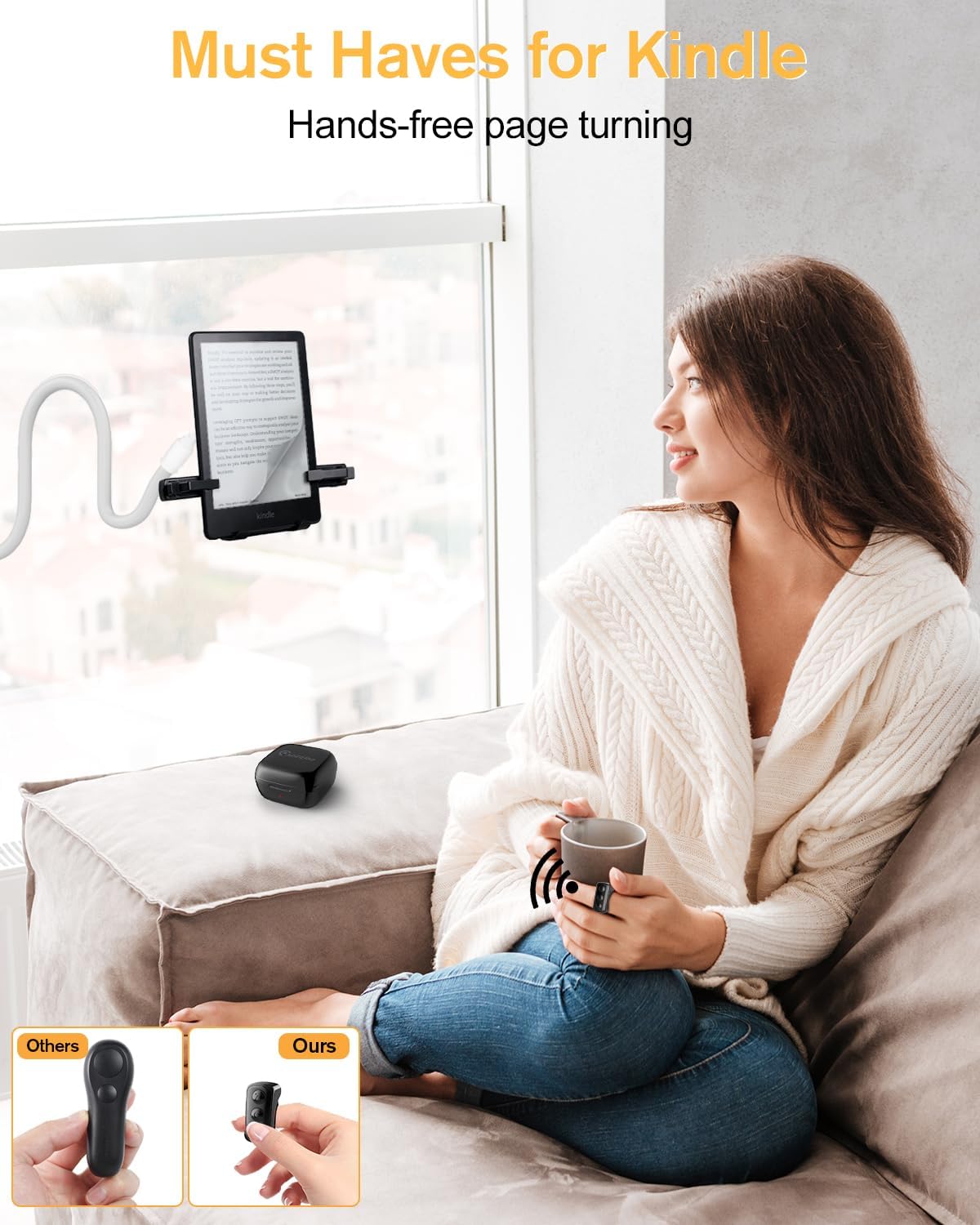
Image: Demonstrates the remote's functionality as a camera shutter for both still photography and video recording on smartphones.
Compatibility
The ADZERD Remote Page Turner is compatible with a wide range of devices:
- Kindle E-readers: Kindle 10/11, Paperwhite 1/2/3/4/5, Paperwhite 5 Signature Edition, Oasis 1/2/3, Voyage, Scribe.
- Kobo E-readers: Aura N514, One N709, H2O Edition 2N867, Clara HD N249, Forma N782, Libra H2O N873, Nia N306, Elipsa N604, Libra 2 N418, Sage N778, Clara 2E N506, Elipsa 2E N605.
- Other Touchscreen E-readers: Any e-reader with touchscreen support where the clips can simulate a tap.
- iOS Devices: iPhone, iPad, and other iOS devices.
- Android Devices: Various Android smartphones and tablets.
Note: Not compatible with Kindle 1/2/4/5/7/8/DX/DX Graphite, Kindle Keyboard, Kindle Touch, or other e-readers without touchscreen support.

Image: A visual representation of the wide range of e-readers and mobile devices compatible with the ADZERD Remote Page Turner.
Charging and Battery Life
The ADZERD Remote Page Turner is designed for long-lasting use:
- The remote ring and page turner clips are charged via the included charging case.
- A single charge provides approximately 14 hours of continuous page-turning time.
- The charging case itself holds enough power to extend the total usage time up to 86 hours, allowing for multiple recharges on the go.
To charge, simply place the remote ring and clips into their designated slots within the charging case. The indicator lights will show charging status.
Maintenance
To ensure the longevity and optimal performance of your ADZERD Remote Page Turner, follow these maintenance guidelines:
- Cleaning: Wipe the device and charging case with a soft, dry, lint-free cloth. Do not use abrasive cleaners or immerse in water.
- Storage: Store the device in a cool, dry place away from direct sunlight and extreme temperatures when not in use.
- Battery Care: For best battery health, avoid fully discharging the device frequently. Charge it regularly, especially if storing for extended periods.
Troubleshooting
If you encounter any issues with your ADZERD Remote Page Turner, please refer to the following common solutions:
- Device Not Responding: Ensure both the remote ring and page turner clips are sufficiently charged. Verify that they are powered on and have successfully connected (check for the blue indicator light on the ring).
- Page Turning Inconsistent: Check that the page turner clips are securely attached to the e-reader screen and are making proper contact with the touch-sensitive areas. Adjust their position if necessary.
- Connectivity Issues: If the devices lose connection, try powering them off and then on again to re-establish the wireless RF link. Ensure no strong interference sources are nearby.
- Camera Remote Not Working: Confirm that your smartphone's camera app is open and that the page turner clip is positioned over the virtual shutter button or a volume button configured for shutter release.
If these steps do not resolve the issue, please contact ADZERD customer support for further assistance.
Specifications
| Attribute | Detail |
|---|---|
| Model Number | D08 Pro |
| Brand | ADZERD |
| Color | Black |
| Item Weight | 5.3 ounces |
| Package Dimensions | 5.04 x 4.41 x 1.26 inches |
| Batteries | 1 Lithium Ion battery required (included) |
| Special Feature | Forward & Backward Page Turning |
| Max Number of Supported Devices | 1 |
Warranty and Support
For detailed warranty information, product registration, or technical support, please refer to the documentation included with your purchase or visit the official ADZERD website. You may also contact ADZERD customer service directly for assistance with any product-related inquiries.
Ask a question about this manual
Ask about setup, troubleshooting, compatibility, parts, safety, or missing instructions. Manuals+ will review the question and use this page’s manual context to help answer it.