
Introduction
This manual provides detailed instructions for the setup, operation, and maintenance of your MJVV 4G GPS Smart Watch for Kids. Designed for children aged 3-15, this smartwatch offers advanced communication features, real-time GPS tracking, and various educational and entertainment functions, ensuring connectivity and safety for your child.
Safety Information
- Do not attempt to disassemble or modify the watch. Unauthorized modifications can void the warranty and pose safety risks.
- Keep the watch away from extreme temperatures, direct sunlight, and corrosive materials.
- Use only the provided charging cable and a compatible power adapter. Improper charging can damage the battery or watch.
- Ensure the SIM card tray is properly sealed after insertion to maintain water resistance.
- Supervise young children during initial use to ensure proper handling and understanding of features.
What's in the Box
- MJVV 4G GPS Smart Watch (Pink)
- Charging Cable
- User Manual (this document)
Setup Guide
1. Charging the Device
Before first use, fully charge the smartwatch. Connect the provided charging cable to the watch's charging port and plug the other end into a USB power adapter (not included) or a computer's USB port. The watch display will indicate charging status. A full charge typically takes 2-3 hours.
2. SIM Card Installation
The MJVV Smart Watch requires a 4G Nano SIM card (not included) for full functionality, including calls, messaging, and real-time GPS tracking. We recommend using a Speedtalk SIM card for optimal compatibility.
- Power off the watch completely.
- Locate the SIM card slot on the side of the watch.
- Carefully insert the Nano SIM card into the slot with the gold contacts facing up and the notched corner aligned as shown in the diagram.
- Push the SIM card in until it clicks into place. Ensure the tray is flush with the watch body to maintain water resistance.
- Power on the watch. The network signal icon should appear on the screen once the SIM card is recognized.

This image illustrates the side of the smartwatch, highlighting the SIM card slot and the SOS button. Proper SIM card insertion is crucial for network connectivity.
3. App Installation and Pairing (SeTracker2)
To manage the watch's features, track location, and communicate with your child, you need to install the 'SeTracker2' app on your smartphone.
- On the watch, navigate to the QR code app. Scan the AppCode displayed on the watch using your smartphone to download the 'SeTracker2' application from your app store.
- Install and open the 'SeTracker2' app on your smartphone. Register a new account if you don't have one.
- In the app, select 'Add Device' and scan the RegCode from the watch's QR code app. Alternatively, you can manually enter the 15-digit registration code found on the watch's packaging or in the watch's settings.
- Follow the on-screen prompts in the app to complete the pairing process. Once paired, you will be able to access all remote management features.

This image demonstrates the precise positioning feature of the smartwatch, showing a map interface on the watch screen with a location pin, indicating real-time GPS tracking capabilities.
Operating Instructions
1. Making Calls (Voice & Video)
The watch supports two-way 4G voice and video calls with pre-approved contacts.
- Voice Call: From the watch's main screen, tap the 'Phone' icon. Select a contact from the phonebook (managed via the SeTracker2 app) and tap to initiate a call. To answer an incoming call, tap the green answer button. To hang up, tap the red hang-up button.
- Video Call: Tap the 'Video Call' icon on the watch. Select a contact to start a real-time video conversation. The watch features a 2MP wide-angle camera for clear video calls.

This image illustrates the two-way voice call feature, showing a child interacting with the watch and the on-screen prompts for answering and hanging up calls.

This image depicts the HD video call functionality, showing a child engaged in a video call on the smartwatch, emphasizing the real-time visual communication.
2. Messaging (WhatsApp, Line, Facebook, TikTok)
The watch supports popular messaging and social media applications, allowing children to communicate with family and friends.
- WhatsApp Chat: Access WhatsApp from the app menu to send and receive audio messages and text.
- Voice Chat: Tap the 'Voice Chat' icon to send short voice messages to contacts.
- Other Apps: The watch's app store allows downloading and using Line, Facebook, and TikTok for communication and entertainment.
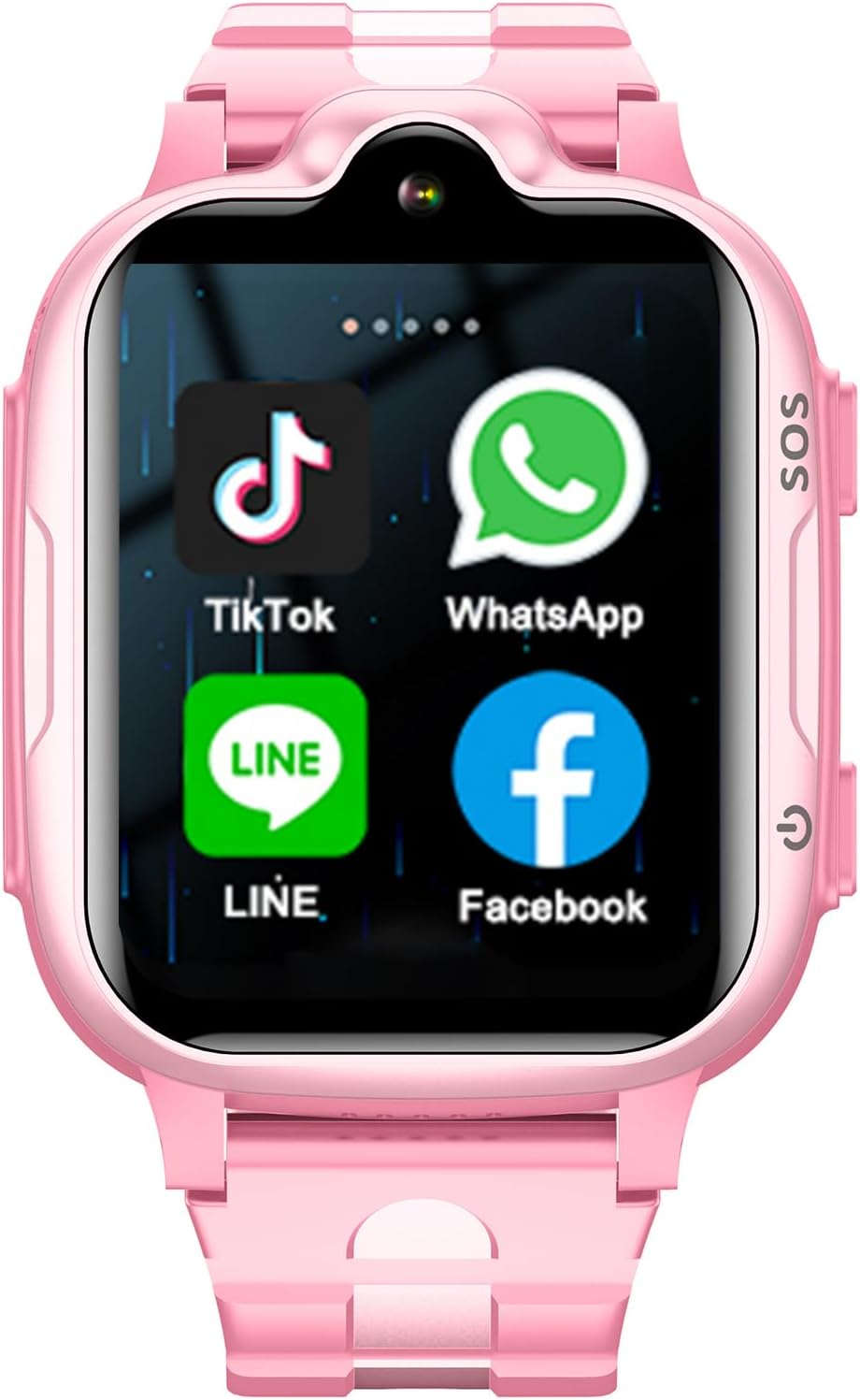
This image displays the smartwatch screen, highlighting the pre-installed or downloadable applications such as TikTok, WhatsApp, Line, and Facebook, demonstrating its communication capabilities.

This image shows the voice chat interface on the smartwatch, illustrating how children can send and receive voice messages, fostering easy communication.
3. SOS Emergency Function
In an emergency, the SOS button provides a quick way for your child to alert pre-set contacts.
- Press and hold the SOS button (located on the side of the watch) for 3 seconds.
- The watch will automatically dial the three pre-set emergency numbers in a loop until one is answered. It will also send an emergency message to these contacts.
4. GPS Tracking and Geo-fence
Monitor your child's location and set safe zones using the SeTracker2 app.
- Real-Time Tracking: Open the SeTracker2 app on your smartphone to view your child's current location on a map. The watch uses GPS+LBS for accurate positioning.
- Historical Route: The app stores past locations for up to 3 months, allowing you to review your child's movements.
- Safety Zones (Geo-fence): In the SeTracker2 app, you can define virtual boundaries around key locations like home or school. If your child enters or exits these zones, you will receive an alert notification on your smartphone.
5. Other Features
The smartwatch includes a variety of additional functions for daily use and learning.
- Camera & Photo Album: Capture photos and store them in the watch's album.
- Pedometer: Tracks daily steps and estimated calories burned.
- Alarm Clock: Set multiple alarms via the SeTracker2 app to help children manage their time.
- Silent Mode (Class Mode): Configure periods during which the watch will not disturb your child, ideal for school hours.
- Music: Download and play music directly on the watch.
- Math Game & Flashcards: Engaging educational games to aid learning.
- Calculator & Stopwatch: Useful tools for everyday tasks.

This image displays the comprehensive menu of features available on the smartwatch, categorized into communications, safeguard functions, and life tools, offering a wide range of utilities.
Maintenance
1. Cleaning
To keep your watch in optimal condition, wipe it regularly with a soft, dry cloth. For stubborn smudges, a slightly damp cloth can be used, followed by immediate drying. Avoid using harsh chemicals or abrasive materials.
2. Water Resistance
The watch features an everyday water-resistant design, providing protection against splashes and light rain. It is safe to wear while washing hands. However, it is not suitable for swimming, showering, or submersion in water. Ensure the SIM card tray and charging port covers are securely closed to maintain water resistance.
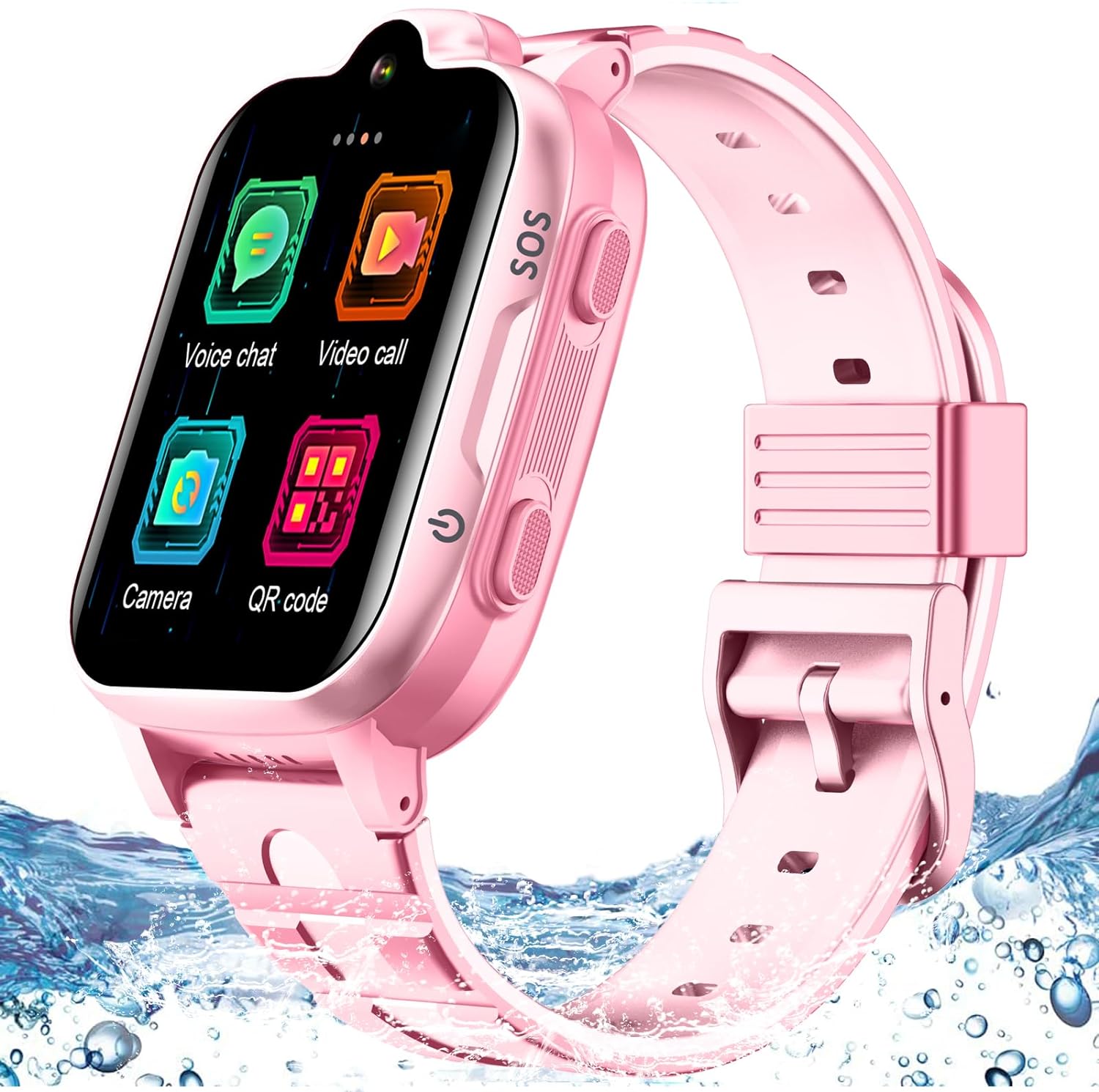
This image showcases the smartwatch's water-resistant design, with the pink watch partially submerged in water, indicating its ability to withstand splashes and light exposure to moisture.
Troubleshooting
| Issue | Possible Cause | Solution |
|---|---|---|
| Watch cannot power on | Low battery; Damaged battery or charging cable | Charge the watch for at least 30 minutes. Ensure the charging cable is properly connected. Try a different power source. |
| No network signal / Cannot make calls | SIM card not inserted correctly; SIM card not activated; No 4G coverage; Incorrect APN settings | Ensure the 4G Nano SIM card is correctly inserted and activated. Check for 4G network coverage in your area. Contact your SIM card provider for APN settings if needed. |
| GPS location is inaccurate | Weak GPS signal (indoors/dense areas); LBS positioning used instead of GPS | Ensure the watch is in an open outdoor area for better GPS signal. LBS (Location Based Service) is less precise than GPS and is used when GPS is unavailable. |
| Cannot pair with SeTracker2 app | Incorrect RegCode; Watch not connected to network; App server issues | Double-check the RegCode. Ensure the watch has a stable 4G network connection. Try restarting both the watch and the app. |
| Battery drains quickly | Frequent GPS updates; High screen brightness; Many apps running in background | Adjust GPS update frequency in the app. Lower screen brightness. Close unused applications. Enable Silent Mode during non-use periods. |
Specifications
| Feature | Detail |
|---|---|
| Model Number | MB001 |
| Screen Size | 1.69 Inches |
| Operating System | Android |
| Connectivity | 4G LTE (Nano SIM required), USB, Bluetooth |
| GPS | Built-in GPS (GPS+LBS positioning) |
| Battery | Lithium Ion (included) |
| Camera | 2MP (for video calls and photos) |
| Water Resistance | Everyday Water-Resistant (splashes, light rain) |
| Dimensions | 10.47 x 2.87 x 1.54 inches (Package) |
| Item Weight | 6.3 ounces |
Warranty and Support
Your MJVV 4G GPS Smart Watch is covered by a standard manufacturer's warranty against defects in materials and workmanship. For specific warranty terms and conditions, please refer to the product packaging or contact MJVV customer support.
For technical assistance, troubleshooting, or any questions regarding your smartwatch, please visit the official MJVV website or contact their customer service team through the contact information provided with your purchase. Please have your model number (MB001) and purchase details ready when seeking support.


