
Introduction
Thank you for choosing the RICHMYC Ocean Wave Projector Light. This device is designed to transform your space with dynamic ocean wave and Northern Lights projections, offering a relaxing and immersive atmosphere. This manual provides essential information for safe operation, setup, and maintenance of your projector light.
Safety Information
- Indoor Use Only: This product is intended for indoor use in dry environments. Avoid exposure to water or high humidity.
- Power Source: Use only the specified power adapter and cable provided with the device. Ensure the power source matches the device's requirements.
- Avoid Direct Eye Exposure: Do not look directly into the light source for extended periods, as it may cause eye strain.
- Keep Away from Children and Pets: Ensure the device and its components are kept out of reach of children and pets to prevent accidents.
- Ventilation: Do not cover the device during operation to ensure proper ventilation and prevent overheating.
- Handling: Handle the device with care. Avoid dropping or subjecting it to strong impacts.
Package Contents
Please check the package contents upon opening to ensure all items are present:
- RICHMYC Ocean Wave Projector Light (Model EVR01)
- Remote Control
- USB Power Cable
- User Manual (this document)
Product Overview
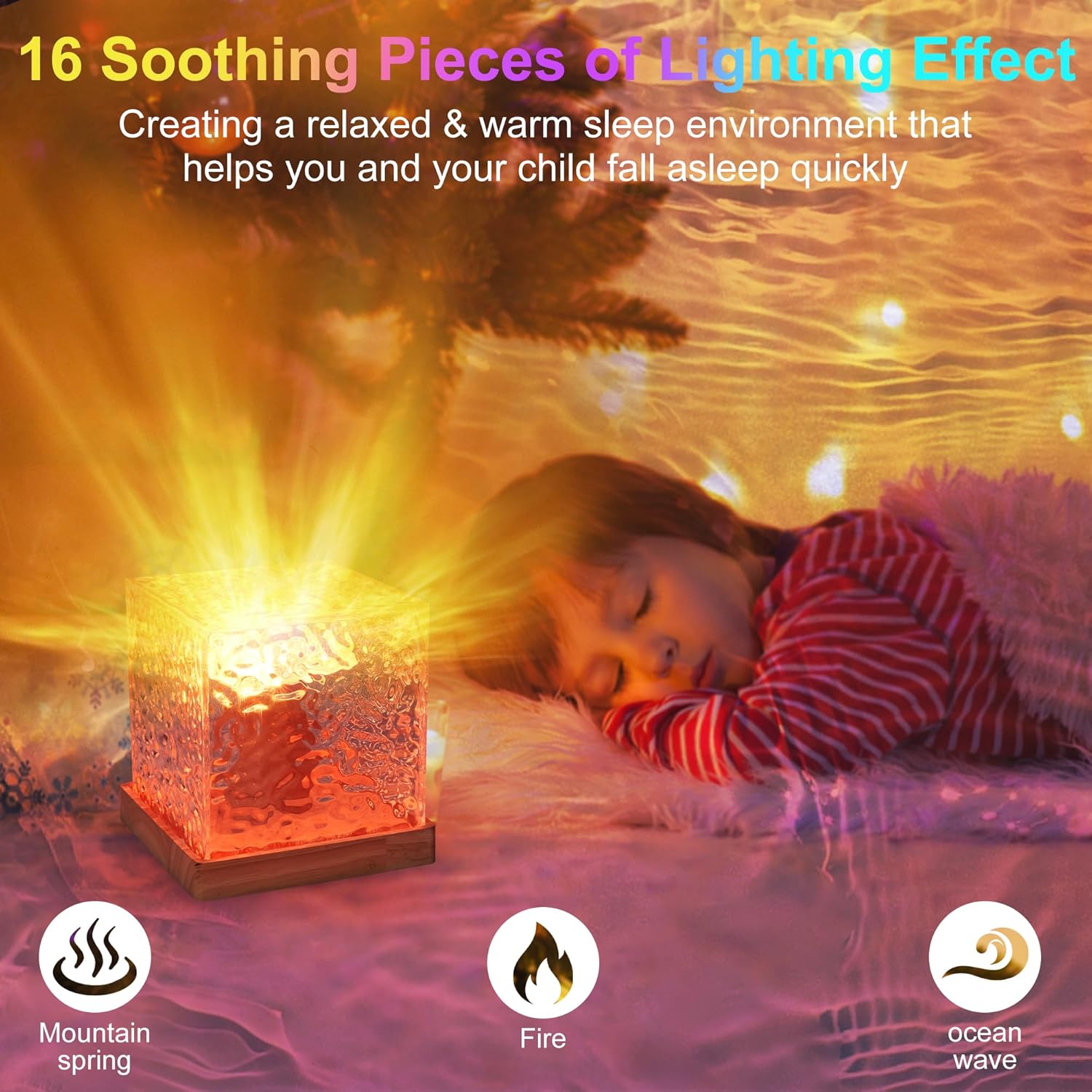
The RICHMYC Ocean Wave Projector Light features a unique cube-shaped crystal diamond design with a real wood base. It projects dynamic water ripple effects and Northern Lights patterns onto your walls or ceiling.


Setup
- Placement: Place the projector light on a stable, flat surface in your desired room. For optimal projection, position it where the light can spread across a wall or ceiling.
- Power Connection: Connect the provided USB power cable to the projector light and then to a compatible USB power adapter (not included) or a USB port. Plug the adapter into a power outlet.
- Remote Control Setup: Ensure the remote control has batteries installed. If not, open the battery compartment and insert the correct type and number of batteries (usually 2x AAA, not specified in data, so general advice).

Operating Instructions
The projector light can be controlled via the remote control or the touch switch on the device.
Using the Remote Control:
- Power On/Off: Press the ON/OFF button to turn the projector on or off.
- Color Selection: Choose from 16 different light colors using the color buttons on the remote.
- Brightness Adjustment: Adjust the light intensity with the brightness control buttons (6 levels available, from 10% to 100%).
- Speed Adjustment: Control the rotation speed of the wave effect using the speed buttons (4 levels available).
- Mode Selection: Select various modes for gradual color changes or static displays.
Using the Touch Switch:
- A single touch typically cycles through different light modes or colors.
- A long press may turn the device on/off or activate a specific function. Refer to the quick start guide for exact touch switch functionality.

Maintenance
- Cleaning: Disconnect the power before cleaning. Use a soft, dry cloth to wipe the surface of the projector. Do not use abrasive cleaners or solvents.
- Storage: When not in use for extended periods, store the projector in a cool, dry place away from direct sunlight and extreme temperatures.
Troubleshooting
| Problem | Possible Cause | Solution |
|---|---|---|
| Projector does not turn on. | No power, loose connection, faulty adapter. | Check power cable connection. Ensure power adapter is working and plugged into a live outlet. Try a different USB port or adapter. |
| Remote control is not working. | Dead batteries, remote out of range, obstruction. | Replace remote control batteries. Ensure remote is pointed directly at the projector and within 5m/16.4 ft range. Remove any obstructions between the remote and the projector. |
| Light effect is flickering or inconsistent. | Unstable power supply, internal component issue. | Ensure a stable power supply. Try connecting to a different power source. If the issue persists, contact customer support. |
| Projector makes a whirring or grinding noise. | Internal motor noise, potential defect. | A faint whirring noise may be normal for the rotating mechanism. If the noise is loud or disruptive, contact customer support. |
Specifications
| Feature | Detail |
|---|---|
| Brand | RICHMYC |
| Model Name | CRV1 (Item model number: EVR01) |
| Product Dimensions | 4.52"D x 4.52"W x 4.72"H |
| Item Weight | 13.4 ounces |
| Material | Acrylic (Shade), Birch Wood (Base) |
| Light Source Type | LED |
| Wattage | 4 watts |
| Control Method | Remote, Touch Switch |
| Special Feature | Corded, Adjustable Lighting |
| Indoor/Outdoor Usage | Indoor |
| Average Life | 26280 Hours |
Official Product Videos
Watch these official videos for a visual guide to the RICHMYC Ocean Wave Projector Light's features and operation.
Video 1: Sky Light Projector. This video demonstrates the various light effects and colors of the RICHMYC Ocean Wave Projector Light.
Video 2: Crystal Table Lamp. A closer look at the design and light projection of the RICHMYC Ocean Wave Projector Light.
Warranty and Support
For warranty information and customer support, please refer to the documentation provided at the time of purchase or contact your retailer. RICHMYC is committed to providing quality products and assistance.