1. Introduction
This manual provides instructions for the proper use and maintenance of your JrEam Tool Brush, an accessory designed for the VIOMI A9 vacuum cleaner. Please read this manual thoroughly before using the product to ensure safe and efficient operation.
2. Package Contents
- 1 x JrEam Tool Brush (Model 1719)
Note: The VIOMI A9 vacuum cleaner is sold separately.
3. Safety Information
Always ensure the vacuum cleaner is turned off and unplugged before attaching, detaching, or cleaning the tool brush. Do not use the tool brush on wet surfaces or to pick up liquids. Keep out of reach of children.
4. Setup
To attach the JrEam Tool Brush to your VIOMI A9 vacuum cleaner:
- Ensure the VIOMI A9 vacuum cleaner is powered off and disconnected from its charging base or power source.
- Locate the attachment point on the vacuum cleaner's wand or handheld unit.
- Align the JrEam Tool Brush with the attachment point.
- Push the tool brush firmly onto the attachment point until it clicks securely into place.
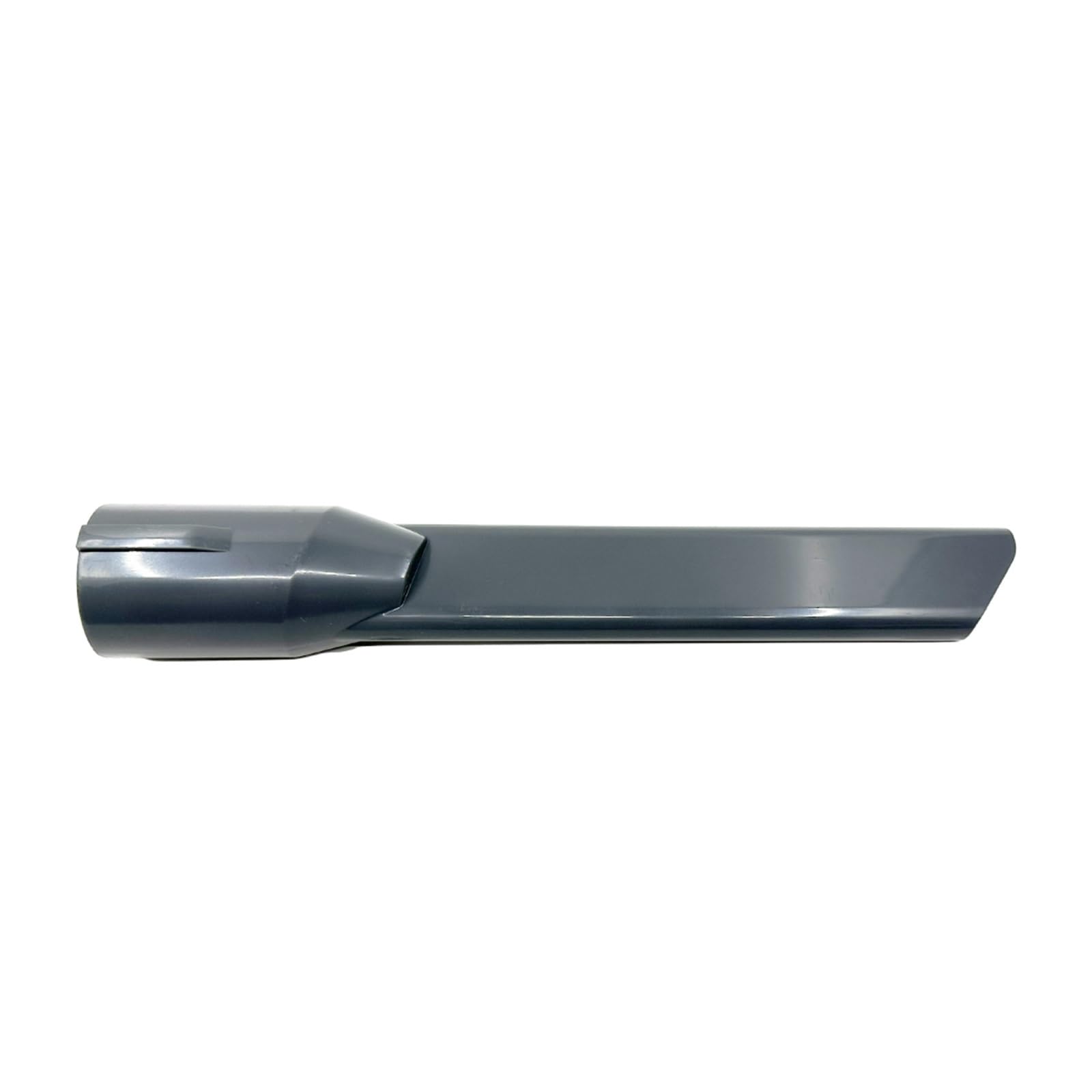
Figure 1: The JrEam Tool Brush. This image shows the tool brush, which is designed for cleaning various surfaces, attaching to the vacuum cleaner's extension wand.
To detach, press the release button (if present on your vacuum model) and pull the tool brush away from the attachment point.
5. Operating
The JrEam Tool Brush is versatile and suitable for cleaning various surfaces. Its bristles are designed to agitate dirt and debris for effective vacuuming.
- Upholstery: Gently brush over sofas, chairs, and curtains to remove dust, pet hair, and lint.
- Crevices and Corners: Use the brush to reach into tight spaces where dust accumulates.
- Delicate Surfaces: The soft bristles are suitable for cleaning delicate items like lampshades or keyboards.
- Car Interiors: Effectively clean car seats, floor mats, and dashboard surfaces.
Turn on your VIOMI A9 vacuum cleaner and move the tool brush over the desired surface. Apply light pressure for optimal cleaning.
6. Maintenance
Regular maintenance ensures the longevity and effectiveness of your tool brush.
- Cleaning the Bristles: After each use, inspect the bristles for tangled hair or debris. Use scissors to carefully cut away any tangled hair and pull out debris.
- Washing: If necessary, the tool brush can be gently washed with mild soap and water. Ensure it is completely dry before reattaching it to the vacuum cleaner.
- Storage: Store the tool brush in a clean, dry place when not in use.
7. Troubleshooting
| Problem | Possible Cause | Solution |
|---|---|---|
| Brush not attaching securely. | Incorrect alignment or debris in the attachment point. | Ensure proper alignment and clear any obstructions from the attachment point on both the brush and the vacuum. |
| Reduced cleaning effectiveness. | Bristles are clogged with hair or debris. | Clean the bristles thoroughly as described in the Maintenance section. |
| Brush appears damaged. | Excessive force during use or improper storage. | Handle the brush with care. If bristles are severely bent or broken, consider replacing the accessory. |
8. Specifications
- Brand: JrEam
- Model Number: 1719
- Compatibility: VIOMI A9 Vacuum Cleaner
- Color: Tool brush
- Item Weight: 1 g
- Country of Origin: China
9. Warranty Information
This JrEam Tool Brush accessory is typically covered under the warranty terms provided by the seller at the time of purchase. Please refer to your purchase documentation or contact the seller directly for specific warranty details. Warranty for the main VIOMI A9 vacuum cleaner is separate.
10. Customer Support
For technical assistance, questions regarding product functionality, or warranty claims, please contact the seller or manufacturer through the platform where the product was purchased. Provide your order number and product model (JrEam Tool Brush, Model 1719) for faster service.