
1. Product Overview
The RAVEMEN PR2400 Bike Light is a high-performance headlight designed for various cycling conditions, from mountain biking to urban commuting. It features powerful illumination, an intuitive display, and versatile charging capabilities.
- High Lumens Output: Delivers up to 2400 lumens with 5 high-efficiency white LEDs, providing a far-reaching high beam and wide low beam for all terrain riding.
- Anti-Glare Design: Special optical lens for the central LED reduces glare for other road users, offering a close-range wide floodlight and long-distance spotlight for urban riding.
- OLED Runtime Display: An intuitive OLED screen displays the remaining runtime for each brightness level, assisting in selecting the ideal brightness for different situations.
- Wireless Remote Switch: Allows safe control of the light, including turning it on/off and changing brightness levels, without releasing your grip. A single click can activate max output for signaling or emergencies.
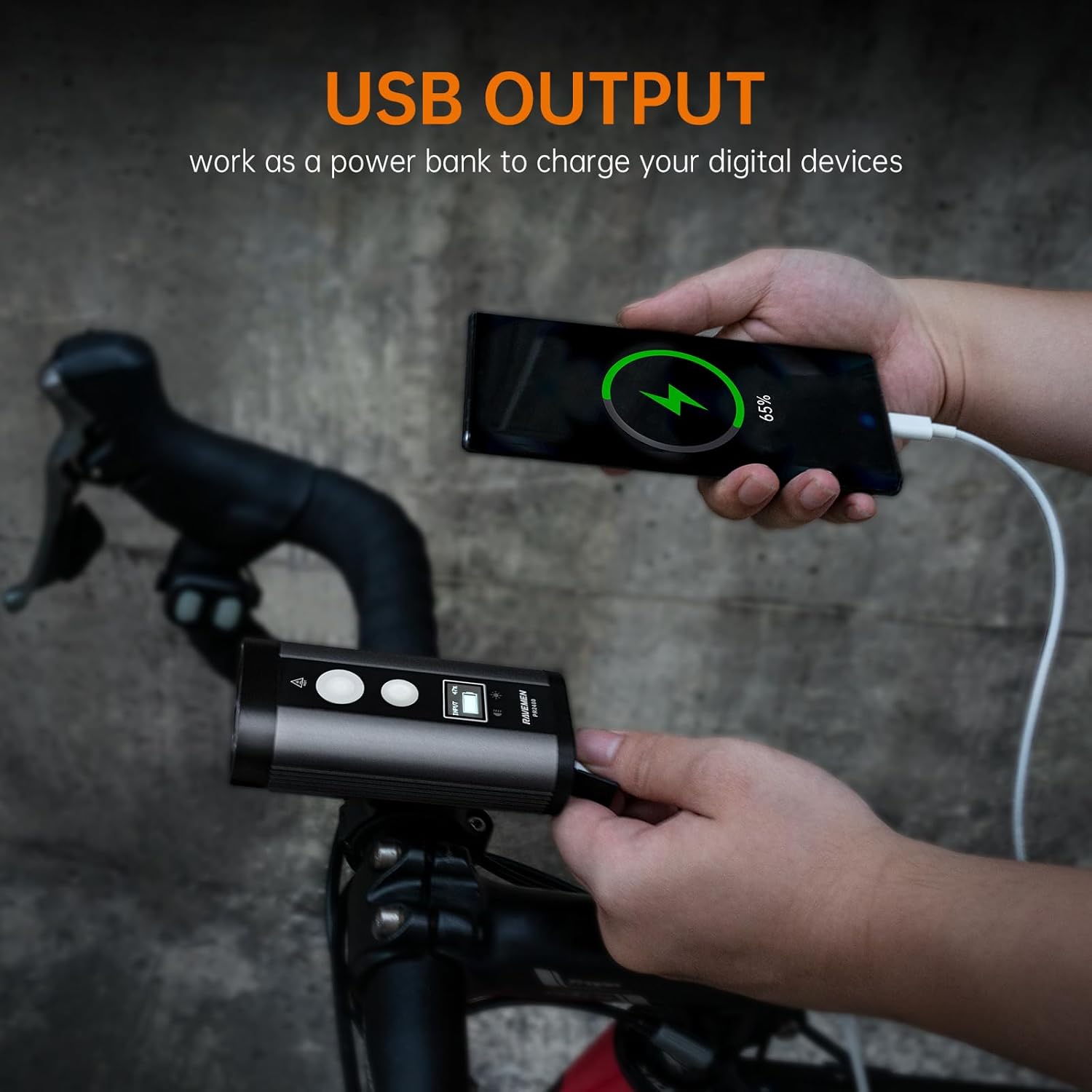
- USB Output (Power Bank): Equipped with a USB-A output port, enabling the light to function as a power bank to charge digital devices like mobile phones or cycle computers.
- Durable & Waterproof: Constructed from aircraft-grade aluminum with an IPX8 waterproof body, ensuring reliable performance in heavy rain and muddy conditions.


2. What's in the Box
Your RAVEMEN PR2400 package includes the following components:
- Front bike light (PR2400)
- Wireless switch
- Handlebar mount (fits 31.8mm and 35mm round handlebars)
- Thick silicone shim
- Thin silicone shim
- USB-C charging cable
- O-ring (x2)
- CR2032 battery (for wireless switch)

3. Setup
3.1. Mounting the Headlight
- Select the appropriate silicone shim (thick or thin) based on your handlebar diameter (31.8mm or 35mm).
- Place the silicone shim around your handlebar at the desired mounting position.
- Attach the handlebar mount over the shim and secure it firmly.
- Slide the PR2400 bike light onto the handlebar mount until it clicks securely into place.

3.2. Attaching the Wireless Remote Switch
The wireless remote switch allows convenient control of the light. Ensure the protective film is removed from the battery compartment of the remote before first use.
- Use the provided O-rings to secure the wireless switch to a convenient location on your handlebar, typically near your grip.
- Ensure the remote is within easy reach for safe operation while riding.

3.3. Initial Charging
Before first use, fully charge the PR2400 bike light using the supplied USB-C cable. Connect the USB-C end to the light's input port and the USB-A end to a compatible USB power source (e.g., wall adapter, computer USB port).
4. Operating Instructions
4.1. Power Button (Larger Button)
- Long Press (1.5 seconds): To turn the light ON or OFF.
- Single Click (when ON): To switch between Road Biking mode and Mountain Biking mode.
- In Road Biking mode, only the central LED will be active.
- In Mountain Biking mode, all 5 LEDs will be active.
4.2. Menu Button (Smaller Button)
- Single Click (when ON): To change brightness levels within the current mode (Road Biking or Mountain Biking).
- Press and Hold (0.5 seconds): To activate Emergency mode (2400 lumens). Release the button to return to the previous mode and brightness level.
4.3. OLED Display
The OLED display provides real-time information:
- Displays the remaining runtime of the battery for the current brightness level.
- A flashing battery icon will be displayed when the battery is low.

Video 1: Official RAVEMEN PR2400 Bike Headlight overview, demonstrating features and operation.
5. Modes and Performance
The PR2400 offers distinct modes tailored for different riding environments:
5.1. Road Biking Mode
Designed for urban and road cycling, focusing on anti-glare and efficient illumination. Only the central LED is active in this mode.
| Brightness Level | Brightness (Lumens) | Run Time (Hours) |
|---|---|---|
| High | 900 | 3.4 |
| Mid | 500 | 5.5 |
| Low | 300 | 11.5 |
| Eco | 100 | 45 |
| Rapid Flashing | 500 | 20 |
5.2. Mountain Biking Mode
Optimized for off-road and trail riding, providing maximum illumination. All 5 LEDs are active in this mode.
| Brightness Level | Brightness (Lumens) | Run Time (Hours) |
|---|---|---|
| High | 2400 | 1.5 |
| Mid | 1200 | 2.4 |
| Low | 600 | 5.5 |
5.3. Emergency Mode (Turbo)
Provides maximum brightness instantly for critical situations.
- Brightness: 2400 Lumens
- Activation: Press and hold the Menu button (smaller button) for 0.5 seconds.
Note: The above data are tested in Lab in line with ANSI/NEMA FL1 standard and may vary by environmental and user conditions.
6. Charging and Power Bank Function
6.1. Charging the PR2400
The PR2400 is equipped with a USB-C input port for convenient charging. Use the provided USB-C cable to connect the light to any standard USB power adapter (not included).

6.2. Power Bank Function (USB Output)
The light features a USB-A output port, allowing it to act as a power bank. You can use this to charge other USB-powered devices, such as your smartphone or bike computer, while on the go.
7. Waterproofing
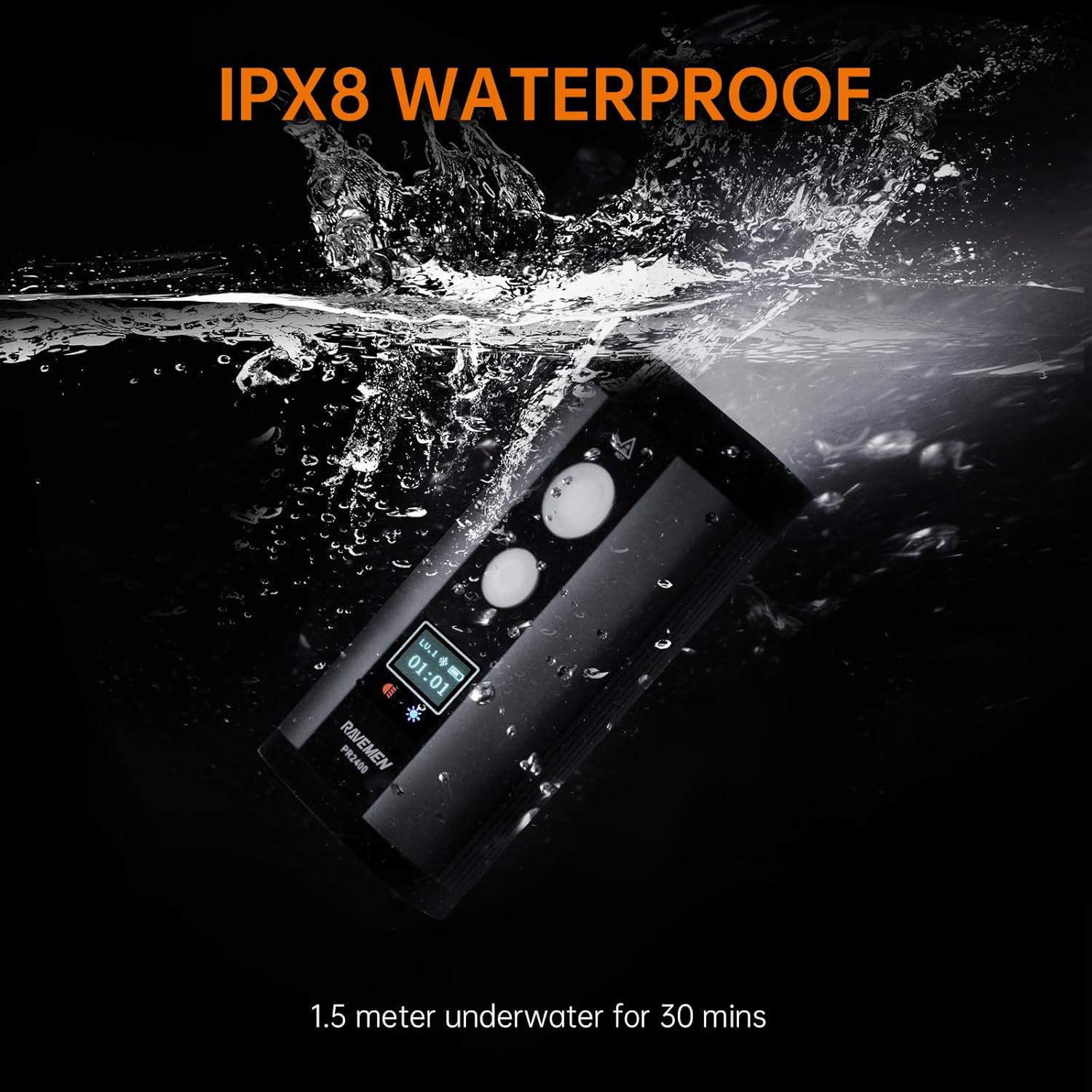
The RAVEMEN PR2400 headlight boasts an IPX8 waterproof rating, meaning it can withstand continuous immersion in water up to 1.5 meters for 30 minutes. This ensures reliable performance even in heavy rain or muddy conditions.
The wireless switch has an IPX4 rating, protecting it from splashing water from any direction.
Note: To meet IPX8 waterproof standard, please make sure the tail USB caps are securely mounted before use.
8. Maintenance
- Cleaning: Wipe the light body and lens with a soft, damp cloth. Avoid using abrasive cleaners or solvents.
- Storage: Store the light in a cool, dry place when not in use. Avoid extreme temperatures.
- Battery Care: For optimal battery life, charge the light regularly, even if not used frequently. Avoid fully discharging the battery for extended periods.
- USB Port Caps: Always ensure the USB port caps are securely closed when not charging or using the power bank function to maintain waterproofing.
9. Troubleshooting
- Light Not Turning On:
- Check battery level on the OLED display. If low, charge the light fully.
- Ensure the power button is pressed and held for 1.5 seconds.
- Wireless Remote Not Working:
- Verify that the protective film has been removed from the CR2032 battery inside the remote.
- Check if the remote's battery needs replacement.
- Ensure the remote is within range of the headlight.
- Light Gets Hot During Use:
- It is normal for the light to generate heat, especially on higher brightness settings, due to its powerful LEDs and aluminum heat sink design.
- If it becomes excessively hot, the light has intelligent thermal management to automatically reduce brightness to prevent damage.
- OLED Display Not Showing:
- Ensure the light is turned on.
- If the battery is completely depleted, the display may not activate until some charge is restored.
10. Specifications
| Feature | Detail |
|---|---|
| LED | 5 high-efficiency white LEDs |
| Battery | 8000mAh/3.6V rechargeable Lithium-ion battery |
| Dimensions (Headlight) | 105mm (L) x 51mm (W) x 36mm (H) |
| Weight (Headlight) | 282 Grams |
| Power Source | USB C Rechargeable |
| Water Resistance (Headlight) | IPX8 |
| Water Resistance (Wireless Switch) | IPX4 |
| Max Distance | 200 meters |
| Impact Resistance | 1 meter |
| Mounting Type | Handlebar Mount (31.8mm and 35mm) |
| Material | Aluminum |
11. Warranty and Support
The RAVEMEN PR2400 Bike Light comes with a 2-year warranty from the date of purchase, covering manufacturing defects.
For warranty claims, technical support, or any inquiries regarding your product, please contact RAVEMEN Official customer service through their official website or the platform where you purchased the product. Please have your proof of purchase ready.


