
1. Introduction
This manual provides detailed instructions for the installation, operation, and maintenance of your Jecod Jebao SOW-4 Wave Maker Flow Pump. Designed for marine reef aquariums, the SOW-4 creates natural wave patterns to enhance water circulation and promote a healthy aquatic environment. Please read this manual thoroughly before use to ensure proper function and longevity of the product.

Figure 1: Components of the Jecod Jebao SOW-4 Wave Maker, including the pump unit, wired controller, and power adapter.
2. Package Contents
Verify that all items are present in the package:
- SOW-4 Wave Maker Pump Unit
- Controller with connecting cables
- Power Adapter (100V 60Hz US plug)
- Instruction Manual (this document)
3. Safety Instructions
- Always disconnect power before performing any maintenance or installation.
- Ensure hands are dry when handling electrical components.
- Do not operate the pump out of water.
- Keep the controller and power adapter away from water splashes.
- This product is designed for indoor use in aquariums only.
4. Setup and Installation
- Positioning the Pump:
Mount the SOW-4 pump unit inside your aquarium using its magnetic base. Position it on the inner glass wall, ensuring the outer magnet is securely placed on the exterior glass, directly opposite the pump. The pump's outlet direction can be adjusted 180 degrees to optimize water flow.

Figure 2: The SOW-4 model is the smallest in the series, suitable for tanks up to 24 inches.
- Connecting the Controller:
Connect the pump unit's cable to the designated port on the controller. Ensure the connection is firm.
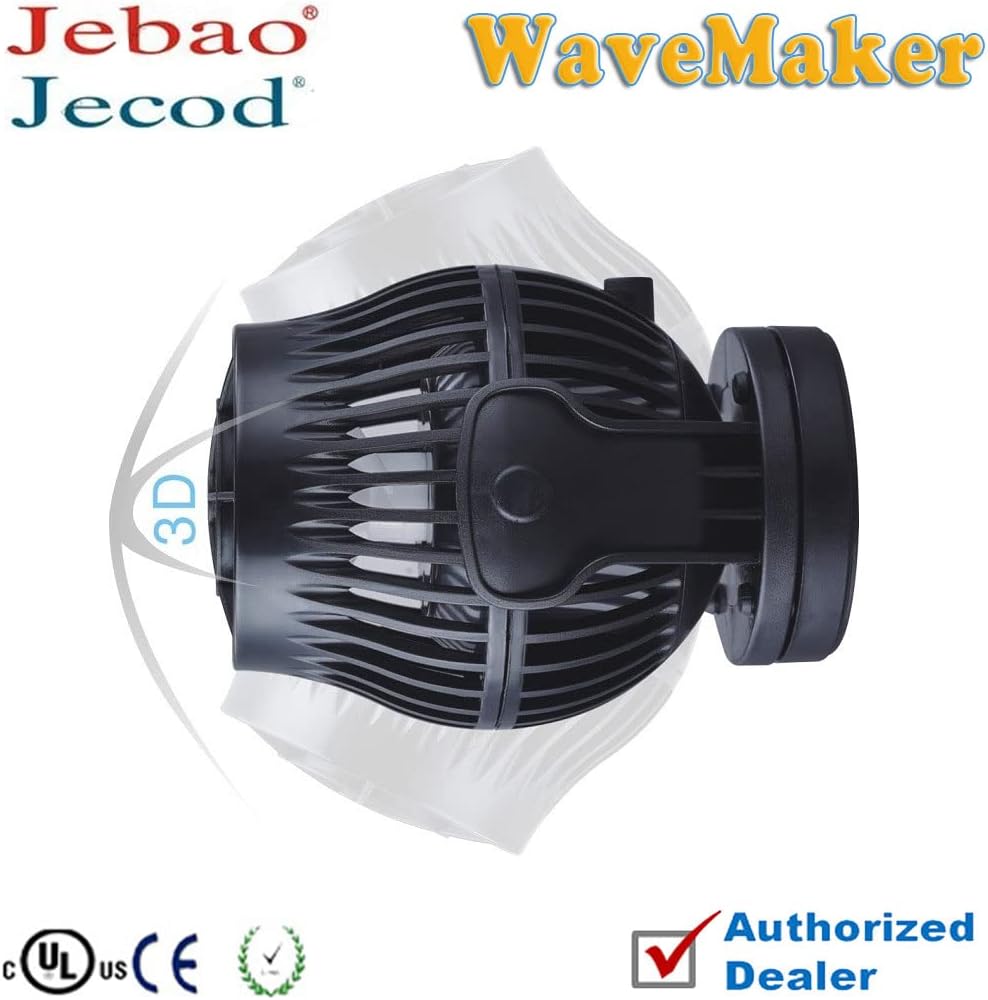
Figure 3: The Jecod branding on the wave maker pump.
- Power Connection:
Connect the power adapter to the controller, then plug the power adapter into a standard 100V 60Hz US electrical outlet. The controller will illuminate, indicating power is supplied.
5. Operating Instructions
The SOW-4 controller offers multiple wave styles and functions. Familiarize yourself with the control panel:
Figure 4: The SOW-4 controller features buttons for mode selection and a dial for power adjustment.
5.1. Control Panel Overview
- MODE/FEED Button: Press to cycle through different wave modes. Hold to activate Feed Mode.
- SPEED/LOCK Button: Adjusts pump speed within a selected mode. Hold to lock/unlock settings.
- POWER Dial: Fine-tunes the overall power output of the pump (Fast to Slow).
- Light Sensor: Automatically detects ambient light. When tank lights go out, the pump slows down to a night mode.
- Master/Slave Switch: For wireless synchronization of multiple wave makers. Set one controller to Master and others to Slave.
5.2. Wave Modes
The SOW-4 offers various wave patterns:
- W1 (Wave Mode): Creates a single, continuous wave pattern.
- W2 (Sine Wave Mode): Generates a smoother, sine-like wave.
- Else (Random Mode): Produces a random, irregular flow pattern simulating natural ocean currents.
- H (Constant Flow Mode): Provides a steady, continuous flow at a set speed.
- C (Flow Mode): Alternating flow between two pumps (if multiple units are connected).
5.3. Feed Mode
Press and hold the MODE/FEED button to activate Feed Mode. The pump will temporarily stop for 10 minutes, allowing fish to feed without food being swept away. The pump will resume normal operation automatically after 10 minutes.
6. Maintenance
Regular maintenance ensures optimal performance and extends the lifespan of your SOW-4 Wave Maker.
- Cleaning the Pump:
At least once a month, disconnect the pump from power and remove it from the aquarium. Disassemble the pump casing and impeller. Clean all components with a soft brush and warm water to remove algae, detritus, and calcium buildup. Avoid using harsh chemicals.
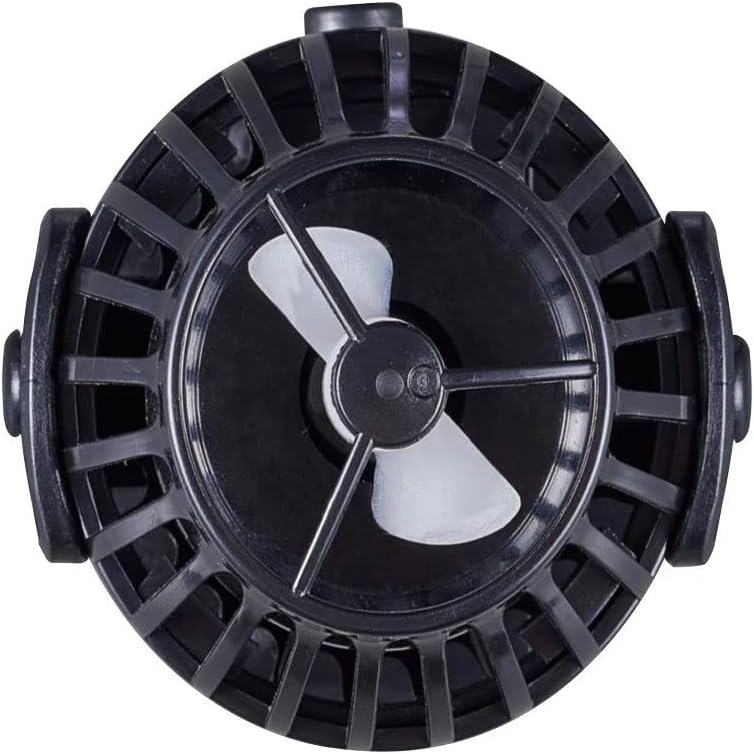
Figure 5: The propeller unit, which should be regularly cleaned to prevent buildup.
- Inspecting Cables and Connections:
Periodically check all cables and connections for signs of wear, damage, or corrosion. Replace any damaged components immediately.
- Controller Care:
Keep the controller dry and clean. Wipe with a dry cloth if necessary. Do not immerse in water.
7. Troubleshooting
| Problem | Possible Cause | Solution |
|---|---|---|
| Pump not operating | No power, loose connection, impeller jammed. | Check power adapter and outlet. Ensure all cables are securely connected. Disconnect power, remove pump, and clean impeller. |
| Weak flow | Impeller dirty, pump setting too low, air in pump. | Clean impeller. Adjust power dial or mode settings on the controller. Ensure pump is fully submerged and free of air bubbles. |
| Unusual noise | Impeller obstructed or damaged, pump not securely mounted. | Disconnect power, inspect and clean impeller for debris. Ensure pump is firmly attached to the aquarium glass. |
| Controller not responding | Power issue, controller malfunction. | Check power connection. Try unplugging and replugging the power adapter. If issues persist, contact customer support. |
8. Specifications
- Model: SOW-4
- Brand: Jecod / Jebao
- Power: 12W
- Flow Rate: 1056 GPH (Gallons Per Hour)
- Voltage: 100V AC
- Frequency: 60Hz
- Recommended Tank Size: Up to 24 inches
- Product Dimensions: Approximately 2 x 2.83 x 2 inches
- Material: Plastic
- Style: Submersible
- Part Number: PET-SOW4-999-4
9. Warranty and Support
For warranty information and technical support, please refer to the documentation provided with your purchase or contact your retailer. Keep your proof of purchase for warranty claims.
For further assistance, you may also visit the official Jecod or Jebao website for contact details.


