1. Important Safety Information
Please read all instructions carefully before assembly and use of the RIVIPLOU Electric Baby Swing. Failure to follow these instructions could result in serious injury or death.
- Age and Weight Limit: This product is designed for infants aged 0-6 months and weighing up to 20 pounds (9 kg). Do not use for children who can sit up unassisted or exceed the maximum weight.
- Supervision: Never leave your child unattended in the swing. Always keep your child in view.
- Harness: Always use the 3-point safety harness. Ensure it is securely fastened and properly adjusted to fit your child snugly.
- Placement: Place the swing on a flat, level surface. Do not use near stairs, heat sources, or open flames.
- Assembly: Ensure all components are correctly assembled and securely locked before each use.
- Power Source: Use only the provided AC adapter. Disconnect power when not in use or when cleaning.
- Modifications: Do not modify the product or use accessories not approved by RIVIPLOU.
- Suffocation Hazard: Do not add extra padding or bedding under or around the infant.
2. Package Contents
Verify that all parts are present before beginning assembly:
- Swing Frame Base
- Seat Unit with 3-Point Harness
- Canopy with Toy Bar and 2 Hanging Plush Toys
- Remote Control
- AC Power Adapter
- USB Cable
- Instruction Manual

Image: Overview of RIVIPLOU Electric Baby Swing components and dimensions.
3. Assembly Instructions
Follow these steps to assemble your RIVIPLOU Electric Baby Swing:
- Unpack Components: Carefully remove all parts from the packaging and place them on a clean, flat surface.
- Attach Seat to Base: Align the seat unit with the connection point on the swing frame base. Push down firmly until you hear a click, indicating it is securely locked.
- Install Canopy: Insert the canopy's attachment points into the designated slots on the seat unit. Ensure it is firmly in place.
- Attach Toys: Hang the two plush toys onto the toy bar of the canopy.
- Power Connection: Connect the AC power adapter to the charging port on the swing base and plug it into a standard electrical outlet. Alternatively, use the USB cable for power.
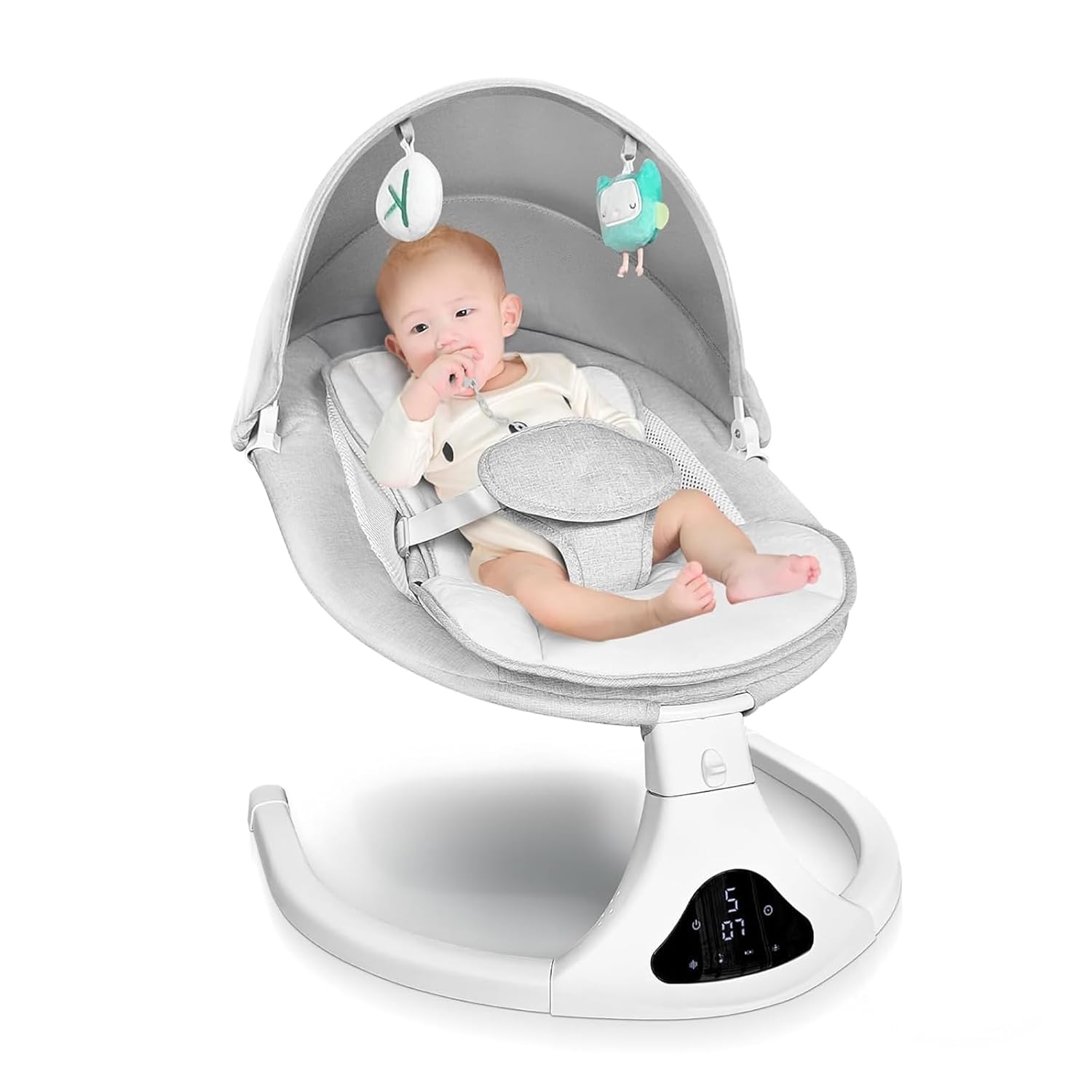
Image: Fully assembled RIVIPLOU Electric Baby Swing.
4. Operating Instructions
Familiarize yourself with the swing's controls and functions.
4.1 Powering On/Off
- Power On: Press the power button on the swing's control panel or the remote control. The display will illuminate.
- Power Off: Press the power button again to turn off the swing.
4.2 Adjusting Swing Speed
The swing offers 5 adjustable speeds:
- Use the speed adjustment buttons on the control panel or remote to cycle through the 5 swing intensity levels.
- The current speed level will be displayed on the control panel.

Image: Illustration of 5 swing amplitude levels.
4.3 Timer Settings
Set the swing to operate for a specific duration:
- Press the timer button on the control panel or remote to select 8, 15, or 30 minutes.
- The swing will automatically stop after the selected time has elapsed.
4.4 Music and Bluetooth Connectivity
The swing features 12 preset lullabies and Bluetooth functionality:
- Preset Lullabies: Press the music button on the control panel or remote to play the built-in lullabies. Use the volume buttons to adjust the sound level.
- Bluetooth Pairing: Activate Bluetooth on your mobile device. Search for 'RIVIPLOU Swing' (or similar name) and pair. You can then play audio from your device through the swing's speakers.
- USB Playback: Connect a USB device with audio files to the USB port for playback.
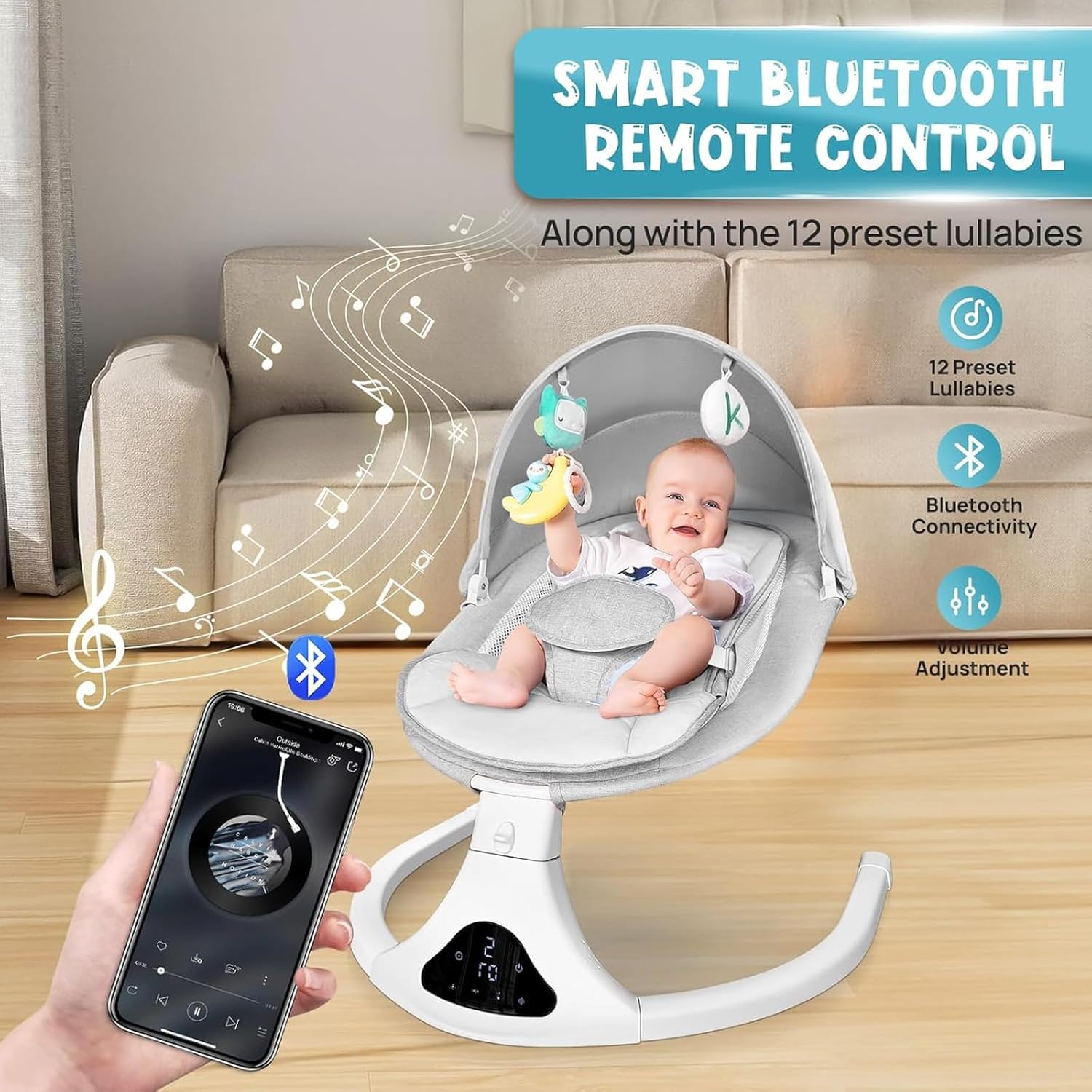
Image: Bluetooth music and remote control features.
4.5 Remote Control Usage
The included remote control allows convenient operation from a distance:
- The remote control duplicates most functions available on the swing's control panel, including power, swing speed, timer, music selection, and volume.
- Ensure the remote has working batteries (not included, typically CR2025 or similar).

Image: Remote control and touch screen interface.
4.6 3-Point Safety Harness
Always secure your child with the 3-point harness:
- Place your child in the seat.
- Bring the waist straps around your child's waist and connect them to the crotch strap buckle.
- Adjust the straps to ensure a snug but comfortable fit.
4.7 One-Key Lock Function
To prevent the swing from moving, use the one-key lock function:
- Locate the lock button on the control panel or remote.
- Press the button to engage the lock, stopping the swing motion. Press again to disengage.
5. Maintenance and Care
Proper maintenance ensures the longevity and hygiene of your baby swing.
5.1 Cleaning the Seat Cover
The seat cover is removable and washable:
- Gently detach the seat cover from the swing frame.
- Machine wash the cover on a delicate cycle with cold water and mild detergent. Do not use bleach.
- Air dry or tumble dry on low heat. Do not iron.
- Ensure the cover is completely dry before reattaching it to the swing.
Image: Removable and washable seat cover detail.
5.2 Cleaning the Frame and Components
- Wipe the swing frame, control panel, and plastic components with a damp cloth and mild soap.
- Do not immerse the frame or electronic components in water.
- Ensure all parts are dry before use.
5.3 Storage
- When not in use, store the swing in a clean, dry place away from direct sunlight.
- The swing is designed to be portable and can be easily moved.
6. Troubleshooting
Refer to this section for common issues and their solutions.
| Problem | Possible Cause | Solution |
|---|---|---|
| Swing does not turn on. | No power connection. | Ensure the AC adapter is securely plugged into the swing and a working electrical outlet. Check if the USB cable is properly connected. |
| Swing motion is weak or inconsistent. | Child exceeds weight limit; obstruction; low power. | Verify child's weight is within the 20 lb limit. Check for any obstructions around the swing mechanism. Ensure the power adapter is providing sufficient power. |
| Remote control is not working. | Dead batteries; out of range. | Replace remote control batteries (e.g., CR2025). Ensure you are within effective range of the swing. |
| Bluetooth will not connect. | Bluetooth not enabled on device; swing not in pairing mode. | Ensure Bluetooth is enabled on your mobile device. Restart the swing and try pairing again. Make sure no other device is currently connected. |
| Music is not playing. | Volume too low; incorrect source selected. | Increase volume using the control panel or remote. Ensure the correct music source (preset lullabies, Bluetooth, or USB) is selected. |
7. Specifications
- Model: B0CG5K6YPH
- Brand: RIVIPLOU
- Product Dimensions: 20"D x 24.5"W x 27.5"H (50cm D x 62cm W x 70cm H)
- Item Weight: 8.8 pounds (4 kg)
- Maximum Weight Recommendation: 20 pounds (9 kg)
- Material: Metal frame, soft fabric seat
- Power Source: AC Adapter (included), USB Cable
- Swing Speeds: 5 levels
- Timer Settings: 8, 15, 30 minutes
- Music: 12 preset lullabies, Bluetooth connectivity, USB playback
- Safety Features: 3-point harness, one-key lock
- Portability: Yes
8. Warranty and Support
RIVIPLOU stands behind the quality of its products. For warranty information, product support, or to report any issues, please contact RIVIPLOU customer service through the retailer where the product was purchased or visit the official RIVIPLOU website.
Please retain your proof of purchase for warranty claims.