1. Product Overview
The Heat Press Nation Signature Pro 15" x 15" Slide Out Drawer Heat Press is designed for efficient and precise heat transfer applications. This model features an auto-open mechanism, SurePressure system, and a convenient slide-out lower platen for ease of use and enhanced safety.

Figure 1: Overall view of the Heat Press Nation Signature Pro 15" x 15" Slide Out Drawer Heat Press.
2. Safety Information
- Always unplug the heat press when not in use or before cleaning.
- Keep hands clear of the heating element during operation. The heating element reaches high temperatures.
- Ensure the heat press is placed on a stable, heat-resistant surface.
- Do not operate the heat press near flammable materials.
- This unit is equipped with dual circuit breakers for enhanced safety.
3. Setup
- Unpacking: Carefully remove the heat press from its packaging. Inspect for any shipping damage. Retain packaging for future transport or storage.
- Placement: Place the heat press on a sturdy, level, and heat-resistant workbench or table. Ensure adequate clearance around the unit for ventilation and safe operation. The unit weighs approximately 88 pounds.
- Power Connection: Connect the power cord to a grounded electrical outlet. The unit features dual circuit breakers for safety. Ensure the power switch is in the 'off' position before plugging in.
Figure 2: Location of the dual circuit breakers and power switch.
4. Operating Instructions
- Power On: Flip the power switch to the 'on' position. The upgraded time/temperature gauge will illuminate.
- Set Temperature and Time: Use the controls on the gauge to set your desired temperature (up to 570°F) and time (up to 999 seconds). Refer to your transfer material's instructions for recommended settings.
- Adjust Pressure: The SurePressure system allows for precise pressure adjustment. Rotate the pressure knob located at the top of the unit to increase or decrease pressure. A higher number indicates more pressure.
- Prepare Garment: Pull out the slide-out lower platen. Place your garment or substrate onto the platen, ensuring it is flat and smooth. Position your transfer material as desired.
- Initiate Press: Push the slide-out lower platen back into position. Lower the upper platen using the handle until it locks into place. The auto-open mechanism will engage, and the timer will begin counting down.
- Completion: Once the timer reaches zero, the heat press will automatically open, lifting the upper platen. Carefully pull out the slide-out lower platen and remove your pressed item.
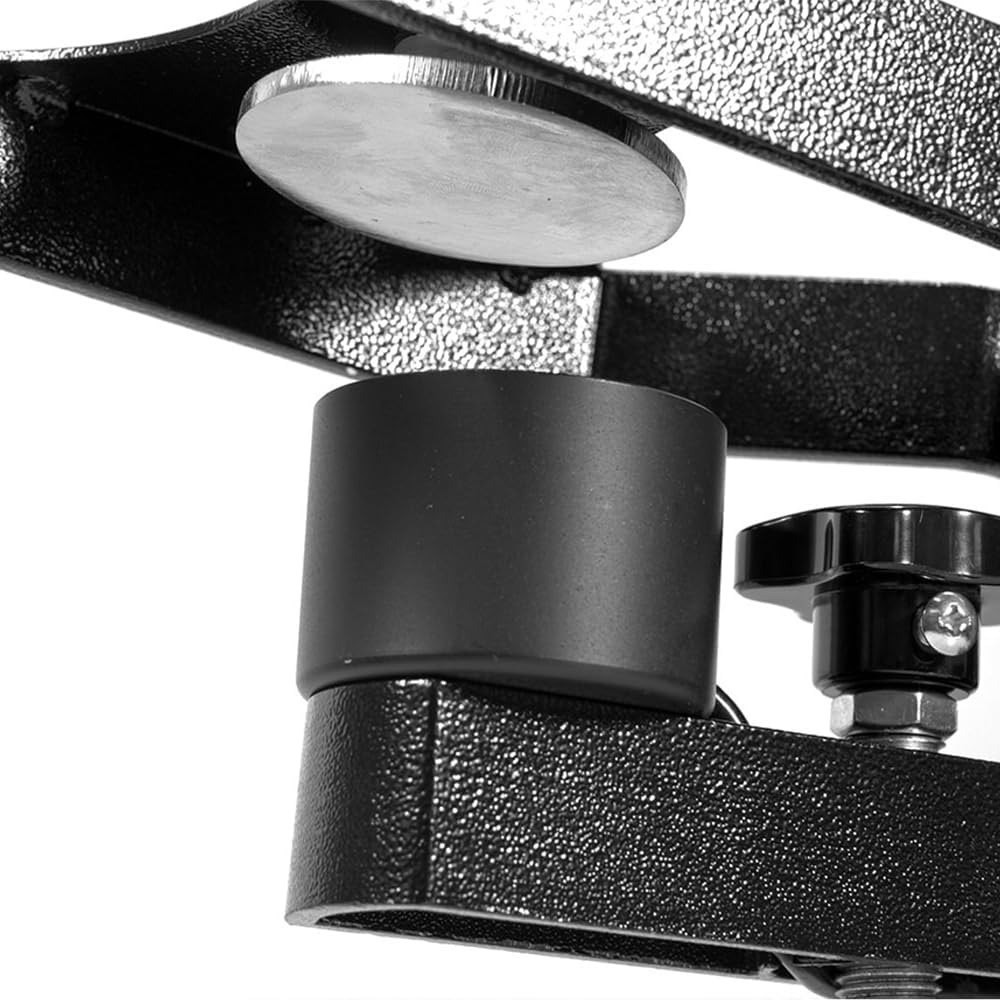
Figure 3: Close-up of the upgraded time/temperature gauge for precise control.

Figure 4: The convenient slide-out lower platen for easy garment placement.

Figure 5: The SurePressure system allows for accurate pressure settings.

Figure 6: The magnetic auto-open release ensures the press opens automatically after the timer.

Figure 7: The gas shock opening mechanism provides a smooth and safe lift of the upper platen.
Official Product Overview Video
Video 1: A comprehensive overview of the Heat Press Nation Signature Series Heat Press, demonstrating its key features and operation.
5. Key Features
- Drawer Style Lower Platen: Facilitates easy and safe placement of garments and transfer materials, reducing the risk of burns.
- Gas Shock Opening Mechanism: Provides a smooth, automatic lift of the upper platen upon completion of the press cycle.
- Upgraded Time/Temperature Gauge: Offers precise digital control over heat and time settings for consistent results.
- Magnetic Auto-Open Release: Automatically opens the press when the set time expires, preventing over-pressing and scorching.
- SurePressure System: Ensures even and consistent pressure across the entire platen, crucial for high-quality transfers.
6. Specifications
| Specification | Detail |
|---|---|
| Manufacturer | Heat Press Nation |
| Product Dimensions | 15 x 15 x 32 inches (15"L x 15"W x 32"H) |
| Item Weight | 88 pounds |
| Material | Alloy Steel |
| Color | Black, White |
| Recommended Uses | Hat, T-Shirt, Mug, Bag |
| Item Model Number | Auto-Open with SurePressure |
7. Maintenance
- Cleaning: Ensure the heat press is unplugged and completely cool before cleaning. Use a soft, damp cloth to wipe down the exterior. For the platen, use a non-abrasive cleaner specifically designed for heat press platens.
- Regular Checks: Periodically inspect the power cord for any damage. Check all bolts and screws to ensure they are tight.
- Storage: Store the heat press in a dry, dust-free environment when not in use.
8. Troubleshooting
- Uneven Heat: If transfers are not adhering evenly, check that the platen is clean and free of debris. Ensure the pressure is evenly distributed using the SurePressure adjustment.
- No Power: Verify the power cord is securely plugged into a grounded outlet. Check the power switch and the dual circuit breakers. If a breaker has tripped, reset it.
- Inaccurate Temperature: Allow the machine sufficient time to reach the set temperature. If discrepancies persist, contact customer support.
- Platen Not Opening Automatically: Check the magnetic auto-open release mechanism for any obstructions. Ensure the timer is set correctly.
9. Warranty & Support
Heat Press Nation is committed to providing top-tier equipment and excellent customer service. Our products feature UL-certified parts, ensuring rigorous safety and quality standards.
- Returns: Enjoy 30-day easy returns.
- Customer Support: Our dedicated team of US-based HPN Experts is available to assist you with any questions or issues.
- Parts Availability: Heat Press Nation stocks all parts for these machines, ensuring long-term support and peace of mind.
For sales and support, please visit the Heat Press Nation Store or contact their customer service directly.


