1. Introduction
The SOOWAY Smart Door Knob is a biometric fingerprint door lock designed for enhanced security and convenience in various settings, including bedrooms, offices, cloakrooms, apartments, and hotels. It offers easy installation without additional wiring, fitting most standard US doors.

Image: The SOOWAY Smart Door Knob, featuring a sleek silver finish and an illuminated fingerprint sensor.
2. Product Features
- Biometric Fingerprint Access: Securely unlock with a registered fingerprint.
- High Capacity: Stores up to 100 unique fingerprints.
- Automatic Locking: Door locks automatically after 5 seconds for added security.
- Mechanical Key Override: Includes traditional keys for emergency access.
- Emergency USB Power: Micro-USB port for temporary power in case of battery depletion.
- Easy Installation: Designed for quick and straightforward setup on most standard doors.
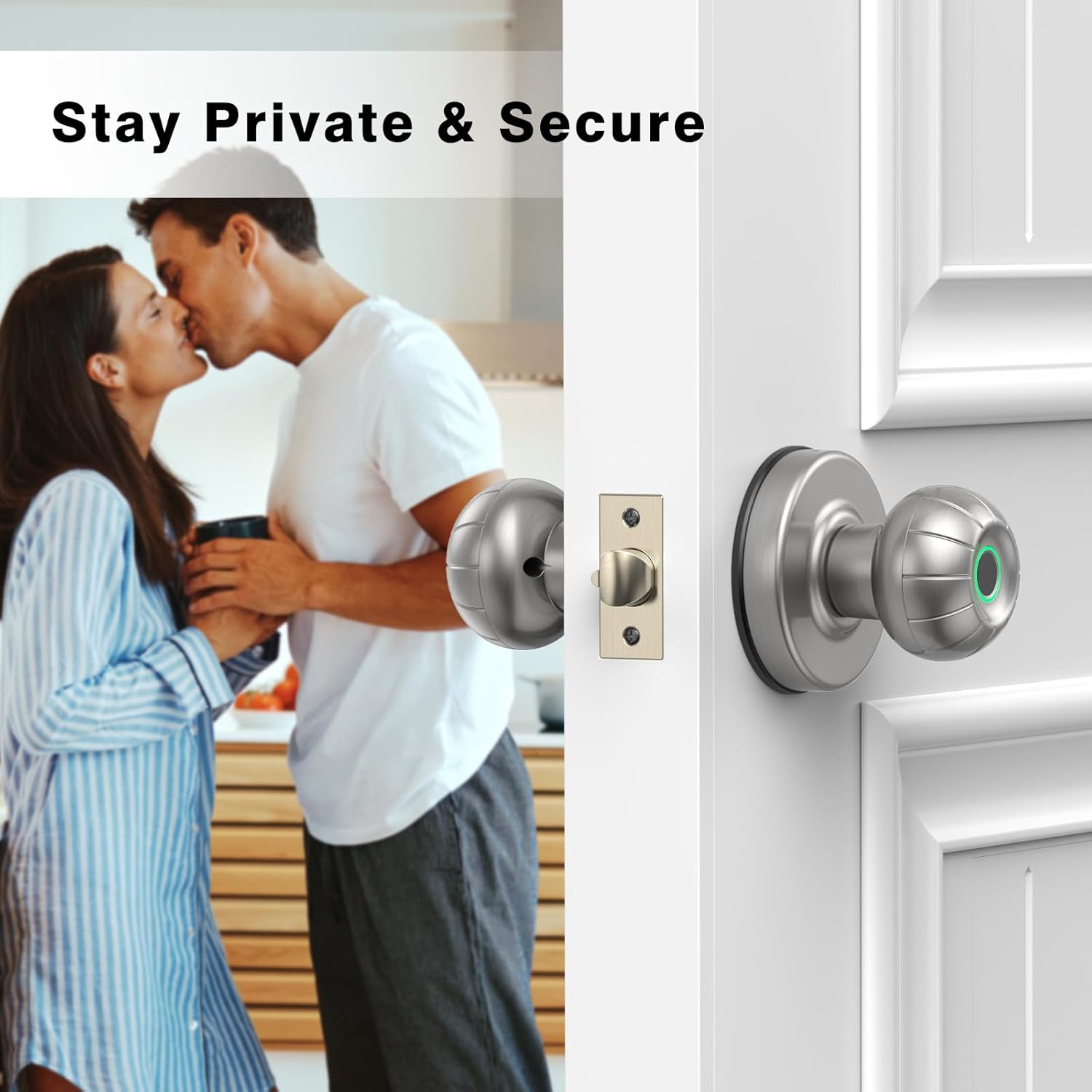
Image: The smart door knob ensures privacy and security for personal spaces.

Image: The smart door knob is compatible with various door types, including bedroom, garage, office, and pantry doors.
3. Components
The SOOWAY Smart Door Knob package includes the following components:
- Exterior Door Knob with Fingerprint Sensor
- Interior Door Knob
- Latch Mechanism
- Striker Box and Striker Plate
- Mounting Screws
- Mechanical Keys (2)
- Small Tool for Fingerprint Setting Button
4. Setup and Installation
Follow these steps for proper installation of your SOOWAY Smart Door Knob. No additional wiring is required.
- Prepare the Door: Ensure your door has standard bore holes. The latch is adjustable for 60mm or 70mm (2-3/8" or 2-3/4") backsets. The door thickness should be between 35-54mm (1-3/8"-2-1/8").
- Install Latch: Insert the latch mechanism into the door edge and secure it with screws.
- Install Exterior Knob: Align the exterior knob with the latch and door hole, ensuring the 'UP' arrow on the backplate points upwards.
- Connect Knobs: Connect the wire from the exterior knob to the interior knob.
- Install Interior Knob: Place the interior knob onto the door, aligning it with the exterior knob and securing it with screws.
- Install Batteries: Insert 4 AAA batteries into the interior knob's battery compartment.
- Install Striker Box and Plate: Install the striker box and striker plate on the door frame, aligning them with the latch.

Image: Door dimensions and components for easy installation, including the latch and battery compartment.
Installation Video Guide
Video: A detailed guide on how to install the SOOWAY Smart Door Knob, covering each step from preparing the door to securing the components.
5. Operating Instructions
5.1 Fingerprint Unlocking
To unlock the door using your fingerprint, simply place your registered finger on the sensor. The lock will verify your fingerprint and unlock the door, allowing you to turn the knob.
5.2 Mechanical Key Unlocking
In case of battery depletion or other issues, you can use the provided mechanical keys to unlock the door. Insert the key into the keyhole located on the exterior knob and turn to unlock.
5.3 Automatic Lock
The smart door knob features an automatic locking function. After the door is closed, it will automatically lock itself after approximately 5 seconds, ensuring your security without manual intervention.

Image: The automatic lock feature ensures the door is secured 5 seconds after closing.
5.4 Registering Fingerprints
To register a new fingerprint:
- Locate the fingerprint setting button on the interior knob (often marked with an arrow).
- Use the small tool provided to press the setting button.
- Place your finger on the fingerprint sensor and lift it three times as prompted by the lock's indicator lights/sounds.
- The lock will confirm successful registration.

Image: Quick touch access allows for up to 100 registered fingerprints.
5.5 Erasing Fingerprint Registrations
To erase all registered fingerprints (factory reset):
- Locate the fingerprint setting button on the interior knob.
- Press and hold the setting button for approximately 8 seconds using the provided tool.
- The lock will indicate that all fingerprints have been erased.
5.6 Unlock Mode (Normally Open)
To set the lock to normally unlocked mode (no fingerprint needed):
- Locate the unlock button on the interior knob.
- Press the unlock button. The lock will enter normally unlocked mode.
- To re-engage the fingerprint lock, press the unlock button again.
Operation Video Guide
Video: Demonstrates the various operating modes of the SOOWAY Smart Door Knob, including fingerprint unlocking, mechanical key use, and setting fingerprint registrations.
6. Maintenance
To ensure optimal performance and longevity of your SOOWAY Smart Door Knob:
- Battery Replacement: Replace all 4 AAA batteries when the low battery indicator activates.
- Cleaning: Wipe the fingerprint sensor and knob surfaces with a soft, dry cloth. Avoid abrasive cleaners or solvents.
- Emergency Power: In case of complete battery drain, connect a Micro-USB power bank to the emergency USB port on the exterior knob to temporarily power the lock for unlocking.

Image: The emergency USB power port provides a backup power source for unlocking if batteries are depleted.
7. Troubleshooting
If you encounter issues with your smart door knob, consider the following common solutions:
- Lock not responding: Check battery levels and replace if necessary. Use the emergency USB power port if completely drained.
- Fingerprint not recognized: Ensure your finger is clean and dry. Try rescanning your fingerprint during registration, or re-registering it. Ensure the fingerprint sensor is clean.
- Door not locking automatically: Verify that the automatic lock feature is enabled (it is by default). Ensure the door is fully closed and the latch is properly aligned with the striker plate.
- Difficulty turning knob after unlocking: Ensure the latch mechanism is moving freely and not obstructed.
For further assistance, please refer to the manufacturer's support channels.
8. Specifications
| Feature | Detail |
|---|---|
| Brand | SOOWAY |
| Model Number | 917E7F |
| Material | Metal |
| Color | Silver |
| Finish | Polished |
| Product Dimensions | 15.98 x 7.59 x 7.59 cm |
| Item Weight | 798 g |
| Power Source | 4 AAA Batteries (not included) |
| Special Features | Keyless, Easy to Install, Biometric Fingerprint |
| Fingerprint Capacity | Up to 100 |
9. Warranty and Support
For warranty information and technical support, please contact SOOWAY customer service through the retailer where the product was purchased or visit the official SOOWAY website. Keep your purchase receipt as proof of purchase.