
Introduction
This manual provides comprehensive instructions for the installation, usage, and maintenance of your BoxWave ClearTouch Anti-Glare Screen Protector for the Euromex VC.3042-HDS (13") device. This screen protector is designed to reduce glare, resist fingerprints, and provide a smooth, paper-like surface for enhanced interaction with your device.
Package Contents
Verify that all items are present in your package:
- 2 x ClearTouch Anti-Glare Screen Protectors
- 1 x Applicator Card
- 1 x Microfiber Cleaning Cloth
- 1 x Dust Removing Sticker
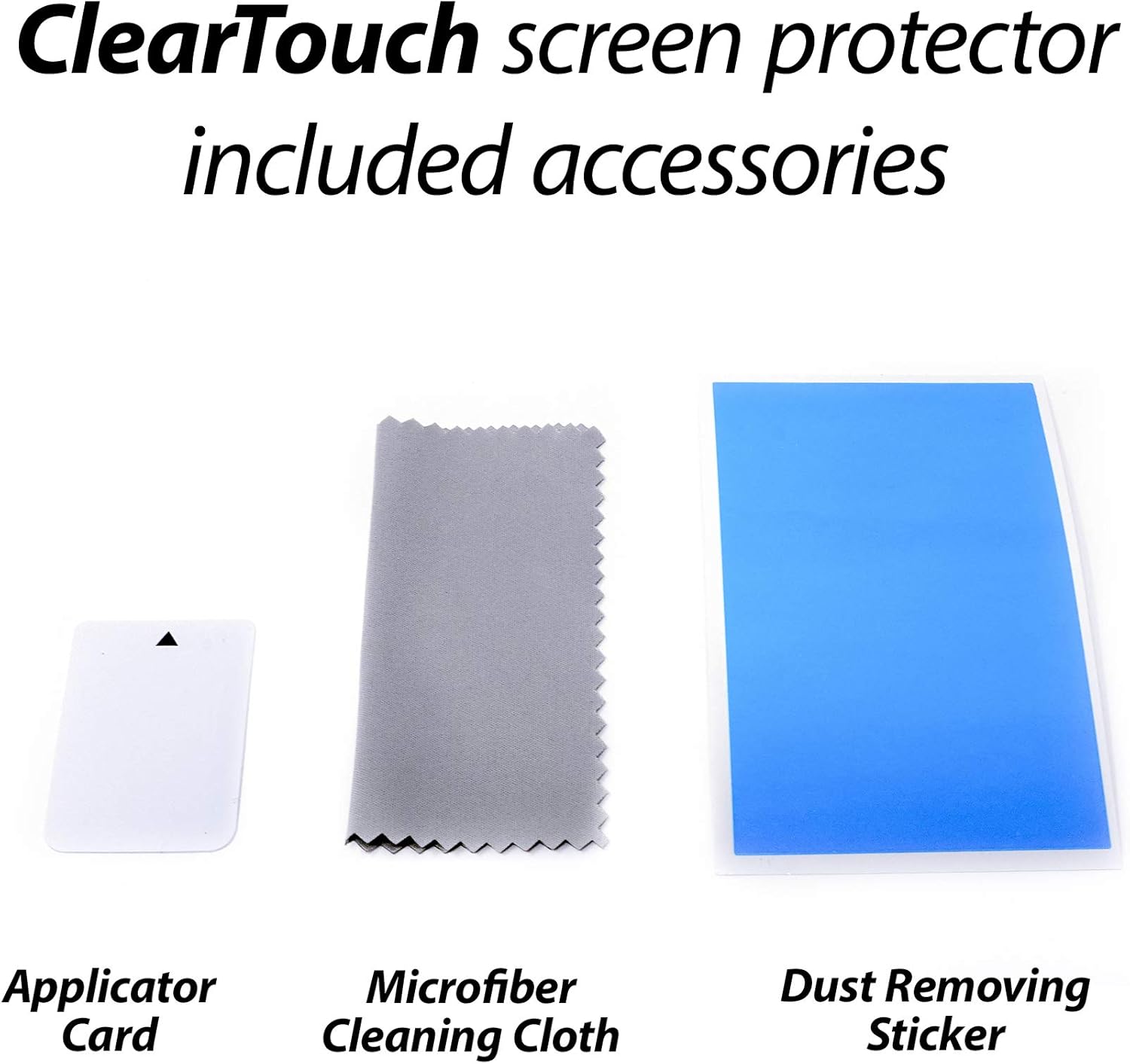
Image: Included accessories for screen protector installation, featuring an applicator card, a microfiber cleaning cloth, and a dust removing sticker.
Setup and Installation
Preparation
- Ensure your device is powered off.
- Work in a clean, dust-free environment to prevent particles from getting trapped under the protector.
- Use the provided microfiber cleaning cloth to thoroughly clean your device screen. Remove all smudges, fingerprints, and dust.
- Use the dust removing sticker to lift any remaining dust particles from the screen surface.
Application Steps
- Align the Protector: Carefully peel back a small section of the protective film labeled '1' from one corner of the screen protector. Align the exposed edge of the screen protector with the corresponding edge of your device screen. Ensure precise alignment with all cutouts (e.g., camera, sensors).
- Apply Gradually: Slowly peel back the rest of the protective film '1' while simultaneously applying the screen protector to the device screen. Use the applicator card to gently smooth out any air bubbles as you go, pushing them towards the edges.
- Remove Film '2': Once the screen protector is fully applied and all major bubbles are removed, carefully peel off the top protective film labeled '2'.
- Final Smoothing: Use the microfiber cloth to gently wipe down the newly applied screen protector, removing any remaining small bubbles or smudges. Small bubbles may disappear over 24-48 hours.

Image: The BoxWave ClearTouch Anti-Glare screen protector package, showing two screen protectors and a cleaning cloth, ready for installation.

Image: A screen protector seamlessly applied to a device, demonstrating proper installation.
Operating and Usage
Anti-Glare Feature
The ClearTouch Anti-Glare screen protector is engineered to disperse light, significantly reducing reflections and glare from both natural and artificial light sources. This feature enhances screen visibility and reduces eye strain, particularly in bright environments.

Image: A tablet screen demonstrating the effectiveness of the anti-glare feature, showing a clear display despite bright ambient light.
Anti-Smudge and Fingerprint Resistance
The matte surface of the screen protector is designed to repel unwanted smudges, oils, and fingerprints. This oleophobic layer helps keep your screen cleaner for longer, maintaining a smooth touch response and clear viewing experience.

Image: A visual comparison illustrating the anti-smudge properties of the BoxWave screen protector against a standard screen with visible fingerprints.
Paper-like Feel
The ultra-smooth matte surface provides a tactile experience similar to writing or drawing on paper. This can enhance precision and comfort when using a stylus or your finger on the device screen.

Image: A stylus interacting with a tablet screen protected by the ClearTouch Anti-Glare film, simulating the feel of writing on paper.
Maintenance
To maintain the clarity and effectiveness of your screen protector, follow these cleaning guidelines:
- Use the provided microfiber cleaning cloth or a similar soft, lint-free cloth.
- Gently wipe the screen protector to remove dust, smudges, and fingerprints.
- For stubborn marks, slightly dampen the cloth with water or a screen-safe cleaning solution. Avoid harsh chemicals, alcohol, or abrasive materials, as these can damage the protector's coating.
- Do not spray cleaning solutions directly onto the screen protector.
Troubleshooting
Refer to the table below for common issues and their solutions:
| Issue | Solution |
|---|---|
| Air Bubbles | Use the applicator card to gently push bubbles towards the nearest edge. For persistent small bubbles, they may dissipate naturally within 24-48 hours. Ensure the screen was thoroughly cleaned before application. |
| Dust Particles Under Protector | Carefully lift the nearest corner of the screen protector using a piece of tape. Use another piece of tape to gently dab and lift the dust particle from the screen or the adhesive side of the protector. Reapply the protector slowly. |
| Misalignment | If misalignment is significant and affects functionality, carefully lift the screen protector from one corner and reapply, ensuring proper alignment. Avoid excessive lifting to prevent dust accumulation. |
| Reduced Touch Sensitivity | Ensure the screen protector is applied smoothly without large air gaps. If the issue persists, check device settings for touch sensitivity adjustments. |
Specifications
| Feature | Detail |
|---|---|
| Product Type | Screen Protector |
| Brand | BoxWave |
| Compatibility | Euromex VC.3042-HDS (13") |
| Material | Polyethylene Terephthalate (PET) |
| Screen Surface | Matte, Anti-Glare, Anti-Fingerprint |
| UV Reduction | Reduces 90% UV rays |
| Adhesive Type | Glueless (leaves no sticky residue) |
| Package Quantity | 2-Pack |
| Item Weight | 2.5 ounces |
Warranty and Support
BoxWave products are designed for quality and durability. For specific warranty information or technical support, please refer to the official BoxWave website or contact their customer service directly. Keep your purchase receipt as proof of purchase.