1. Introduction
This manual provides essential information for the safe and efficient operation of your Nachukan Smart 3 in 1 Robot Vacuum Cleaner. This versatile device is designed to simplify your daily cleaning routine by offering sweeping, vacuuming, and mopping functionalities. Its compact design and automatic cleaning capabilities make it ideal for small apartments and various floor types.
Please read this manual thoroughly before using the product and retain it for future reference.
2. Safety Information
To ensure safe operation, please adhere to the following guidelines:
- Do not operate the robot vacuum in wet environments or near water.
- Keep the device away from heat sources and open flames.
- Ensure the charging cable is not damaged and is properly connected.
- Do not allow children or pets to play with the robot vacuum.
- Before cleaning, remove any loose cables, small objects, or fragile items from the floor to prevent entanglement or damage.
- Only use the provided charging cable and accessories.
- Do not attempt to repair or modify the device yourself. Contact customer support for assistance.
3. Package Contents
Verify that all items are present in the package:
- 1 x Nachukan Smart 3 in 1 Robot Vacuum Cleaner (with built-in battery)
- 1 x USB Charging Cable
- 1 x User Manual
- (Additional accessories like side brushes, mop cloth, or dustbin may be included depending on the specific package. Please check your packaging for a complete list.)
4. Product Overview
Familiarize yourself with the components of your robot vacuum cleaner.

Figure 4.1: Top view of the robot vacuum cleaner, highlighting the main body and control button.
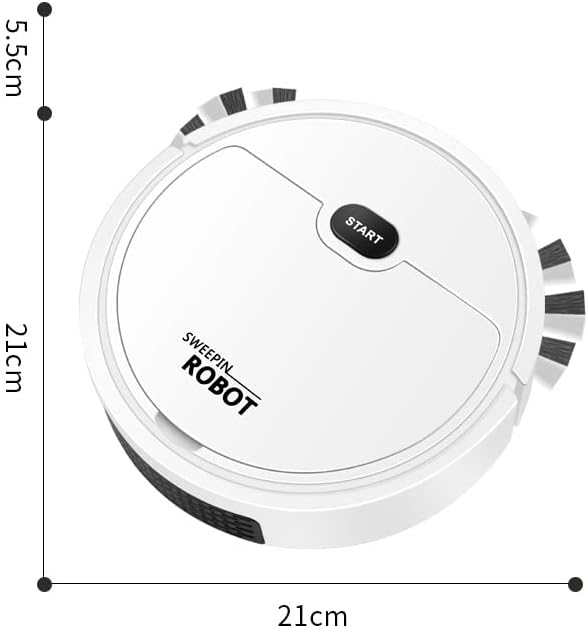
Figure 4.2: Dimensions of the robot vacuum cleaner, showing a diameter of 21cm and a height of 5.5cm.

Figure 4.3: Key features of the robot vacuum, including extended edge brushes, hair cleaning, strong suction, route planning, mopping, powerful motor, customization support, and endurance.
Key Features:
- 3-in-1 Functionality: Sweeping, vacuuming, and mopping for comprehensive floor cleaning.
- Compact Design: Small and space-saving, ideal for various living spaces.
- Dual-Sided Elongated Brush: Ensures a broader cleaning area and efficient performance.
- USB Charging: Convenient and easy to recharge.
- Automatic Cleaning: Designed for hands-free operation.
5. Setup
5.1 Initial Charging
- Unpack the robot vacuum cleaner and all accessories from the box.
- Locate the USB charging port on the device.
- Connect the provided USB charging cable to the robot vacuum and plug the other end into a compatible USB power adapter (not included) or a USB port.
- Allow the robot vacuum to fully charge before its first use. The charging indicator light (if present) will change or turn off once charging is complete.
5.2 Preparing the Cleaning Area
- Remove any large debris, loose cables, or small objects that could obstruct the robot's path or get tangled in the brushes.
- For mopping function, ensure the water tank (if separate) is filled according to instructions and the mop cloth is attached.
6. Operating Instructions
6.1 Starting a Cleaning Cycle
- Place the robot vacuum on the floor in the area you wish to clean.
- Press the "START" button located on the top of the robot vacuum. The device will begin its automatic cleaning cycle.
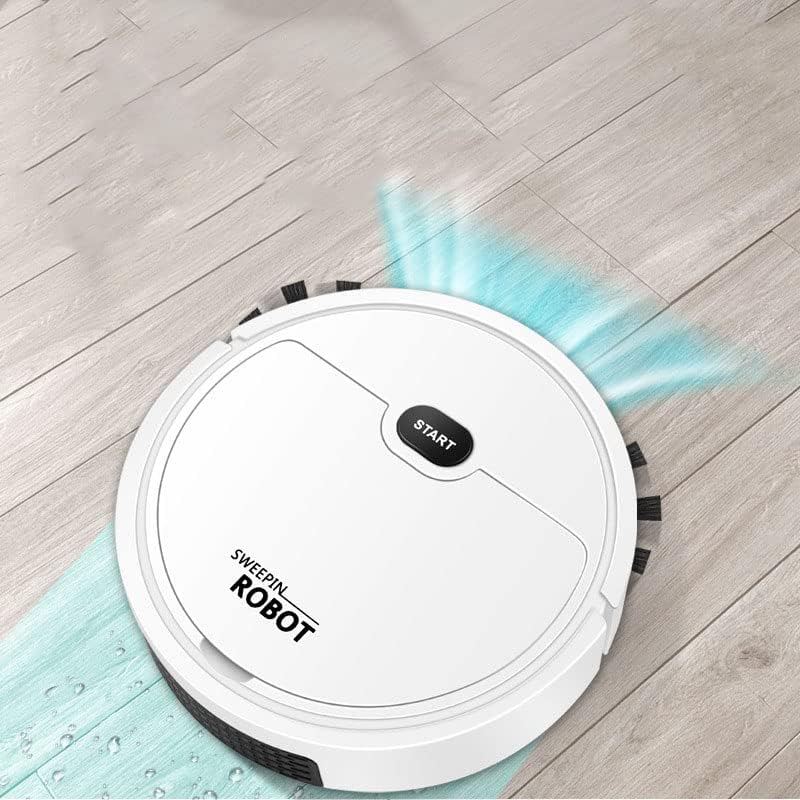
Figure 6.1: The robot vacuum actively cleaning a wooden floor, demonstrating its sweeping and mopping capabilities.
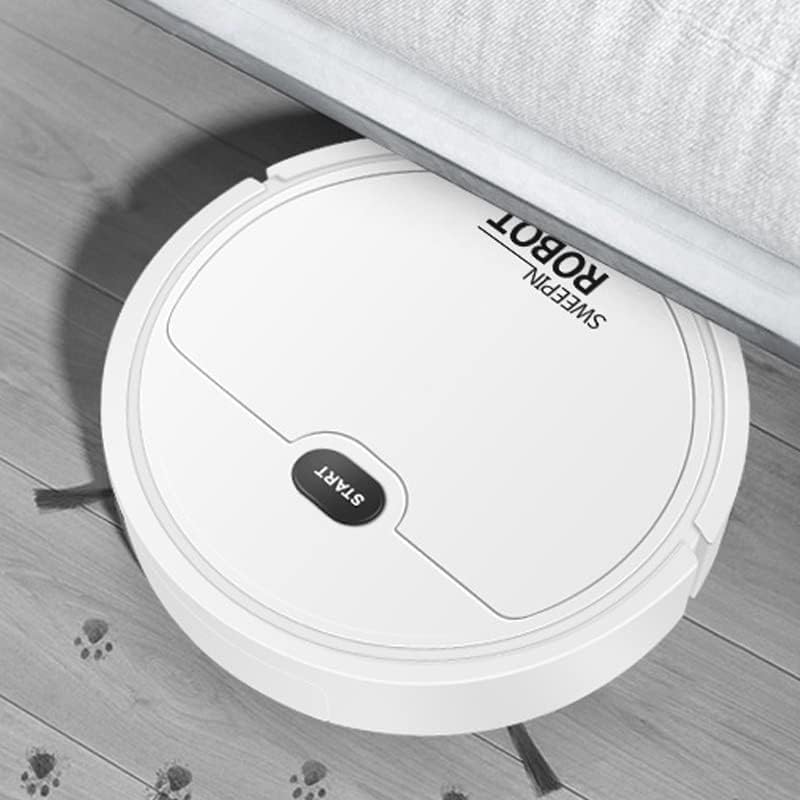
Figure 6.2: The robot vacuum's ability to clean under low furniture, reaching difficult areas.
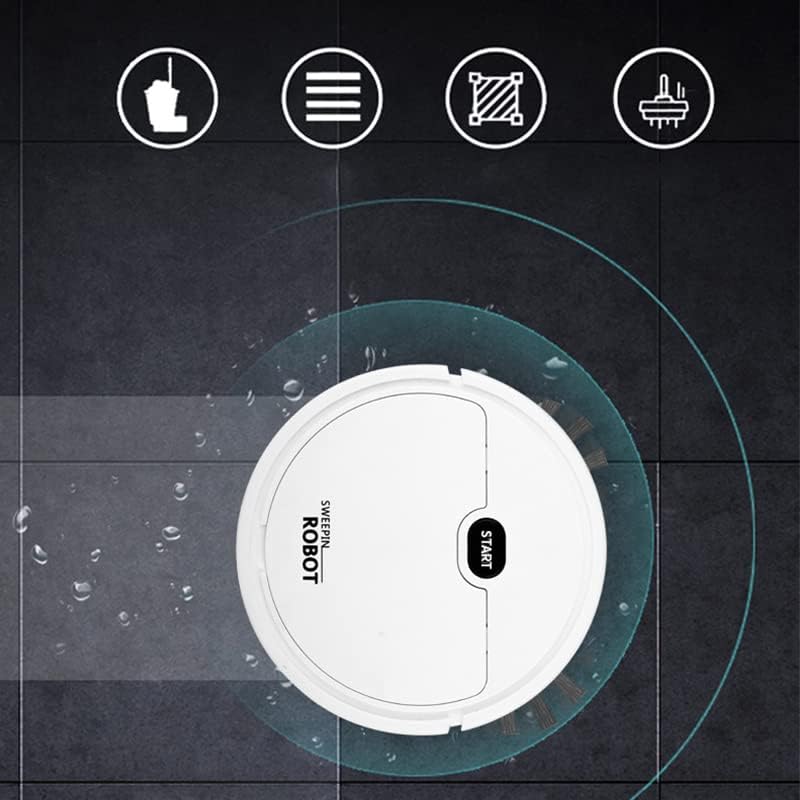
Figure 6.3: The robot vacuum performing its mopping function on a tiled floor.
6.2 Stopping a Cleaning Cycle
To stop the robot vacuum during operation, press the "START" button again. The device will pause or return to its charging base if applicable (check product features for auto-return functionality).
6.3 Cleaning Modes (if applicable)
This model operates with an automatic cleaning mode. For specific cleaning patterns or modes, refer to any additional controls or app connectivity features mentioned in your product's packaging or quick start guide.
7. Maintenance
Regular maintenance ensures optimal performance and extends the lifespan of your robot vacuum cleaner.
7.1 Emptying the Dustbin
- Turn off the robot vacuum.
- Locate and remove the dustbin from the device.
- Empty the dust and debris into a trash can.
- Clean the dustbin with a dry cloth. Do not wash the dustbin with water unless specified in the product's detailed instructions.
- Reinsert the dustbin securely into the robot vacuum.
7.2 Cleaning Brushes and Wheels
- Periodically check the side brushes and main brush (if present) for tangled hair or debris.
- Carefully remove any tangled material using scissors or a cleaning tool.
- Wipe the wheels and sensors with a clean, dry cloth to ensure proper movement and navigation.
7.3 Cleaning the Mop Cloth (if applicable)
- Remove the mop cloth after each mopping session.
- Wash the mop cloth with water and mild detergent. Allow it to air dry completely before reattaching.
8. Troubleshooting
If you encounter issues with your robot vacuum, refer to the following common problems and solutions:
| Problem | Possible Cause | Solution |
|---|---|---|
| Robot does not start. | Low battery; Power button not pressed; Obstruction. | Charge the robot fully; Press the START button firmly; Check for and remove any obstructions. |
| Poor cleaning performance. | Full dustbin; Clogged brushes; Dirty sensors. | Empty the dustbin; Clean the brushes; Wipe the sensors with a dry cloth. |
| Robot gets stuck frequently. | Too many obstacles; Uneven surfaces; Loose cables. | Clear the cleaning area of obstacles; Ensure the floor is suitable for robot vacuum operation; Secure loose cables. |
| Unusual noise during operation. | Debris caught in brushes or wheels; Damaged component. | Inspect and clean brushes/wheels; If noise persists, contact customer support. |
If the problem persists after trying these solutions, please refer to the Warranty and Support section.
9. Specifications
- Model: Smart 3 in 1 Robot Vacuum Cleaner (B0CFYPW58Y)
- Brand: Nachukan
- Item Type: Robot Vacuum Cleaner
- Material: Plastic
- Color: White
- Power Source: Battery Powered (USB Charging)
- Battery Type: Lithium Battery (Built-in)
- Item Weight: Approximately 490g / 17.3oz (1.01 pounds)
- Dimensions: Approximately 21cm (Diameter) x 5.5cm (Height)
- Special Feature: Automatic Dust Collection (as per product specifications)

Figure 9.1: Performance indicators of the robot vacuum.
10. Warranty and Support
For warranty information, technical support, or service inquiries, please refer to the warranty card included with your product packaging or visit the official Nachukan website. You may also contact the seller directly through the platform where the product was purchased.
For general inquiries, you can visit the Nachukan brand page on Amazon.