
1. Introduction
This document serves as a comprehensive user manual for the froggit HP2000 Wireless WiFi Weather Station. It provides essential information for the proper installation, configuration, and operation of your new weather station, ensuring accurate and reliable weather data monitoring.

Image 1: The froggit HP2000 Wireless WiFi Weather Station, showing the display console and the 7-in-1 ultrasonic outdoor sensor.
2. Product Overview
2.1 Key Features
- HP2000 Ultra WiFi 7-in-1 Weather Station.
- Compact 7-in-1 outdoor sensor measures temperature, humidity, wind speed, wind direction, precipitation, UV, and light.
- Ultrasonic wind measurement provides precise data without moving parts.
- Haptic rain sensor with anti-vibration design ensures accurate precipitation readings.
- High-quality 7-inch color display unit with touch keys, integrated temperature, air humidity, and atmospheric pressure sensors.
- WiFi connectivity for data upload to Ecowitt.net (all connected sensor values), Wunderground, Weathercloud, WOW, and custom servers (external values only for the latter three).
- Supports connection of various additional froggit sensors, including soil temperature, leaf humidity, indoor air quality, and more.
- Data graphing, history, and download available via Ecowitt server.
2.2 Package Contents
Please verify that all items are present in your package:
- froggit HP2000 Display Console (7-inch color touch display)
- froggit 7-in-1 Ultrasonic Outdoor Sensor (DP1100)
- Power Adapter for Display Console
- Mounting hardware for outdoor sensor (e.g., U-bolts, nuts, washers)
- User Manual (this document)
Note: Batteries for the outdoor sensor are not included and must be purchased separately (2x AA batteries).

Image 2: The retail packaging for the froggit HP2000 Weather Station, indicating the product and its features.
3. Setup Guide
3.1 Outdoor Sensor Assembly (DP1100)
The 7-in-1 outdoor sensor (DP1100) is designed for comprehensive weather data collection. Follow these steps for assembly and placement:
- Identify Components: Familiarize yourself with the sensor's parts, including the haptic rain sensor, light & UV sensor, solar panel, USB port, heater power cable plug, North alignment indicator, ultrasonic wind sensor, temperature/humidity sensor, reset button, and mounting bolt.
- Mounting Location: Choose an open area for mounting, free from obstructions like buildings or trees that could interfere with wind or rain measurements. Ensure the solar panel faces south for optimal charging.
- Secure Attachment: Securely attach the sensor to a pole (a 2.5cm diameter mast is recommended) using the provided mounting hardware.
- North Alignment: Crucially, ensure the "NORTH" indicator on the sensor is correctly aligned to ensure accurate wind direction readings.
- Battery Installation: Install 2x AA batteries (not included) into the battery compartment. These batteries serve as backup power for the sensor.

Image 3: Detailed diagram of the froggit DP1100 outdoor sensor, highlighting its various components and their functions.
3.2 Display Console Setup
The display console is your central hub for viewing weather data:
- Placement: Place the display console indoors, away from direct sunlight, heat sources, and areas with high humidity.
- Power Connection: Connect the provided power adapter to the console and plug it into a standard electrical outlet. The console will power on automatically.
- Initial Configuration: Follow the on-screen prompts to set the correct date, time, and preferred measurement units (e.g., Celsius/Fahrenheit, km/h/mph).
- Sensor Pairing: The console will automatically begin searching for the outdoor sensor. Ensure the outdoor sensor is powered on and within range. Pairing usually occurs within a few minutes.

Image 4: The froggit HP2000 display console, featuring its 7-inch color touch screen.
3.3 WiFi Configuration
Connecting your weather station to WiFi enables data upload to various online weather services:
- Access WiFi Settings: Navigate to the WiFi settings menu on the display console using the touch interface.
- Network Connection: Select your local 2.4GHz WiFi network from the list and enter your network password. The station does not support 5GHz networks.
- Cloud Service Configuration: Configure data upload to your preferred weather cloud services:
- Ecowitt.net: Allows transfer of all measured values from connected sensors. Registration is free and provides comprehensive data display and download options.
- Wunderground, Weathercloud, WOW, Custom Server: These services primarily support external weather data (temperature, humidity, wind, rain, UV, light).
4. Operation
4.1 Display Interface
The 7-inch color display provides a clear overview of current and historical weather data:
- Real-time Data: View indoor/outdoor temperature, humidity, wind speed, wind direction, rainfall, UV index, light intensity, barometric pressure, and dew point.
- Navigation: Use the touch keys to navigate through different screens, access historical data, and adjust settings.
- Graphs and History: The console allows you to view graphs and historical records for various weather parameters, providing insights into trends.
4.2 Data Upload
Once WiFi is configured, the station automatically uploads data to the selected weather cloud services at regular intervals. Ecowitt.net offers the most comprehensive data display and download options for all connected sensors.
4.3 Connecting Additional Sensors
The HP2000 console supports a wide range of additional froggit sensors to expand your weather monitoring capabilities. Refer to the diagram below for compatible models and their purposes:
- DP10: Leaf humidity sensor.
- DP30/DP35: Temperature sensors with cable probes.
- DP50: Wireless temperature and humidity sensor.
- DP60: Wireless lightning detector sensor.
- DP70: Wireless water leak sensor.
- DP100: Wireless soil moisture sensor.
- DP150: Wireless soil temperature sensor.
- DP200: PM2.5 radio sensor.
- DP250: 5-in-1 indoor wireless sensor (temperature/air humidity/CO2/PM2.5/PM10).
Follow the specific instructions provided with each additional sensor for pairing with the HP2000 console.
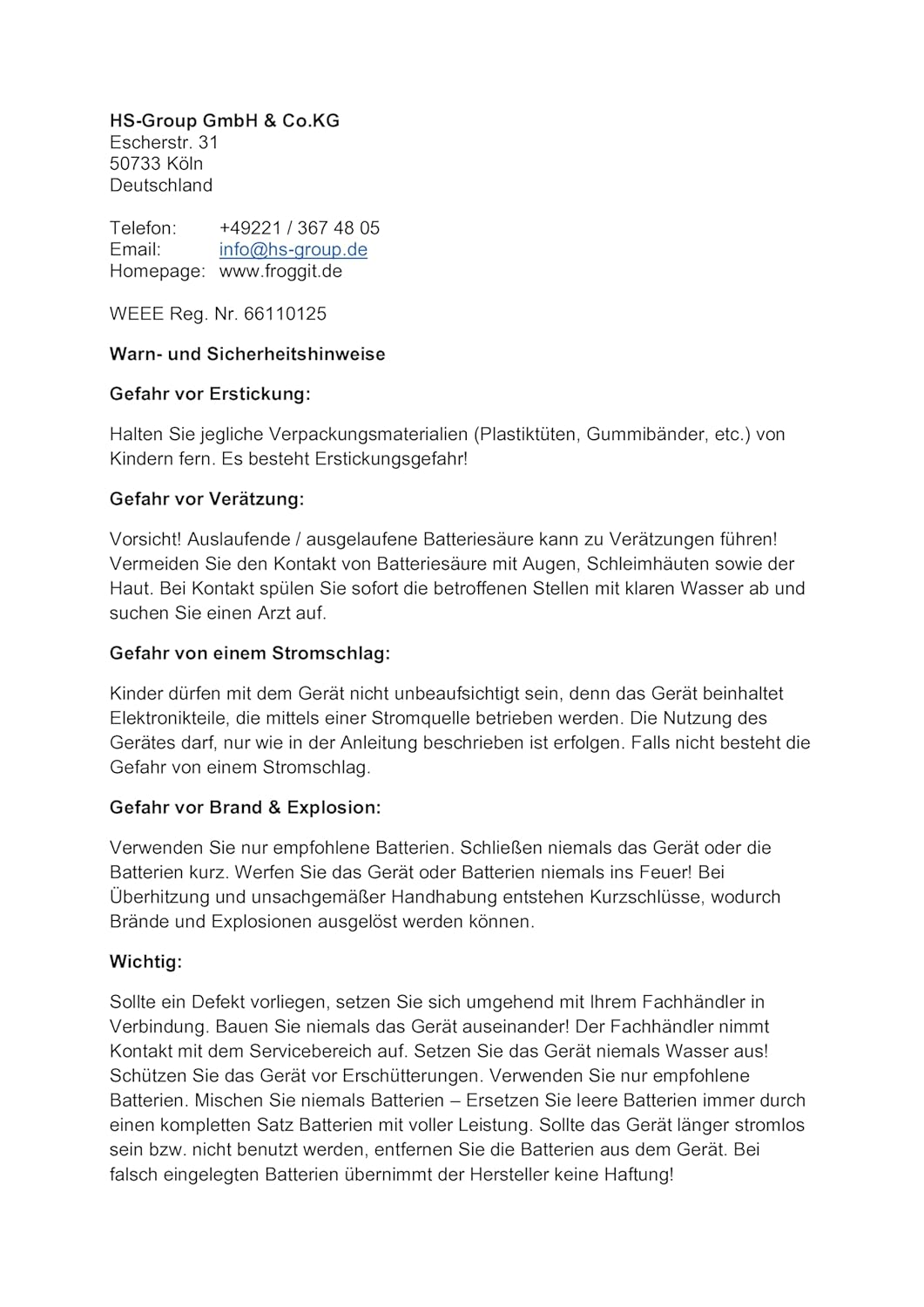
Image 5: An overview of froggit extension sensors compatible with the HP2000 weather station, illustrating how various sensors can be connected.
5. Maintenance
5.1 Sensor Cleaning
Regular cleaning ensures accurate readings from your outdoor sensor:
- Periodically inspect the outdoor sensor for dirt, dust, spiderwebs, or debris, especially in the rain collector and around the wind sensors.
- Gently clean the sensor surfaces with a soft, damp cloth. Avoid using abrasive cleaners or harsh chemicals, as these can damage the sensors.
5.2 Battery Replacement
The outdoor sensor uses 2x AA batteries for backup power. Monitor the battery status on your display console:
- Replace batteries when indicated by the display console to ensure continuous operation, especially during periods of low solar charge or power outages.
- Always use fresh, high-quality AA batteries of the recommended type.
6. Troubleshooting
This section addresses common issues you might encounter with your froggit HP2000 Weather Station.
6.1 No Sensor Data Displayed
- Check Power: Ensure the outdoor sensor is powered on and its batteries are fresh and correctly installed.
- Range: Verify that the outdoor sensor is within wireless range of the display console.
- Reset: If necessary, perform a sensor reset. Refer to the outdoor sensor diagram (Image 3) for the reset button location.
6.2 WiFi Connection Issues
- Network Type: Confirm your router is broadcasting a 2.4GHz WiFi signal. The station does not support 5GHz networks.
- Password: Double-check that the WiFi password entered on the console is correct.
- Restart: Try restarting your WiFi router and the weather station console.
6.3 Inaccurate Readings
- Sensor Placement: Ensure the outdoor sensor is mounted correctly and free from any physical obstructions that could affect readings.
- Cleanliness: Check for debris in the rain collector or on the wind sensors and clean if necessary.
- Stabilization: Allow some time for the sensors to stabilize after initial setup or relocation.
7. Specifications
| Brand | froggit |
| Model | HP2000 |
| Connectivity Technology | Wired (for display power), Wireless (for sensor communication, WiFi for internet) |
| Color | White (sensor), Black (display) |
| Included Components | 7-inch color display with touch buttons, integrated thermometer, hygrometer, barometer; 7-in-1 compact solar-assisted outdoor sensor. |
| Batteries Included | No |
| Sensor Technology | Ultrasonic, Solar |
| Upper Rated Temperature | 50 Degrees Celsius |
| Display Type | Color screen, Touch screen |
| Manufacturer Reference | 04260743330529 |
| ASIN | B0CFY62YBB |
8. Warranty and Support
For technical support, warranty inquiries, or spare parts, please contact the manufacturer directly:
HS-Group GmbH & Co.KG
Escherstr. 31
50733 Köln
Deutschland
Phone: +49221 / 367 48 05
Email: info@hs-group.de
Homepage: www.froggit.de
8.1 Safety Warnings
Please read and adhere to the following safety warnings to ensure safe operation and prevent damage:
- Choking Hazard: Keep all packaging materials (plastic bags, rubber bands, etc.) away from children. There is a risk of choking.
- Corrosion Hazard: Caution! Leaking or discharged battery acid can cause injuries. Avoid contact of battery acid with eyes, mucous membranes, or skin. If contact occurs, immediately rinse affected areas with clear water and consult a doctor.
- Electric Shock Hazard: Children must not be left unsupervised with the device. The device contains electronic parts that can be operated via a power source. The device must only be used as described in these instructions. Improper use carries a risk of electric shock.
- Fire & Explosion Hazard: Never use non-recommended batteries. Never short-circuit the device or batteries. Never throw the device or batteries into fire! Overheating and improper handling can cause short circuits, which can lead to burns and explosions.
- Important: If a defect occurs, contact your specialist dealer immediately. Never disassemble the device! The specialist dealer will contact the service department. Never immerse the device in water! Protect the device from shocks. Never use non-recommended batteries. Never mix old and new batteries. Always replace empty batteries with a complete set of new batteries. If the device is not used for a long time, remove the batteries from the device. The manufacturer assumes no liability for incorrectly inserted batteries.

Image 6: Manufacturer contact details and important safety warnings for the froggit HP2000 Weather Station.