
LEXiBOOK PUP01
Lexibook Power Puppy® Jr - My Little Robot Dog User Manual
Model: PUP01
Brand: LEXiBOOK
Introduction
Welcome to the world of the Lexibook Power Puppy® Jr! This interactive robot dog is designed to provide endless fun and companionship for children aged 4 and above. With its lifelike movements, sounds, and programmable features, your Power Puppy® Jr will quickly become a beloved friend. This manual provides essential information for setup, operation, maintenance, and troubleshooting to ensure a safe and enjoyable experience.
Safety Information
WARNING! Not suitable for children under 4 years. Choking Hazard – Small parts.
Please read all instructions before use and retain this manual for future reference. Adult supervision is recommended during play.
What's in the Box
- 1 Lexibook Power Puppy® Jr robot dog
- 1 Remote control
- 1 User manual
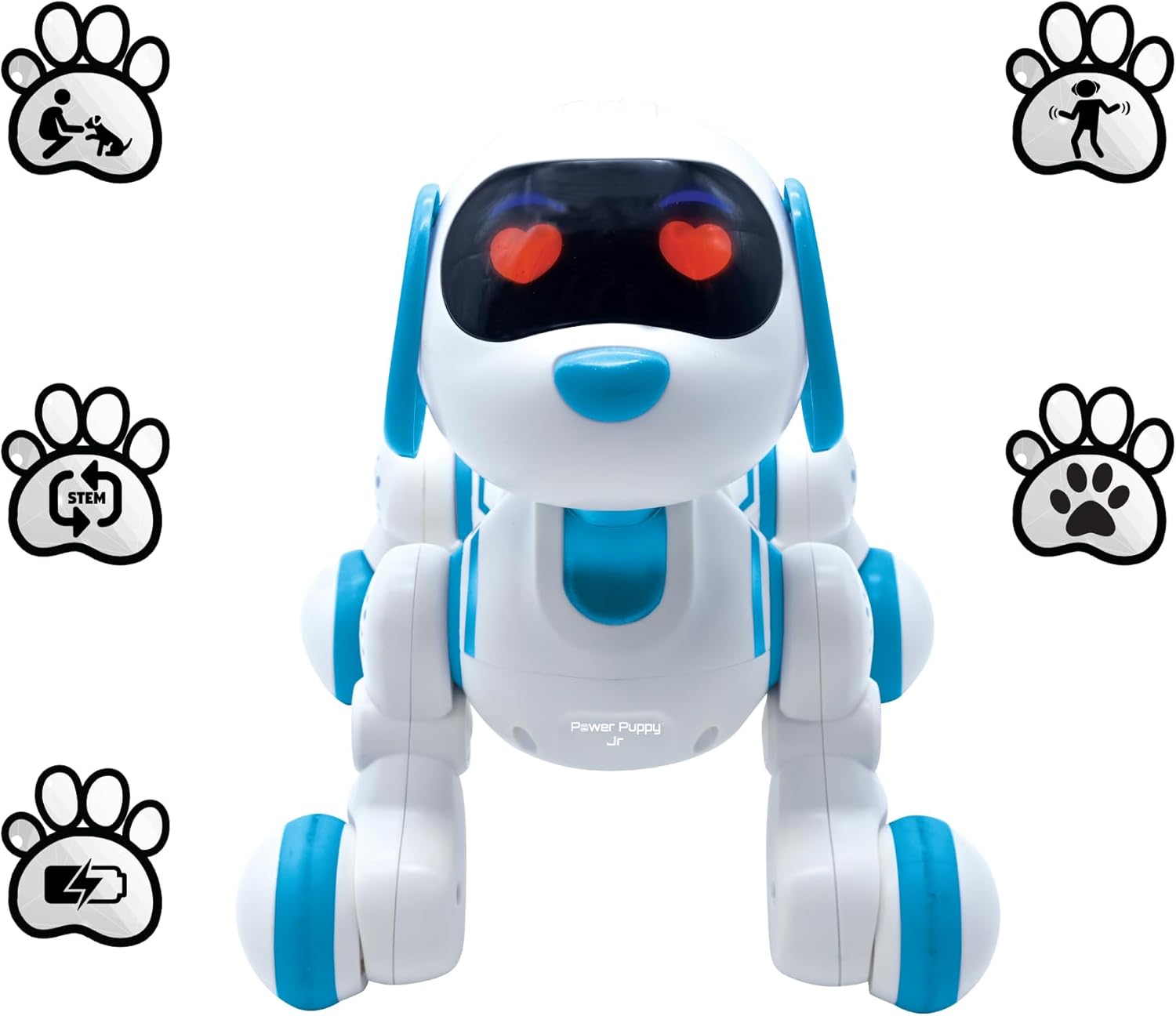
Image: Contents of the Lexibook Power Puppy® Jr package, including the robot dog, remote control, rechargeable battery, and USB charging cable.
Setup
1. Charging the Robot Dog
- Locate the charging port on the Power Puppy® Jr.
- Connect the provided USB charging cable to the robot dog and a suitable USB power source (e.g., computer USB port, USB wall adapter).
- Allow the robot dog to charge fully before first use. The charging indicator light will change when charging is complete.
2. Installing Batteries in the Remote Control
- Locate the battery compartment on the back of the remote control.
- Open the battery compartment cover.
- Insert 2 AA batteries (not included) into the compartment, ensuring correct polarity (+/-).
- Close the battery compartment cover securely.
3. Powering On
- Turn on the Power Puppy® Jr using the ON/OFF switch, usually located on its underside.
- Turn on the remote control. The robot dog and remote should automatically pair.

Image: The Lexibook Power Puppy® Jr robot dog and its remote control, ready for play.
Operating Instructions
The Power Puppy® Jr offers various interactive features and modes of play. Familiarize yourself with the remote control buttons and the robot dog's responses.
Basic Movement and Interaction
- Walking and Waddling: Use the directional buttons on the remote control to make the Power Puppy® Jr walk forward, backward, and turn. It will waddle like a real dog.
- Barking and Sounds: The robot dog produces lifelike barking sounds and other playful noises during interaction and movement.
- Light Effects: The Power Puppy® Jr features captivating light effects, including heart-shaped illuminating eyes.
- Head Touch Response: Gently touch the robot dog's head, and it will respond with a cheerful bark or other sounds.

Image: A young boy lying on the floor, actively engaging with the Power Puppy® Jr using its remote control.
Advanced Features
- Programmable Dressage Function: The Power Puppy® Jr can learn and repeat sequences of commands. Press the 'P' (Program) button on the remote, then input a series of movements or tricks (e.g., sit, bend over, walk). Press 'P' again to save the sequence. Press the 'Play' button to make the robot dog perform the programmed actions.
- Dance Mode: Activate the dance mode button on the remote control to watch your Power Puppy® Jr groove to various choreographies with an innate sense of rhythm.
- Stunts and Agility: The robot dog is capable of performing an array of captivating stunts, including flips, spins, and twirls. Explore the remote control buttons to discover all its agile moves.

Image: Two children, a boy and a girl, kneeling on the floor and interacting with the Power Puppy® Jr.

Image: A young girl sitting on a rug, operating the Power Puppy® Jr with its remote control.
Maintenance
Cleaning
To clean your Power Puppy® Jr, gently wipe its surface with a soft, dry cloth. Do not use harsh chemicals or abrasive cleaners. Avoid exposing the robot dog to water or excessive moisture.
Battery Care
- For the robot dog's rechargeable battery, ensure it is fully charged before long periods of non-use to maintain battery health.
- Remove AA batteries from the remote control if it will not be used for an extended period to prevent leakage.
- Dispose of batteries responsibly according to local regulations.
Storage
Store the Power Puppy® Jr and its remote control in a cool, dry place away from direct sunlight and extreme temperatures when not in use.
Troubleshooting
| Problem | Possible Cause | Solution |
|---|---|---|
| Robot dog does not turn on. | Battery is low or depleted. | Charge the robot dog's battery fully. |
| Robot dog does not respond to remote control. | Remote control batteries are low or incorrectly installed. | Replace AA batteries in the remote control, ensuring correct polarity. |
| Robot dog moves erratically or slowly. | Low battery on robot dog. | Recharge the robot dog's battery. |
| Programming function not working. | Incorrect programming sequence. | Review the programming steps in the 'Operating Instructions' section and try again. |
Specifications
- Model Number: PUP01
- Product Dimensions: 7.09 x 4.72 x 8.66 inches
- Item Weight: 12.2 ounces
- Recommended Age: 4 years and up
- Robot Dog Power: Rechargeable battery (included)
- Remote Control Power: 2 AA batteries (not included)
- Country of Origin: China

Image: Visual representation of the Lexibook Power Puppy® Jr robot dog's dimensions (7.09" x 4.72" x 8.66") alongside its remote control.
Warranty and Support
The Lexibook Power Puppy® Jr comes with a 2-year warranty, ensuring a reliable investment in your child's happiness. For any questions, technical support, or warranty claims, please contact Lexibook customer service. You can find more information and support resources by visiting the official Lexibook store online.