
1. Introduction
This manual provides detailed instructions for the safe and efficient operation of your iLive Under Cabinet Music System. Please read this manual thoroughly before using the device and retain it for future reference. This system is designed to provide audio entertainment and utility features in a space-saving under-cabinet design.
2. Safety Information
- Read all instructions before use.
- Keep this manual for future reference.
- Do not expose the unit to water or moisture.
- Ensure proper ventilation; do not block any ventilation openings.
- Use only attachments/accessories specified by the manufacturer.
- Unplug the unit during lightning storms or when unused for long periods.
- Refer all servicing to qualified service personnel.
3. Package Contents
- iLive Under Cabinet Music System
- AC/DC Power Adapter
- Mounting Hardware (screws, mounting template)
- User Manual
4. Product Overview
4.1 Front Panel Controls

Image: Front view of the iLive Under Cabinet Music System, displaying the central LCD screen and various control buttons for power, pairing, source selection, timer, volume, tuning, memory, and alarm.
- Power Button: Turns the unit on or off.
- Pair Button: Initiates Bluetooth pairing mode.
- Light/Dimmer Button: Controls the LED kitchen light and adjusts display brightness.
- Source Button: Switches between FM Radio, Bluetooth, USB, and Aux input modes.
- Timer Button: Sets the kitchen timer.
- Volume +/- Buttons: Adjusts the audio output level.
- Tune/Skip +/- Buttons: Tunes FM radio frequencies or skips tracks in Bluetooth/USB mode.
- Memory/Time Set Button: Saves FM radio presets or sets the clock.
- Alarm Set Button: Configures the alarm function.
4.2 Side and Rear Panel Connections

Image: Side view of the iLive Under Cabinet Music System, highlighting the USB port for media playback and the Aux In port for external audio devices.

Image: Rear view of the iLive Under Cabinet Music System, displaying the DC power input jack and the product information label including the model number IKB323SMP3U.
- USB Port (Output 5V 1A): For playing MP3 files from a USB drive or charging compatible devices.
- Aux In (3.5mm Audio Input): Connects external audio devices using a 3.5mm audio cable.
- DC Power Input: Connects the provided AC/DC power adapter.
5. Setup and Installation
5.1 Mounting the Unit
The music system is designed for under-cabinet installation. Use the provided mounting template and hardware to securely attach the unit to the underside of a cabinet. Ensure the mounting surface is sturdy enough to support the unit's weight.
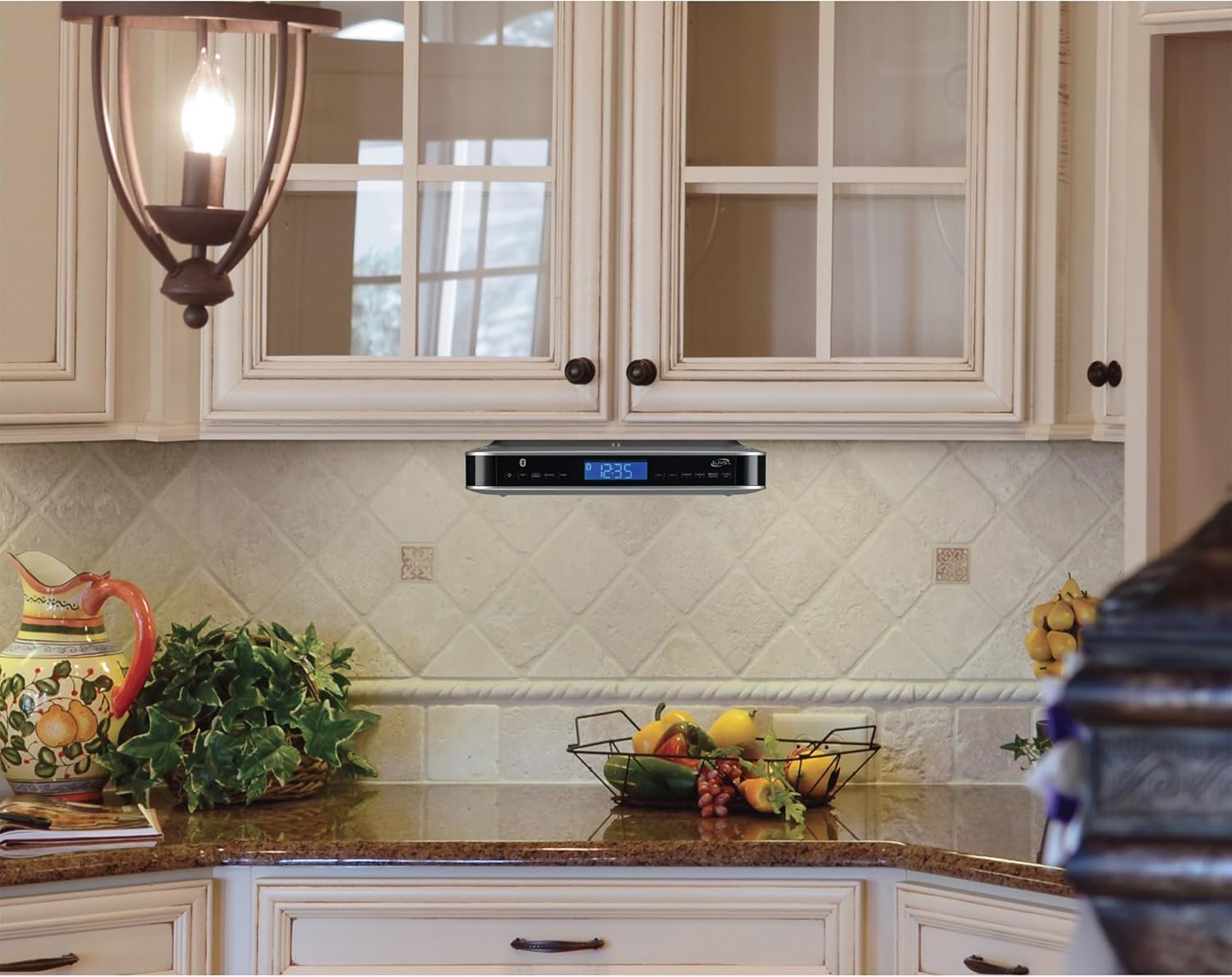
Image: The iLive Under Cabinet Music System neatly installed under a kitchen cabinet, demonstrating its space-saving design.
5.2 Power Connection
Connect the supplied AC/DC power adapter to the DC Power Input jack on the rear of the unit, then plug the adapter into a standard wall outlet. This unit operates on corded electric power.
6. Operating Instructions
6.1 Power On/Off
Press the Power button to turn the unit on or off.
6.2 Setting the Clock
- With the unit powered on, press and hold the Memory/Time Set button until the hour digits flash.
- Use the Tune/Skip +/- buttons to adjust the hour. Press Memory/Time Set to confirm.
- The minute digits will flash. Use the Tune/Skip +/- buttons to adjust the minutes. Press Memory/Time Set to confirm.
6.3 FM Radio Operation
- Press the Source button to select FM Radio mode.
- Use the Tune/Skip +/- buttons to manually tune to a desired station.
- To auto-scan and save presets, press and hold the Memory/Time Set button. The radio will scan and store available stations.
- To recall a preset station, briefly press the Memory/Time Set button to cycle through saved stations.
6.4 Bluetooth Pairing
- Press the Source button to select Bluetooth mode. The Bluetooth indicator on the display will flash.
- On your Bluetooth-enabled device, search for and select "IKB323SMP3U" from the list of available devices.
- Once paired, the Bluetooth indicator will stop flashing and remain solid. You can now stream audio from your device.
6.5 USB Playback
- Insert a USB flash drive containing MP3 files into the USB port.
- Press the Source button to select USB mode. The unit will automatically begin playing MP3 files.
- Use the Tune/Skip +/- buttons to skip tracks.
6.6 Auxiliary Input
- Connect an external audio device (e.g., smartphone, tablet) to the Aux In port using a 3.5mm audio cable (not included).
- Press the Source button to select Aux mode.
- Control playback from your connected device.
6.7 Timer and Alarm Functions
The unit includes a digital timer and a single alarm function. Refer to the detailed instructions in the full user manual for setting these features.
6.8 LED Kitchen Light
Press the Light/Dimmer button to turn the integrated LED kitchen light on or off, and to adjust its brightness.
6.9 Volume Control
Use the Volume +/- buttons to increase or decrease the audio volume.
7. Maintenance
- Clean the unit with a soft, dry cloth. Do not use abrasive cleaners or solvents.
- Keep the unit free from dust and debris to ensure optimal performance.
- Ensure ventilation openings are not obstructed.
8. Troubleshooting
| Problem | Possible Solution |
|---|---|
| Unit does not power on. | Ensure the AC/DC power adapter is securely connected to both the unit and a working power outlet. |
| No sound from speakers. | Check volume level. Ensure the correct source (Bluetooth, FM, USB, Aux) is selected. If using Bluetooth/Aux, verify the external device's volume. |
| Bluetooth pairing fails. | Ensure the unit is in Bluetooth pairing mode (flashing indicator). Make sure your device's Bluetooth is enabled and within range. Try unpairing and re-pairing. |
| FM radio reception is poor. | Adjust the position of the FM antenna for better signal. Some locations may have limited reception. |
| Buttons are difficult to read/operate. | Ensure adequate lighting. Familiarize yourself with button functions through regular use. |
| Clock time is incorrect. | Follow the instructions in section 6.2 to manually set the clock. |
9. Specifications
| Feature | Detail |
|---|---|
| Model Number | IKB323SMP3U |
| Product Dimensions (L x W x H) | 11.63 x 8.31 x 2.94 inches |
| Item Weight | 2.25 pounds |
| Connectivity Technology | Bluetooth v5.3, Auxiliary, USB |
| Speaker Type | Stereo |
| Power Source | Corded Electric |
| USB Output | 5V 1A |
| Display | Negative LCD with white backlight |
| Additional Features | LED kitchen light, Dimmer control, Digital clock, Timer, Single alarm |
10. Warranty and Support
This product typically comes with a limited warranty. For specific warranty details and support, please refer to the warranty card included with your purchase or contact iLive Electronics customer service. Keep your proof of purchase for warranty claims.


