
1. Product Overview
The YKM CR1220 is a 3-volt lithium button cell battery designed for various small electronic devices. This manual provides essential information for safe and effective use, including specifications, installation guidelines, and safety precautions.

Image: A pack containing twenty YKM CR1220 3V Lithium Button Batteries, individually sealed in blister packaging, indicating their model number and voltage.
2. Specifications
| Model | CR1220 |
| Capacity | 40mAh (typical) |
| Voltage | 3V |
| Type | Lithium |
| Dimensions | Diameter: 12mm, Height: 2mm |
| Compatible Models | BR1220, DL1220, KL1220, L1220, ECR1220 |
| Shelf Life | 5 years |
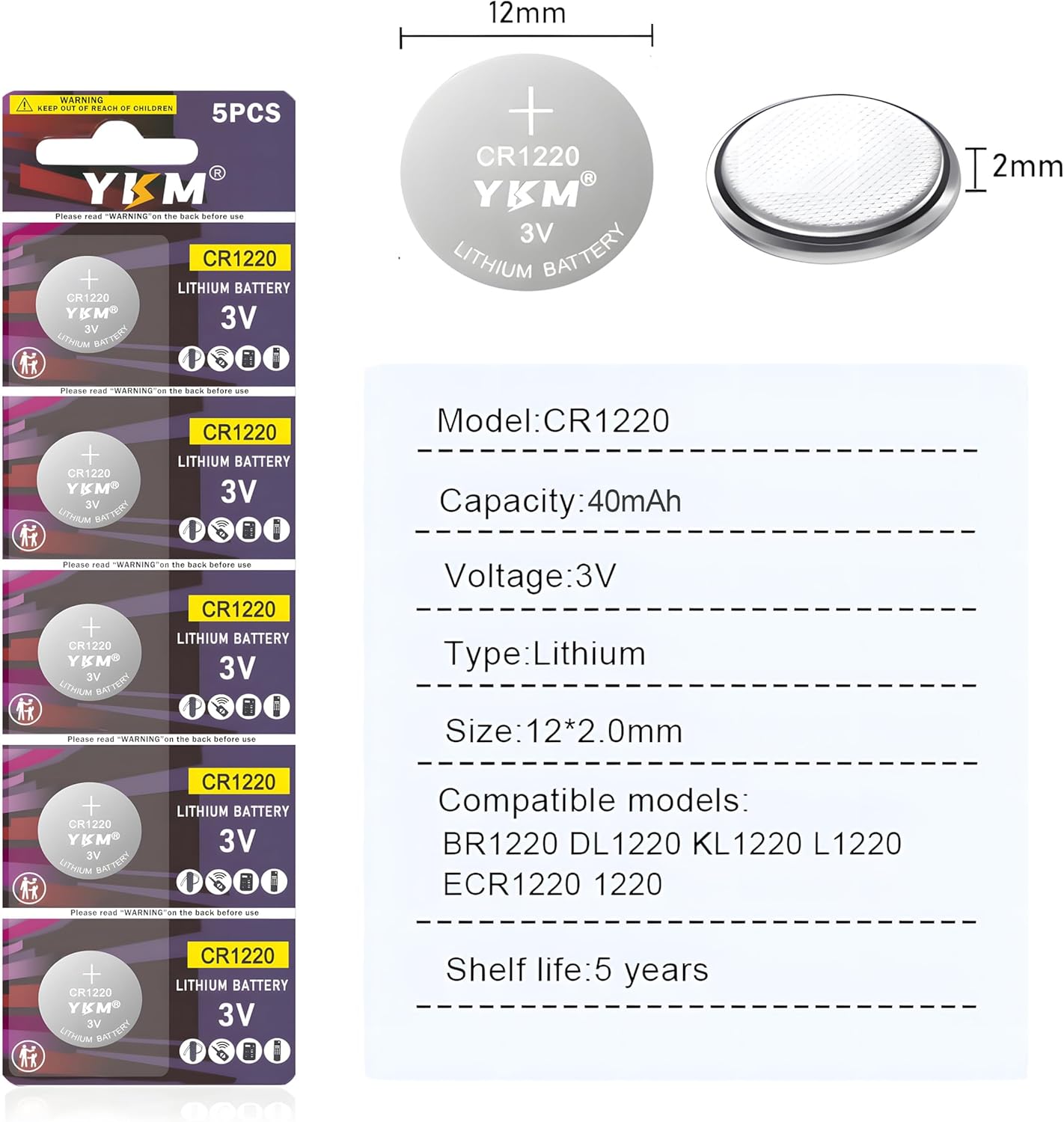
Image: A visual representation of the CR1220 battery, detailing its 12mm diameter and 2mm height, alongside a list of its specifications including model, capacity, voltage, type, compatible models, and shelf life.
3. Intended Use and Applications
YKM CR1220 batteries are suitable for a wide range of small electronic devices requiring a compact 3V power source. Common applications include:
- Car remote keys and key fobs
- Watches and digital cameras
- Kids' toys and candle tea lights
- Thermometers and alarm clocks
- Heart rate monitors and computers
- Scales and security sensors
- Calculators and motherboards

Image: A grid displaying nine different electronic devices such as a weight scale, car key, remote control, calculator, watch, pedometer, motherboard, set-top box, and glucose meter, illustrating the wide range of applications for CR1220 batteries.
4. Installation and Replacement
When replacing a battery, always ensure the device is powered off. Refer to your device's specific instruction manual for detailed battery compartment access. Observe correct polarity (+/-) when inserting the new battery.
Example: Car Key Fob Battery Replacement
The following video demonstrates a typical procedure for replacing a button battery in a car key fob. Procedures may vary by key fob model.
Video: A demonstration of how to replace a button battery in a car key fob. The video shows removing the mechanical key, opening the fob, extracting the old battery, and inserting a new YKM button battery.
- Remove Mechanical Key: Press and hold the release button, then slide out the mechanical key.
- Open Key Fob: Carefully pry open the key fob casing, often using a small tool or the mechanical key itself.
- Remove Old Battery: Locate the battery compartment and gently remove the old battery.
- Insert New Battery: Place the new YKM CR1220 battery into the compartment, ensuring the positive (+) side faces up or as indicated by the device.
- Reassemble: Close the key fob casing securely and reinsert the mechanical key.
5. Operating Principles
YKM CR1220 batteries are primary (non-rechargeable) lithium coin cells. They provide a stable 3V output, suitable for low-drain applications over an extended period. The high-density cell construction and advanced encapsulation technology contribute to long-lasting performance and reliability.

Image: A graphic highlighting the high capacity and durability of YKM batteries, noting new technology upgrades battery capacity by approximately 30% compared to ordinary batteries, and features like wide use, leak-proof design, long-lasting power, and 0% mercury.
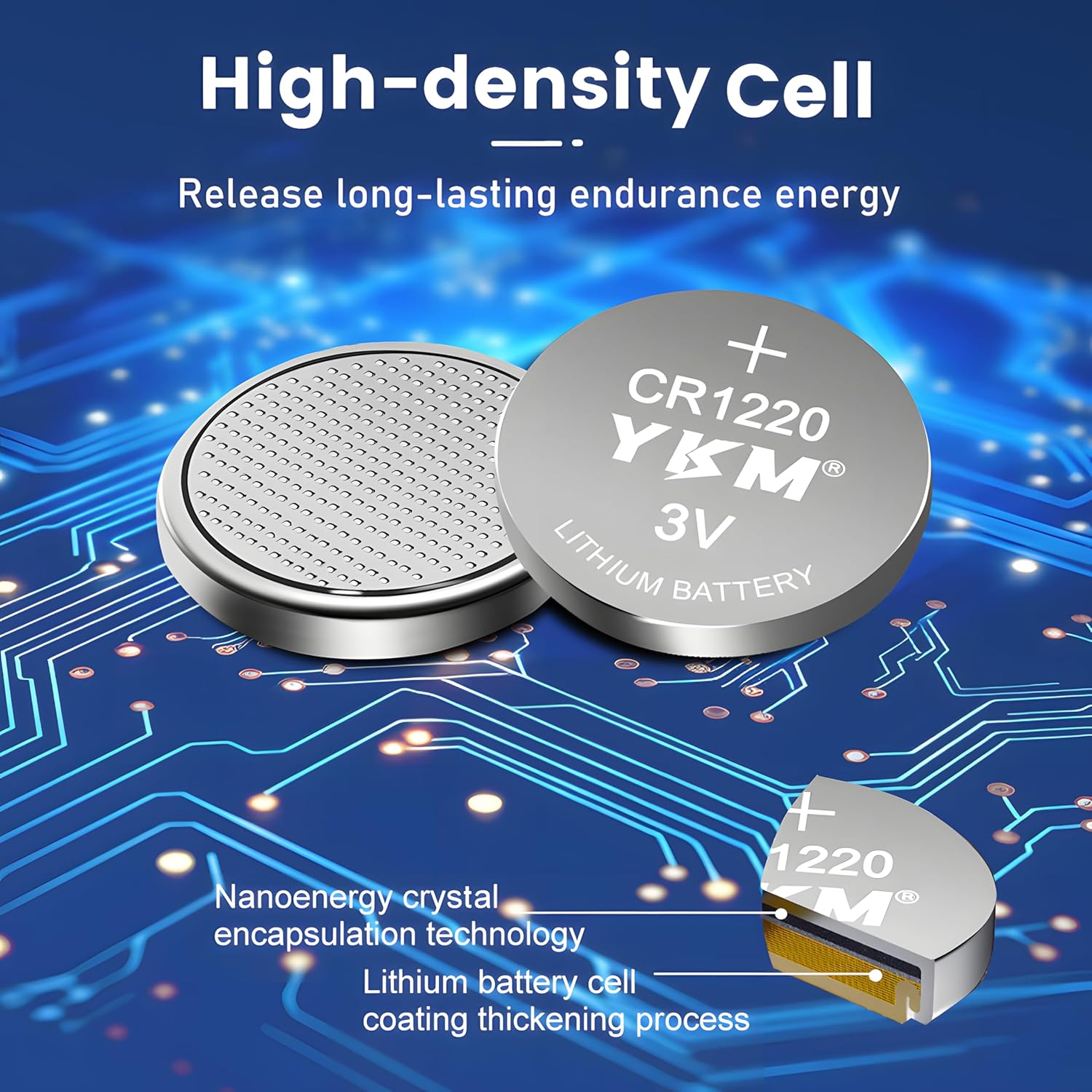
Image: A detailed view of a CR1220 battery, illustrating its high-density cell structure and the nanoenergy crystal encapsulation technology, along with a lithium battery cell coating thickening process.
6. Maintenance and Storage
- Storage: Store batteries in their original packaging in a cool, dry place, away from direct sunlight and extreme temperatures.
- Shelf Life: YKM CR1220 batteries have a 5-year shelf life, retaining approximately 90% of their capacity after this period due to low self-discharge.
- Handling: Avoid touching the battery terminals with bare hands to prevent corrosion or short-circuiting.
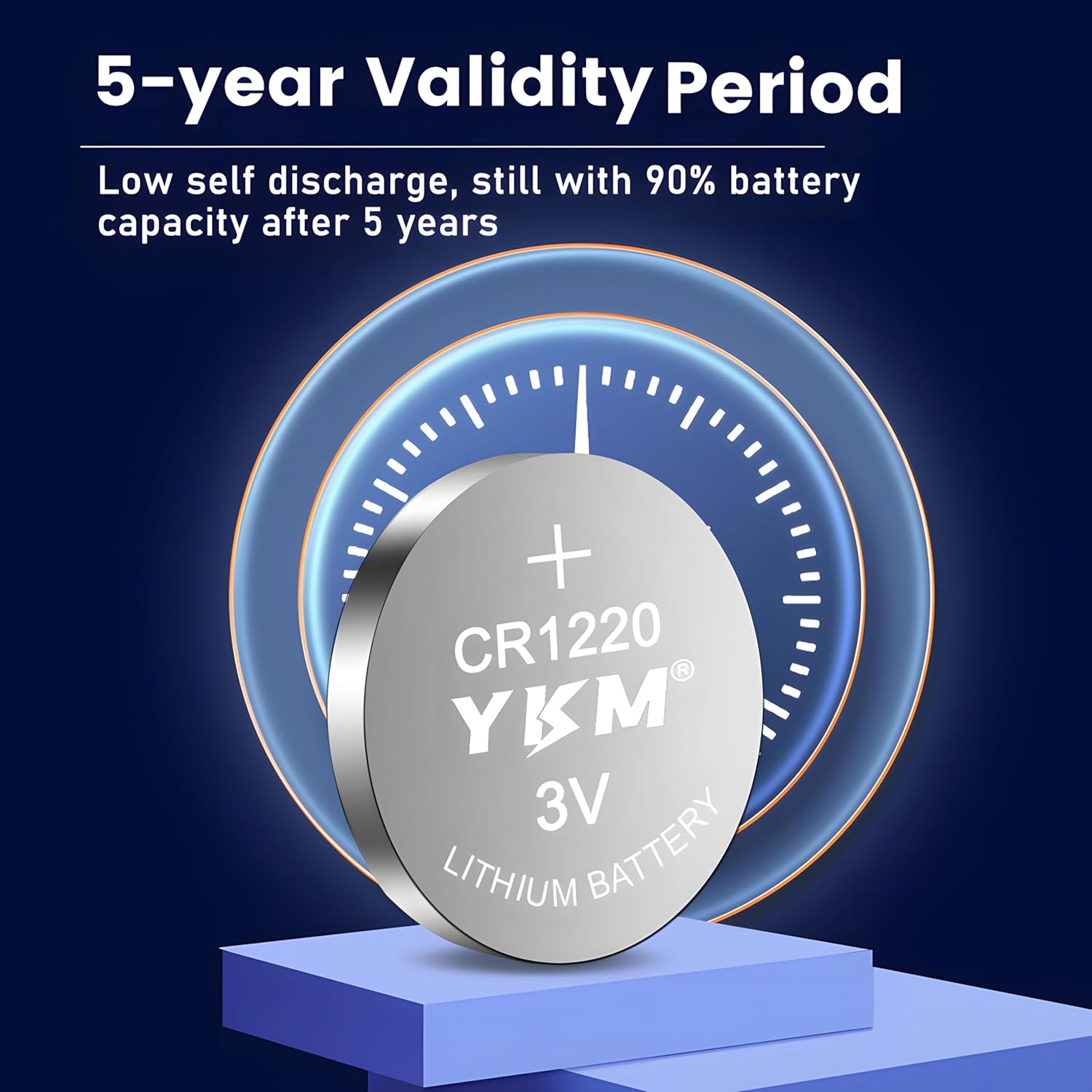
Image: A graphic illustrating the 5-year validity period of the CR1220 battery, indicating that it maintains 90% of its capacity after five years due to low self-discharge.
7. Safety Information and Precautions
WARNING: KEEP OUT OF REACH OF CHILDREN. Swallowing a button battery can cause severe internal burns in as little as 2 hours, leading to serious injury or death. Seek immediate medical attention if ingestion is suspected.
- Leakproof Design: YKM CR1220 batteries feature an excellent sealing material and stainless steel shell to prevent leakage and protect devices.
- Non-Rechargeable: Do not attempt to recharge these batteries.
- Do Not Disassemble: Do not disassemble, crush, puncture, or short-circuit the battery.
- Avoid Heat: Do not expose batteries to excessive heat, fire, or water.
- Mercury-Free: These batteries are mercury-free, making them safer for disposal.

Image: A graphic depicting the internal structure of a CR1220 battery, emphasizing its stainless steel shell and tight sealing for leak prevention and safer use.
8. Disposal
Dispose of used batteries according to local regulations. While YKM CR1220 batteries are mercury-free, proper recycling is encouraged to protect the environment. Do not dispose of batteries in household waste where they might be incinerated or end up in landfills.

Image: A graphic featuring a recycling symbol with leaves, set against a background of trees, indicating that the batteries are mercury-free and can be disposed of with household waste to protect the ecological environment.
9. Troubleshooting
- Device Not Powering On:
- Check if the battery is inserted with correct polarity (+/-).
- Ensure the battery compartment is clean and free of debris.
- Verify the battery is fully seated and making proper contact.
- Replace with a new battery if the current one is depleted or faulty.
- Short Battery Life:
- Ensure the device is not experiencing excessive power drain.
- Verify the battery is not past its shelf life or stored improperly.
- Confirm the battery is a genuine YKM product.