
Introduction
Thank you for choosing the MUSTAR Digital Piano. This 88-key semi-weighted keyboard piano is designed to provide a quality playing experience with touch-sensitive keys that reflect every nuance of your touch. It features premium sounds, versatile functions, and portability, making it ideal for beginners and experienced players alike. This manual will guide you through the setup, operation, and maintenance of your new digital piano.
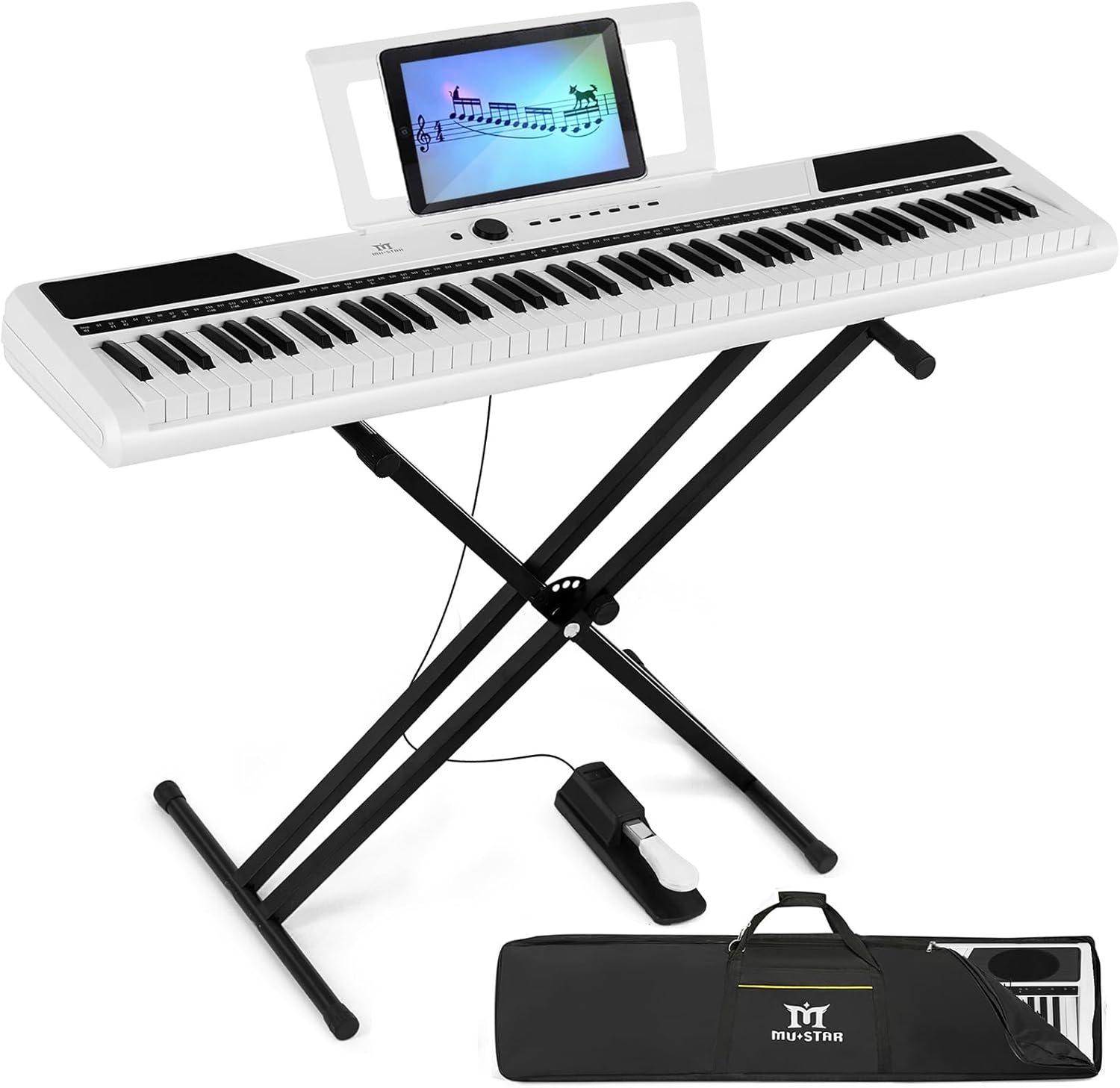
Figure 1: MUSTAR Digital Piano MEP-1400
What's Included
Please ensure all the following components are present in your package:
- MUSTAR 88-Key Digital Piano
- Heavy-duty Double-X Shaped Stand
- Metal Sustain Pedal
- Waterproof Padded Carrying Case
- Dust Cloth Cover
- Power Adapter
- User Manual
Setup
Stand Assembly Instructions
Follow these steps to assemble the double-X shaped stand for your digital piano:
- Unfold the two main X-frames of the stand.
- Align the holes on the X-frames with the holes on the crossbars.
- Insert the provided screws and tighten them securely to ensure stability.
- Adjust the height of the stand using the quick-release mechanism to your desired playing position (from 17 to 42 inches).
- Carefully place the MUSTAR Digital Piano onto the assembled stand, ensuring it is stable and centered.

Figure 2: Digital Piano on Assembled Stand
Video: How to Assemble the Keyboard Stand
Video 1: Detailed instructions on assembling the MUSTAR keyboard stand.
Operating Modes and Features
Your MUSTAR Digital Piano offers a variety of functions to enhance your musical experience. Refer to the user manual for specific key combinations to activate each feature.
Tones and Premium Sounds
The piano features 8 different tones, powered by the advanced DREAM sound source, providing a realistic auditory experience. Experiment with various piano and other instrument sounds to find your preferred timbre.
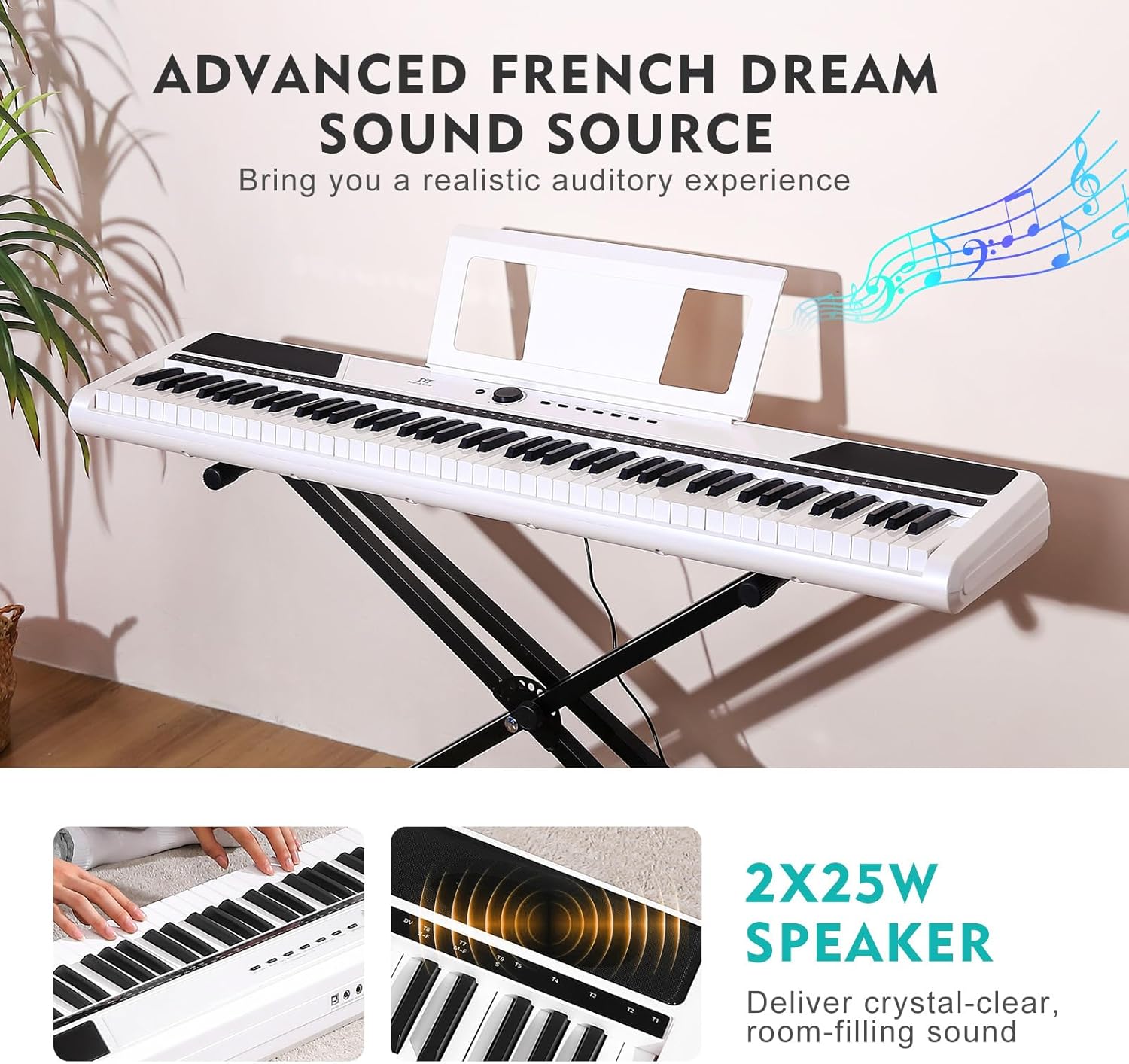
Figure 3: Advanced French Dream Sound Source
Rhythms and Demo Songs
Explore 128 preset rhythms to accompany your playing and enjoy 64 built-in demo songs for inspiration and learning.
Bluetooth Connectivity
Connect your smartphone or computer via Bluetooth to access learning apps, play along with your favorite songs, or use the piano as a high-quality stereo speaker system.
Video 2: Overview of the MUSTAR Digital Piano's features, including Bluetooth connectivity.
Record and Playback Function
Record your performances with a single touch and play them back to review your progress or share with others.
Dual-Tone Mode
Combine two different voices, such as piano and organ, to create unique and inspiring soundscapes.
Split Mode
Divide the keyboard into two sections, allowing two people to play simultaneously, perfect for duets or teacher-student interactions.

Figure 4: Split Mode for Two Players
Touch Sensitivity
The 88 semi-weighted keys are touch-sensitive, allowing for dynamic expression. Play heavily for louder tones or softly for quieter sounds, mimicking the feel of an acoustic piano.

Figure 5: Semi-Weighted Key Touch Response
Metronome and Tempo Control
Utilize the built-in metronome to practice with precise timing. Adjust the tempo to match your learning pace or musical needs.
Vibrato and Sustain
Add vibrato for expressive tones or use the sustain function (via pedal or digital setting) to prolong notes, creating rich, resonant sounds.
Transpose Function
Easily change the pitch of the entire keyboard up or down to play in different keys without altering your finger positions.
Connections
The MUSTAR Digital Piano offers various input and output ports for versatile connectivity:
- USB/MIDI Port: Connect to computers or other MIDI devices for recording, music production, or interactive learning.
- 6.5mm Sustain Pedal Input: Connect the included metal sustain pedal for expressive playing.
- 3.5mm Stereo Headphone Output: Practice privately without disturbing others.
- Stereo Outputs: Connect to external speakers or amplifiers for larger venues or enhanced sound.

Figure 6: Piano Connection Ports
Maintenance
To ensure the longevity and optimal performance of your MUSTAR Digital Piano, follow these maintenance guidelines:
- Cleaning: Use the provided soft cloth cover to protect the piano from dust when not in use. For cleaning the surface, gently wipe with a dry, soft cloth. Avoid using abrasive cleaners or solvents.
- Storage: Store the piano in a cool, dry place away from direct sunlight, extreme temperatures, and high humidity.
- Handling: Always handle the piano with care. Avoid dropping it or placing heavy objects on top of the keys.
Troubleshooting
If you encounter any issues with your MUSTAR Digital Piano, try the following basic troubleshooting steps:
- No Power: Ensure the power adapter is securely connected to both the piano and a working power outlet.
- No Sound: Check the master volume knob and ensure it is turned up. If using headphones or external speakers, ensure they are properly connected and their volume is adjusted.
- Keys Not Responding: Verify that the piano is powered on. If specific keys are unresponsive, contact customer support.
- Bluetooth Connectivity Issues: Ensure Bluetooth is enabled on your device and the piano. Try unpairing and re-pairing the devices.
For more complex issues or if troubleshooting does not resolve the problem, please refer to the detailed troubleshooting section in the full user manual or contact MUSTAR customer support.
Specifications
| Model Name | MUSTAR Digital Piano 88 Semi Weighted Keys |
| Model Number | MEP-1400 |
| Dimensions (Overall) | 49 x 11 x 30 inches |
| Item Weight | 25 Pounds |
| Number of Keys | 88 |
| Key Type | Semi-Weighted, Touch-Sensitive |
| Speakers | 2 x 25W Stereo Speakers |
| Connectivity | Bluetooth, USB, 3.5mm Jack |
| Power Source | Corded Electric |
| Material Type | Metal, Acrylonitrile Butadiene Styrene (ABS) |
| Skill Level | Beginner |
Warranty and Support
For warranty information, technical support, or any inquiries regarding your MUSTAR Digital Piano, please refer to the contact details provided in your product packaging or visit the official MUSTAR website. Our customer service team is dedicated to assisting you with any questions or concerns.