
1. Product Overview
This Zomolither CPU-2900 Car Stereo MP5 Player is designed specifically for Honda CRV models from 2007 to 2011. It offers a comprehensive in-car entertainment and connectivity solution, featuring Apple CarPlay, Android Auto, Mirror Link, Bluetooth, FM radio, and includes a backup camera for enhanced safety. This unit provides an upgraded experience beyond standard MP5 players, catering to various automotive needs.
2. Package Contents
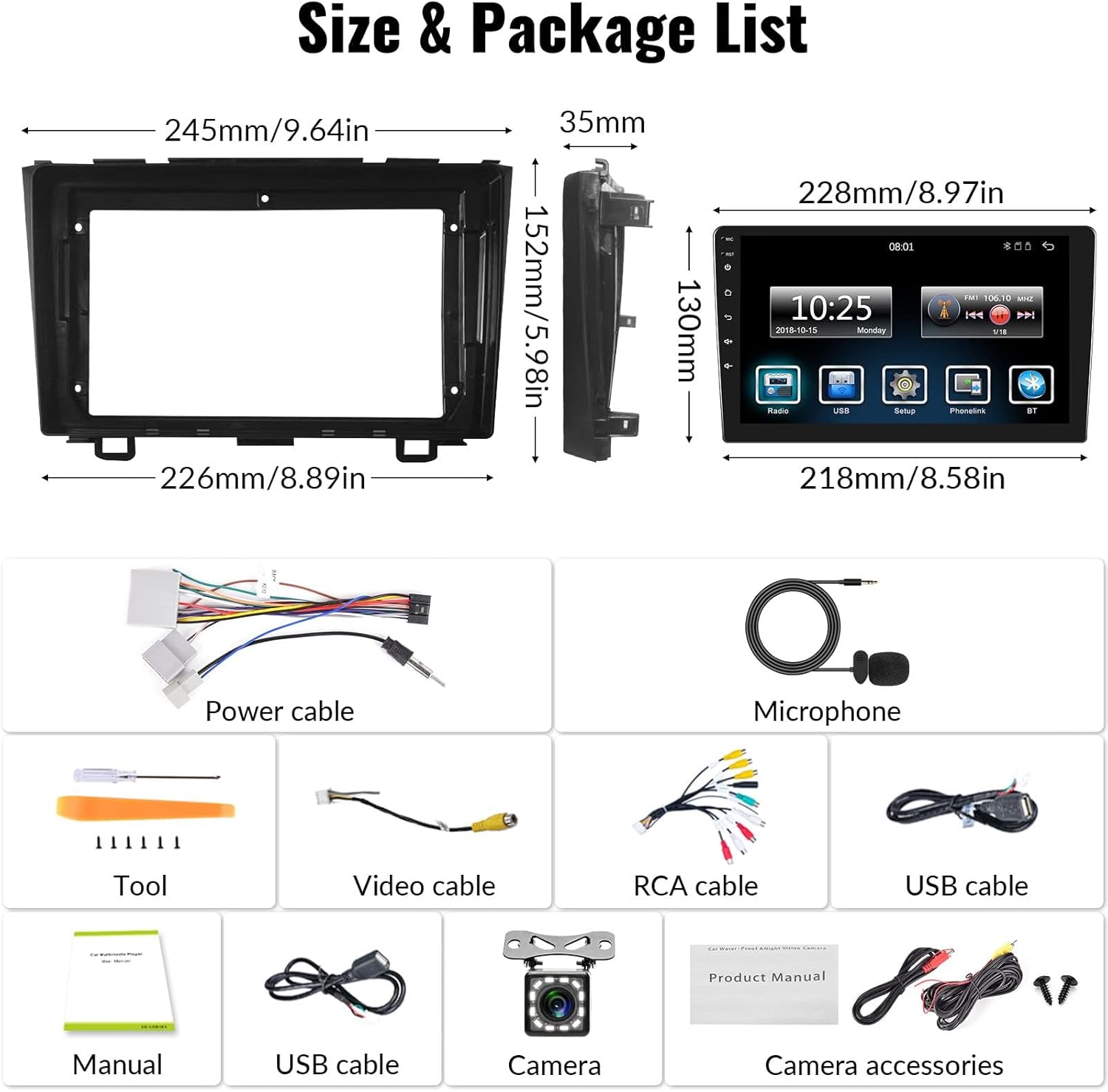
Verify that all components are included in your package:
- Main Head Unit (9-inch touchscreen)
- Power Cable
- Microphone
- Video Cable
- RCA Cable
- USB Cables (2)
- Product Manual
- Installation Tool Kit
- Rear View Camera with Accessories
- Brackets
3. Installation Guide
Before installation, ensure your Honda CRV is compatible (2007-2011 models without Premium Factory Sound System, BOSE, Onstar, Fiber Optic, or Premium Amplified Systems). If unsure, consult a professional or send pictures of your dashboard to Zomolither support.
3.1. Installation Overview

3.2. Wiring Connections
Carefully connect the provided wiring harness to the car stereo and your vehicle's existing wiring. Ensure all connections are secure to prevent malfunctions.

3.3. Backup Camera Installation
Connect the backup camera as shown in the diagram. The camera supports rear view image input and automatically displays the view when the vehicle is in reverse.

Video: This video demonstrates the step-by-step process of connecting the backup camera to the Zomolither Car Stereo, ensuring proper wiring for automatic display when reversing.
4. Operating Instructions
4.1. Apple CarPlay & Android Auto
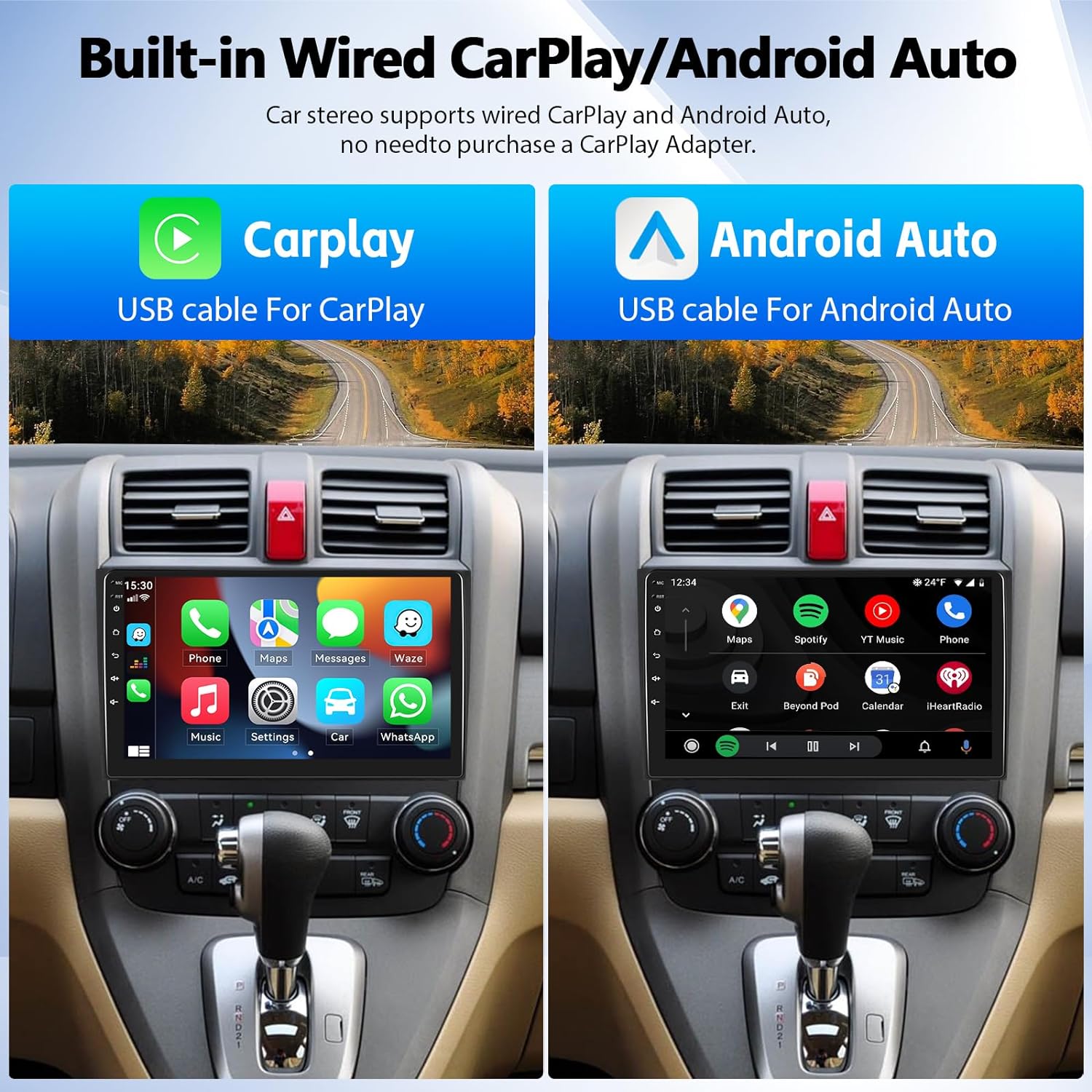
Connect your iOS or Android smartphone via USB cable to access navigation, contacts, messages, music, and voice control features directly on the 9-inch touchscreen. Use your phone's original USB data cable for optimal performance.
Video: This video illustrates the connection steps for Wireless CarPlay and Android Auto, showing how to pair your smartphone with the car stereo for seamless integration.
4.2. Mirror Link
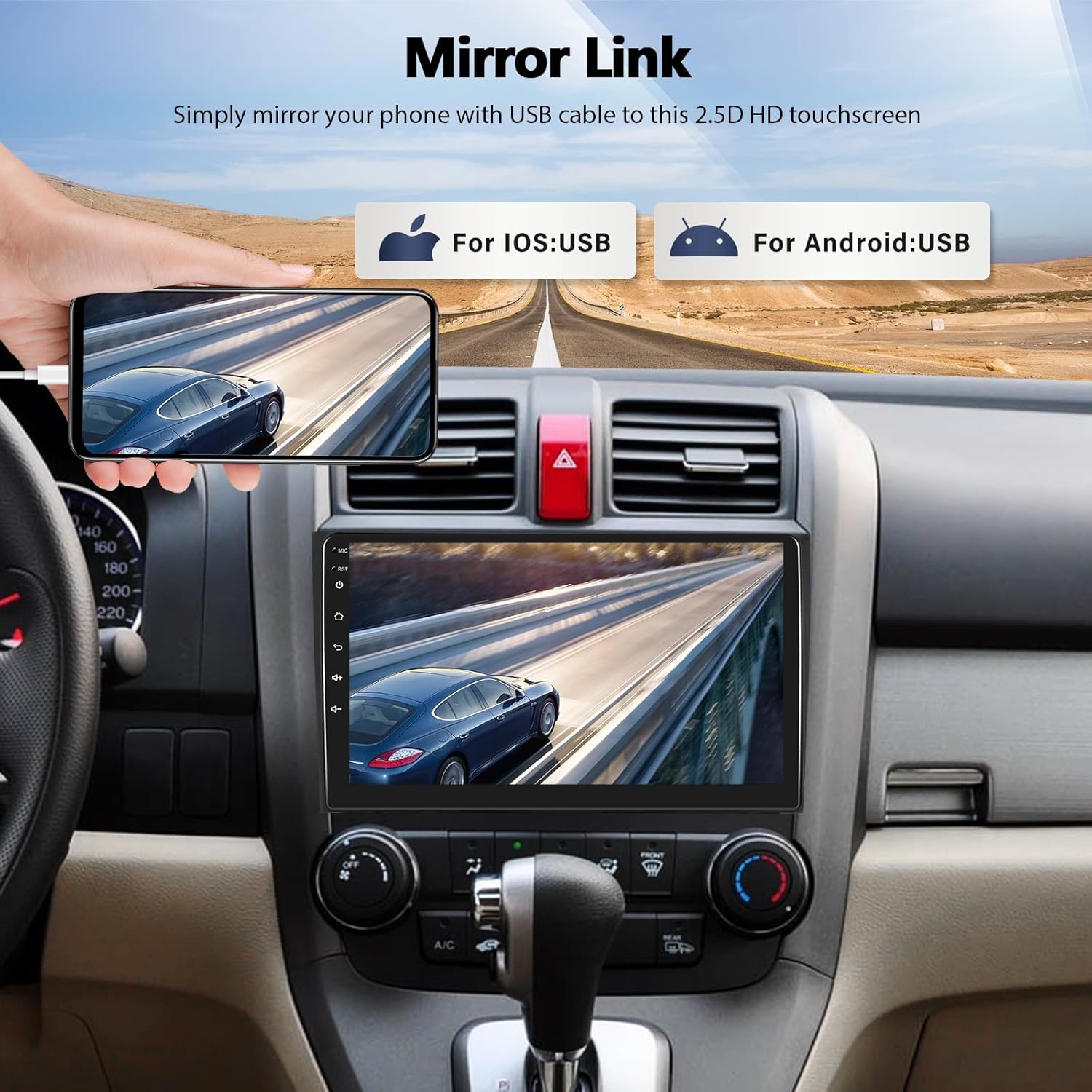
The Mirror Link function allows you to mirror your phone's content onto the car stereo's 9-inch HD touchscreen via a USB cable. This feature is compatible with both Android and iOS devices (note: some Samsung and Huawei models may not be supported).
4.3. Bluetooth & FM Radio
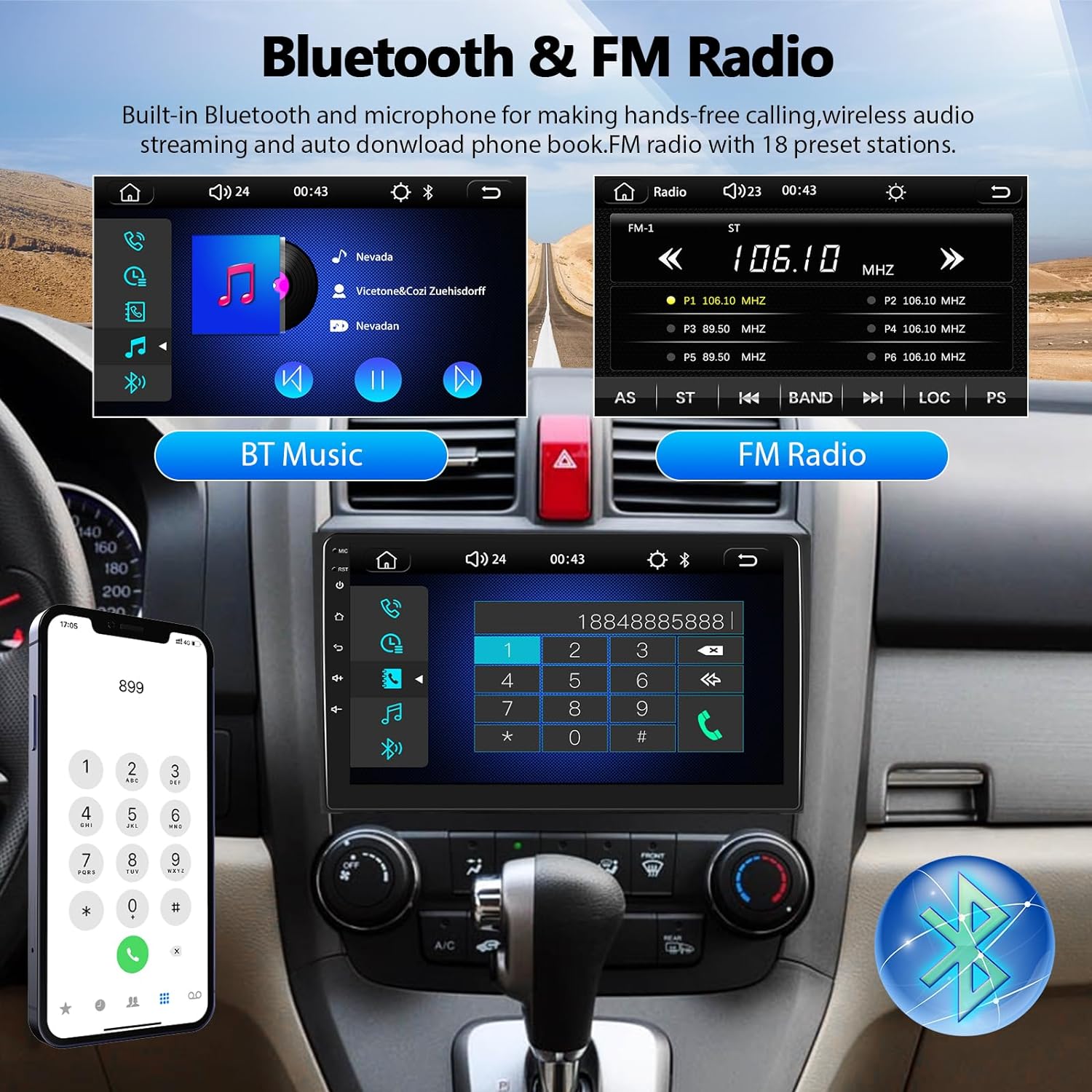
Utilize the built-in Bluetooth for hands-free calling and wireless music streaming. The FM radio function includes 18 preset stations for easy access to your favorite broadcasts.
4.4. Steering Wheel Control (SWC)
After proper wiring and learning the steering wheel buttons, you can conveniently control various functions of the car stereo directly from your steering wheel.

4.5. EQ Control and 5G WiFi
Customize your audio experience with the built-in EQ settings. The unit also supports 5G WiFi connectivity for online features and app downloads.
Video: This video demonstrates various features of the Zomolither Car Stereo, including Bluetooth 5.4, CarPlay connection, online map navigation, 5G WiFi connectivity, steering wheel controls, EQ control, FM RDS, and music playback.
Video: This video showcases the multi-functional display of the car MP5 player, including its user interface and various operational modes.
5. Specifications
| Item Weight | 2.79 pounds |
| Product Dimensions | 2.76 x 10.24 x 6.3 inches |
| Item Model Number | Zomolither-CRV-Stereo |
| Display Size | 9 Inches |
| Connectivity Technology | USB |
| Controller Type | Touchscreen |
| Special Features | Android Auto, Apple CarPlay, FM Tuner, Hands-Free Calling, Touchscreen |
| Compatible Devices | Smartphone, Speaker |
| Audio Output Mode | Stereo |
| Output Power | 45 Watts |
| Number of Channels | 4 |
| Output Wattage | 180 Watts |
6. Troubleshooting
- Audio Issues (Buzzing/Static): If you experience a buzzing or static sound through the speakers, ensure all wiring connections are secure and correctly insulated. Check for any loose cables or interference sources.
- CarPlay/Android Auto Connection Problems: Ensure you are using your phone's original USB data cable. Disconnect and reconnect the phone. If issues persist, restart both the car stereo and your smartphone. Verify that your phone's operating system is compatible (Android 12.0/IOS 16.3 and below).
- Microphone Issues During Calls: If callers cannot hear you clearly, check the external microphone connection. Ensure it is securely plugged in and positioned correctly.
- Screen Goes Black/Speakers Disconnect: This may indicate a temporary software glitch. Try restarting the unit. Ensure the power supply is stable.
- Wiring Harness Mismatch: If the provided wiring harness does not match your CRV, double-check the product compatibility with your specific vehicle model year and trim. Professional installation may be required.
7. Warranty and Support
The Zomolither CPU-2900 Car Stereo MP5 Player comes with a 1-year warranty. For technical assistance or warranty claims, please contact Zomolither customer support. You can also refer to the official Zomolither store on Amazon for additional resources and FAQs.
Zomolither is dedicated to offering high-quality products and provides lifetime technical support. If you have any questions regarding product compatibility or functionality, please reach out to our support team.