
SETHDA K89
SETHDA K89 Gaming Earbuds User Manual
Model: K89 | Brand: SETHDA
1. Introduction
Thank you for choosing the SETHDA K89 Gaming Earbuds. These wireless Bluetooth 5.3 headphones are designed to provide a premium audio experience with low latency, Hi-Fi sound, and a durable, water-resistant design. This manual will guide you through the setup, operation, and maintenance of your new earbuds.
What's in the Box:
- 1 x Pair of Earphones
- 1 x Charging Compartment
- 1 x USB Cable
- 1 x Instruction Manual
- 1 x Packing Box

Image: The SETHDA K89 Gaming Earbuds with their charging case, showcasing their futuristic design.
2. Key Features
- 40ms Ultra-Low Latency: Dual decoding mode for seamless switching between gaming and music. Experience perfect audio and video synchronization for competitive gaming.
- Hi-Fi Big Driver Speakers: Equipped with large 10mm drivers for immersive sound, delivering deeper bass and higher frequency detail for near Hi-Fi audio quality.
- Ultra-Fast Bluetooth 5.3: Advanced Bluetooth 5.3 ensures a stable connection with a 10-meter transmission distance and virtually no latency, even in busy environments.
- Extended Playtime: Enjoy up to 4 hours of listening on a single charge, with the charging case extending total battery life to 12 hours. The case charges via a convenient USB-C cable.
- Futuristic Design & Necklace Combination: Features a unique hollow alloy design. Necklace accessories are included, allowing for a fashionable combination with the earbuds.
- IPX5 Water Resistance: Designed to withstand splashes and sweat, making them suitable for workouts and outdoor activities.

Image: The K89 earbuds and charging case displayed in a dynamic, futuristic environment, highlighting their modern aesthetic.

Image: A detailed close-up of the earbud's internal speaker driver, illustrating the Hi-Fi audio technology.
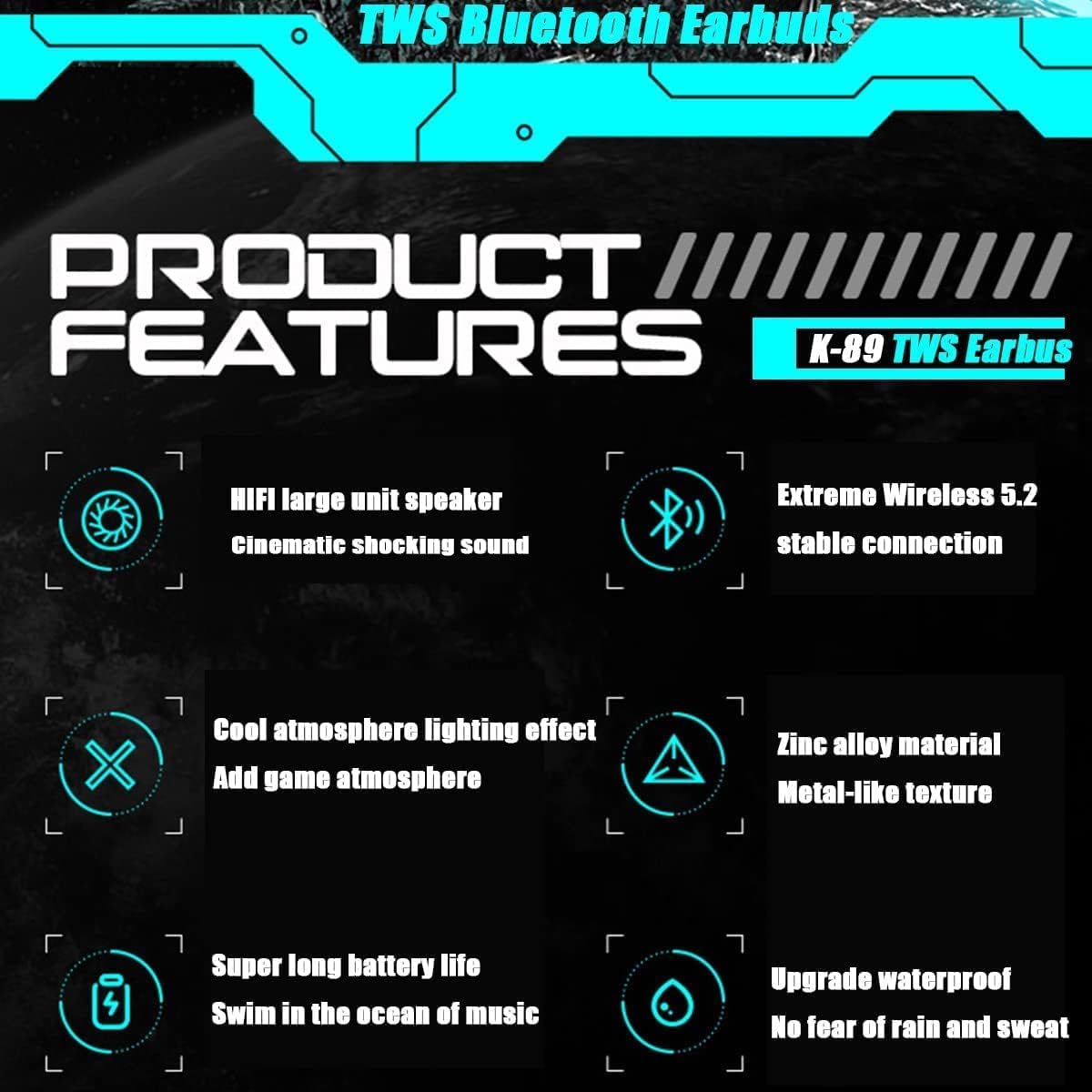
Image: A graphic showcasing key product features with icons, including Hi-Fi sound, stable wireless connection, cool lighting, zinc alloy material, super long battery life, and upgraded waterproof rating.
3. Initial Setup
3.1 Charging the Earbuds and Case
Before first use, fully charge the earbuds and the charging case. Connect the provided USB-C cable to the charging port on the case and plug the other end into a compatible USB power source (e.g., computer USB port, wall adapter). The indicator lights on the case will show charging status.
3.2 Pairing with Your Device
- Ensure the earbuds are in the charging case and the case has sufficient power.
- Open the charging case. The earbuds will automatically enter pairing mode, indicated by flashing lights on the earbuds.
- On your device (smartphone, tablet, etc.), go to Bluetooth settings and turn Bluetooth on.
- Search for available devices and select "K89" from the list.
- Once connected, the earbud lights will stop flashing, and you will hear a confirmation prompt.
- If pairing fails, place the earbuds back in the case, close the lid, wait a few seconds, and repeat the steps.
Video: This video demonstrates the physical handling of the K89 earbuds and charging case, including opening the case and removing the earbuds, which is relevant for initial setup and daily use.
4. Operating Instructions
4.1 Power On/Off
- Power On: Open the charging case, and the earbuds will automatically power on and connect to the last paired device.
- Power Off: Place the earbuds back into the charging case and close the lid. They will automatically disconnect and power off.
4.2 Touch Controls
The K89 earbuds feature touch-sensitive controls for easy management of music and calls. Specific touch gestures may vary slightly, but common functions include:
- Play/Pause: Single tap on either earbud.
- Next Track: Double tap on the right earbud.
- Previous Track: Double tap on the left earbud.
- Answer/End Call: Single tap on either earbud.
- Reject Call: Press and hold either earbud for 2 seconds.
- Activate Voice Assistant: Triple tap on either earbud.
4.3 Dual Mode Switching (Gaming/Music)
The K89 earbuds support dual decoding modes. To switch between gaming mode (low latency) and music mode (Hi-Fi sound), refer to the specific touch gesture or button press detailed in the quick start guide included in your package. This feature optimizes performance for different audio experiences.
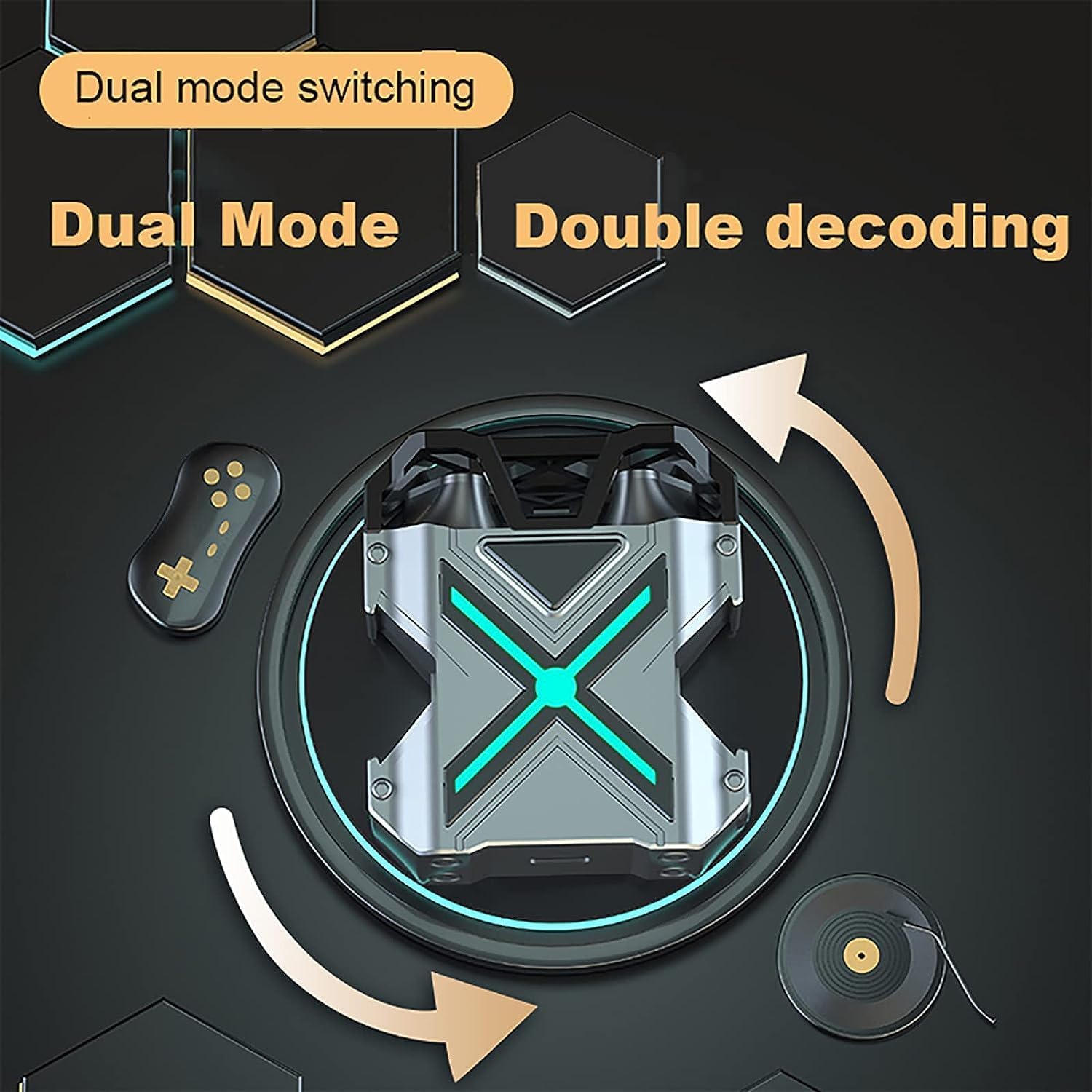
Image: A visual representation of the dual mode switching feature, showing transitions between gaming and music decoding modes.
4.4 Lighting Effects
The charging case and earbuds feature dynamic lighting effects. These lights can often be toggled or switched between different modes (e.g., breathing light mode, marquee mode) via a specific control on the case or earbuds. Consult your quick start guide for exact instructions on changing lighting modes.
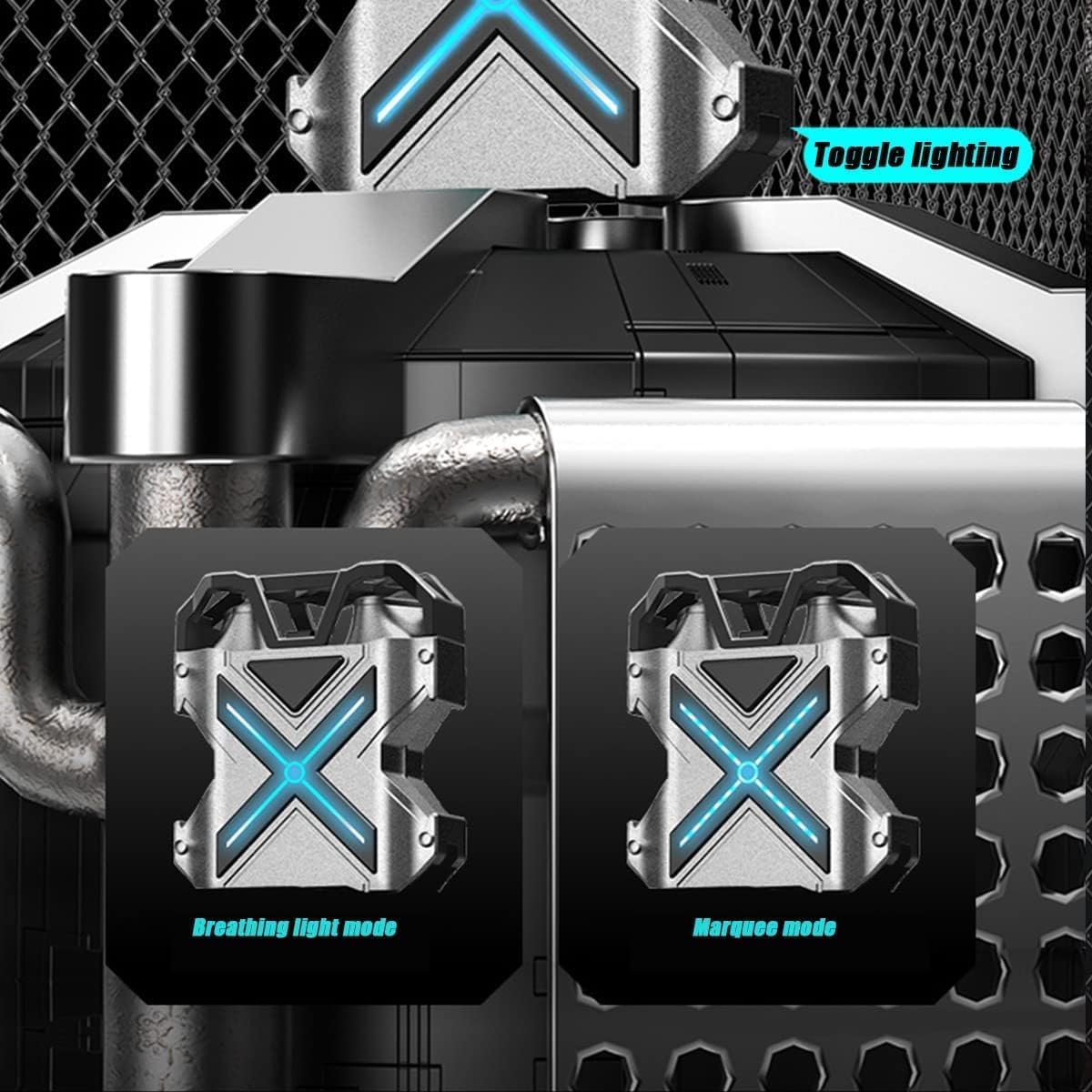
Image: A graphic demonstrating the different lighting modes available on the earbuds and charging case, such as breathing light mode and marquee mode.

Image: The K89 earbuds positioned in a gaming scenario, alongside a smartphone displaying a game, emphasizing their use for gaming.
5. Maintenance and Care
- Cleaning: Regularly clean the earbuds and charging case with a soft, dry, lint-free cloth. Do not use harsh chemicals or abrasive materials.
- Water Resistance: The earbuds are IPX5 water-resistant, meaning they can withstand splashes and sweat. Do not submerge them in water or expose them to heavy rain. Ensure they are dry before placing them back in the charging case.
- Storage: When not in use, store the earbuds in their charging case to protect them and keep them charged. Avoid extreme temperatures.
- Battery Care: To prolong battery life, avoid fully discharging the earbuds and case frequently. Charge them regularly, even if not in constant use.
6. Troubleshooting
| Problem | Possible Solution |
|---|---|
| Earbuds not pairing | Ensure earbuds are charged. Place them back in the case, close the lid, then open to re-enter pairing mode. Turn Bluetooth off and on on your device. Forget "K89" in your device's Bluetooth settings and try pairing again. |
| No sound from one earbud | Check battery level of both earbuds. Place both earbuds back in the case, close the lid, and then take them out again. Ensure both earbuds are properly connected to your device. |
| Low volume or poor sound quality | Adjust volume on your device and on the earbuds (if applicable via touch controls). Ensure earbuds are clean and free of debris. Try different ear tip sizes for a better seal. |
| Charging case not charging | Check the USB-C cable and power adapter. Ensure the cable is securely connected to both the case and the power source. Try a different cable or power source. |
| Intermittent connection | Ensure your device is within the 10-meter Bluetooth range. Avoid obstacles between the earbuds and your device. Reduce interference from other wireless devices. |
7. Specifications
| Feature | Detail |
|---|---|
| Product Name | Earphones |
| Model | K89 |
| Bluetooth Version | 5.3 |
| Effective Distance | 15 meters |
| Channel | Stereo |
| Standby Time | 168 hours |
| Use Time (Earbuds) | 6-8 hours |
| Charging Time (Earbuds) | 1-2 hours |
| Battery Capacity (Case) | 400mAh |
| Waterproof Rating | IPX5 |
| Audio Latency | 40 Milliseconds |
| Audio Driver Size | 10 Millimeters |
| Material | ABS, Electronic Components |
| Charging Case Size | 2.36" x 1.57" x 1.38" |
| Compatible Devices | iPhones, Android phones, Bluetooth-compatible digital devices |
| Control Type | Media Control, Touch |
| Recommended Uses | Calling, Gaming |
8. Warranty and Support
The SETHDA K89 in-ear headphones come with a 6-month warranty service from the date of purchase. This warranty covers manufacturing defects under normal use.
For technical support, warranty claims, or any questions regarding your product, please contact the seller or refer to the contact information provided on the product packaging or the official SETHDA website. Please have your purchase receipt and product model number (K89) ready when contacting support.
Related Documents - K89
 |
Bobtot K89 5.1 Channel Home Theater System User Manual This document provides setup, connection, and operation instructions for the Bobtot K89 5.1 Channel Home Theater System, including details on remote control functions, specifications, and safety information. |
 |
Rohde & Schwarz R&S®RTP High-Performance Oscilloscope Specifications Detailed specifications for the Rohde & Schwarz R&S®RTP High-Performance Oscilloscope, covering its base unit, various hardware and software options, and essential technical data. This document serves as a comprehensive resource for engineers and technicians requiring in-depth information on the instrument's capabilities for advanced signal analysis and validation tasks. |
 |
SHENZHEN JUNSUN ELECTRONICS TECHNOLOGY CO., LTD SMART WATCH Model Statement Declaration from SHENZHEN JUNSUN ELECTRONICS TECHNOLOGY CO., LTD confirming that SMART WATCH models K88, K88H, KS2, and K89 share identical internal structures and components, differing only in marketing model names. |
 |
Guangzhou Tanalaz Technology Co.,Ltd. Model Difference Statement for Wireless Karaoke Speakers Declaration from Guangzhou Tanalaz Technology Co.,Ltd. confirming that various models of Wireless Karaoke Speakers (FCC ID: 2BET4-K60), including K60 through K99, share the same circuit and RF module, differing only in name. |
 |
Guangzhou Tanalaz Technology Co.,Ltd. Wireless Karaoke Speakers FCC Certification FCC certification attestation for Guangzhou Tanalaz Technology Co.,Ltd.'s Wireless Karaoke Speakers, FCC ID 2BET4-K60, covering various models and compliance with FCC rules. |
 |
Guangzhou Tanalaz Technology Co.,Ltd. FCC 2.911(d)(5)(ii) Applicant Attestation for Wireless Karaoke Speakers Official FCC filing by Guangzhou Tanalaz Technology Co.,Ltd. for their Wireless Karaoke Speakers (FCC ID: 2BET4-K60). This attestation confirms the applicant is not listed on the Secure Networks Act's Covered List. |
Ask a question about this manual
Ask about setup, troubleshooting, compatibility, parts, safety, or missing instructions. Manuals+ will review the question and use this page’s manual context to help answer it.