
Introduction
Thank you for choosing the Airshi Small Camera, Audio and Video Recorder. This compact and versatile device is designed for various recording needs, offering 1080p HD video, clear audio recording with noise reduction, and convenient local storage. This manual will guide you through the setup, operation, maintenance, and troubleshooting of your new recorder.

The Airshi Small Camera, Audio and Video Recorder, showcasing its compact design.
What's in the Box
Please check the package contents to ensure all items are present:
- 1 x Airshi Sound and Video Recorder Host
- 1 x Data Cable (USB)
- 1 x Instruction Manual (this document)
Setup
1. Charging the Device
Before first use, fully charge the recorder. Connect the provided USB data cable to the recorder's charging port and the other end to a USB power adapter (not included) or a computer's USB port. The charging indicator light will show the charging status.

The Airshi recorder connected to its USB charging cable.
2. Inserting a TF Card
The device supports TF cards up to 128GB. A TF card is required for recording. Ensure the TF card is formatted to FAT32 for optimal compatibility.
- Locate the TF card slot on the side of the recorder.
- Gently insert the TF card into the slot with the gold contacts facing down until it clicks into place.
- To remove, push the card in slightly until it springs out.

Side view of the recorder, highlighting the TF card slot and other controls.
3. Powering On/Off
Use the ON/OFF switch located on the side of the device to power it on or off.
Operating Instructions
1. Video Recording (1080p HD)
The recorder captures 1080p HD video. The 90-degree angle lens can be manually flipped to adjust the recording perspective.
- Starting Video Recording: With the device powered on, press the designated video recording button (refer to device diagram for exact button). The indicator light will change to confirm recording has started.
- Stopping Video Recording: Press the video recording button again. The indicator light will change, and the file will be saved.
- Night Vision: The device supports black and white night effect. Manually activate the infrared night vision feature as needed for low-light conditions.

Top view of the recorder, highlighting the manually rotatable lens.
2. Audio Recording (Low Noise)
The built-in microphone provides premium recording quality with intelligent noise reduction, capturing environmental sounds and speech clearly.
- Starting Audio Recording: Press the dedicated audio recording button.
- Stopping Audio Recording: Press the audio recording button again.

The Airshi recorder in a meeting environment, demonstrating its low noise recording capability.
3. Loop Recording
When the TF card storage is full, the device automatically overwrites the oldest files to continue recording. This feature ensures continuous recording without manual intervention.
4. Accessing Files
To access recorded files, connect the recorder to a computer using the provided USB data cable. The device will appear as a removable disk, allowing you to transfer or manage your files.
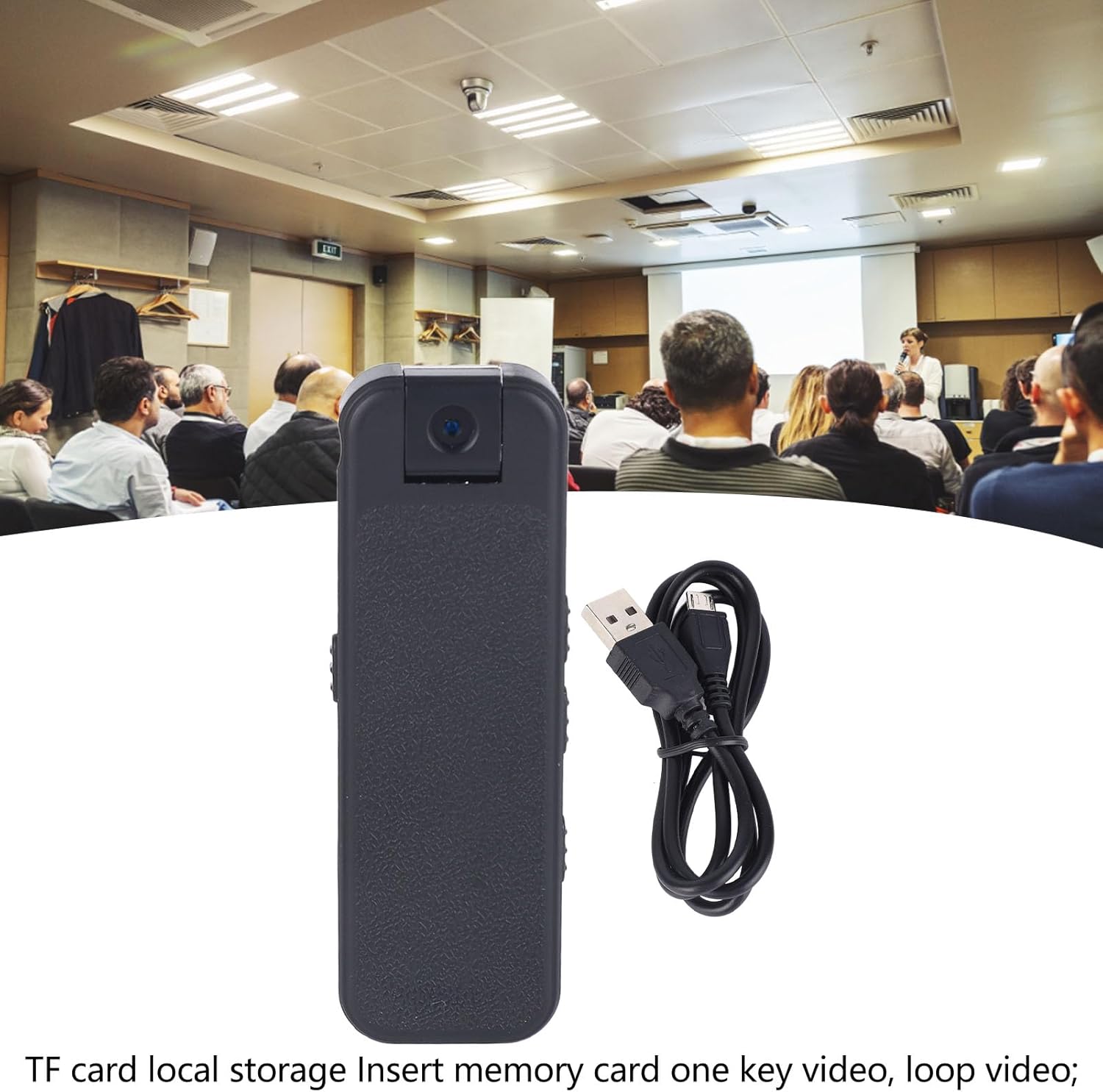
The Airshi recorder alongside its USB cable, indicating its TF card local storage and one-key video/loop video functionality.
5. Back Buckle Design
The integrated back buckle allows for easy and secure attachment to clothing or other objects, making the recorder highly portable and wearable.

Rear view of the Airshi recorder, showcasing its convenient back buckle design for easy wearing.
Maintenance
- Cleaning: Use a soft, dry cloth to clean the device. Do not use liquid cleaners or solvents.
- Storage: Store the recorder in a cool, dry place away from direct sunlight and extreme temperatures.
- Battery Care: To prolong battery life, avoid fully discharging the battery frequently. Charge the device regularly, even if not in use for extended periods.
Troubleshooting
- Device not turning on: Ensure the battery is charged. Connect to a power source and try again.
- Cannot record: Check if a TF card is inserted correctly and if it has sufficient free space. Ensure the TF card is formatted to FAT32.
- Poor audio/video quality: Ensure the lens is clean. Check for obstructions around the microphone.
- Device unresponsive: Use a small pin or paperclip to press the 'RESET' button (refer to device diagram for location) to restart the device.
Specifications
| Feature | Specification |
|---|---|
| Item Type | Sound and Video Recorder |
| Material | ABS |
| Battery Type | Lithium Battery (Built-In) |
| Battery Model | 18500 |
| Battery Capacity | 500mAh |
| Infrared Night Vision | Black and White Night Vision, Manually Open |
| Microphone | Built-In (Left and Right) |
| Viewing Angle | 90 Degrees |
| Local Storage | TF Card (Supports 128GB Maximum, FAT32 Format Required) |
| Power Supply | DC5V±5% |
| Operating Temperature | -10~55°C (14~131°F) |
| Working Humidity | 10%~90% |
| Product Dimensions | 5.51 x 2.76 x 1.18 inches |
Warranty and Support
Warranty information for this product was not available in the provided data. Please refer to the product packaging, the manufacturer's official website, or your point of purchase for detailed warranty terms and customer support contact information.