
Introduction
The GOYOJO Night Vision Goggles are designed to enhance your outdoor adventures and tactical operations by providing clear vision in low-light and complete darkness. Featuring 1080P HD resolution, 6X digital zoom, adjustable infrared, and IP66 waterproofing, this monocular is a versatile tool for hunting, surveillance, camping, and more.
What's Included
- Night Vision Monocular
- Helmet Mounting Bracket
- Rechargeable Lithium Polymer Battery
- Battery Charger
- USB Charging Cable
- Cleaning Cloth
- Instruction Manual
- Carrying Pouch

Figure 1: GOYOJO Night Vision Monocular mounted on a helmet.
Video 1: Unboxing the GOYOJO Night Vision Goggles, showing all included components.
Setup
Battery Installation
The monocular uses a rechargeable Lithium Polymer battery. To install, unscrew the battery cap located on the side of the device. Insert the battery with the correct polarity, then securely screw the cap back on. Use the provided charger and USB cable to charge the battery when needed. The charger indicates the battery's charge level.
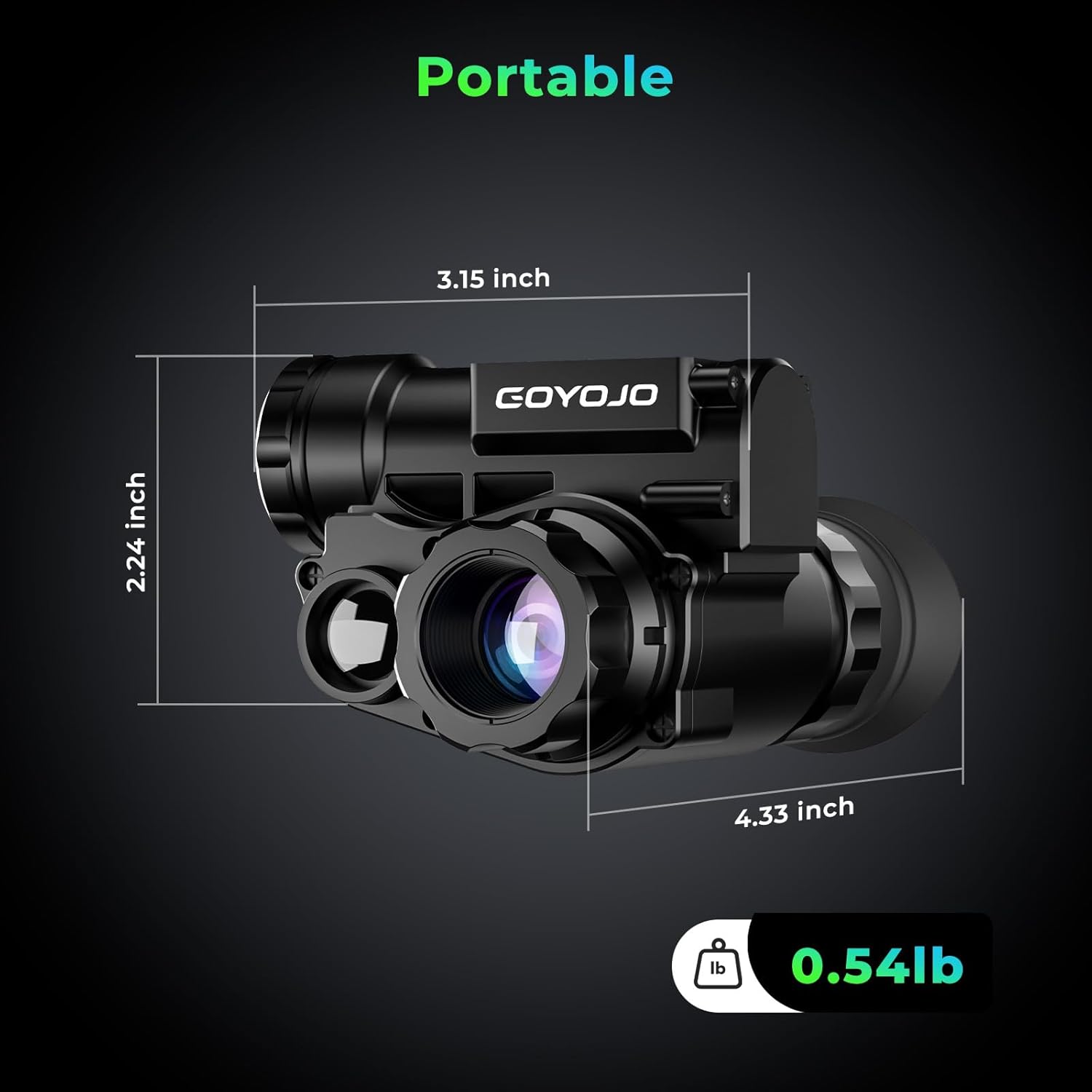
Figure 2: Battery compartment location on the monocular.
Helmet Mounting
The monocular is designed for helmet-mounted use for hands-free operation. Attach the helmet mounting bracket to your compatible tactical helmet's front mount. Ensure the helmet is securely fitted before attaching the monocular.
Video 2: Demonstrates the proper fitting and adjustment of the night vision goggles on a helmet.
Mount Adjustment
The helmet mount features multiple adjustable points to ensure optimal eye alignment and comfort. Loosen the knobs on the mount to adjust the monocular's position vertically and horizontally. Tighten the knobs once the desired position is achieved. This allows for precise placement relative to your eye, crucial for clear viewing.

Figure 3: Detailed diagram of monocular components and adjustment points.
Operating Instructions
Basic Operation
To power on the monocular, press and hold the power button located on the device. The internal screen will activate. Use the focusing wheel near the objective lens to achieve a clear image of distant objects. The diopter wheel near the eyepiece allows for fine-tuning the screen's clarity to your individual vision.
Video 3: Overview of the digital night vision goggles, including basic functions and screen display.
Digital Zoom
The GOYOJO night vision monocular offers 3 powerful digital zoom modes: 2X, 4X, and 6X. These modes provide heightened magnification for flexible close-range scrutiny and capturing distant objects with finesse. Use the designated buttons to cycle through the zoom levels.

Figure 4: Digital zoom capabilities of the monocular.
Image Color Modes
Adapt your vision to different environments with three image color modes: color, black & white, and fluorescent green. These modes allow you to optimize your viewing experience based on your preferences and the specific requirements of your observation.
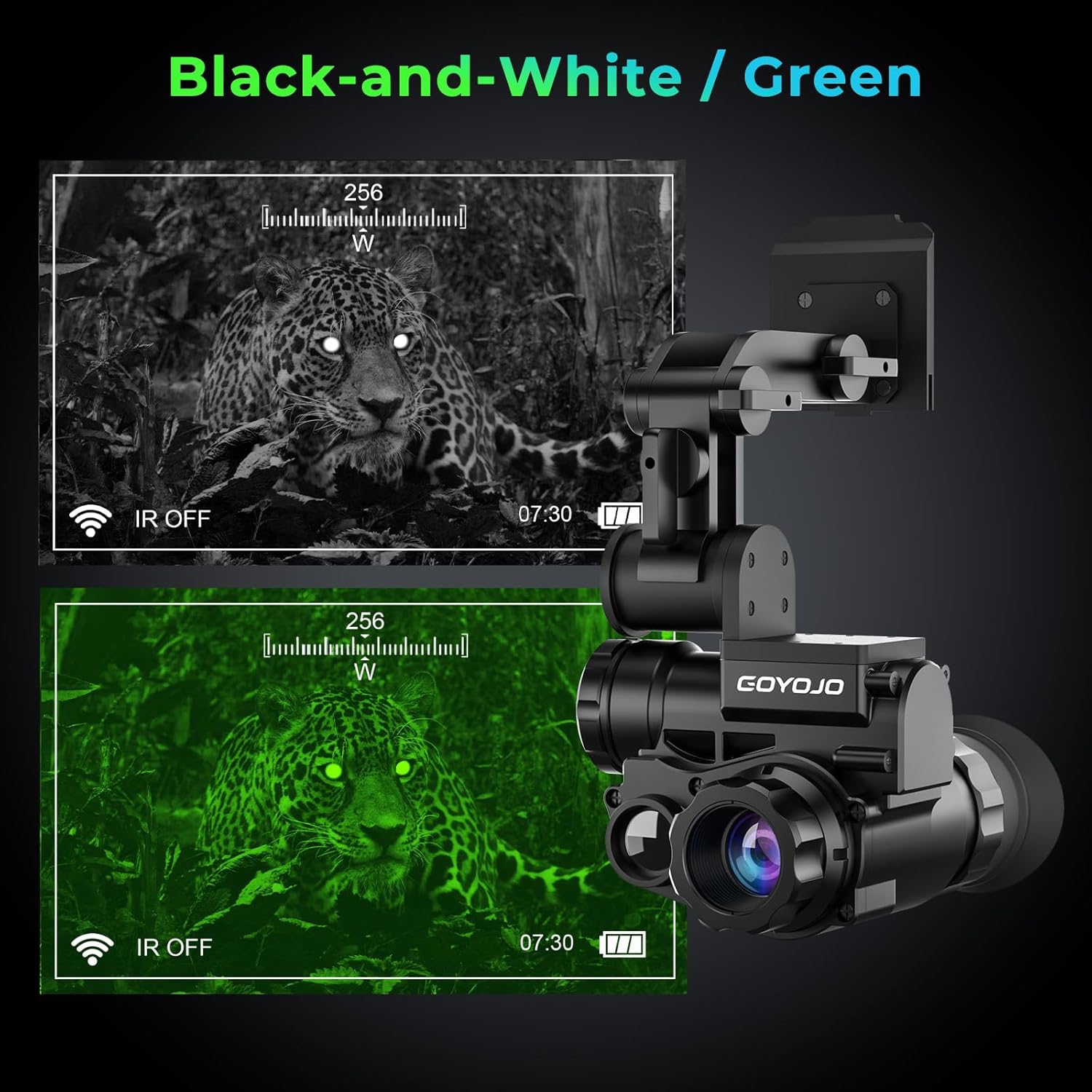
Figure 5: Black-and-white and green viewing modes.
Infrared Adjustment
Benefit from advanced features such as a CMOS camera sensor and ultra-wide band infrared films coating the lens. The 3-level infrared adjustment, utilizing an 850nm infrared light wave and 1W infrared power, provides versatility for different scenarios and lighting conditions. Adjust IR levels for optimal visibility in varying degrees of darkness.
Built-in Compass
The monocular includes a built-in compass feature, providing directional information directly on the display. This is useful for navigation and maintaining situational awareness during nighttime operations or outdoor activities.
Video 4: Shows the night vision monocular in use, demonstrating its night vision capabilities and screen display.
WiFi Connection
The monocular supports WiFi connectivity, enabling image transmission to compatible devices. Scan the QR code provided in the manual or on the product packaging to download the Android or iOS app (search "TRVCAM" in the App Store) for seamless integration.

Figure 6: WiFi connection feature with QR codes for Android and iOS apps.
For more information on the TRVCAM app, visit: http://www.sunningsoft.com/trvcam.html
Maintenance
Cleaning
To maintain optimal performance and clear optics, regularly clean the lenses and body of the monocular. Use the provided micro-cloth to gently wipe away dust and smudges from the lenses. For stubborn dirt, a small amount of lens cleaning solution can be applied to the cloth, not directly to the lens.
Waterproof Performance
The GOYOJO Night Vision Monocular is built tough with IP66 waterproofing. This rating ensures resilience against rain-soaked nights and damp wilderness, allowing you to explore, observe, and capture the unseen in various environments without concern for water damage.
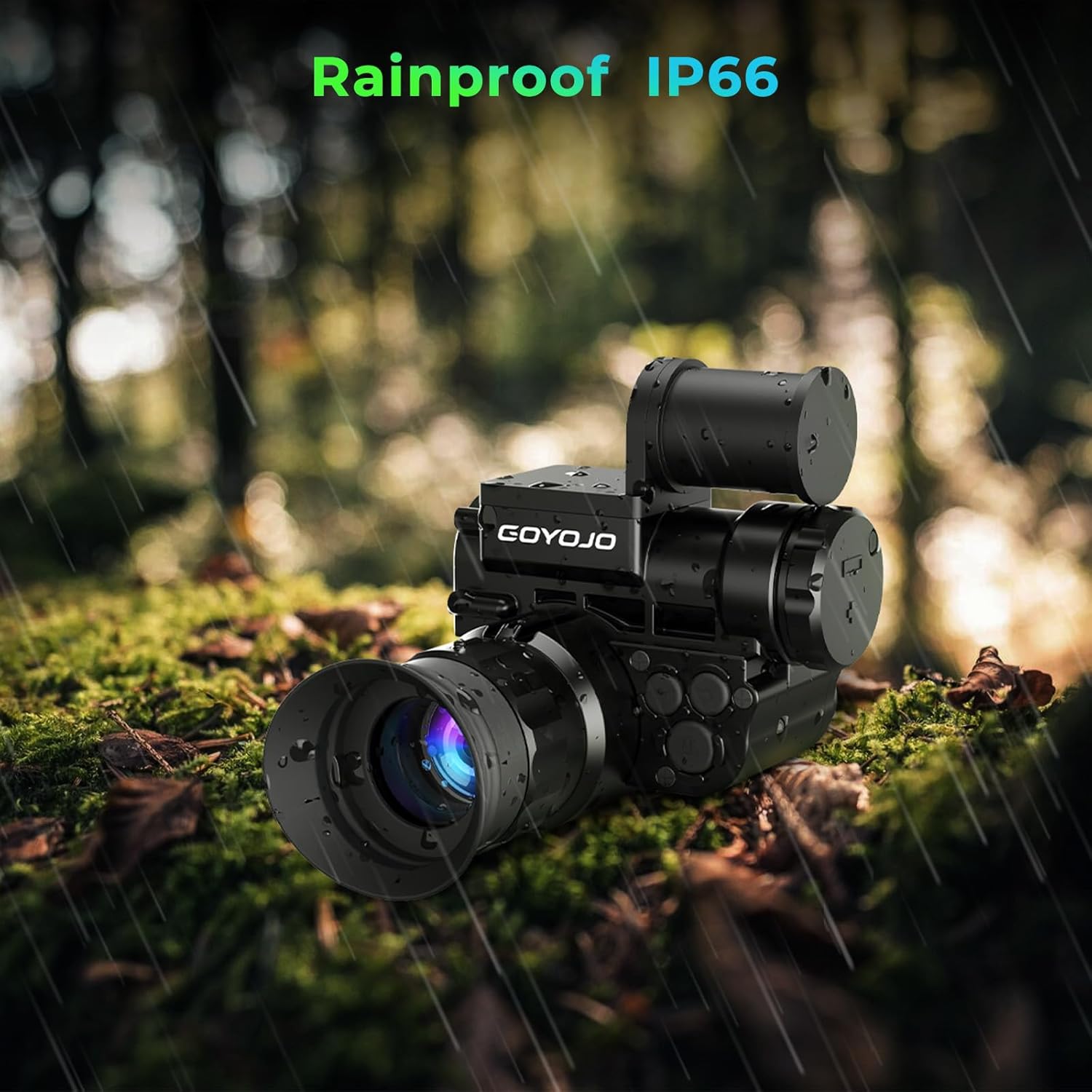
Figure 7: The monocular is designed to be rainproof with an IP66 rating.
Troubleshooting
If you encounter any issues with your GOYOJO Night Vision Monocular, please refer to the following general troubleshooting tips:
- No Power: Ensure the battery is fully charged and correctly inserted. Check the battery charger for proper function.
- Blurred Image: Adjust the focusing wheel and diopter wheel until the image is clear. Ensure lenses are clean.
- Poor Night Vision: Verify that the infrared illuminator is turned on and adjusted to an appropriate level for the ambient light conditions.
- Connectivity Issues: Ensure WiFi is enabled on the monocular and your smart device. Check app settings and network connection.
For persistent problems, please contact GOYOJO customer support.
Specifications
| Feature | Specification |
|---|---|
| Product Dimensions | 6.85 x 6.61 x 2.95 inches |
| Item Weight | 9.9 ounces (280 Grams) |
| Batteries | 1 Lithium Polymer battery required (included) |
| Model Name | NVG10 |
| Eye Piece Lens Description | OLED |
| Objective Lens Diameter | 24 Millimeters |
| Telescope Mount Description | Helmet-Mount |
| Focus Type | Manual Focus |
| Power Source | Battery Powered |
| Compatible Devices | Camera |
Multiple Applications
The GOYOJO night vision monocular is a versatile tool designed for a wide range of applications, providing enhanced visibility in low-light and complete darkness. Its uses include:
- Night Hunting
- Wildlife Observation
- Camping
- Military Operations
- Law Enforcement
- Fisheries
- Astronomy
- Emergency Rescue
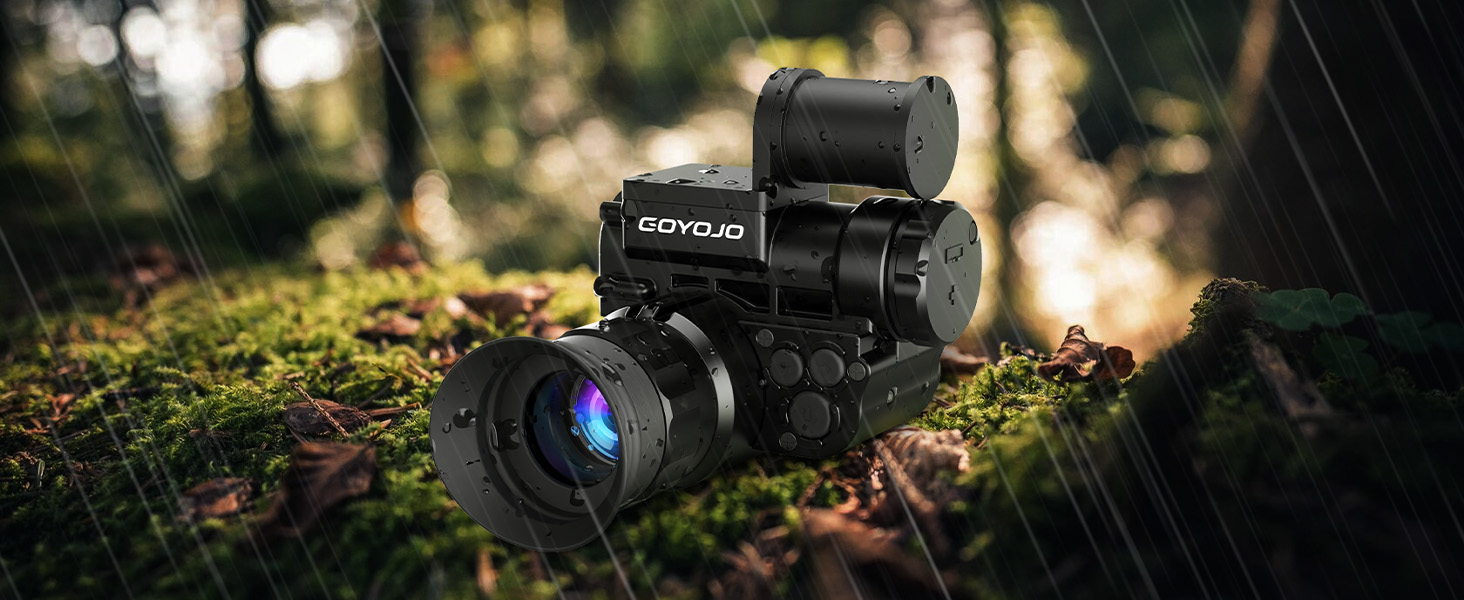
Figure 8: Diverse applications of the night vision monocular.
Warranty & Support
GOYOJO is committed to providing exceptional service and ensuring customer satisfaction. For any product-related inquiries, technical support, or warranty claims, please refer to the contact information provided in your product packaging or visit the official GOYOJO website. We are dedicated to assisting you every step of the way.