
Introduction
Thank you for choosing the Sanpyl Mini Body Camera. This compact and versatile device is designed for capturing high-definition video and audio in various environments, from outdoor sports to personal security. Featuring a 180° rotatable lens, infrared night vision, and strong magnetic adsorption, it offers flexible recording options. Please read this manual carefully to understand the camera's functions and ensure proper operation and maintenance.

Image: Front view of the Sanpyl Mini Body Camera, showcasing its compact design and lens.

Image: Overview of the Sanpyl Mini Body Camera highlighting key features like back clip, 2-hour recording, 3MP photo, 1080P video, and 180° rotation lens.
Package Contents
Before first use, please verify that all items are present in the package:
- Sanpyl Mini Body Camera
- USB Cable
- Battery (integrated)

Image: The Sanpyl Mini Body Camera shown alongside its included USB charging cable.
Setup
1. Charging the Camera
Before initial use, fully charge the camera. Connect the camera to a USB power source (e.g., computer USB port, power bank, or wall adapter) using the provided USB cable. The charging indicator light will show the charging status and turn off when fully charged.

Image: Diagram illustrating multiple power supply methods for the camera, including power bank, power outlet, and computer USB. It also notes automatic file saving upon low power detection.
2. Inserting a Memory Card
The camera supports up to 128GB memory cards (not included). Insert a compatible microSD card into the designated slot. Ensure the card is inserted correctly to avoid damage. The camera will automatically overwrite old footage when the card is full (loop recording).

Image: A hand inserting a microSD card into the side slot of the Sanpyl Mini Body Camera.
Operating Instructions
Power On/Off
- To power on: Press and hold the Power button until the indicator light turns on.
- To power off: Press and hold the Power button until the indicator light turns off.
Video Recording
The camera records in 1080P high definition. To start recording, press the Record button once. The indicator light will change to indicate recording is in progress. Press the Record button again to stop recording. Files are saved automatically.

Image: Close-up of the Sanpyl Mini Body Camera showing a finger pressing the recording button, illustrating the one-click recording function.
Infrared Night Vision
The camera is equipped with three imported high-power infrared auxiliary light sources for clear night shooting. When night vision is activated, the camera can capture images within 5-8 meters in a dark environment, and the infrared lights are not visible to the human eye.
- To activate night vision: Refer to the camera's specific button or app setting for night vision toggle.

Image: A scene demonstrating the infrared night vision feature, showing a clear view in a dimly lit room with the camera's infrared LEDs.

Image: An illustration detailing the infrared night vision lamp, showing six LED infrared night vision, 5-8 meters clear visibility in the dark, and clear focus for night recording.
Wi-Fi Direct Connection (V720 App)
Connect the camera to your mobile phone via its built-in hotspot. Download the V720 mobile app to remotely view camera images, play back videos, delete downloaded videos, and manage settings. You can also turn off the signal separately to save power.
- Download the V720 app from your device's app store.
- Turn on the camera's Wi-Fi hotspot (refer to camera controls).
- Connect your phone to the camera's Wi-Fi network.
- Open the V720 app to access camera functions.
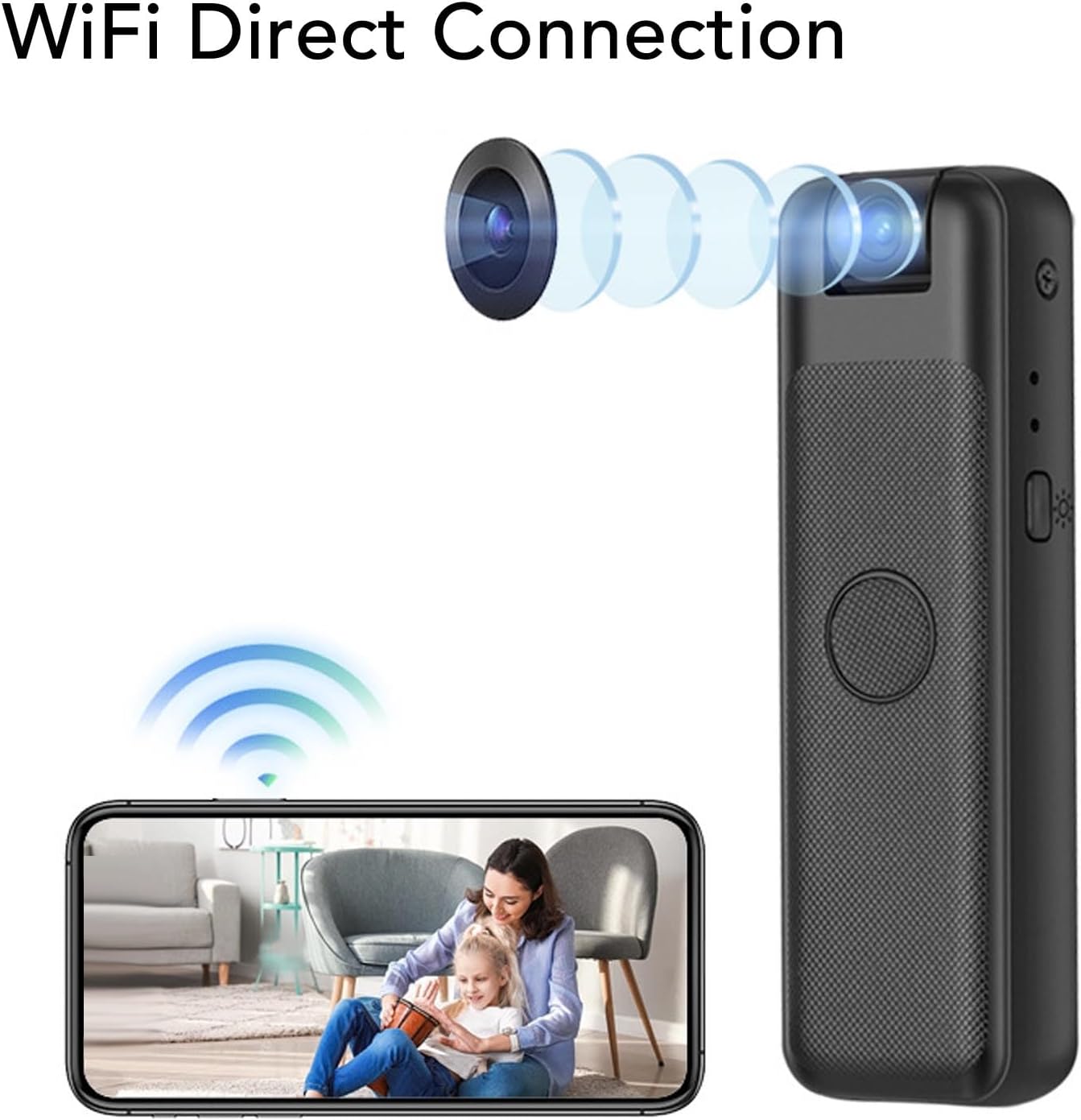
Image: The Sanpyl Mini Body Camera shown with a smartphone displaying a live feed, illustrating the WiFi Direct Connection feature.

Image: A smartphone displaying a video playback, with the Sanpyl Mini Body Camera next to it, indicating phone wireless remote control capabilities.
180° Rotatable Lens
The camera features a lens that can be rotated 180 degrees, allowing for flexible shooting angles and perspectives.
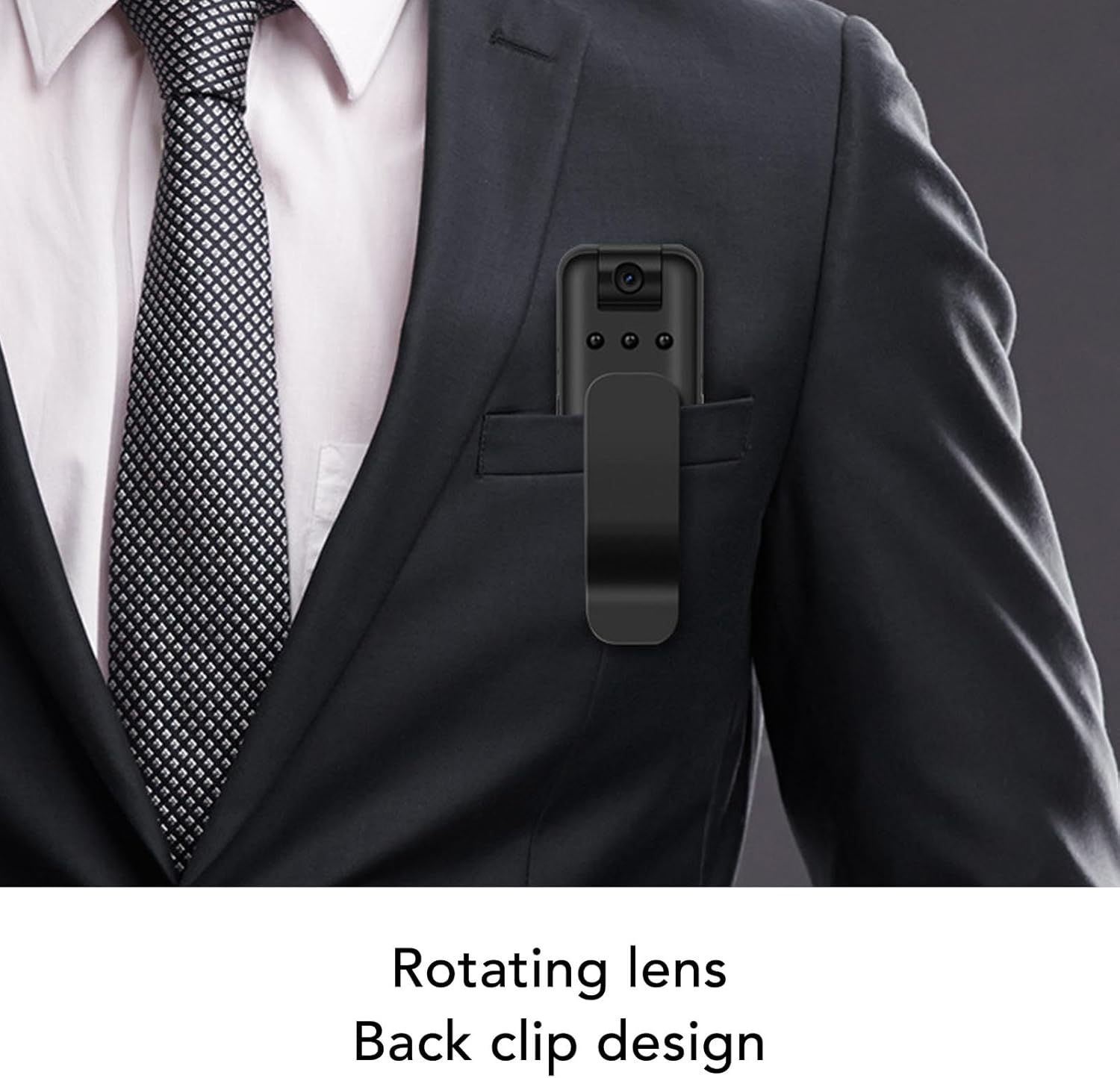
Image: The Sanpyl Mini Body Camera clipped to a suit pocket, demonstrating its rotating lens and back clip design for wearable use.

Image: A close-up of the camera highlighting its 180-degree rotation capability for flexible recording angles.
Magnetic Adsorption and Clip Design
The camera has a built-in super strong magnet and a back clip, allowing for easy and secure attachment to various surfaces or clothing. This enables hands-free recording in diverse situations.

Image: The Sanpyl Mini Body Camera being attracted by a magnet, illustrating its strong magnetic adsorption feature for easy installation.

Image: The Sanpyl Mini Body Camera clipped to a jeans pocket, demonstrating its portable sports clip design.
Maintenance
- Cleaning: Use a soft, dry cloth to clean the camera body. For the lens, use a specialized lens cleaning cloth and solution. Avoid abrasive materials or harsh chemicals.
- Storage: Store the camera in a cool, dry place away from direct sunlight and extreme temperatures.
- Battery Care: To prolong battery life, avoid fully discharging the battery frequently. Charge the camera regularly, even if not in use for extended periods.
- Firmware Updates: Check the Sanpyl website or V720 app for any available firmware updates to ensure optimal performance.
Troubleshooting
| Problem | Possible Cause | Solution |
|---|---|---|
| Camera not turning on | Low battery; Camera frozen | Charge the camera fully; Press and hold the power button for 10 seconds to reset. |
| Cannot record video | No memory card; Memory card full or corrupted | Insert a compatible microSD card; Format or replace the memory card. |
| Poor video quality at night | Night vision not activated; Obstruction of IR lights | Ensure night vision is enabled; Clear any obstructions from the IR lights. |
| Cannot connect to Wi-Fi app | Wi-Fi hotspot not enabled; Incorrect app settings | Ensure camera Wi-Fi is on; Check app permissions and settings; Restart both camera and phone. |
Specifications
| Feature | Detail |
|---|---|
| Model Number | Sanpylbpfuo2gydw |
| Video Resolution | 1080p |
| Photo Sensor Technology | CMOS or BSI CMOS |
| Lens Rotation | 180° |
| Night Vision | Infrared (3 imported high power auxiliary light sources) |
| Connectivity | Wi-Fi (Direct Connection via V720 app) |
| Storage Support | Up to 128GB MicroSD (SDXC) card (not included) |
| Loop Recording | Supported |
| Video Capture Format | AVI |
| Supported Audio Format | WAV |
| Item Weight | 2.12 ounces |
| Screen Size | 2 Inches (visible diagonal) |

Image: A visual summary of the camera's features including video and sound recording, 4 hours continuous recording, 1080P HD lens, 128G support, infrared night vision, loop recording, and 90-degree rotation.
Warranty and Support
For warranty information and customer support, please refer to the product packaging or contact Sanpyl directly through their official channels. You can also visit the Sanpyl Store on Amazon for additional resources and contact details.