
1. Introduction
This manual provides essential information for the safe and effective use of your VOJSALDR 13.3V charger, designed for various Shark UltraCyclone Pro Cordless Handheld Vacuum models. Please read these instructions carefully before use and retain them for future reference.
2. Safety Information
To ensure safe operation and prevent damage, observe the following safety guidelines:
- Power Source: Only connect the charger to an AC 100V-240V power outlet.
- Compatibility: Use this charger exclusively with compatible Shark handheld vacuum models as specified in this manual. Using it with incompatible devices may cause damage.
- Environmental Conditions: Do not expose the charger to water, moisture, or extreme temperatures. Use in a dry, indoor environment.
- Damage Inspection: Before each use, inspect the charger and cord for any signs of damage. Do not use if damaged.
- Ventilation: Ensure adequate ventilation around the charger during use. Do not cover it.
- Protection Features: This charger is equipped with multiple protection systems including over-voltage, over-load, over-current, over-heat, and short circuit protection to ensure safe charging.

Image: The VOJSALDR charger highlighting its built-in protection features, including safeguards against over-temperature, overcurrent, short circuits, overcharge, overpower, and overvoltage.
3. Setup
Follow these steps to set up your charger:
- Unpack: Carefully remove the charger from its packaging.
- Connect to Power: Plug the charger's AC plug into a standard wall outlet (AC 100V-240V).
- Connect to Vacuum: Insert the DC output connector of the charger into the charging port of your Shark handheld vacuum. Ensure a firm connection.

Image: The VOJSALDR charger plugged into a standard wall outlet, indicating readiness with a green light.

Image: The charger connected to a Shark CH951 handheld vacuum, demonstrating a typical charging scenario.
4. Operating Instructions
Once connected, the charger will begin supplying power to your vacuum's battery.
- Charging Indicator: A green light on the charger indicates that it is actively charging the device.
- Charging Time: Refer to your Shark vacuum's instruction manual for specific charging times.
- Optimal Charging: The charger utilizes advanced technology to ensure efficient and safe charging, similar to the original equipment.
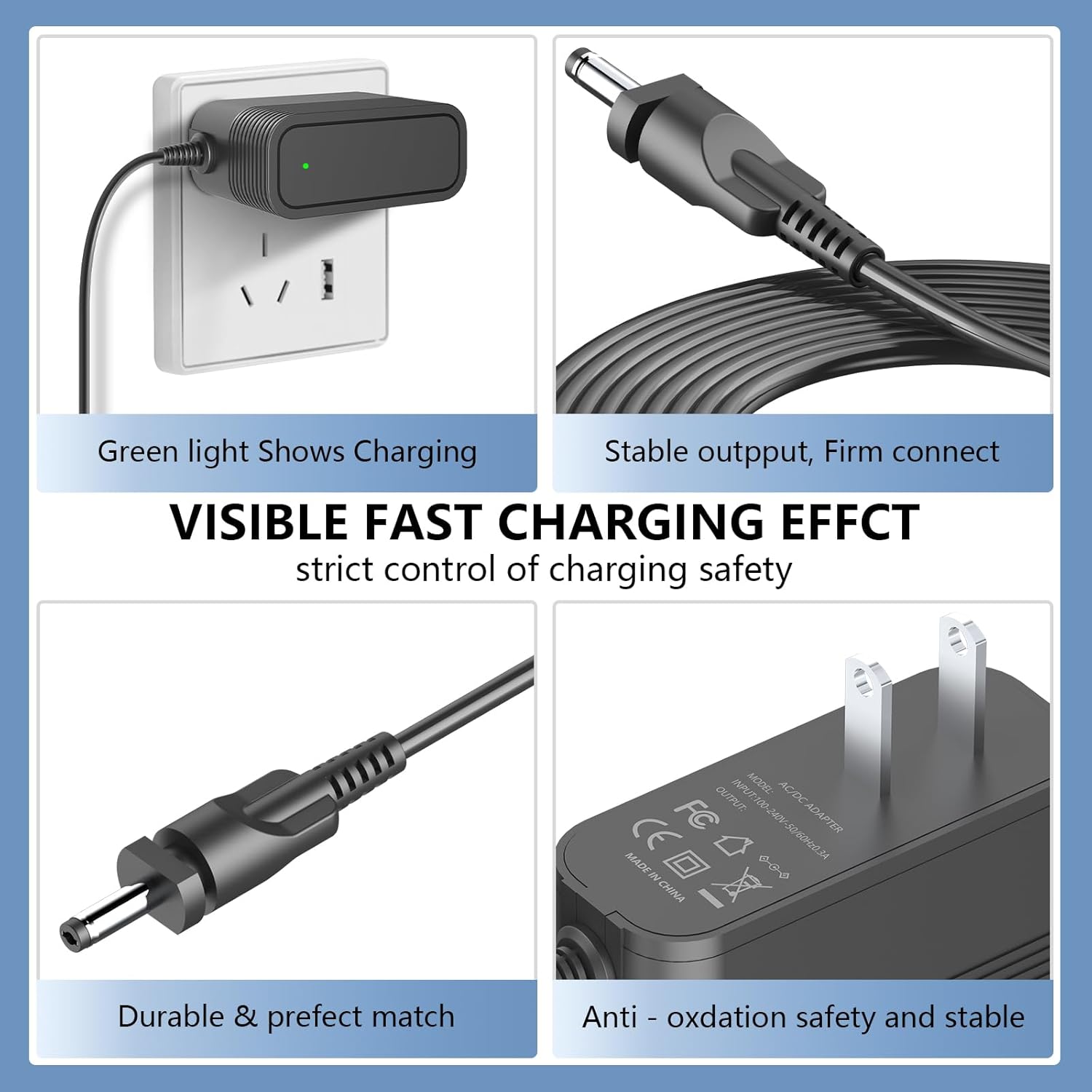
Image: Detailed views of the charger, illustrating the green charging indicator, the robust output connector, the durable cable, and the overall stable design.
5. Maintenance
Proper care will extend the life of your charger:
- Cleaning: Disconnect the charger from the power outlet and the vacuum before cleaning. Wipe with a dry, soft cloth. Do not use liquid cleaners.
- Storage: Store the charger in a cool, dry place when not in use. Avoid wrapping the cord too tightly around the adapter.
- Cord Care: Do not bend or crimp the power cord excessively. Avoid placing heavy objects on the cord.
6. Troubleshooting
If you encounter issues, refer to the following common solutions:
- No Power/No Charging Indicator:
- Ensure the charger is securely plugged into a working wall outlet.
- Verify the DC connector is fully inserted into the vacuum's charging port.
- Check if the power outlet is functional by plugging in another device.
- Slow Charging:
- Confirm the charger is compatible with your specific vacuum model.
- Ensure the vacuum's battery is not excessively drained or damaged.
- Charger Feels Hot:
- A slight warmth during charging is normal. If it becomes excessively hot, disconnect immediately and contact support.
- Ensure the charger has adequate ventilation and is not covered.
If problems persist, discontinue use and contact customer support.
7. Specifications
| Brand | VOJSALDR |
| Model Number | CH951 (Compatible with various Shark models) |
| Input Voltage | AC 100V-240V |
| Output Voltage | DC 13.3V |
| Cord Length | 6.0 ft (1.8 m) |
| Certifications | CE, FCC, RoHS |
| Compatible Devices | Shark CH950, CH951, CH951C, CH955, CH963AMZ, CH964AMZ, CH95114, CH95014, CH950UKT, CH950U4 Handheld Vacuums (for 10.8V rechargeable battery pack Model#: XCHRGCH950) |
| Replacement for | ZD012S133075USD or DK12-133075A-U |
| Item Weight | 3.2 ounces |
| Package Dimensions | 3.94 x 2.72 x 1.85 inches |

Image: The charger with its physical dimensions and cord length clearly indicated.

Image: The main product view of the VOJSALDR charger, displaying its design and regulatory markings.
8. Warranty and Support
Your VOJSALDR charger comes with the following:
- Refund Policy: 30-day disclaimer refund.
- Exchange Policy: 12-month exchange for product defects.
For any questions or support needs, please refer to your purchase documentation or contact the seller, dianshuntong, directly.