
1. Introduction
Thank you for choosing the ToLife Air Purifier. This device is designed to improve your indoor air quality by effectively removing various airborne particles. Please read this manual thoroughly before operation to ensure proper use and maintenance.
The ToLife Air Purifier is an efficient H13 purification system capable of covering up to 1295 sq ft (120.3 m²) and refreshing the air hourly. It features a real-time air quality indicator, automatic fan speed adjustment, and quiet operation for an optimal sleeping environment. Additional functions include a timer and child lock.
2. Safety Instructions
- Always unplug the air purifier before cleaning or performing any maintenance.
- Do not operate the appliance with a damaged cord or plug.
- Keep the air inlet and outlet clear of obstructions.
- Do not immerse the unit in water or other liquids.
- This appliance is for indoor use only.
- Keep out of reach of children and pets.
- Ensure the filter is removed from its plastic packaging before first use.
3. Product Overview
Familiarize yourself with the components of your ToLife Air Purifier.

Figure 1: ToLife Air Purifier (Grey Model)
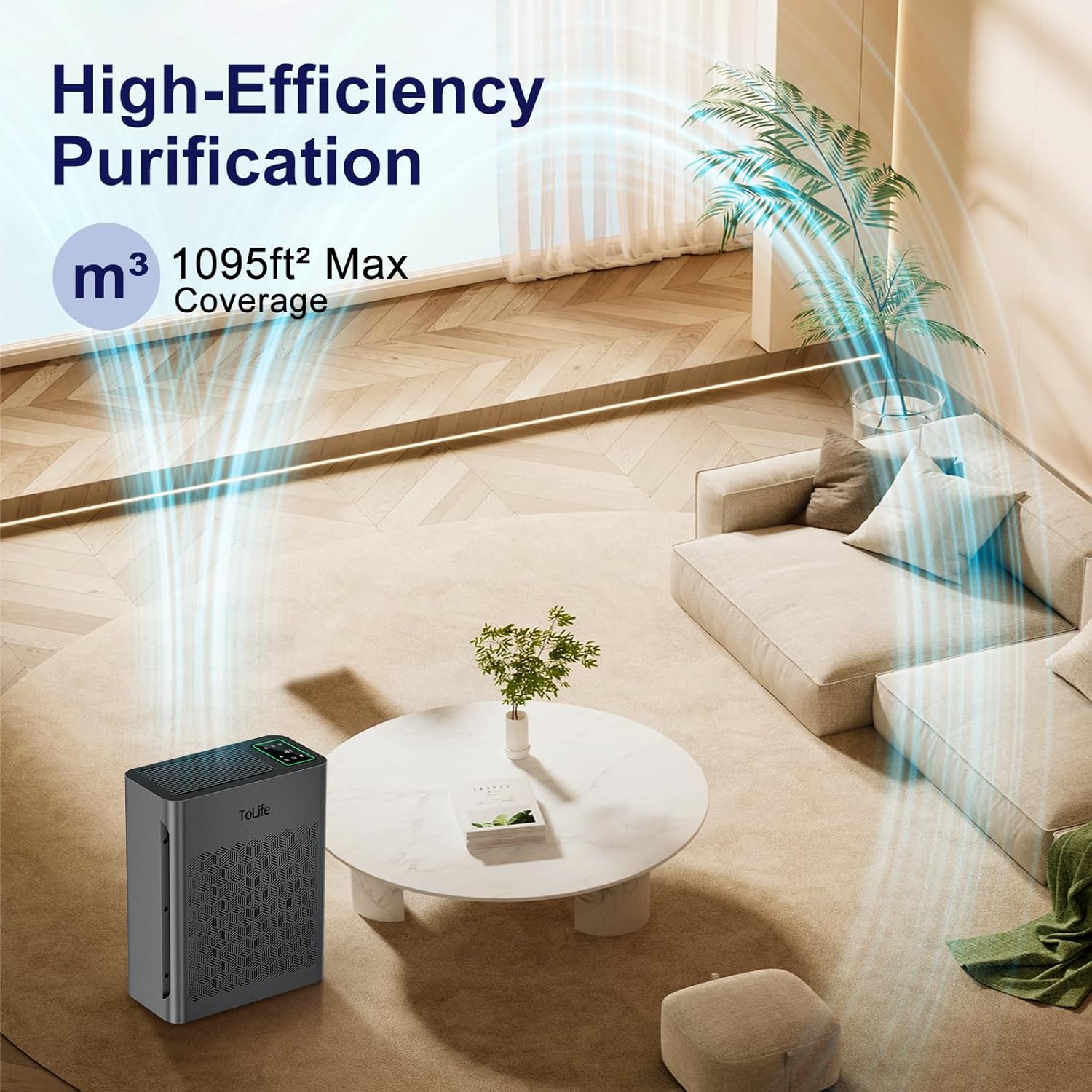
Figure 2: Powerful 3-Stage Filtration System
The air purifier utilizes a powerful 3-stage filtration system: a Pre-Filter for dust, hair, and lint; an H13 HEPA Filter for pollen, pet dander, fine dust, and smoke particles; and an Activated Carbon Filter for smoke, odors, fumes, and VOCs.
Control Panel Features:

Figure 3: Control Panel
- PM2.5 Display: Shows real-time air quality readings.
- Air Quality Indicator Light: Changes color based on air quality (Green: Good, Yellow: Moderate, Red: Poor).
- Timer Button: Sets operation time (2, 4, 6, 8 hours) or activates cycle timer.
- On/Off Button: Powers the unit on or off.
- Speed Button: Adjusts fan speed.
- Light Button: Turns display lights on/off.
- Child Lock Button: Locks the control panel.
4. Setup
4.1 Unpacking and Filter Installation
Before first use, it is crucial to remove the filter from its protective plastic packaging. Failure to do so will prevent the air purifier from functioning correctly.

Figure 4: Easy Filter Replacement Steps
- Remove the filter cover from the back of the unit.
- Take out the filter and remove all plastic packaging.
- Insert the filter back into the unit, ensuring it is correctly oriented (the "FRONT" label should face outwards).
- Replace the filter cover securely.
4.2 Placement
Place the air purifier on a flat, stable surface. Ensure there is adequate space (at least 6 inches) around all sides for optimal airflow.
5. Operating Instructions
5.1 Power On/Off
Press the On/Off button to turn the air purifier on or off.
5.2 Auto Mode and Air Quality Indicator
The air purifier features a real-time air quality indicator that automatically adjusts the fan speed based on detected air quality.
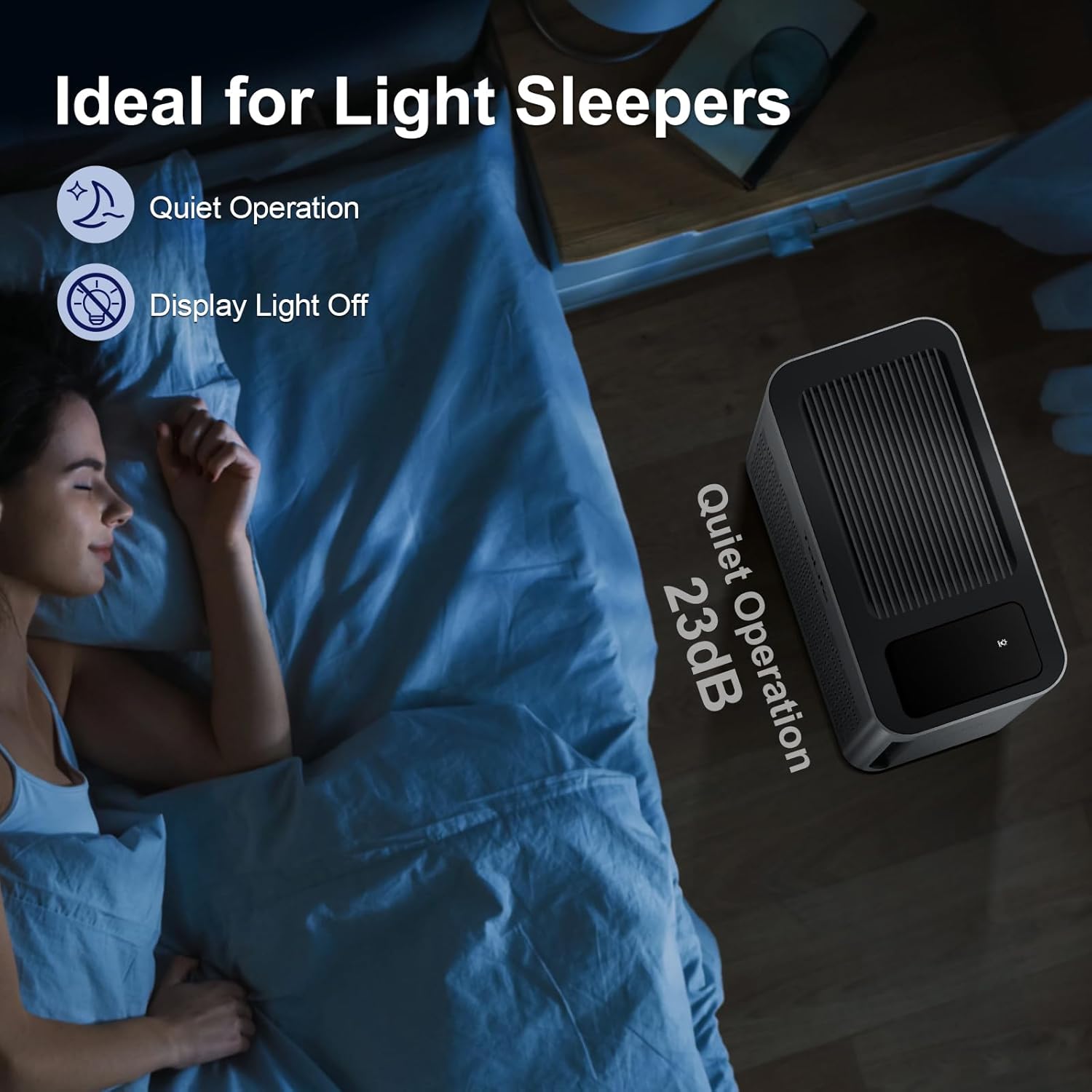
Figure 5: Auto Mode and Air Quality Indicator
- Green Light: Good air quality, low fan speed.
- Yellow Light: Moderate air quality, medium fan speed.
- Red Light: Poor air quality, high fan speed.
5.3 Fan Speed Adjustment
Press the Speed button to cycle through different fan speeds (Low, Medium, High). In Auto Mode, the speed is adjusted automatically.
5.4 Timer Function
The unit offers flexible timer settings.

Figure 6: Timer Settings
- Standard Timer: Press the Timer button repeatedly to set the operation duration for 2, 4, 6, or 8 hours. The unit will automatically turn off after the set time.
- Cycle Timer: Long press the Timer button to activate a recurring timer. This allows the air purifier to start daily at the same time and turn off after the set duration.
5.5 Sleep Mode (Display Light Off)
For an undisturbed sleeping experience, you can turn off the display lights.

Figure 7: Ideal for Light Sleepers
Press the Light button to turn off the control panel display lights. The unit will continue to operate quietly in the selected mode.
5.6 Child Lock Function
To prevent accidental changes to settings, activate the child lock.

Figure 8: Child Lock Feature
Press and hold the Child Lock button (often indicated by a lock icon) for a few seconds until the lock indicator illuminates. This will disable all other buttons on the control panel. Repeat the action to unlock.
6. Maintenance
6.1 Filter Replacement
The air purifier is equipped with a filter replacement indicator. When the filter needs to be replaced, the filter indicator light will illuminate.
It is recommended to replace the filter every 6-8 months, depending on usage and air quality. Use only genuine ToLife replacement filters (Model: TZ-K2-A).
- Unplug the air purifier from the power outlet.
- Remove the filter cover.
- Pull out the old filter.
- Dispose of the old filter responsibly.
- Unpack the new ToLife TZ-K2-A filter and insert it into the unit.
- Replace the filter cover.
- Plug in the air purifier.
- Reset the filter replacement indicator by pressing and holding the appropriate button (refer to control panel diagram, often the filter icon or a combination of buttons) until the light turns off.
6.2 Cleaning the Unit
- Wipe the exterior of the air purifier with a soft, dry cloth.
- Do not use abrasive cleaners or solvents.
- Clean the air inlet and outlet vents regularly to prevent dust buildup.
7. Troubleshooting
| Problem | Possible Cause | Solution |
|---|---|---|
| Unit does not turn on. | Not plugged in; Power outage; Child lock activated. | Ensure power cord is securely plugged in; Check power supply; Deactivate child lock. |
| Airflow is weak or no air comes out. | Filter still in plastic packaging; Filter clogged; Air inlets/outlets blocked. | Remove plastic from filter; Replace filter; Clear obstructions. |
| Unusual noise. | Filter not installed correctly; Foreign object inside. | Reinstall filter; Unplug and check for foreign objects. |
| Air quality indicator always red/yellow. | High pollution level; Sensor dirty. | Allow more time for purification; Clean the air quality sensor (refer to specific instructions if available, otherwise general cleaning). |
8. Specifications
- Model Number: TZ-K2
- Product Dimensions: 6.5 x 12.99 x 16.34 inches
- Weight: 9.26 Pounds
- Coverage Area: Up to 1295 sq ft / 120.3 m²
- Filtration Type: H13 HEPA 3-Stage Filtration (Pre-Filter, H13 HEPA, Activated Carbon)
- Particle Retention Size: 0.3 Micron
- Controller Type: Button Control
9. Warranty & Support
ToLife products are designed with quality and reliability in mind. For specific warranty information, please refer to the warranty card included with your purchase or visit the official ToLife website. Keep your purchase receipt as proof of purchase.
For technical support, troubleshooting assistance, or to purchase replacement filters, please contact ToLife Customer Service:
- Website: Visit the ToLife Store on Amazon (for general product information and purchases)
- Email: Refer to product packaging or official website for direct support email.
- Phone: Refer to product packaging or official website for direct support phone number.
Please have your model number (TZ-K2) and purchase date ready when contacting support.