
1. Introduction
The TempoTec Sonata BHD Pro is a high-performance Type-C USB dongle DAC (Digital-to-Analog Converter) and headphone amplifier designed to significantly enhance your audio experience. It features both 4.4mm balanced and 3.5mm single-ended output ports, supporting high-resolution audio formats including PCM up to 32bit/384kHz, DSD256, and MQA8X. This device is compatible with a wide range of operating systems, including iPhone, Android, MacOS, and Windows, making it a versatile solution for audiophiles on the go.
2. Product Overview
The Sonata BHD Pro is a compact and portable audio device. It features an all-aluminum alloy body with a visible window showcasing its internal components, including the Dual OSC FPGA. The device is equipped with independent high-precision volume control buttons and an RGB LED indicator to display its working status and current audio format.

Image: Front view of the TempoTec Sonata BHD Pro, highlighting its compact design and visible internal components.
3. Key Features
- Dual Output Ports: Equipped with both 4.4mm balanced and 3.5mm single-ended headphone output ports for versatile connectivity.
- High-Resolution Audio Support: Supports PCM up to 32bit/384kHz, DSD256, and MQA8X decoding for pristine audio quality.
- Advanced DAC Chips: Utilizes dual CS43131 DAC chips for superior audio conversion.
- FPGA Technology: Features FPGA with 3 femtosecond oscillators for accurate clock control and lossless music playback.
- Powerful Output: Delivers an output level of 2VRMS@32Ω/3.5mm and 4VRMS@32Ω/4.4mm, providing ample power for various headphones.
- RGB Indicator: An RGB LED indicator displays the current working status and audio format.
- Independent Volume Control: Dedicated hardware buttons for precise volume adjustment.
- Wide Compatibility: Compatible with iPhone, Android, MacOS, and Windows devices via Type-C USB.

Image: A visual representation of the Sonata BHD Pro's key features, including asynchronous USB chip, dual CS43131, 4.4mm balanced/3.5mm single-end output, SNR 131dB, FPGA, DSD256+MQA8x, PCM 32Bit/384kHz, output power, independent volume control, aluminum alloy body, RGB LED, and exclusive mode.

Image: Diagram illustrating that the Sonata BHD Pro provides significantly improved sound quality compared to a standard mobile phone, along with images of the dual CS43131 chips and supported music apps like Apple Music, Tidal, Qobuz, and Spotify.
4. Package Contents
Upon opening the package, please verify that all the following items are included:
- TempoTec Sonata BHD Pro Unit
- QC Certificate
- After-sales Service Card
- User Manual
- Invitation Card
- Storage Bag
- Type-C OTG Cable
- USB-A Adapter

Image: A visual display of all items included in the Sonata BHD Pro package, including the device, QC certificate, after-sales service card, user manual, invitation card, storage bag, Type-C OTG cable, and USB-A adapter.
5. Setup
Follow these steps to set up your Sonata BHD Pro:
- Connect to Source Device: Use the provided Type-C OTG cable to connect the Sonata BHD Pro to your computer (Windows/MacOS), mobile phone (Android/iPhone), or tablet. If your source device has a standard USB-A port, use the included USB-A adapter.
- Connect Headphones: Plug your headphones into either the 4.4mm balanced output port or the 3.5mm single-ended output port on the Sonata BHD Pro. Ensure the connection is secure.
- Driver Installation (Windows/MacOS): For optimal performance on Windows, you may need to download and install the latest drivers from the TempoTec official website. MacOS devices typically do not require additional drivers.
- Audio Output Selection: On your source device, select the Sonata BHD Pro as the default audio output device in your sound settings.

Image: A diagram illustrating various input sources (computer, mobile phone, Android pad) connecting to the Sonata BHD Pro, and its outputs connecting to 3.5mm headphones, 4.4mm headphones, and speakers.
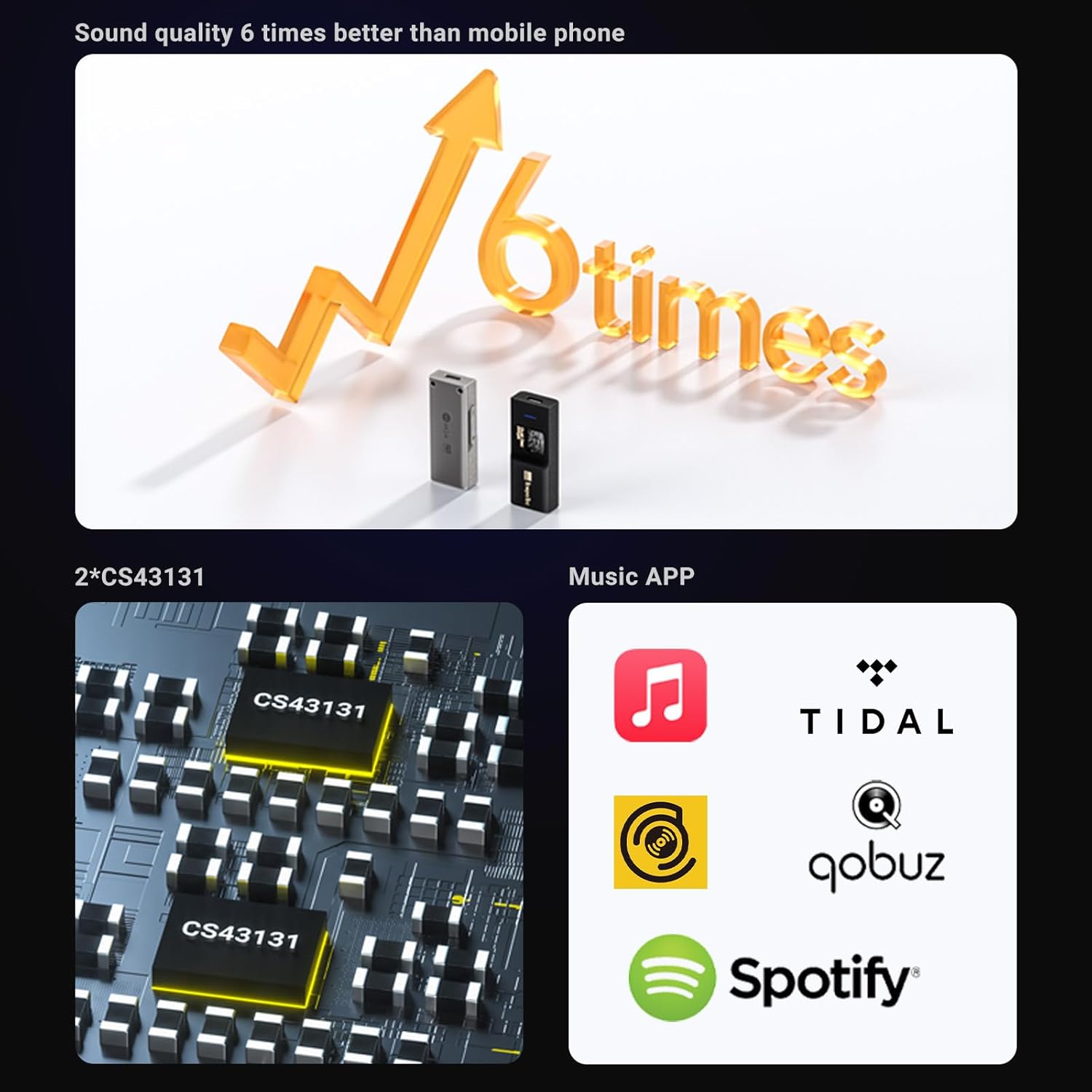
Image: The Sonata BHD Pro connected to a laptop via USB-C, with a pair of over-ear headphones plugged into the device, demonstrating its powerful headphone drive ability.
6. Operation
Once connected, the Sonata BHD Pro is ready for use. The device features an RGB LED indicator that provides visual feedback on its status and the currently playing audio format.
6.1. RGB LED Indicator Status
- Red: Connected, but not playing audio.
- White: Playing DSD64 to DSD256 audio.
- Purple: Playing MQA (Master Quality Authenticated) audio.
- Yellow: Playing audio at 32kHz to 48kHz sample rate.
- Cyan: Playing audio at 64kHz to 192kHz sample rate.
- Orange: Playing audio at 352.8kHz sample rate.

Image: A visual guide explaining the different colors of the RGB LED indicator on the Sonata BHD Pro and their corresponding audio playback statuses (Red for connected/not playing, White for DSD, Purple for MQA, Yellow for 32-48kHz, Cyan for 64-192kHz, Orange for 352.8kHz).
6.2. Volume Control
The Sonata BHD Pro features dedicated hardware buttons for volume control. Use the '+' button to increase volume and the '-' button to decrease volume. These buttons provide precise control over the audio output level.
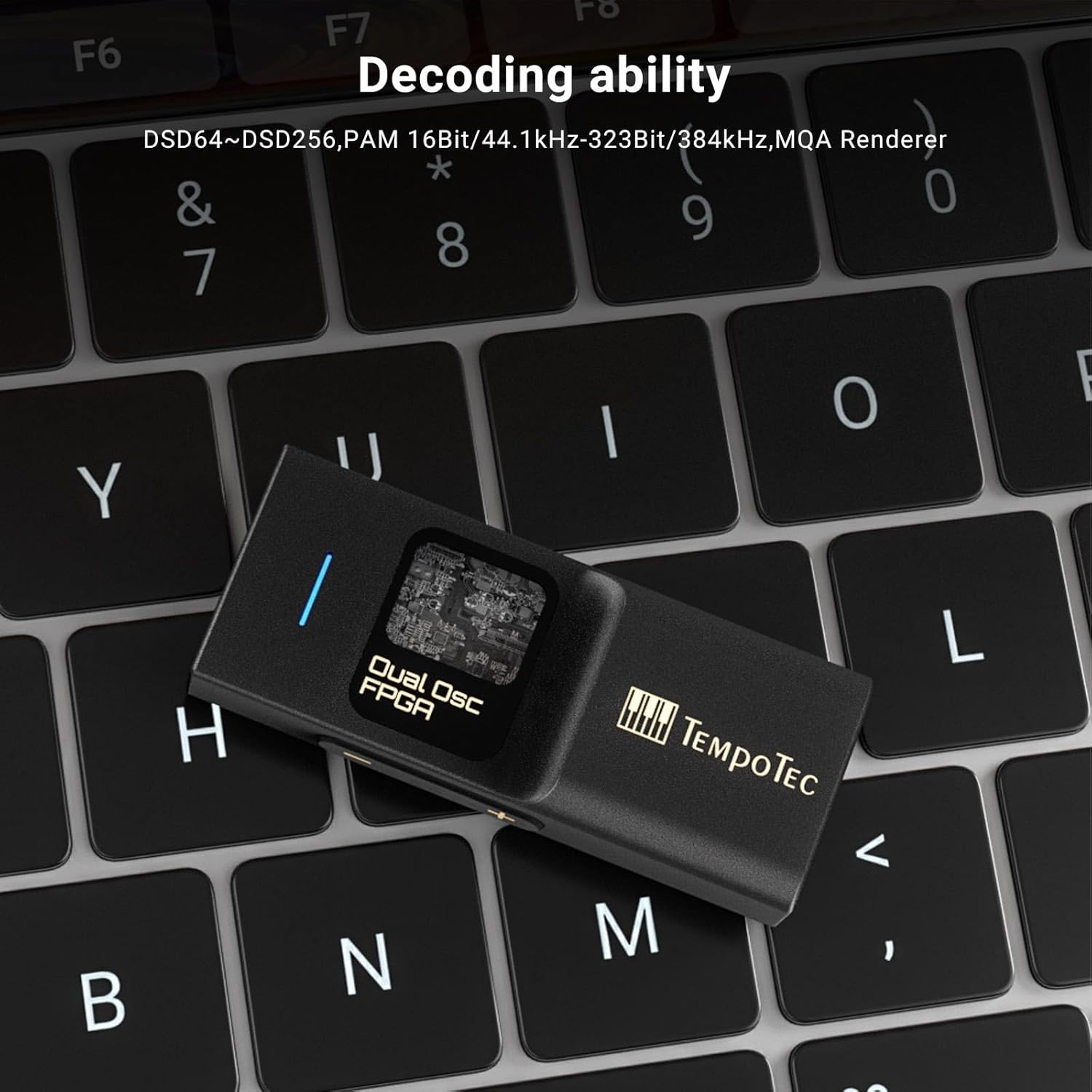
Image: The Sonata BHD Pro resting on a laptop keyboard, illustrating its compact size and highlighting its decoding capabilities for DSD64~DSD256, PCM 16Bit/44.1kHz-32Bit/384kHz, and MQA Renderer.
7. Maintenance
To ensure the longevity and optimal performance of your TempoTec Sonata BHD Pro, follow these maintenance guidelines:
- Cleaning: Use a soft, dry cloth to wipe the device. Avoid using liquid cleaners or abrasive materials.
- Storage: When not in use, store the device in the provided storage bag to protect it from dust and scratches.
- Avoid Moisture: Keep the device away from water and high humidity. The headphone jacks are open and can allow moisture to enter.
- Handle with Care: Avoid dropping the device or subjecting it to strong impacts.
- Cable Care: Handle the USB-C cable gently. Avoid sharp bends or excessive pulling to prevent damage.
8. Troubleshooting
If you encounter issues with your Sonata BHD Pro, refer to the following common problems and solutions:
- No Sound Output:
- Ensure the Sonata BHD Pro is correctly connected to both the source device and headphones.
- Verify that the Sonata BHD Pro is selected as the default audio output device in your source device's sound settings.
- Check the volume levels on both the Sonata BHD Pro and your source device.
- If the device automatically turns off output after a period of no signal, try unplugging and re-plugging the USB connection to reset it.
- Distorted Sound / Ticking/Popping Noises:
- Ensure your audio files are not corrupted.
- Try using a different USB port or cable.
- On Windows PCs, adjust power saving options for USB ports in Device Manager to prevent interruptions.
- Update the audio drivers for your source device and the Sonata BHD Pro (if applicable).
- Device Disconnects Frequently (especially with Samsung phones):
- Ensure your phone's operating system is up to date.
- Check for any power saving settings on your phone that might be interfering with the USB connection.
- Try using a different Type-C OTG cable.
- RGB Indicator Not Lighting Up:
- Confirm the device is properly connected and receiving power from the source.
- Ensure audio is playing for the indicator to show format-specific colors.
9. Specifications
Image: A table detailing the technical parameters of the TempoTec Sonata BHD Pro, including dimensions, weight, volume control type, DSD support, PCM support, MQA support, LED function, USB interface type, and headphone port types.
| Parameter | Value |
|---|---|
| Model | Sonata BHD Pro |
| Product Dimensions | 5.5cm x 2.1cm x 1.1cm (2.17 x 0.83 x 0.43 inches) |
| Weight | 18g (0.63 ounces) |
| Volume Control | Hardware Buttons (+/-) |
| DSD Support | DSD64 ~ DSD256 |
| PCM Support | 16Bit/44.1kHz - 32Bit/384kHz |
| MQA Support | Renderer (MQA8X) |
| LED Indicator | Working status (RGB) |
| USB Interface Type | Type-C OTG |
| Headphone Ports | 4.4mm Balanced & 3.5mm Single-Ended |
| Maximum Supply Voltage | 5 Volts |
| Number of Channels | 2 |
| Date First Available | August 8, 2023 |
10. Warranty and Support
TempoTec stands behind the quality of its products. For specific warranty details, please refer to the After-sales Service Card included in your package.
- Return Policy: This product is eligible for a refund or replacement within 30 days of purchase, subject to Amazon's return policy.
- Extended Protection Plans: Optional 2-Year and 3-Year protection plans are available for purchase to extend coverage beyond the standard warranty.
- Manufacturer Support: For further assistance, technical support, or warranty claims, please visit the official TempoTec Store on Amazon or their official website.
Visit the TempoTec Store for more information and product updates.