
Introduction
Thank you for choosing the Orison 21" Waterproof Outdoor Ceiling Fan with Light. This manual provides essential information for the safe and efficient operation of your new fan. Please read these instructions carefully before installation and use, and retain them for future reference.
Safety Information
- Ensure the power supply is disconnected before installation, cleaning, or maintenance.
- This fan is designed for outdoor use in covered areas such as gazebos, patios, and porches. While waterproof, avoid direct exposure to heavy rain or submersion.
- Mount the fan securely to a stable structure capable of supporting its weight.
- Keep hands, hair, and loose clothing away from moving fan blades.
- Do not operate the fan if any part is damaged or malfunctioning. Contact customer support for assistance.
- Use only the provided remote control or compatible mobile application for operation.
Package Contents
Verify that all components are present before beginning installation:
- Orison 21" Outdoor Ceiling Fan with Integrated Light
- Remote Control
- Mounting Hardware (hook, downrods)
- Instruction Manual

Image: Orison outdoor ceiling fan, remote control, and various downrod lengths.
Setup and Installation
The Orison outdoor ceiling fan features a convenient plug-in design and hanging hook for easy installation. No complex wiring is required.
- Choose Location: Select a suitable outdoor covered area (e.g., gazebo, pergola, porch) with a sturdy overhead structure.
- Secure Mounting: Install the provided hanging hook into the overhead structure. Ensure it is firmly secured and can safely support the fan's weight.
- Attach Downrod: Select the appropriate downrod length (5in or 10in) and securely attach it to the fan motor housing.
- Hang Fan: Carefully lift the fan and hang it from the installed hook.
- Plug In: Connect the 8ft power cord to a compatible outdoor electrical outlet. Ensure the outlet is protected from moisture.
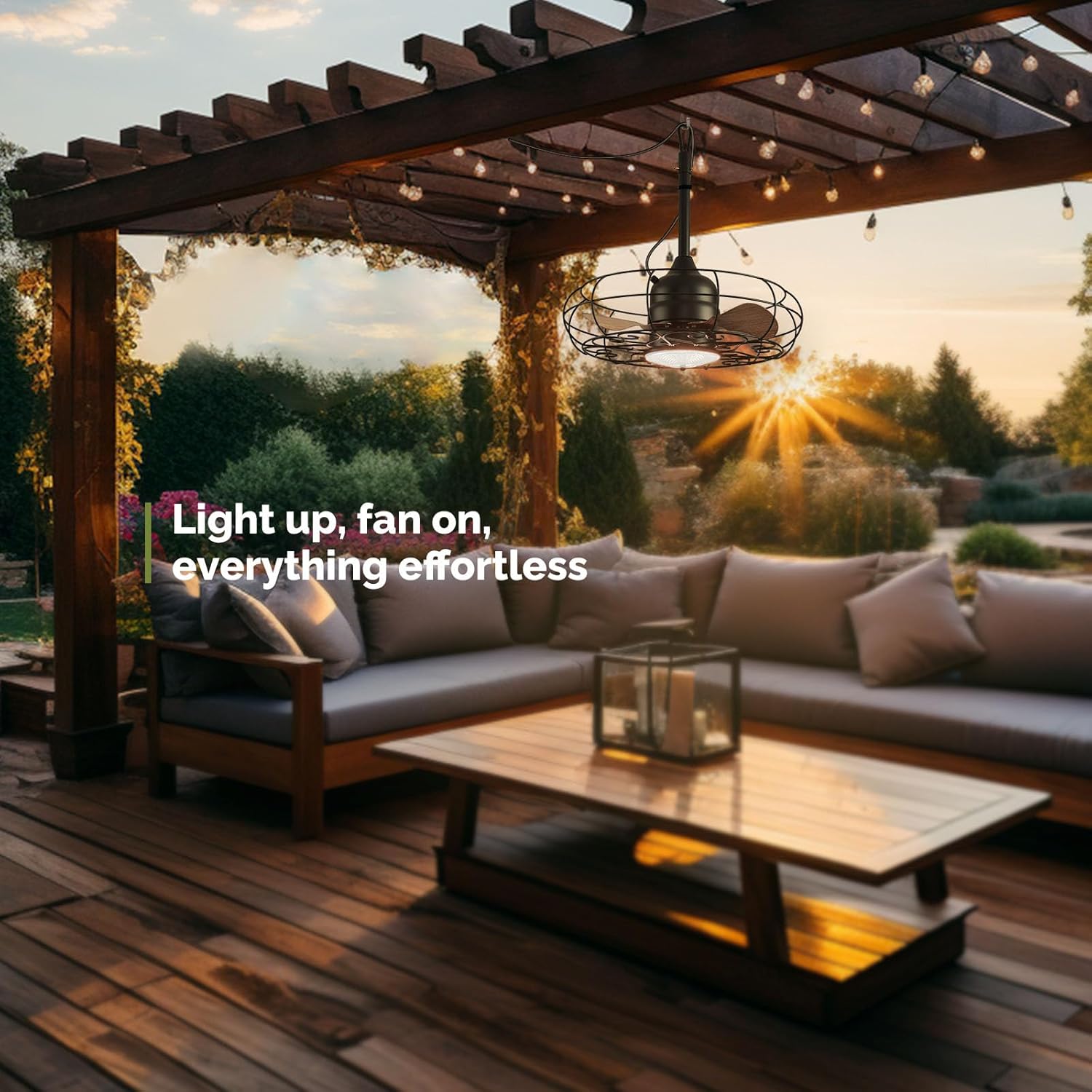
Image: Orison outdoor ceiling fan installed in a gazebo.

Image: Diagram showing fan dimensions and components for installation.
Light Panel Replacement
For instructions on replacing the light panel, please refer to the official video below:
Video: Official guide for replacing the light panel on the Orison outdoor ceiling fan.
Operating Instructions
Your Orison ceiling fan can be controlled using the included remote control or a compatible mobile application via Wi-Fi.
Remote Control Functions
- Power On/Off: Press the power button to turn the fan and light on or off.
- Fan Speed: Adjust between 6 fan speeds for optimal airflow.
- Light Control: Turn the light on/off, adjust brightness (stepless 10%-100%), and change color temperature (warm white 2700K to cool white 6500K).
- Sleep Timer: Set a 4-hour sleep timer for automatic shutdown.
- Reversible Blades: Change the direction of the fan blades for summer (downward airflow) or winter (upward airflow) modes.
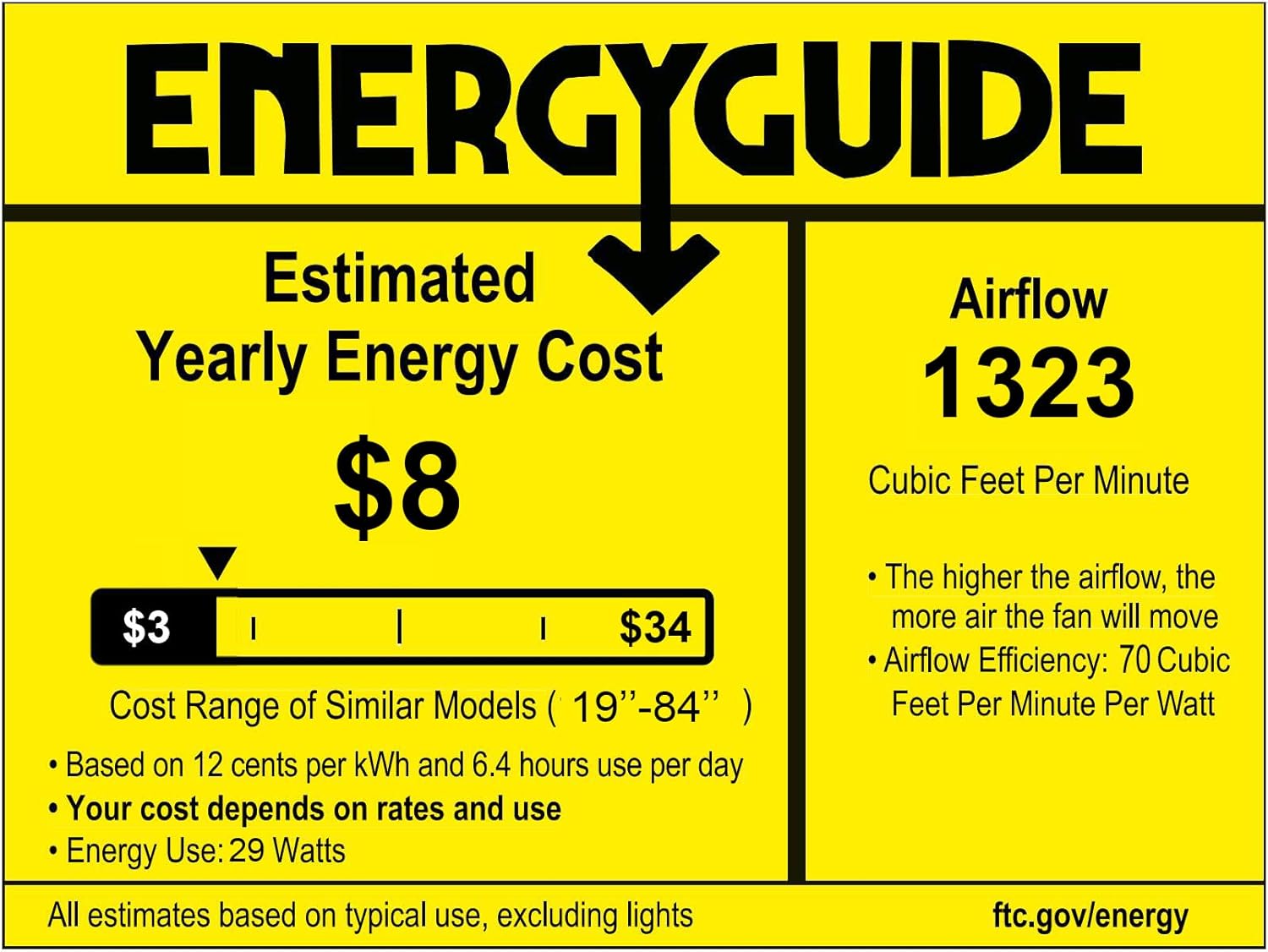
Image: Remote control for the Orison outdoor ceiling fan.

Image: Illustration of adjustable light color temperatures and brightness levels.

Image: Diagram showing summer (downward) and winter (upward) airflow modes.
Mobile Application Control
The fan supports Wi-Fi connectivity for control via a mobile application (compatible with Android 4.4+ and iOS 9.0+). Refer to the app's instructions for pairing and advanced features.
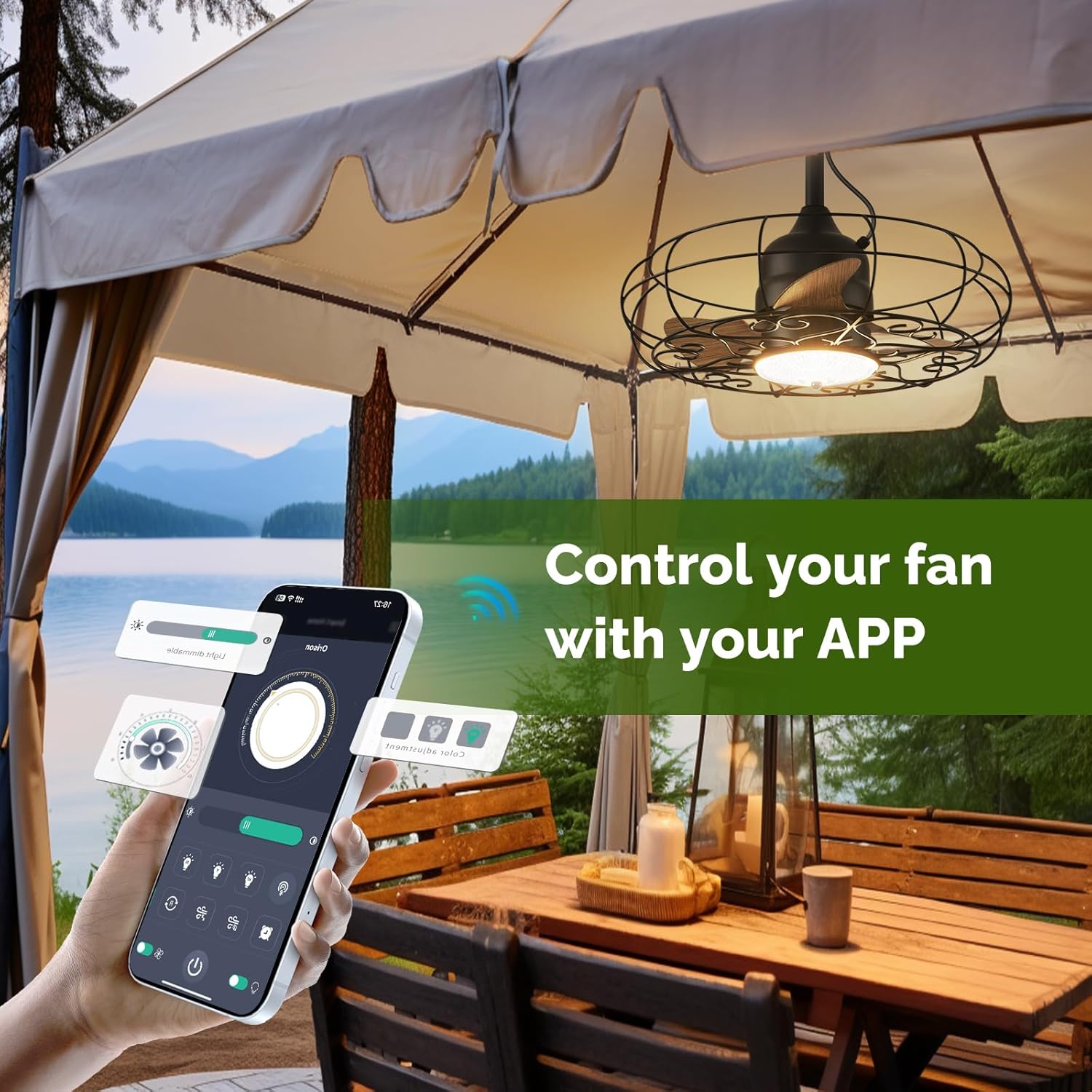
Image: Mobile application interface for controlling the fan and light settings.
Video: Demonstration of the Orison outdoor ceiling fan's operation and light features.
Maintenance
The Orison outdoor ceiling fan is designed for durability with a rust-proof metal frame and IP44 waterproof rating, ensuring continuous operation even in rainy conditions.
- Cleaning: To clean the fan, ensure it is unplugged. Wipe the exterior surfaces with a soft, damp cloth. Do not use abrasive cleaners or immerse the fan in water.
- Inspection: Periodically check the mounting hardware and electrical cord for any signs of wear or damage.

Image: Orison outdoor ceiling fan operating in the rain.
Troubleshooting
If you encounter issues with your fan, please refer to the following common solutions:
| Problem | Possible Cause | Solution |
|---|---|---|
| Fan does not turn on | No power, remote battery low, fan unplugged | Check power outlet, replace remote batteries, ensure fan is securely plugged in. |
| Light does not work | Light function off, light panel issue | Ensure light is turned on via remote/app. Refer to light panel replacement video if necessary. |
| Remote not responding | Batteries dead, remote out of range, interference | Replace remote batteries. Ensure clear line of sight to fan. Reduce interference. |
| Fan is noisy or wobbles | Loose mounting, unbalanced blades | Check all mounting screws and connections. Ensure blades are securely attached. |
If the issue persists, please contact Orison customer support.
Specifications
| Feature | Detail |
|---|---|
| Model Number | B63772 |
| Brand | Orison |
| Size (Diameter) | 21 inches |
| Dimensions (L x W x H) | Approx. 21"L x 21"W x 21.57"H |
| Color | Black |
| Material | Iron, Wood Finish Blades |
| Indoor/Outdoor Usage | Outdoor (covered areas) |
| Power Source | AC/DC (Plug-in) |
| Control Method | Remote Control, Mobile App (Wi-Fi) |
| Fan Speeds | 6 speeds |
| Light Source | Integrated LED |
| Light Color | Adjustable warm to cool white (2700K-6500K) |
| Light Brightness | Stepless 10%-100% |
| Total Wattage | 45W (Fan: 25W, Light: 20W) |
| Water Resistance Level | IP44 Waterproof |
| Connectivity Protocol | Wi-Fi (2.4GHz), Bluetooth 4.2 |
| Supported Systems | Android 4.4+, iOS 9.0+ |
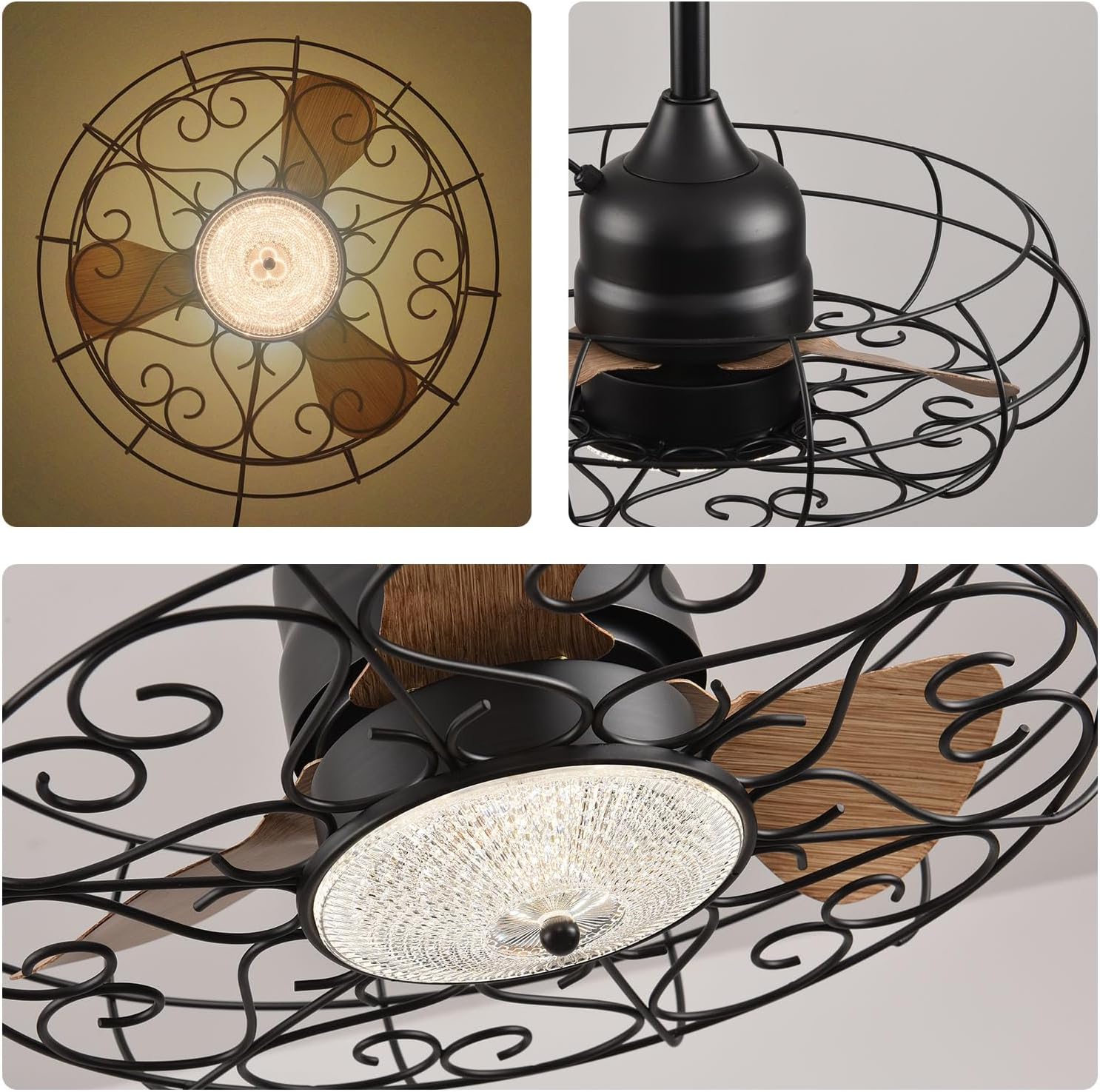
Image: Detailed specifications and dimensions diagram.
Warranty and Support
Orison is committed to providing high-quality products and customer satisfaction.
- Warranty: The product comes with a lifetime warranty. Specifically, the motor is covered for 10 years, and the entire fan unit for 2 years.
- Return Policy: Enjoy a 30-day refund and return policy from the date of purchase.
- Customer Support: If you have any questions, concerns, or require assistance with your Orison ceiling fan, please contact our customer service team. Refer to your purchase documentation for contact details.

Image: Orison outdoor ceiling fan with remote control and downrods, symbolizing product support.