
Introduction
Thank you for choosing the Costzon 12V Electric Bumper Car. This manual provides essential information for the safe assembly, operation, and maintenance of your new ride-on toy. Please read it thoroughly before use and retain it for future reference.
Safety Information
WARNING: To prevent the risk of serious injury, adult supervision is required at all times. Never leave children unattended.
- This product is suitable for children aged 37-96 months (approximately 3-8 years old) with a maximum weight capacity of 66 lbs (30 kg).
- Always ensure the child is securely fastened with the safety harness before operation.
- Operate the bumper car on flat, dry surfaces only. Avoid slopes, uneven terrain, water, or sand.
- Keep hands, hair, and loose clothing away from moving parts.
- Do not modify the electrical system. Only use the charger provided by the manufacturer.
- The bumper car features a soft start function to prevent sudden acceleration.
- This product is ASTM and CPSIA certified, ensuring compliance with safety standards.
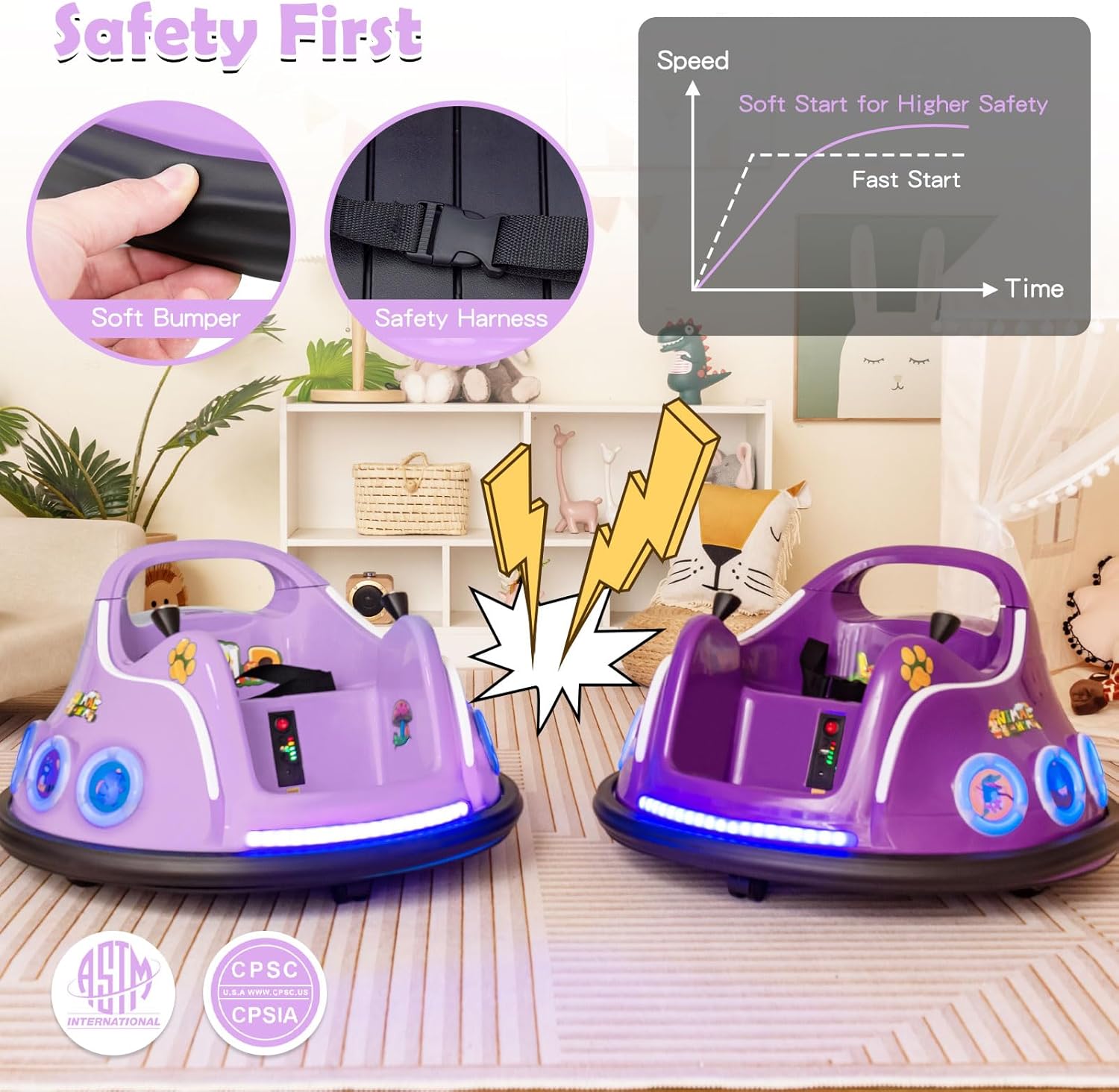
Image: Safety features including soft bumper, safety harness, and slow start function.
Setup
1. Initial Charging
Before first use, fully charge the 12V battery for 8-12 hours. Connect the charger to the charging port on the bumper car and plug it into a standard wall outlet. Do not overcharge the battery.
2. Remote Control Battery Installation
The remote control requires 2 AAA batteries (not included). Open the battery compartment on the back of the remote control, insert the batteries with correct polarity, and close the compartment.

Image: Costzon Electric Bumper Car and its remote control.
Operating Instructions
The Costzon Electric Bumper Car offers two driving modes:
1. Kid's Manual Operation
Children can operate the bumper car using the dual joysticks located on either side of the seat. Push both joysticks forward to move forward, pull both back to move backward. Push one forward and pull the other back to spin. The car features 360-degree free spin capability.

Image: Detailed view of the control panel and joysticks.
2. Parental Remote Control
For younger children or for parental assistance, the bumper car can be controlled using the included remote. The remote allows parents to control direction (forward, backward, left, right) and adjust speed (low, middle, high).
- Forward/Backward: Use the up/down arrows on the left joystick.
- Left/Right: Use the left/right arrows on the left joystick.
- Frequency Button (M): Used for pairing the remote with the car.
- Speed Adjustment (S): Cycles through low, middle, and high speeds.
- Emergency Brake (P): Stops the car immediately.

Image: Parental remote control in use, showing button functions.
Additional Features
- Flashing LED Lights: The bumper car is equipped with front and side LED lights for an enhanced experience.
- Built-in Music & Wireless Connection: Enjoy pre-loaded music or connect wirelessly to play your own tunes.
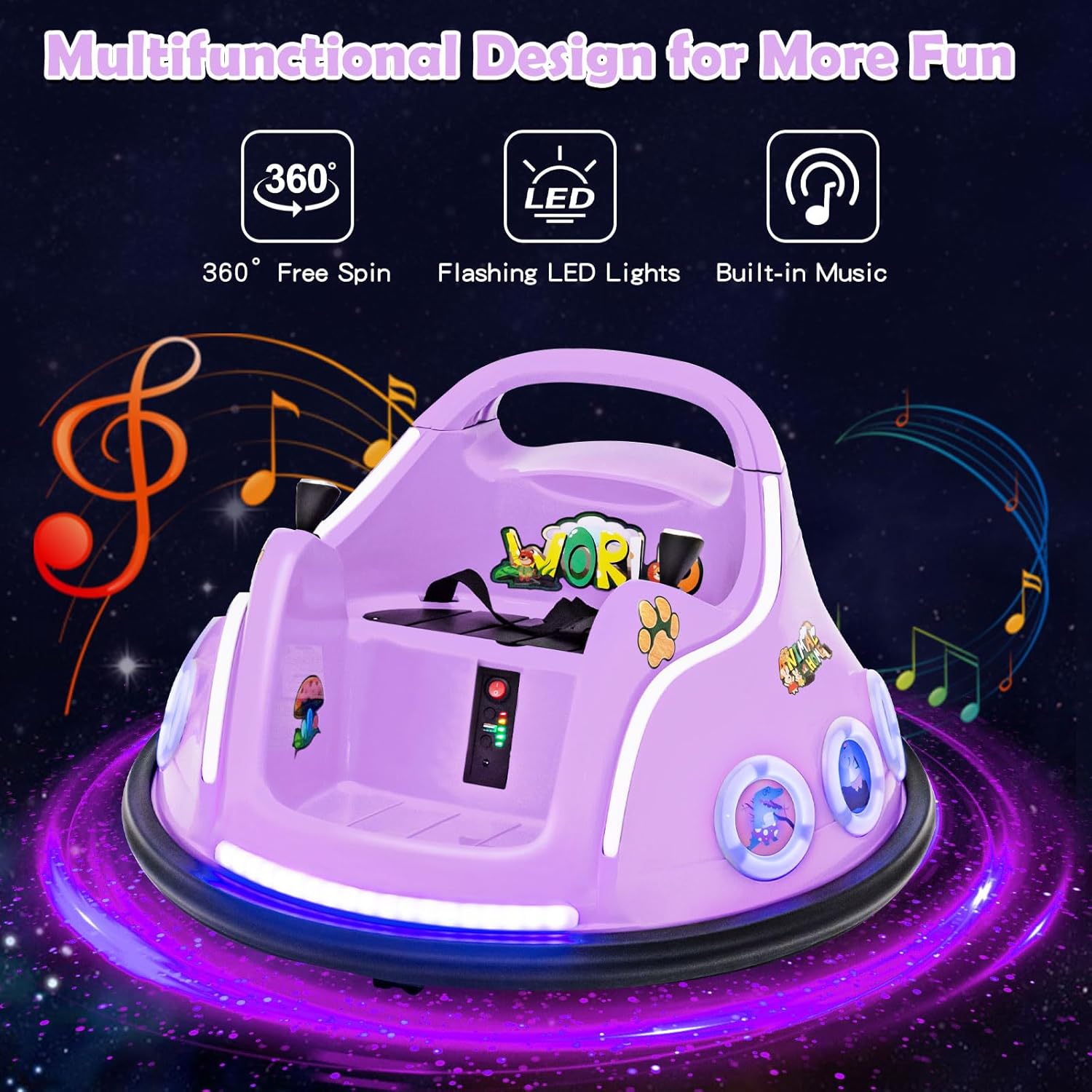
Image: Bumper car showcasing flashing LED lights and music features.
Maintenance
- Cleaning: Wipe the car with a damp cloth. Do not use abrasive cleaners or submerge the car in water.
- Battery Care:
- Recharge the battery after each use.
- If storing for an extended period, charge the battery fully every 30 days to prolong its lifespan.
- Do not store the battery in extreme temperatures.
- Storage: Store the bumper car in a dry, cool place away from direct sunlight.
- Inspection: Regularly check for loose screws, damaged wires, or worn parts. Contact customer support for replacement parts.
Troubleshooting
| Problem | Possible Cause | Solution |
|---|---|---|
| Car does not move | Battery is low or not connected; Power switch is off; Loose wire connection. | Charge the battery; Turn on the power switch; Check all connections. |
| Remote control not working | Remote batteries are dead or incorrectly installed; Remote not paired. | Replace remote batteries; Ensure correct polarity; Re-pair remote with car (refer to pairing instructions in a separate guide if needed). |
| Car moves slowly | Low battery charge; Overload (too much weight). | Recharge the battery; Ensure weight does not exceed 66 lbs. |
| Lights or music not working | Loose connection; Malfunction. | Check connections; Contact customer support if issue persists. |
Specifications
| Feature | Detail |
|---|---|
| Suitable Age | 37-96 months (3-8 years) |
| Battery | 12V 4.5AH |
| Maximum Speed | 0.75-1.25 mph (1.2-2 km/h) |
| Load Capacity | 66 lbs (30 kg) |
| Charge Time | 8-12 hours |
| Charger Output | DC 12V 0.9A |
| Product Dimensions | 26 x 26 x 18.7 inches (66 x 66 x 47.5 cm) |
| Item Weight | 16.5 pounds (7.5 kg) |

Image: Product specifications table.
Customer Support
For any questions, concerns, or assistance with your Costzon Electric Bumper Car, please contact Costzon customer service. Refer to your purchase documentation for contact details or visit the official Costzon website.
You can also visit the Costzon Store on Amazon for more information.