
AROMA NB138 Champ_Black
Aroma NB138 Champ Wireless Earbuds User Manual
Model: NB138 Champ_Black | Brand: AROMA
1. Introduction
The Aroma NB138 Champ Wireless Earbuds are designed to provide a superior audio experience with advanced features and comfortable wear. This manual will guide you through the setup, operation, and maintenance of your new earbuds.
Video Description: An overview of the Aroma NB138 Champ Earbuds, highlighting key features such as design, battery life, and connectivity. This video provides a visual introduction to the product and its functionalities.
2. What's in the Box
Please check the package contents to ensure all items are present:
- Wireless Earbuds (Left and Right)
- Charging Case
- C-type Charging Cable
- 2 sets of ear muffs (different sizes)
- User Manual
3. Product Overview
Familiarize yourself with the components of your Aroma NB138 Champ Earbuds.
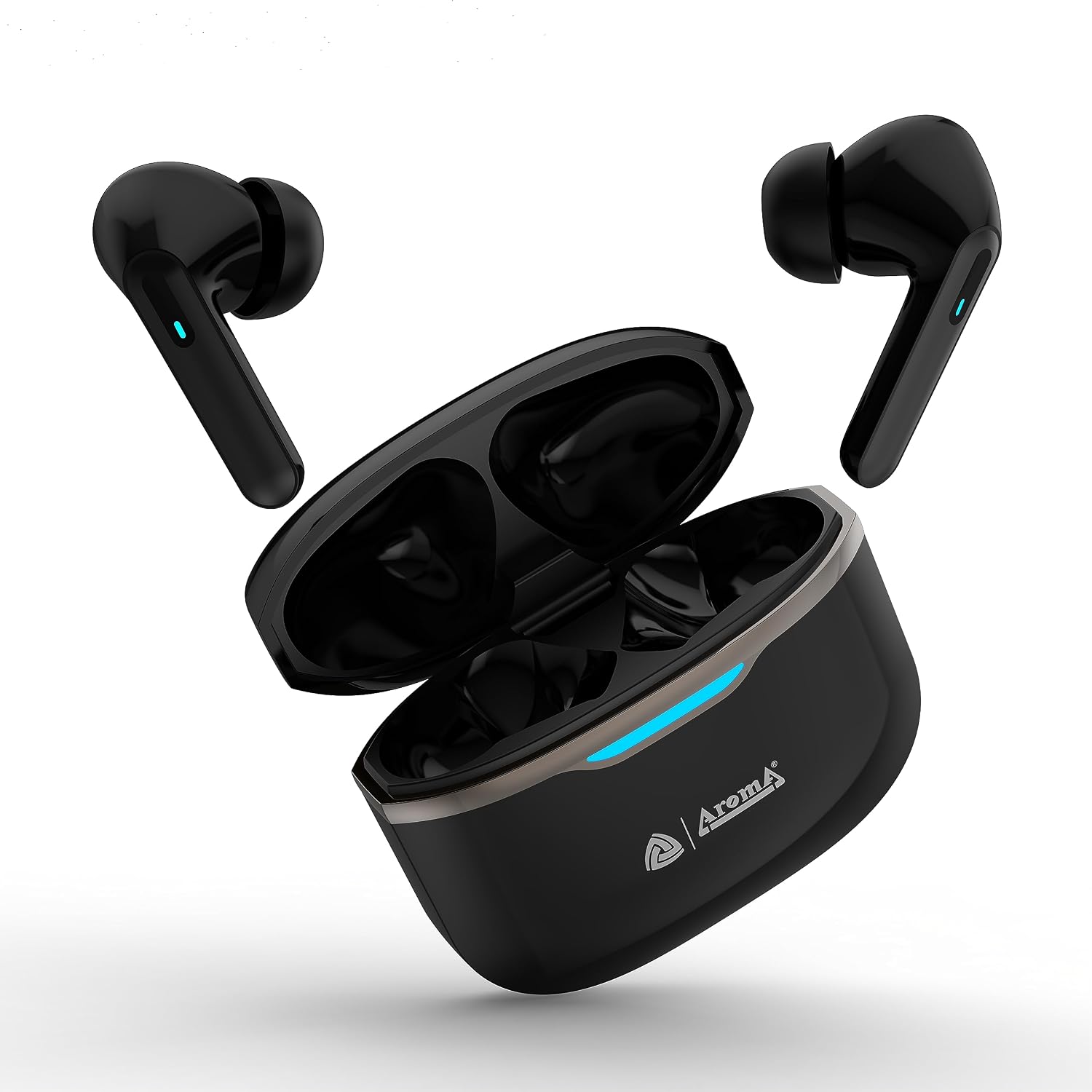
Image Description: The Aroma NB138 Champ Wireless Earbuds, black in color, are shown alongside their open charging case. The earbuds are positioned above the case, indicating their placement when not in use. A blue LED light is visible on the case, suggesting charging or power status.
Key Features:
- Long Playtime: Up to 30 hours of playback with the charging case, and 6 hours on a single charge.
- Type-C Fast Charging: Quick charging capability for minimal downtime.
- HD Sound Quality: Delivers a high-quality listening experience with 10mm audio drivers.
- Ultra-Low Latency: 45ms latency for lag-free gaming and media consumption.
- Dual Pairing: Seamlessly connect and switch between multiple devices.
- Multi-functional Touch Controls: Easy management of music, calls, and voice assistant.
- IPX4 Water Resistant: Protected against splashes and sweat, suitable for various activities.
- Comfort Fit: Ergonomically designed for comfortable and secure wear during sports and outdoor activities.
4. Getting Started
4.1. Initial Charging
Before first use, fully charge the earbuds and the charging case.
- Place the earbuds into the charging case.
- Connect the Type-C charging cable to the charging port on the case and to a USB power source.
- The indicator light on the case will show charging status. Once fully charged, the light will change or turn off.

Image Description: Two Aroma NB138 Champ earbuds are shown with text indicating '6 Hours of Pure Musical Enjoyment' and '10 Min Charge'. This highlights the earbuds' battery life per charge and quick charging capability.
4.2. Pairing with Your Device
The earbuds support Bluetooth 5.1 for stable connectivity.
- Open the charging case. The earbuds will automatically enter pairing mode (indicator lights will flash).
- On your device (smartphone, tablet, laptop), enable Bluetooth.
- Search for "Aroma NB138 Champ" in the list of available Bluetooth devices.
- Select it to connect. Once connected, the indicator lights on the earbuds will stop flashing.

Image Description: The Aroma NB138 Champ charging case with earbuds inside is depicted between two mobile phones, illustrating the 'Dual Device Pairing' feature. The image also highlights 'Bluetooth 5.2+' connectivity, emphasizing seamless audio experience.
5. Operating Your Earbuds
5.1. Touch Controls
The Aroma NB138 Champ features multi-functional touch controls for easy operation:

Image Description: A detailed diagram of an Aroma NB138 Champ earbud highlighting its 'Smart Touch Controls'. Instructions are provided for various functions: Previous Song (3 taps left), Next Song (3 taps right), Increase Volume (2 taps right), Decrease Volume (2 taps left), Play/Pause (1 tap left or right), Answer/Hang Up (1 tap left or right), Reject Call (Press & Hold left/right for 2 seconds), and Smart Voice Assistant (Press & Hold left or right for 5 seconds).
- Play/Pause: 1 tap on left or right earbud.
- Previous Song: 3 consecutive taps on left earbud.
- Next Song: 3 consecutive taps on right earbud.
- Increase Volume: 2 consecutive taps on right earbud.
- Decrease Volume: 2 consecutive taps on left earbud.
- Answer/Hang Up Call: 1 tap on left or right earbud.
- Reject Call: Press & Hold left/right earbud for 2 seconds.
- Activate Voice Assistant (Siri/Google Assistant): Press & Hold left or right earbud for 5 seconds until beep sound.
5.2. Dual Pairing Mode
To utilize the dual pairing feature, ensure both devices have Bluetooth enabled and are within range. After initial pairing with the first device, connect to the second device. The earbuds will seamlessly switch between the two connected devices based on audio input.
6. Maintenance and Care
To ensure the longevity and optimal performance of your earbuds:
- Keep the earbuds and charging case clean and dry.
- Wipe with a soft, dry cloth. Do not use abrasive cleaners.
- Avoid extreme temperatures and direct sunlight.
- Store in the charging case when not in use to protect them and keep them charged.
- The earbuds are IPX4 water resistant, meaning they are protected from splashing water from any direction. Do not submerge them in water.
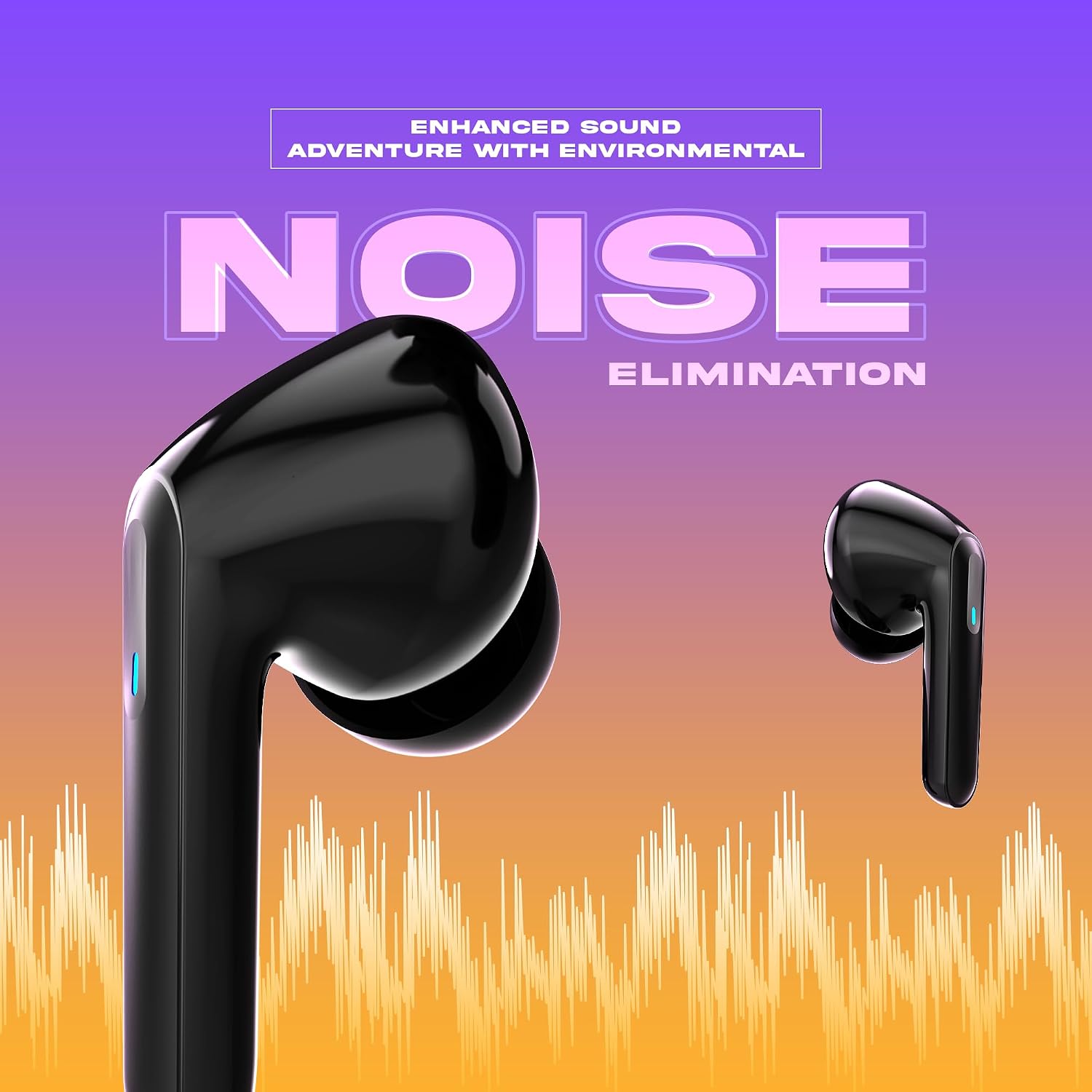
Image Description: A rear view of the Aroma NB138 Champ Wireless Earbuds and their charging case. The image shows the smooth, black finish of the product, emphasizing its sleek design and compact form factor.
7. Troubleshooting
If you encounter any issues, please refer to the following common problems and solutions:
| Problem | Possible Solution |
|---|---|
| Earbuds not pairing | Ensure earbuds are charged. Turn off and on Bluetooth on your device. Forget the device in Bluetooth settings and re-pair. |
| No sound from one earbud | Ensure both earbuds are charged. Try placing them back in the case and taking them out again. Re-pair the earbuds. |
| Low volume | Adjust volume on both earbuds and your connected device. Ensure ear tips are properly sealed in your ear canal. |
| Charging case not charging | Check the charging cable and power adapter. Ensure the cable is securely connected. |
| Touch controls not responding | Ensure your fingers are clean and dry. Try restarting the earbuds by placing them in the case and taking them out. |
8. Technical Specifications
| Feature | Detail |
|---|---|
| Model Name | NB138 Champ_Black |
| Connectivity Technology | Wireless (Bluetooth 5.1) |
| Earbud Battery Life | 6 Hours (single charge) |
| Total Playtime (with case) | Up to 30 Hours |
| Charging Port | Type-C |
| Audio Driver Type | Dynamic Driver (10mm) |
| Control Method | Touch Control |
| Water Resistance Level | IPX4 Water Resistant |
| Material | Plastic |
| Item Weight | 50 Grams |
| Product Dimensions | 5.5 x 4.5 x 2.1 cm |
| Compatible Devices | Smartphones, Tablets, Laptops, Desktops |
9. Warranty and Support
Your Aroma NB138 Champ Wireless Earbuds come with a standard manufacturer's warranty. For warranty claims, technical support, or any product-related inquiries, please contact Aroma customer service at care@aroma-accessories.com or repair@aroma-accessories.com.
Please retain your proof of purchase for warranty validation.
Ask a question about this manual
Ask about setup, troubleshooting, compatibility, parts, safety, or missing instructions. Manuals+ will review the question and use this page’s manual context to help answer it.