
Harry Lime HA07S-2018-TWS
Harry Lime Series 7 Smart Watch and True Wireless Earbuds User Manual
Model: HA07S-2018-TWS | Brand: Harry Lime
Introduction
This manual provides comprehensive instructions for the setup, operation, and maintenance of your Harry Lime Series 7 Smart Watch and accompanying True Wireless Earbuds. Please read this manual carefully to ensure proper use and to maximize the functionality of your devices. This product combines a sophisticated smartwatch with advanced fitness tracking and notification features, along with high-quality wireless earbuds for an integrated audio experience.
What's in the Box
- Harry Lime Series 7 Smart Watch
- Harry Lime True Wireless Earbuds
- Earbuds Charging Case
- Charging Cable (for smartwatch and earbuds case)
- User Manual (this document)
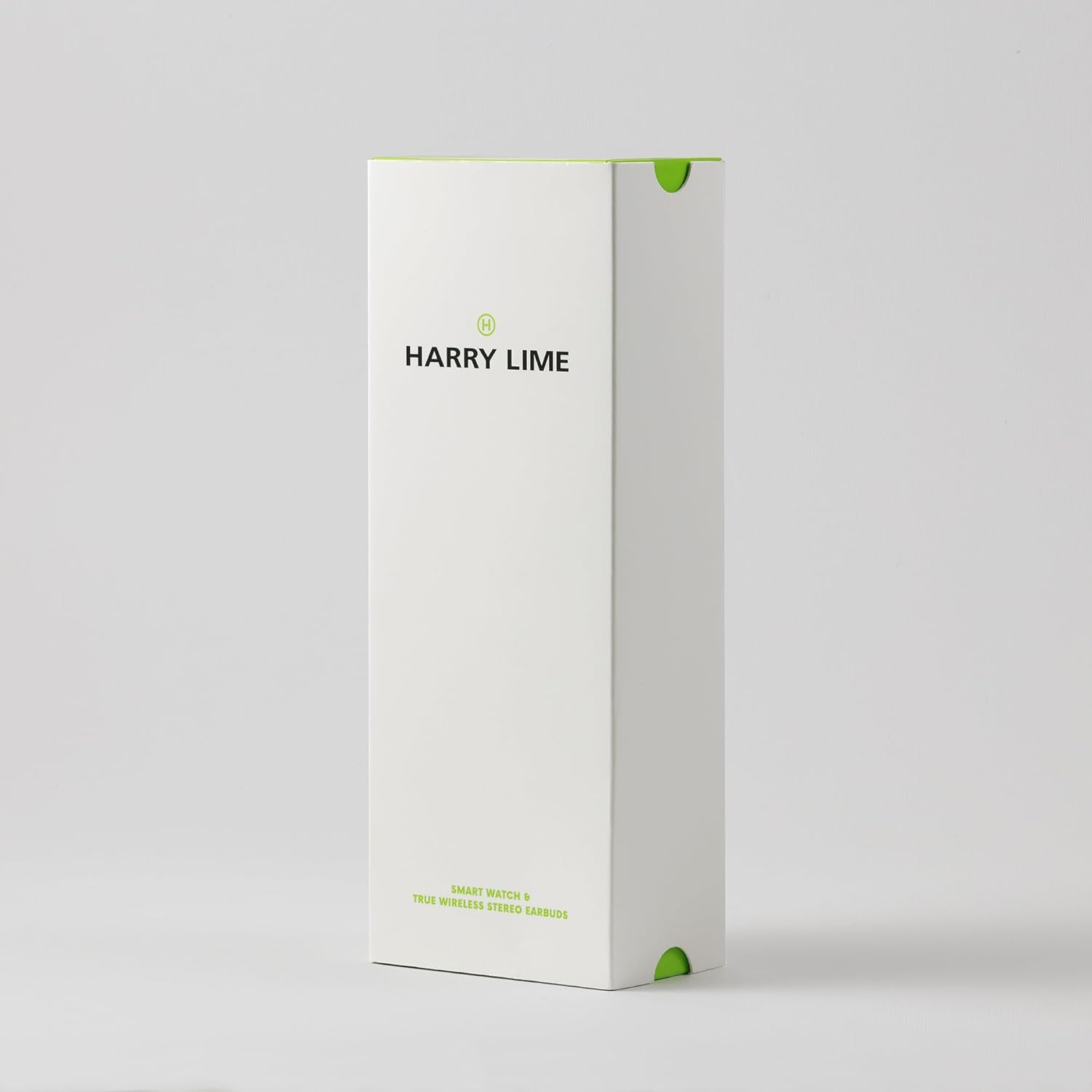
- Giftbox
Product Overview
The Harry Lime Series 7 Smart Watch features a 1.32-inch touch screen display and an aluminum sports bezel. It is designed to keep you connected and active. The accompanying True Wireless Earbuds provide high-quality audio and seamless connectivity for music and calls.

This image displays the Harry Lime Series 7 Smart Watch with a green dial and black silicone strap, positioned next to its black True Wireless Earbuds in their open charging case. The watch face shows a digital time display and heart rate. The earbuds are visible inside the case, indicating their charging status with blue lights.

This image illustrates the various functionalities of the Harry Lime Smart Watch through a series of icons and text labels. Features include: Amazing Dial Selection, Call Notifications, Photo Dials, Step Counter, Message Notifications, Water Resistant, Activity Monitor, Camera Control, Music Control, Calorie Tracking, Find Your Phone, Heart Rate Monitor, Hydration Alerts, GPS Connection, Weather Notifications, Sleep Tracking, and Daily Alarms.

This image shows the back of the Harry Lime Smart Watch, highlighting the optical sensors used for heart rate monitoring and other health tracking functions. The watch's white casing and black silicone strap are also visible.
This image displays the Harry Lime True Wireless Earbuds nestled within their open black charging case. The earbuds are black with blue indicator lights, and the case shows three small white indicator lights, likely indicating battery level.
Setup
Smartwatch Setup
- Charging the Smartwatch: Before first use, fully charge your smartwatch. Connect the provided charging cable to the charging port on the back of the watch and plug the USB end into a compatible USB power adapter (not included) or computer USB port. The watch display will indicate charging status.
- App Installation: Download the official Harry Lime app from your smartphone's app store (compatible with iOS and Android). Search for "Harry Lime" or scan the QR code provided in the quick start guide (if applicable).
- Pairing with Your Phone:
- Ensure Bluetooth is enabled on your smartphone.
- Open the Harry Lime app and follow the on-screen instructions to add a new device.
- The app will search for your smartwatch. Select "Harry Lime Series 7" from the list of available devices.
- Confirm the pairing request on both your phone and the smartwatch if prompted.
- Once paired, the watch will synchronize time and data with your phone.
- Personalization: Within the app, you can customize watch faces, set personal goals, and configure notification preferences.
Earbuds Setup
- Charging the Earbuds and Case: Place the earbuds into the charging case. Connect the charging case to a USB power source using the provided cable. The indicator lights on the case will show the charging status. Ensure the case and earbuds are fully charged before first use.
- Initial Pairing:
- Open the charging case. The earbuds will automatically enter pairing mode (indicator lights will flash).
- On your smartphone, go to Bluetooth settings and search for new devices.
- Select "Harry Lime Earbuds" (or similar name) from the list to connect.
- Once connected, a voice prompt will confirm successful pairing.
- Automatic Reconnection: After initial pairing, the earbuds will automatically connect to the last paired device when removed from the charging case and Bluetooth is enabled on your device.
Operating Instructions
Smartwatch Functions
- Navigating the Touch Screen:
- Swipe Up/Down: Scroll through menus and notifications.
- Swipe Left/Right: Access quick functions or different data screens.
- Tap: Select an item or confirm an action.
- Press Side Button: Return to the home screen or power on/off.
- Call and Message Notifications: Once paired, the watch will display incoming call alerts, messages, and social media notifications directly on your wrist. You can dismiss calls or view message previews.
- Fitness Tracking:
- Heart Rate Monitor: The watch continuously monitors your heart rate. View real-time data on the watch or detailed history in the app.
- Step Counter & Calorie Tracking: Tracks your daily steps and estimated calories burned.
- GPS Connectivity: Connects to your phone's GPS for accurate tracking of outdoor activities like running or cycling.
- Sports Modes: Select from various sports modes to track specific workouts with relevant metrics.
- Sleep Analysis: Wear the watch to bed for comprehensive sleep pattern analysis, including sleep stages and duration.
- Music Control: Control music playback on your smartphone directly from your watch (play, pause, skip tracks, adjust volume).
- Camera Control: Use your watch as a remote shutter for your smartphone's camera.
- Other Features:
- Alarms: Set silent vibrating alarms.
- Hydration Alerts: Receive reminders to drink water.
- Phone Locator: Use the watch to make your phone ring if it's within Bluetooth range.
- Weather Alerts: Get current weather information and forecasts.
- Timer & Stopwatch: Built-in tools for timing activities.
Earbuds Operation
- Power On/Off: Earbuds power on automatically when removed from the case and power off when placed back in the case.
- Music Playback:
- Play/Pause: Tap once on either earbud.
- Next Track: Double-tap the right earbud.
- Previous Track: Double-tap the left earbud.
- Call Management:
- Answer/End Call: Tap once on either earbud.
- Reject Call: Press and hold either earbud for 2 seconds.
- Voice Assistant: Triple-tap either earbud to activate your device's voice assistant (Siri, Google Assistant, etc.).
Maintenance
- Cleaning:
- Wipe the smartwatch and earbuds with a soft, dry, lint-free cloth.
- For stubborn dirt, slightly dampen the cloth with water. Avoid using harsh chemicals or abrasive materials.
- Ensure charging contacts on both the watch and earbuds/case are clean and dry before charging.
- Water Resistance (Smartwatch): The smartwatch has an IP68 water resistance rating. This means it is resistant to dust and can withstand immersion in water up to 1.5 meters for up to 30 minutes. It is suitable for daily use and light water activities but not recommended for swimming or diving. Avoid exposure to hot water, steam, or high-pressure water.
- Battery Care:
- Charge the devices regularly to maintain battery health.
- Avoid fully discharging the battery frequently.
- Store the devices in a cool, dry place when not in use for extended periods.
- Storage: When not in use, store the smartwatch and earbuds in their original packaging or a protective case to prevent damage.
Troubleshooting
| Issue | Possible Cause | Solution |
|---|---|---|
| Smartwatch not turning on. | Low battery. | Charge the smartwatch for at least 30 minutes. |
| Smartwatch not pairing with phone. | Bluetooth off; app issue; watch not in pairing mode. | Ensure Bluetooth is on. Restart the app and watch. Try re-pairing from scratch. |
| Notifications not appearing on watch. | App permissions; Bluetooth disconnected; notification settings. | Check app notification permissions on your phone. Ensure watch is connected. Verify notification settings within the Harry Lime app. |
| Earbuds not connecting or only one earbud working. | Low battery; pairing issue; earbuds not synced. | Ensure earbuds and case are charged. Place both earbuds back in the case, close, then reopen to re-sync. Re-pair with your device. |
| Inaccurate fitness data. | Improper watch fit; sensor obstruction. | Ensure the watch is snug but comfortable on your wrist. Clean the heart rate sensor on the back of the watch. |
| Short battery life. | Frequent use of power-intensive features; old battery. | Reduce screen brightness, limit continuous heart rate monitoring, or disable unnecessary notifications. Battery life naturally degrades over time. |
Specifications
| Feature | Detail |
|---|---|
| Product Name | Harry Lime Series 7 Smart Watch with True Wireless Earbuds |
| Model Number | HA07S-2018-TWS |
| Brand | Harry Lime |
| Smartwatch Display | 1.32" Touch Screen |
| Smartwatch Battery Life | Up to 4 days (typical usage) |
| Smartwatch Water Resistance | IP68 (Dust and water resistant up to 1.5m for 30 mins) |
| Connectivity | Bluetooth 5.0 |
| Smartwatch Operating System | Android (compatible with iOS & Android devices) |
| Special Features (Smartwatch) | GPS (connected), Heart Rate Monitor, Step Counter, Sleep Tracker, Music Control, Camera Control, Call/Message Alerts, Alarms, Hydration Alerts, Phone Locator, Weather Alerts, Multiple Sports Modes |
| Earbuds Playtime | 5 hours (earbuds), 20+ hours (with charging case) |
| Earbuds Wireless Range | Up to 10 meters |
| Battery Type | Lithium Polymer (included) |
| Package Dimensions | 18.8 x 6.5 x 4.6 cm |
| Item Weight | 41 g |
| Manufacturer | Peers Hardy |
| Country of Origin | China |
Warranty and Support
Your Harry Lime Series 7 Smart Watch and True Wireless Earbuds come with a 2-Year Guarantee from the date of purchase, covering manufacturing defects. Please retain your proof of purchase for warranty claims.
For technical support, troubleshooting assistance, or warranty inquiries, please contact Harry Lime customer service through the contact information provided on the official Harry Lime website or your retailer's support channels. Please have your model number (HA07S-2018-TWS) and purchase details ready when contacting support.