
1. Introduction
Thank you for choosing the Stellar Mounts Ultra Slim Tilt TV Wall Mount Bracket. This product is designed to securely mount your flat-panel TV to the wall, providing an optimal viewing experience with its tilt and low-profile design. This manual provides essential information for safe installation, operation, and maintenance of your new TV mount. Please read all instructions carefully before beginning installation.
2. Safety Information
WARNING: Improper installation may result in serious personal injury or damage to your TV and property. If you do not understand these instructions, or have doubts about the safety of the installation, please contact a qualified installer.
- Do not install this product on walls that are not structurally sound. Ensure the mounting surface can support the combined weight of the mount and the TV.
- Always use the provided hardware. If any parts are missing or defective, contact Stellar Mounts customer support.
- Do not exceed the maximum weight capacity of 165 lbs (75 kg).
- This mount is designed for flat-panel TVs between 32" and 102" with VESA patterns up to 600x400mm.
- Always have at least two people for installation to prevent injury or damage.
- Ensure all screws are tightened securely, but do not overtighten.
3. Package Contents
Please verify that all components are present and undamaged before installation:
- TV Wall Mount (Wall Plate and TV Brackets)
- Hardware Kit (various screws, washers, spacers, anchors)
- Bubble Level
- Instruction Manual (this document)
If any parts are missing or damaged, please contact Stellar Mounts customer support immediately.
4. Product Specifications
| Feature | Specification |
|---|---|
| Compatible TV Sizes | 32" - 102" |
| Weight Capacity | 165 lbs (75 kg) |
| Tilt Angle | 0° to 12° (Up & Down) |
| Profile from Wall | 1.7 inches (4.3 cm) |
| Max VESA Compatibility | 600x400mm |
| Material | Alloy Steel |
| Color | Black |
| Item Weight | 6.78 pounds (3.07 kg) |
5. Installation Guide
The Stellar Mounts TV wall mount is designed for easy installation. Follow these three main steps:
- Attach Wall Plate to Wall:
Locate the desired mounting position on your wall. Use a stud finder to identify wood studs for secure mounting. Mark the drilling points for the wall plate. Drill pilot holes and secure the wall plate to the wall using the appropriate lag bolts and washers provided in the hardware kit. Ensure the wall plate is level using the included bubble level.

Figure 1: Wall plate mounted to the wall, showing the integrated bubble level.
- Attach Brackets to TV:
Carefully place your TV face down on a soft, clean surface. Identify the VESA mounting holes on the back of your TV. Select the correct size screws, washers, and spacers from the hardware kit that fit your TV's mounting holes. Attach the two vertical TV brackets to the back of your TV, ensuring they are securely fastened and evenly spaced.

Figure 2: Components of the TV wall mount, including the wall plate and TV brackets.
- Attach TV to Wall Plate:
With assistance, carefully lift the TV with the attached brackets. Align the hooks on the TV brackets with the top edge of the wall plate. Gently lower the TV until the brackets engage with the wall plate. Once the TV is hanging securely, install the safety screws (or locking mechanisms) at the bottom of the TV brackets to prevent accidental disengagement and limit shifting.

Figure 3: Illustrating the final step of attaching the TV to the mounted wall plate.

Figure 4: The ultra-slim design positions the TV close to the wall, approximately 1.7 inches.
6. Operation (Tilt Function)
This mount features a tilt adjustment from 0° to 12° to help reduce glare and achieve optimal viewing angles from various positions in your room, such as a couch, floor, or bed. To adjust the tilt, gently push or pull the bottom of the TV to the desired angle. The friction-based design will hold the TV in place. For precise adjustments, some models may have knobs or levers on the side of the TV brackets that can be loosened, adjusted, and then re-tightened.

Figure 5: Optimal viewing from a living room setting.
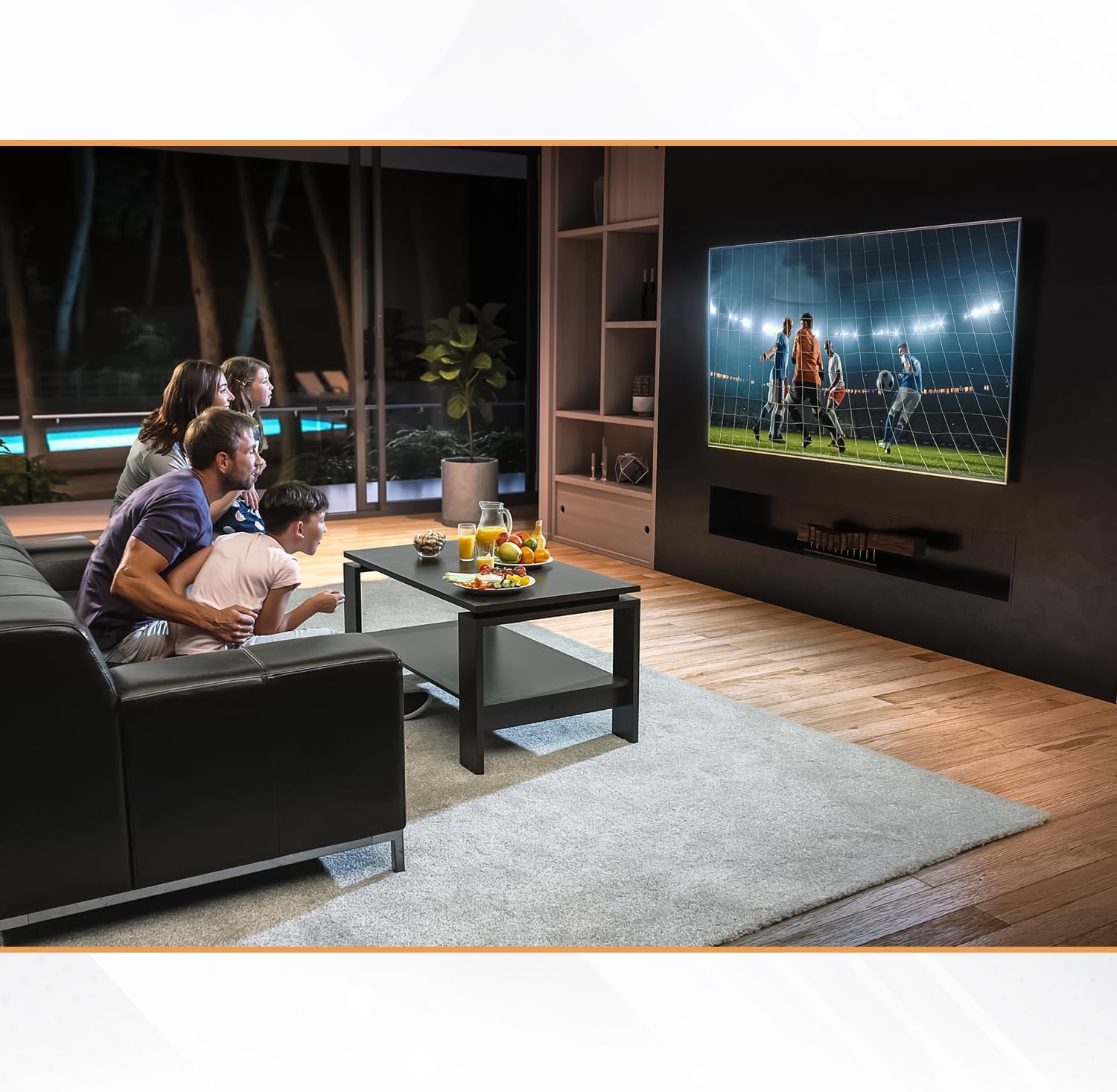
Figure 6: The tilt feature allows comfortable viewing for various activities.
7. Maintenance
To ensure the longevity and safe operation of your TV wall mount, periodic maintenance is recommended:
- Cleaning: Wipe the mount with a soft, dry cloth. Avoid using abrasive cleaners or solvents that could damage the finish.
- Inspection: Periodically check all screws and bolts to ensure they remain tight. Over time, vibrations or movement can cause fasteners to loosen.
- Weight Check: Ensure the weight of your TV does not exceed the mount's maximum capacity, especially if you replace your TV.
8. Troubleshooting
If you encounter issues with your TV mount, consider the following common solutions:
- TV not level: Ensure the wall plate was installed level. If the TV itself is slightly off, some mounts allow for minor post-installation leveling adjustments on the TV brackets. Re-check the bubble level.
- TV feels loose: Verify that all screws attaching the TV brackets to the TV and the safety screws securing the TV to the wall plate are fully tightened.
- Difficulty tilting: Ensure no cables are obstructing the tilt mechanism. If the tilt is too stiff or too loose, check if your specific mount model has adjustable tension screws on the tilt mechanism.
- Missing parts: Refer to the 'Package Contents' section. If parts are missing, do not proceed with installation. Contact Stellar Mounts customer support.
9. Warranty and Support
Stellar Mounts products are manufactured with quality and durability in mind. For information regarding product warranty, returns, or technical support, please refer to the warranty card included with your purchase or visit the official Stellar Mounts website. You may also consider purchasing extended protection plans for additional coverage.
For direct assistance, please contact Stellar Mounts customer service through their official channels.