
1. Introduction
This manual provides essential information for the setup, operation, and maintenance of your iBUYPOWER SlateMesh A5N4601 Gaming PC. Please read these instructions carefully to ensure proper use and longevity of your system.
2. What's in the Box
Upon unboxing your iBUYPOWER SlateMesh A5N4601, verify that all the following components are included:
- iBUYPOWER SlateMesh A5N4601 Gaming PC Tower
- RGB Gaming Keyboard
- RGB Gaming Mouse
- Power Cable
- Quick Start Guide and Documentation
Note: Additional accessories such as display cables (HDMI, DisplayPort) are typically not included and must be purchased separately.

Image: Included iBUYPOWER RGB Gaming Keyboard and Mouse.
3. Setup Instructions
Follow these steps to set up your iBUYPOWER SlateMesh A5N4601 Gaming PC:
3.1. Unpacking and Initial Inspection
- Carefully remove the PC tower from its packaging. It is recommended to have two people for this step due to the weight and size of the unit.
- Remove any external protective film or tape from the chassis.
- Open the side panel (if applicable) and remove any internal foam packaging or protective bags from inside the PC. This is crucial to prevent overheating during operation.

Image: Internal protective packaging inside the PC chassis.
3.2. Connecting Peripherals
- Monitor: Connect your monitor to the graphics card (GPU) ports located at the lower rear of the PC. Use an HDMI or DisplayPort cable for optimal performance. Avoid connecting to the motherboard's integrated graphics ports unless specifically instructed.
- Keyboard and Mouse: Connect the included RGB gaming keyboard and mouse to any available USB ports on the rear or top of the PC.
- Other Peripherals: Connect any other peripherals such as speakers, headphones, or external drives to the appropriate ports. The top panel features convenient access to USB ports, a USB-C port, and audio jacks.
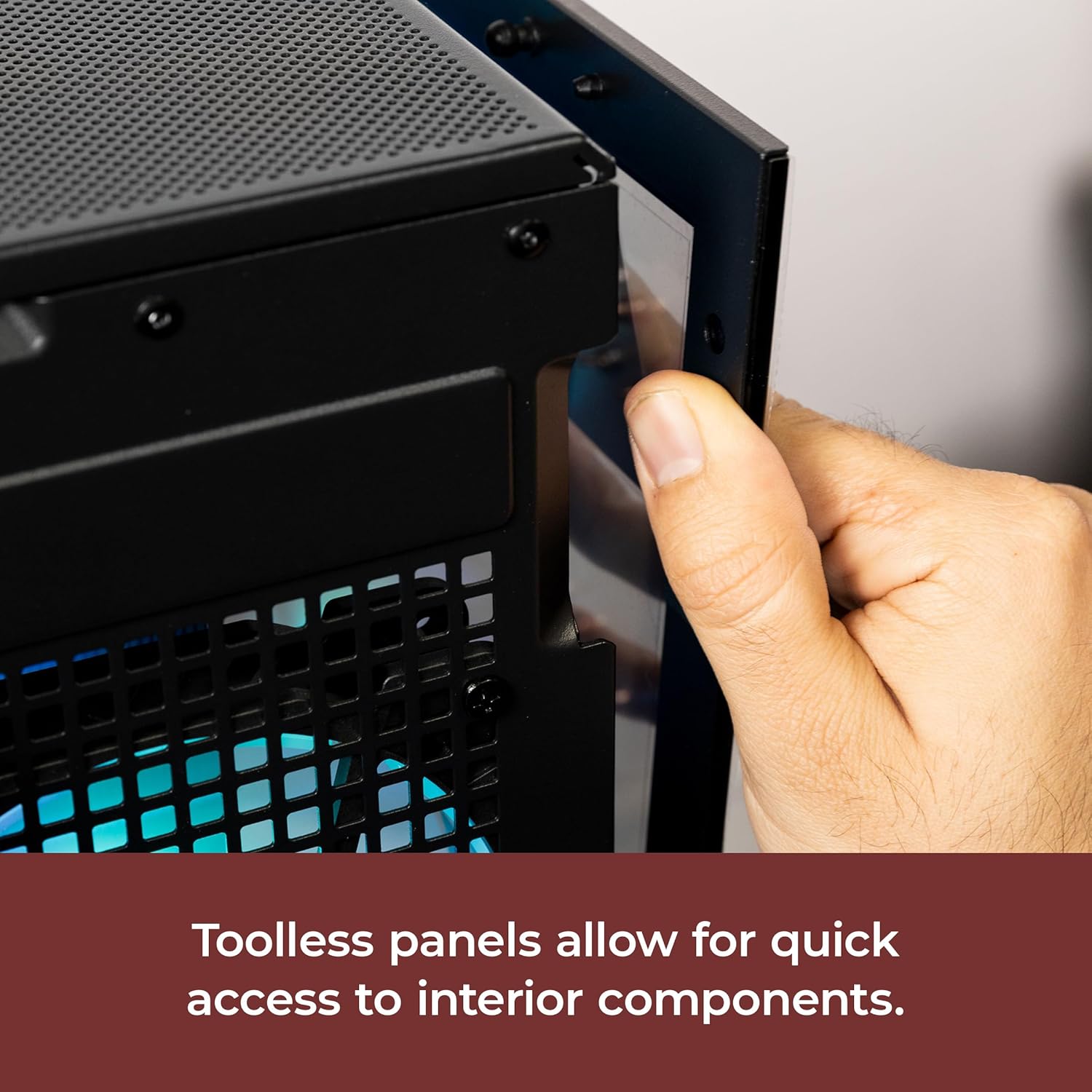
Image: Rear I/O ports for connecting display and other peripherals.
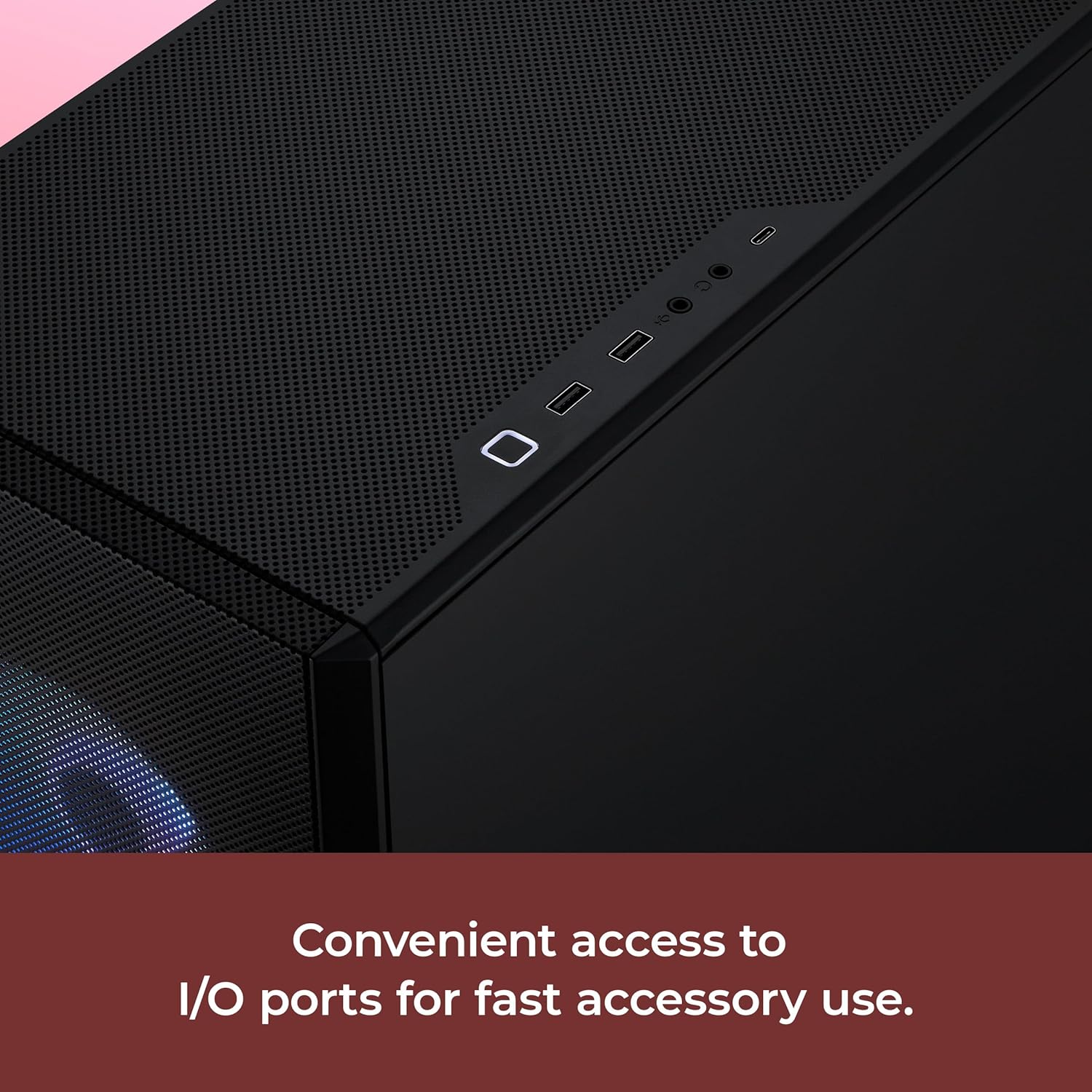
Image: Top panel I/O ports for convenient access.
3.3. Power Connection
- Connect the power cable to the power supply unit (PSU) at the rear of the PC.
- Plug the other end of the power cable into a grounded electrical outlet or surge protector.
3.4. First Boot
- Press the power button located on the top panel of the PC.
- Follow the on-screen instructions to complete the Windows 11 Home setup. This may include setting up your user account, network connection, and privacy settings.
- Allow time for any necessary system updates and driver installations to complete.
4. Operating Your PC
Your iBUYPOWER SlateMesh A5N4601 is designed for high performance in gaming, content creation, and everyday tasks. It features an AMD Ryzen 5 7600 processor and an NVIDIA GeForce RTX 4060 graphics card, ensuring smooth operation and high frame rates.
4.1. Key Features
- Optimal Airflow: The SlateMesh chassis features a mesh front panel designed for enhanced airflow, contributing to lower internal temperatures and stable performance.
- Customizable RGB Lighting: The system includes multiple aRGB fans and internal lighting elements that can be customized to match your aesthetic preferences.
- Easy Access: Tool-less side panels allow for quick and convenient access to internal components for upgrades or maintenance.
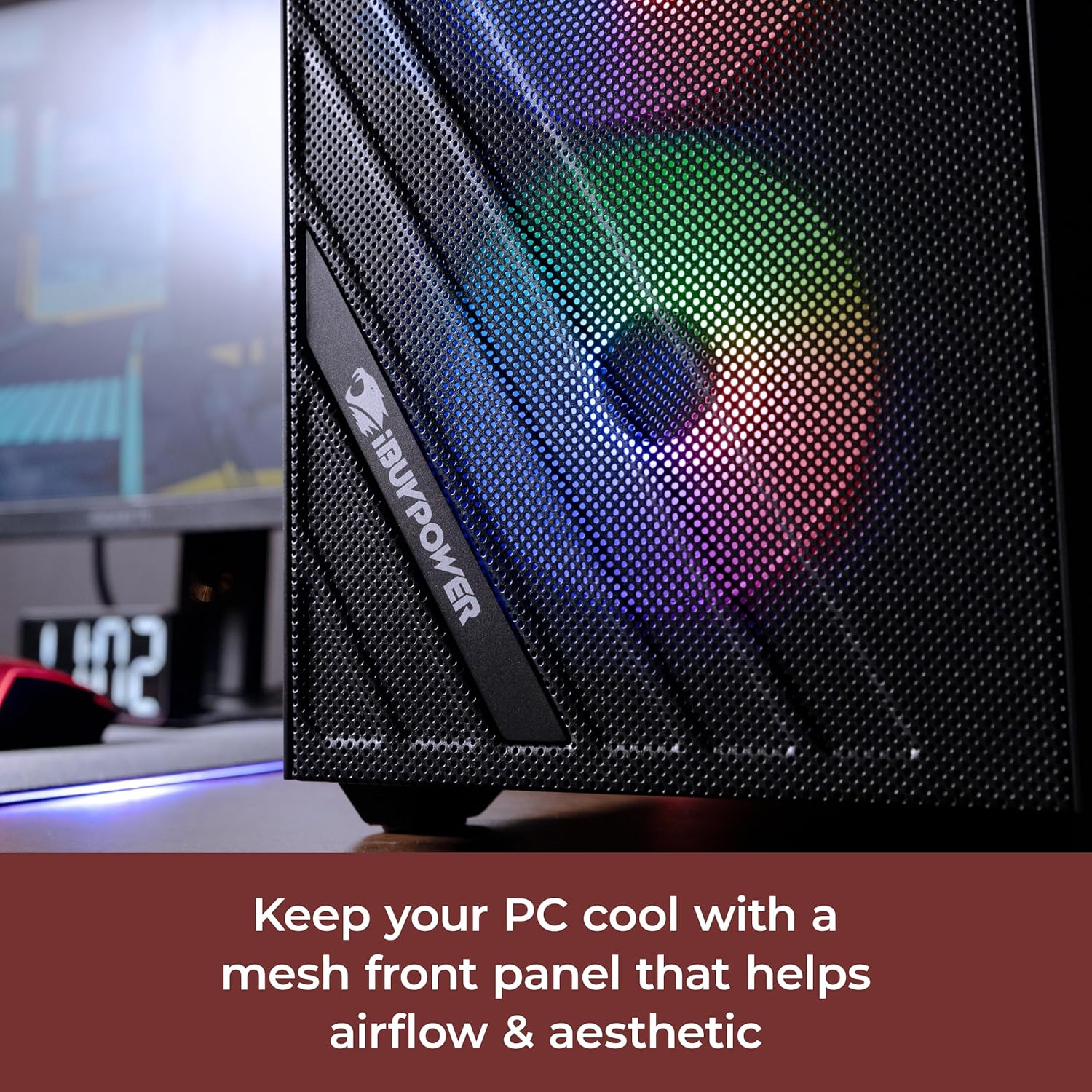
Image: Mesh front panel for enhanced airflow and aesthetics.
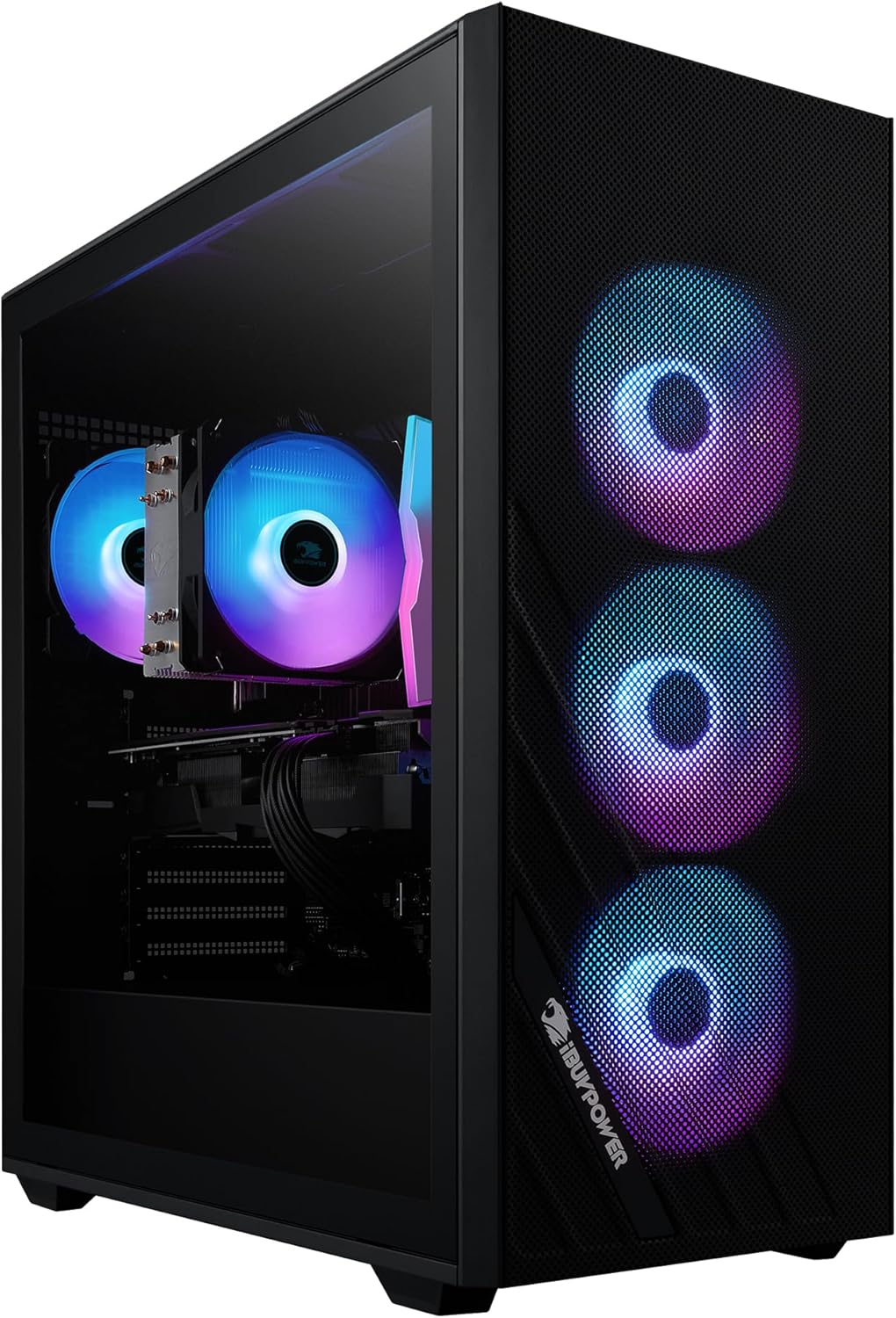
Image: Internal view showcasing RGB components and cable management.
4.2. Software and Drivers
Ensure all drivers for your graphics card, chipset, and other components are up to date. Windows Update will handle many system drivers, but it is recommended to periodically check the NVIDIA website for the latest GPU drivers.
Video: Official iBUYPOWER Slate 6 Mesh PC Video Showcase, highlighting features and design.
Video: Official iBUYPOWER 2024 AW4 RGB AIO Liquid Cooler, demonstrating cooling solutions.
5. Maintenance
Regular maintenance helps ensure the longevity and optimal performance of your PC.
- Dust Cleaning: Periodically clean dust from the internal components, especially fans and heatsinks, using compressed air. Ensure the PC is powered off and unplugged before cleaning.
- Software Updates: Keep your operating system and drivers updated to benefit from performance improvements and security patches.
- Cable Management: Ensure internal and external cables are neatly organized to promote better airflow and prevent accidental disconnections.
6. Troubleshooting
Here are solutions to common issues you might encounter:
- No Display: Ensure your monitor cable is securely connected to the graphics card (GPU) ports, not the motherboard ports. Verify the monitor is powered on and set to the correct input.
- PC Not Powering On: Check all power connections, including the power cable to the PC and the wall outlet. Ensure the power supply switch on the back of the PC is in the 'On' position.
- Overheating: Ensure the PC has adequate ventilation and is not placed in an enclosed space. Clean dust from fans and vents.
- Performance Issues: Update graphics drivers, close unnecessary background applications, and check for malware.
7. Specifications
| Component | Detail |
|---|---|
| Processor | AMD Ryzen 5 7600 (6-core, 12-thread, 3.8 GHz base) |
| Graphics Card | NVIDIA GeForce RTX 4060 8GB |
| RAM | 16GB DDR5 5200 MHz RGB |
| Storage | 500GB NVMe SSD |
| Operating System | Windows 11 Home |
| Connectivity | 6 x USB 3.1, 1x RJ-45 Network Ethernet (10/100/1000), Onboard Audio, 802.11ac Wi-Fi |
| Chassis | Slate Mesh with Tempered Glass Side Panel |
| Dimensions (LxWxH) | 18.9 x 8.6 x 19.3 inches |
| Weight | 31.9 pounds |
8. Warranty and Support
Your iBUYPOWER SlateMesh A5N4601 Gaming PC comes with the following:
- 1 Year Parts and Labor Manufacturer Warranty: Covers defects in materials and workmanship for one year from the date of purchase.
- Lifetime Technical Support: iBUYPOWER provides technical assistance for the lifetime of the product.
For technical support or warranty claims, please contact iBUYPOWER directly. Refer to the included documentation for specific contact information.