
1. Introduction
Thank you for choosing the Arrow Dancer SP23 Wireless Earbuds. These earbuds are designed to provide a high-fidelity audio experience with low latency, making them suitable for music, calls, and gaming. Featuring Bluetooth 5.3 connectivity and an IPX5 waterproof rating, they offer stable performance and durability for various activities.
This manual provides detailed instructions on how to set up, operate, and maintain your SP23 Wireless Earbuds to ensure optimal performance and longevity.
2. What's in the Box
Please check the contents of your package. If any items are missing or damaged, contact customer support.
- 2 x AD SP23 Wireless Earbuds
- 1 x Wireless Earphone Charging Case
- 3 x Extra Ear tips (S, M, L)
- 1 x Type C Charging Cable
- 1 x User Manual

Image: The SP23 Wireless Earbuds, charging case, extra ear tips, and Type C charging cable displayed with the product packaging.
3. Product Overview
The Arrow Dancer SP23 Wireless Earbuds feature an ergonomic design for a comfortable and secure fit. The compact charging case not only protects the earbuds but also provides additional battery life on the go. The case includes an ambient light feature and a Type-C charging port.
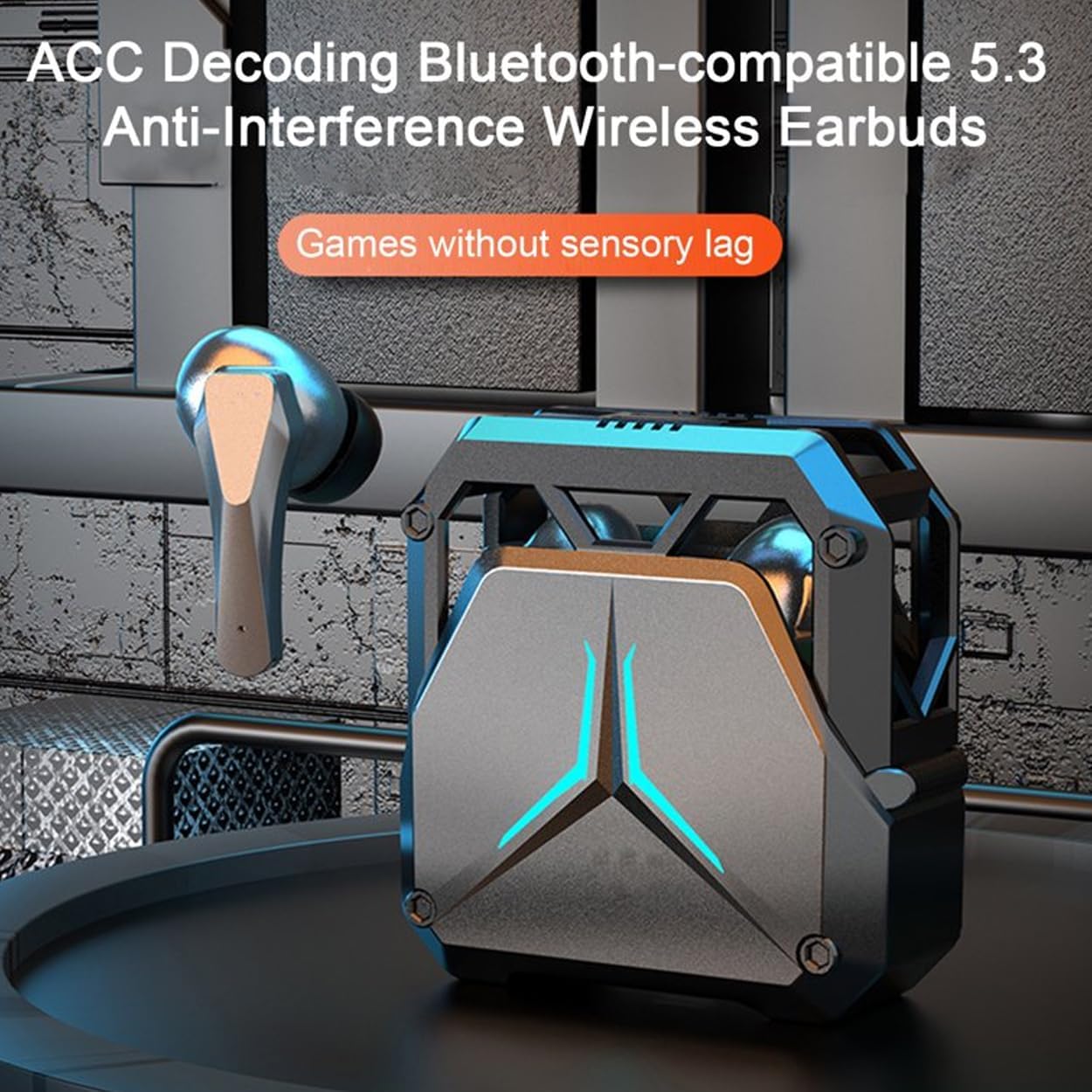
Image: A close-up view of the SP23 Wireless Earbuds and their charging case, highlighting their design.
4. Setup
4.1 Initial Charging
Before first use, fully charge the earbuds and the charging case. Connect the provided Type C cable to the charging port on the case and a USB power source. The indicator lights on the case will show the charging status. The earbuds will charge automatically when placed inside the case.
4.2 Bluetooth Pairing
- Ensure the charging case is charged and the earbuds are inside.
- Open the charging case. The earbuds will automatically enter pairing mode.
- On your device (smartphone, tablet, etc.), enable Bluetooth.
- Search for available Bluetooth devices and select "SP23" from the list.
- Once connected, you will hear a confirmation prompt, and the earbuds' indicator lights will change.
For subsequent use, the earbuds will automatically connect to the last paired device when removed from the case, provided Bluetooth is enabled on the device.
Video: An overview of the SP23 Wireless Earbuds, demonstrating unboxing, charging, and handling of the earbuds and case.
5. Operating Instructions
5.1 Power On/Off
- Power On: Open the charging case, and the earbuds will power on automatically.
- Power Off: Place the earbuds back into the charging case and close the lid. They will power off and begin charging.
5.2 Touch Controls
The SP23 Earbuds feature intuitive fingerprint touch controls. The specific functions are:
- Play/Pause: Single tap on either earbud.
- Volume Up/Down: Double tap on the right earbud for volume up, double tap on the left earbud for volume down.
- Next Track: Triple tap on the right earbud.
- Previous Track: Triple tap on the left earbud.
- Answer/End Call: Single tap on either earbud during an incoming call.
- Reject Call: Press and hold either earbud for 2 seconds during an incoming call.
- Activate Voice Assistant: Press and hold either earbud for 3 seconds.
5.3 Gaming Mode (Low Latency)
The SP23 Earbuds are designed with a low latency feature for an enhanced gaming experience. This mode minimizes audio delay, allowing for better synchronization between audio and visuals. To activate or deactivate gaming mode, refer to the specific instructions in your device's Bluetooth settings or the earbuds' touch control guide (if applicable, typically a long press or specific tap sequence not detailed in the provided data).

Image: The SP23 Wireless Earbuds and charging case set against a gaming scene, illustrating their low-latency capability.
6. Key Features
- HiFi Immersive Sound: Experience rich audio with balanced deep bass and crisp highs.
- Low Latency Gaming: Enjoy synchronized audio for gaming and video streaming with minimal delay.
- Crystal Clear Calls: Advanced noise reduction technology ensures clear communication.
- IPX5 Waterproof Rating: Resistant to sweat and light splashes, suitable for workouts and outdoor activities.
- Ergonomic and Secure Fit: Designed for comfort and stability, with multiple ear tip sizes included.
- Intuitive Touch Controls: Manage music, calls, and volume with simple taps.
- Extended Playtime: Efficient power consumption for long-lasting use.
- Wide Compatibility: Connects seamlessly with Android, iOS, and Windows devices via Bluetooth 5.3.

Image: The SP23 Wireless Earbuds charging case positioned near a smartphone, indicating universal compatibility with various operating systems.
7. Maintenance
- Cleaning: Regularly clean the earbuds and charging case with a soft, dry, lint-free cloth. Do not use harsh chemicals or abrasive materials.
- Ear Tips: Remove and clean the ear tips periodically with water and mild soap. Ensure they are completely dry before reattaching.
- Charging Contacts: Keep the charging contacts on both the earbuds and inside the case clean and dry to ensure proper charging.
- Storage: Store the earbuds in their charging case when not in use to protect them from dust and damage. Avoid extreme temperatures.
- Water Resistance: The IPX5 rating means the earbuds are resistant to low-pressure water jets. Do not submerge them in water or expose them to heavy rain. Dry them thoroughly if they get wet.
8. Troubleshooting
If you encounter issues with your SP23 Wireless Earbuds, refer to the following common solutions:
| Problem | Solution |
|---|---|
| Earbuds not pairing | Ensure earbuds are charged. Place them back in the case, close the lid, then open it again to re-enter pairing mode. Turn off and on Bluetooth on your device. Forget "SP23" from your device's Bluetooth list and re-pair. |
| One earbud not working | Place both earbuds back in the charging case, close the lid, and then open it again. Ensure both earbuds are charged. If the issue persists, try resetting the earbuds (refer to specific reset instructions if available, or try forgetting and re-pairing). |
| Low volume or poor sound quality | Adjust the volume on both your device and the earbuds. Ensure ear tips are correctly sized and form a good seal in your ear. Clean any debris from the earbud speakers. |
| Earbuds disconnect frequently | Ensure your device is within the Bluetooth range (up to 10 meters) and there are no significant obstructions. Avoid strong electromagnetic interference. Re-pair the earbuds with your device. |
| Charging case not charging | Check the Type C cable and power adapter. Ensure the charging cable is securely connected to both the case and the power source. Clean the charging port if necessary. |
9. Specifications
| Feature | Detail |
|---|---|
| Model Name | AD SP23 Wireless Earbuds |
| Connectivity Technology | Wireless (Bluetooth 5.3) |
| Bluetooth Range | 10 Meters |
| Audio Latency | 100 Milliseconds |
| Battery Life (Earbuds) | 6 Hours |
| Charging Time | 1.5 Hours |
| Water Resistance Level | IPX5 (Water Resistant) |
| Control Method | Touch |
| Headphones Jack | Type C |
| Item Weight | 3.2 ounces (approx. 90.7 grams) |
| Product Dimensions | 3.5 x 2 x 1.5 inches |
| Material | Plastic |
| Manufacturer | Arrow Dancer |
10. Warranty and Support
Arrow Dancer products are designed for reliability and performance. For information regarding warranty coverage, please refer to the warranty card included in your product packaging or visit the official Arrow Dancer website. If you experience any issues or have questions not covered in this manual, please contact Arrow Dancer customer support for assistance.
Customer Support: Please refer to the contact information provided on the product packaging or the official Arrow Dancer website.