
Introduction
This manual provides detailed instructions for the PHILIPS TAT1108 True Wireless Headphones. These earbuds are designed to deliver powerful bass with 6 mm drivers, clear call quality with an AI microphone, and a comfortable, ergonomic fit for extended use. With Bluetooth v5.3 connectivity and an IPX4 rating, they are suitable for various activities, including sports and daily commutes.
What's in the Box
Ensure all items are present before proceeding with setup.
- PHILIPS TAT1108 Wireless Earbuds (Left and Right)
- Charging Case
- USB Charging Cable (Type-C)
- Multiple sizes of Silicone Ear Tips (S, M, L)

Image: PHILIPS TAT1108 Wireless Earbuds and their charging case, showcasing the sleek black design.
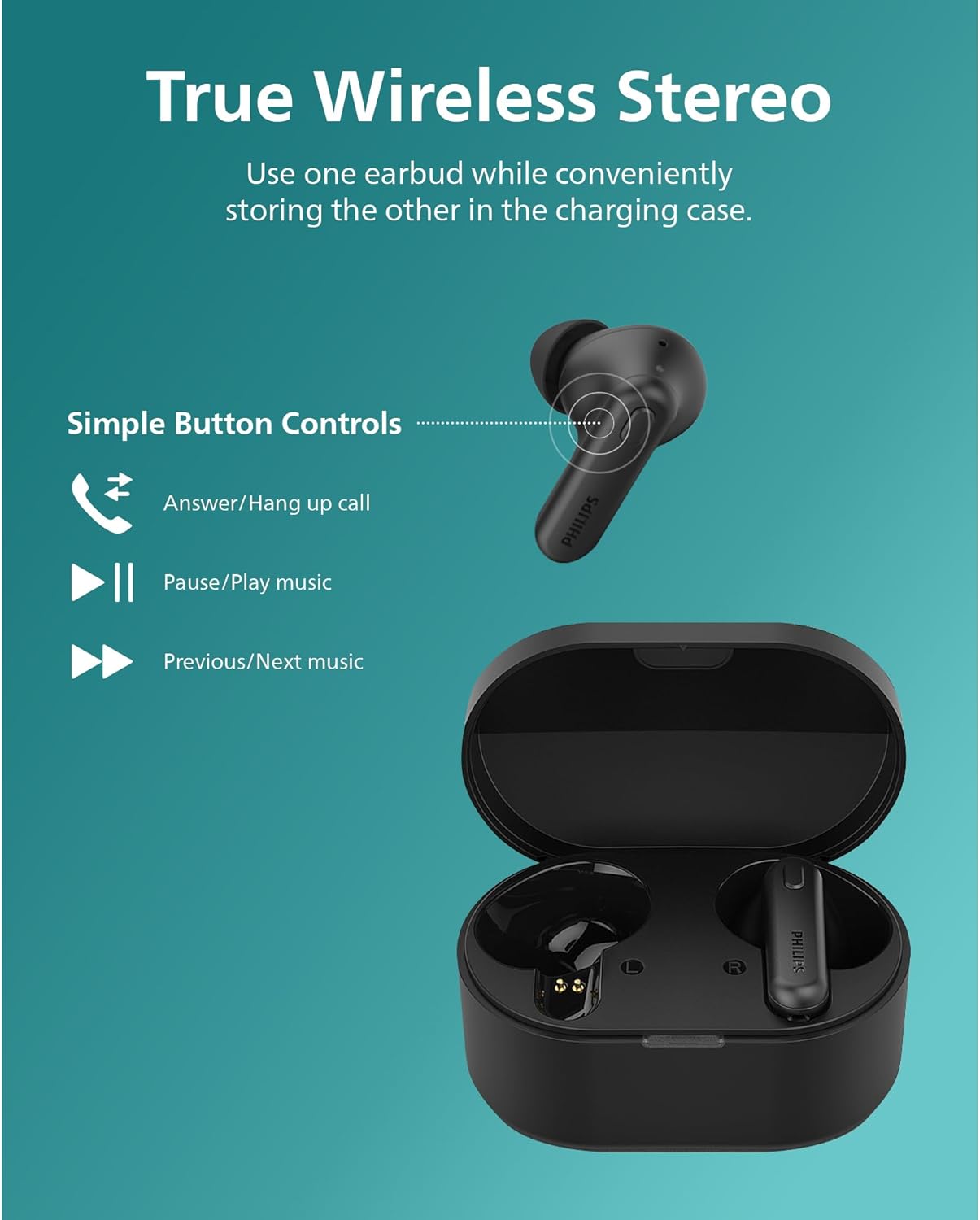
Image: The PHILIPS TAT1108 earbuds, charging case, USB-C cable, and various sizes of silicone ear tips laid out.
Setup
1. Initial Charge
Before first use, fully charge the earbuds and the charging case. Place the earbuds into the charging case. Connect the USB charging cable to the case and a power source. The indicator light on the case will show charging status.

Image: The PHILIPS TAT1108 charging case open with earbuds inside, indicating charging status.
2. Pairing with a Device
To pair your earbuds with a Bluetooth-enabled device:
- Ensure the earbuds are in the charging case and the case is open.
- On your device, go to Bluetooth settings and enable Bluetooth.
- Select "PHILIPS TAT1108" from the list of available devices.
- Once connected, a confirmation sound will play, and the earbuds are ready for use.
Operating the Earbuds
Touch Controls
The PHILIPS TAT1108 earbuds feature intuitive touch controls for easy management of music and calls.
| Action | Control |
|---|---|
| Play/Pause Music | Single tap on either earbud |
| Next Track | Double tap on the right earbud |
| Previous Track | Double tap on the left earbud |
| Answer/End Call | Single tap on either earbud |
| Reject Call | Press and hold either earbud for 2 seconds |
| Activate Voice Assistant | Triple tap on either earbud |

Image: Visual representation of the simple button controls for answering/hanging up calls, playing/pausing music, and skipping tracks.
Sound Quality and AI Mic
Experience powerful bass from the 6 mm dynamic drivers. The integrated AI microphone filters out unwanted noise, ensuring crystal-clear call quality even in noisy environments.

Image: A graphic highlighting the "Quality Sound" feature with "Deeper bass" and "6 mm driver" indicators.

Image: A woman wearing PHILIPS earbuds, with a graphic indicating "Clear Call Quality" and "AI Microphone" filtering out noise.
Battery Life
The earbuds provide 5 hours of playtime on a single charge, with an additional 10 hours from the charging case, totaling 15 hours of playback. The case charges fully in approximately 2 hours.
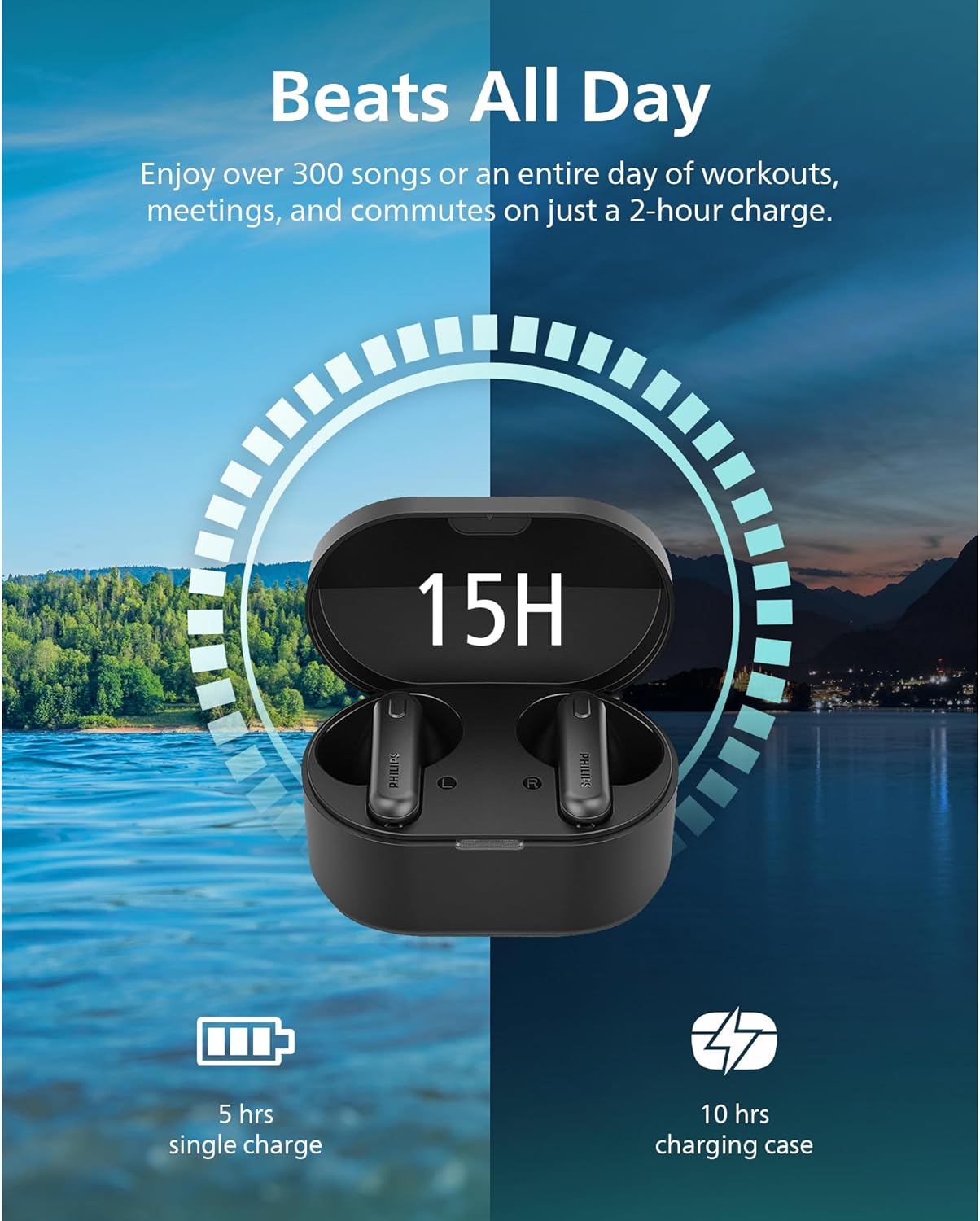
Image: A visual representation of the "Beats All Day" feature, showing 5 hours from a single charge and 10 hours from the charging case, totaling 15 hours.
Comfort and Security
Designed for comfort and an active lifestyle, the lightweight earbuds with textured silicone ear tips ensure a snug and secure fit, preventing them from falling out during movement.
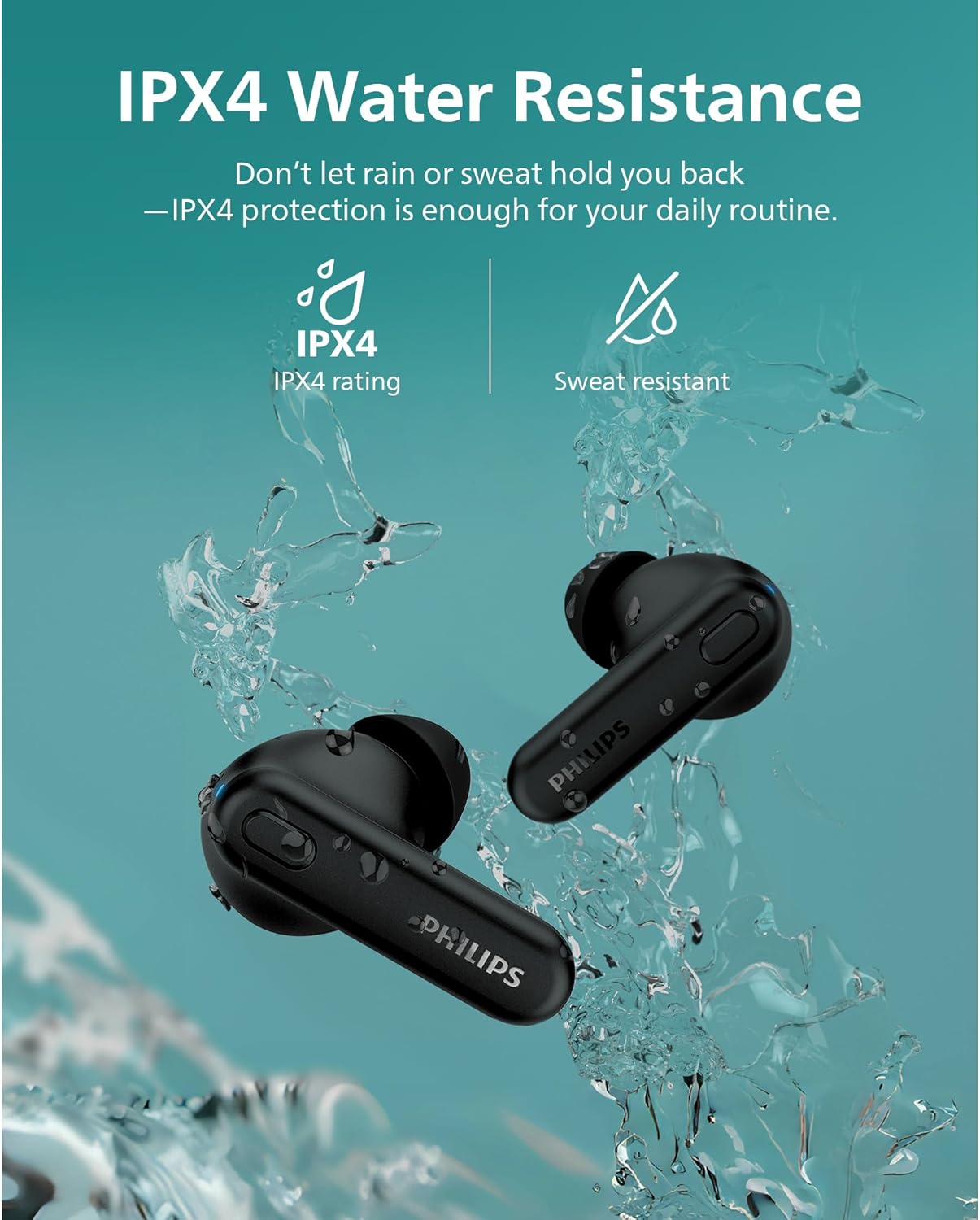
Image: A man stretching outdoors while wearing PHILIPS earbuds, illustrating the "Comfort & Security" provided by non-slip silicone and lightweight design.
True Wireless Stereo (TWS)
The earbuds support True Wireless Stereo, allowing you to use one earbud independently while the other is stored in the charging case.
Maintenance
Cleaning
Regularly clean your earbuds and charging case to maintain optimal performance and hygiene.
- Use a soft, dry, lint-free cloth to wipe the earbuds and charging case.
- Remove ear tips and clean them with mild soap and water if necessary. Ensure they are completely dry before reattaching.
- Gently clean the charging contacts on both the earbuds and the case with a dry cotton swab.
Water Resistance (IPX4)
The earbuds have an IPX4 splash and sweat resistant rating, making them suitable for workouts and light rain. However, they are not designed for submersion in water. Avoid exposing them to excessive moisture or harsh chemicals.

Image: PHILIPS earbuds being splashed with water, illustrating their IPX4 splash/sweat resistant rating.
Troubleshooting
If you encounter issues with your PHILIPS TAT1108 earbuds, try the following solutions:
- No Sound: Ensure earbuds are charged, properly paired, and volume is up on both the earbuds and your device.
- Pairing Issues: Turn off Bluetooth on your device, then turn it back on. Forget the device in your Bluetooth settings and try pairing again. Ensure earbuds are in pairing mode (indicator light flashing).
- One Earbud Not Working: Place both earbuds back in the charging case, close the lid, wait a few seconds, then open and try again. This often re-syncs them.
- Poor Call Quality: Ensure the AI microphone is not obstructed. Check for strong Bluetooth signal and minimize background noise.
- Earbuds Falling Out: Try different sizes of silicone ear tips to find the most secure and comfortable fit for your ears.
Specifications
| Feature | Detail |
|---|---|
| Model Name | TWS In-Ear Wireless Earbuds |
| Model Number | TAT1108BK |
| Connectivity Technology | Wireless (Bluetooth v5.3) |
| Bluetooth Range | 10 Meters |
| Audio Driver Size | 6 Millimeters (Dynamic Driver) |
| Sensitivity | 106 dB |
| Impedance | 16 Ohm |
| Battery Life (Earbuds) | 5 hours |
| Total Playtime (with Case) | 15 hours |
| Water Resistance | IPX4 (Splash/Sweat Resistant) |
| Microphone | AI Mic for Clear Calls |
| Control Type | Button (Media Control) |
| Material | Silicone |
| Item Weight | 1.3 Ounces |
| Product Dimensions | 1.17 x 0.98 x 0.8 inches |
Warranty and Support
For warranty information and customer support, please refer to the official PHILIPS website or contact their customer service. Keep your proof of purchase for any warranty claims.
Manufacturer: Philips
Date First Available: April 3, 2024
For additional support, visit the PHILIPS Store on Amazon.


