
Marhynchus Marhynchusk9v568utwh
Marhynchus 1080P Surveillance Camera User Manual
Model: Marhynchusk9v568utwh
Your guide to setting up, operating, and maintaining your Marhynchus Surveillance Camera.
1. Introduction
Thank you for choosing the Marhynchus 1080P Surveillance Camera. This device is designed to provide reliable home security monitoring with advanced features such as 360-degree rotation, clear night vision, two-way audio, and motion detection. This manual will guide you through the installation, operation, and maintenance of your new surveillance camera.
2. Package Contents
Please verify that all items are present in your package:
- 1 x Marhynchus Surveillance Camera
- 1 x USB Cable
- 1 x User Manual (this document)
- 1 x Card Pin

Image: The Marhynchus 1080P Surveillance Camera, USB charging cable, and a card pin.
3. Setup Guide
3.1 Initial Charging
The camera has a built-in 3600mAh lithium battery. Before first use, fully charge the camera using the provided USB cable. Connect the USB cable to the camera's charging port and a compatible USB power adapter (not included).

Image: Visual representation of the camera's built-in 3600mAh large capacity battery.
3.2 App Download and Installation
To operate the camera, you need to download the dedicated mobile application. The app supports both Android and iOS systems. Search for the app name (refer to the packaging or a small QR code on the device for the exact app name) in your device's app store and install it.
3.3 Connecting to Wi-Fi
- Ensure your camera is powered on.
- Open the installed app on your smartphone.
- Follow the on-screen instructions to add a new device. This typically involves scanning a QR code on the camera or entering a device ID.
- Select your Wi-Fi network and enter the password when prompted. Ensure your camera is within range of your Wi-Fi router.
- Once connected, the camera's indicator light will change (refer to app instructions for specific light patterns).
3.4 Memory Card Installation (Optional)
The camera supports local storage via a memory card (not included). Locate the memory card slot on the camera (often under a protective cover or on the back/bottom). Insert a compatible memory card (e.g., microSD) into the slot until it clicks into place. Ensure the camera is powered off before inserting or removing the card.
3.5 Mounting the Camera
The camera supports wall mounting. Choose a suitable location that provides the desired viewing angle and is within Wi-Fi range. Use appropriate mounting hardware (not included) to secure the camera. The camera's design allows for flexible placement without wiring due to its built-in battery.
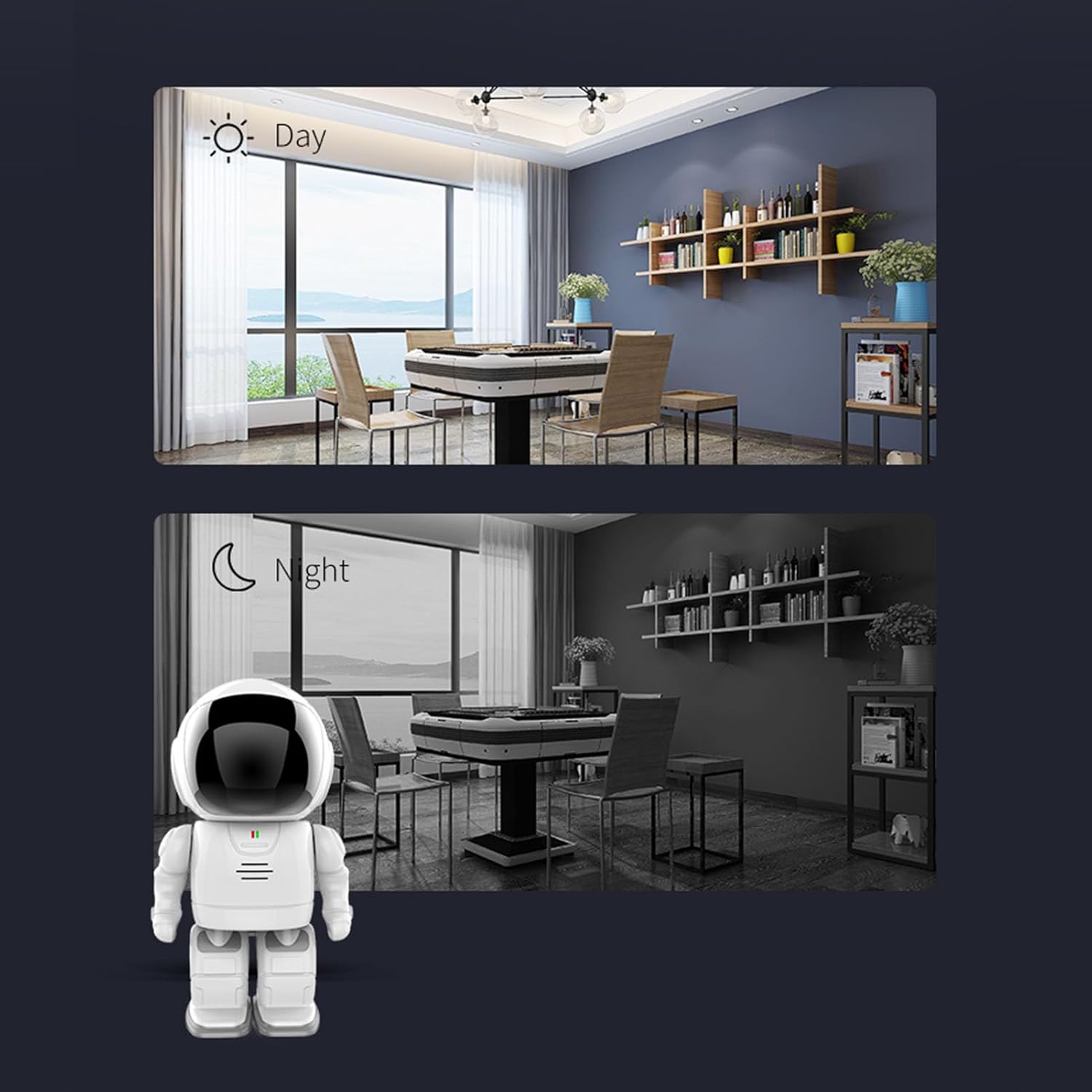
Image: The camera mounted on a wall, illustrating its 355-degree horizontal and 45-degree vertical rotation range, with a baby in the background.
4. Operating Instructions
4.1 Live View and Pan/Tilt Control
Open the app and select your camera to view the live feed. You can swipe left and right on your phone screen to control the camera's horizontal 360-degree rotation. This allows you to easily change the monitoring angle and achieve a panoramic view of the monitored area.
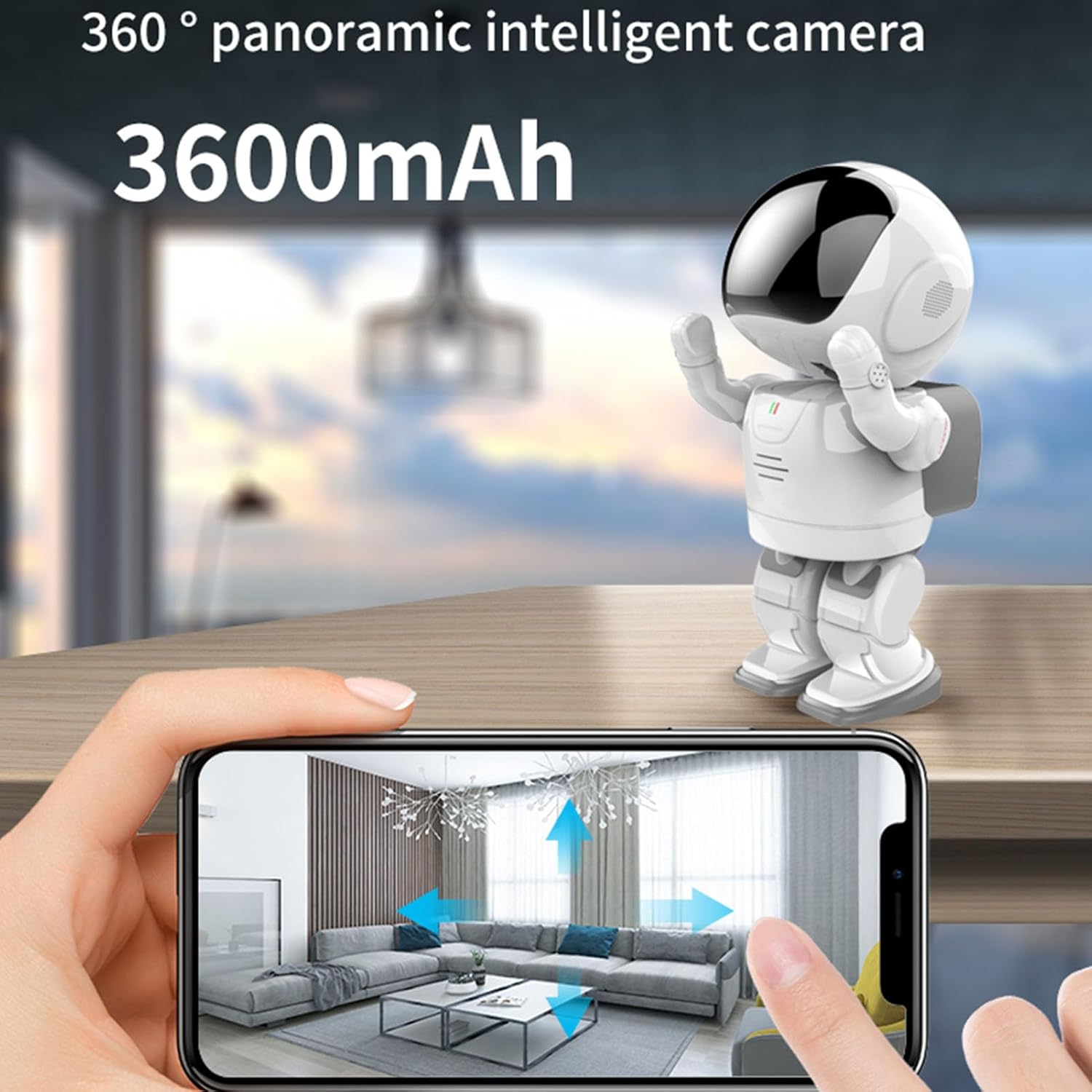
Image: A smartphone screen showing the camera's live feed with arrows indicating the 360-degree panoramic intelligent camera function.
4.2 Two-Way Audio
The camera features built-in speakers and noise-cancelling microphones, enabling two-way voice communication. To use this feature, tap the microphone icon in the app. You can then speak through your phone, and your voice will be heard through the camera, allowing you to communicate with people near the camera.
4.3 Night Vision
The security camera automatically senses low light conditions and activates infrared night vision. This provides a clear picture even in complete darkness, with an effective range of up to 10 meters.
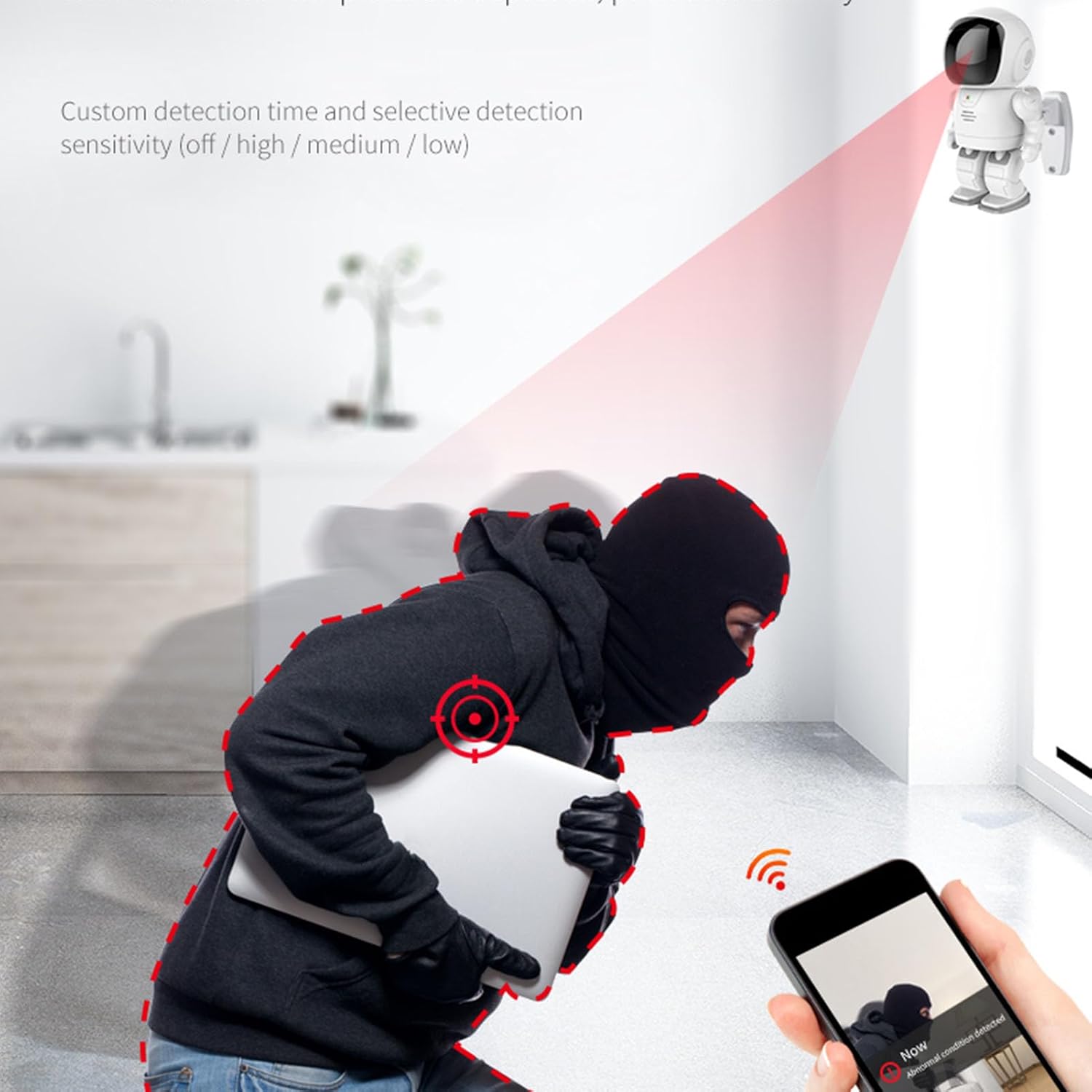
Image: A split image showing the difference between day viewing (color) and night viewing (infrared, black and white) from the camera.

Image: The camera monitoring a sleeping person, illustrating its undisturbed infrared night vision with 10m range, F2.0 large aperture, and 940nm infrared fill light for clearer night vision.
4.4 Recording and Storage
The camera supports both cloud storage (subscription may be required) and local storage via a memory card (not included). You can easily play back and loop video recordings through the app. Recordings can be accessed even without an internet connection if stored on a memory card.
4.5 Motion Detection
The camera features motion detection capabilities. When motion is detected, the camera can send alerts to your smartphone. You can customize detection time and sensitivity settings (off, high, medium, low) within the app to suit your needs.
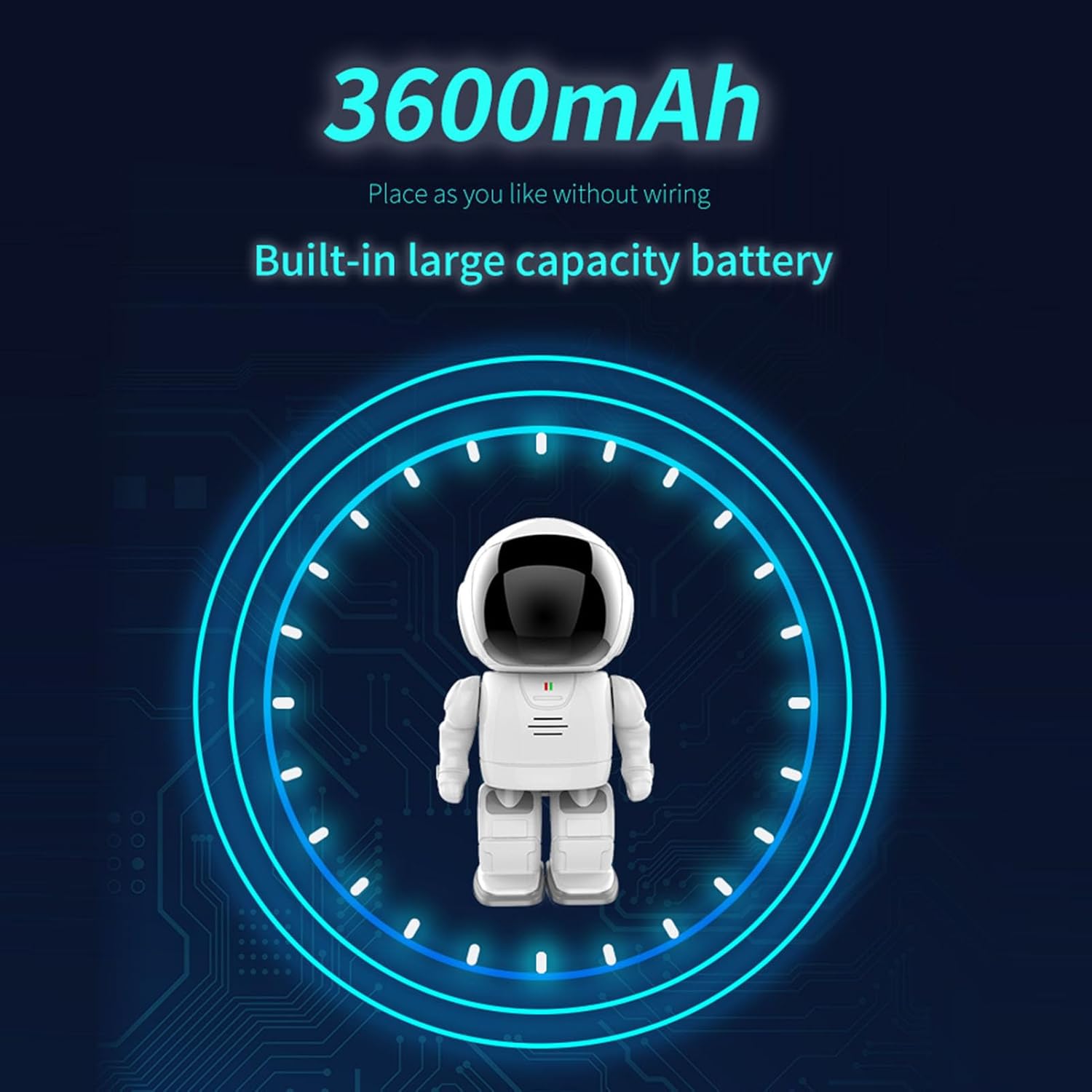
Image: A visual depicting the camera's motion detection feature, showing a person triggering an alert that is received on a smartphone.
4.6 Multi-User Access
The main account can authorize multiple people to view the live feed and recordings simultaneously. This authorization can be granted or revoked at any time through the app settings.
5. Maintenance
To ensure optimal performance and longevity of your Marhynchus Surveillance Camera, follow these maintenance guidelines:
- Cleaning: Gently wipe the camera lens and body with a soft, dry cloth. Avoid using harsh chemicals or abrasive materials that could scratch the lens or damage the finish.
- Battery Care: For best battery life, avoid fully discharging the camera frequently. Recharge the battery when the low battery indicator appears. If storing the camera for an extended period, ensure it is partially charged (around 50%) to prevent battery degradation.
- Software Updates: Periodically check the mobile application for available firmware updates for your camera. Keeping the firmware updated ensures you have the latest features and security enhancements.
- Environmental Conditions: While the camera has an IP65 rating, it is primarily designed for indoor use or sheltered outdoor locations. Avoid exposing it to extreme temperatures, direct water immersion, or excessive dust.
6. Troubleshooting
If you encounter issues with your Marhynchus Surveillance Camera, please refer to the following common problems and solutions:
| Problem | Possible Cause / Solution |
|---|---|
| Camera not connecting to Wi-Fi |
|
| Poor picture quality |
|
| Two-way audio not working or unclear |
|
| Motion detection alerts not received |
|
| Camera not turning on |
|
7. Specifications
| Feature | Detail |
|---|---|
| Brand | Marhynchus |
| Model Name | Marhynchusk9v568utwh |
| Resolution | 1080P |
| Rotation Angle | 360 Degrees (Horizontal) |
| Power Supply | Built-in lithium battery (3600mAh) |
| Mobile Detection | Supported (Motion Only Alert Type) |
| Storage | Cloud storage, Memory card (not included) |
| Wireless Communication Technology | Wi-Fi |
| Compatible Devices | Smartphone (Android, iOS) |
| Mounting Type | Wall Mount |
| International Protection Rating | IP65 |
| Item Weight | 1.12 pounds |
| Package Dimensions | 9.45 x 5.91 x 4.33 inches |
8. Warranty and Support
This product is subject to a standard return policy, typically allowing returns within 30 days of purchase. For specific warranty details, please refer to the terms and conditions provided by your retailer at the time of purchase.
For technical support, troubleshooting beyond this manual, or inquiries regarding product defects, please contact Marhynchus customer service through the contact information provided on the product packaging or the official brand website. Please have your model number (Marhynchusk9v568utwh) and purchase details ready when contacting support.
Ask a question about this manual
Ask about setup, troubleshooting, compatibility, parts, safety, or missing instructions. Manuals+ will review the question and use this page’s manual context to help answer it.