1. Introduction
Thank you for choosing the Cercker Food Dehydrator Machine. This manual provides essential information for the safe and efficient operation, maintenance, and troubleshooting of your new appliance. Please read it thoroughly before first use and retain it for future reference.
The Cercker CE-12 Food Dehydrator is designed to efficiently dry a variety of foods, including fruits, vegetables, meats, and herbs, preserving their nutrients and extending their shelf life. Its stainless steel construction and advanced features ensure reliable performance.
2. Important Safety Instructions
To reduce the risk of fire, electric shock, or injury, always follow these basic safety precautions:
- Read all instructions before operating the appliance.
- Do not touch hot surfaces. Use oven mitts or gloves when handling hot components.
- To protect against electrical hazards, do not immerse the cord, plugs, or the appliance housing in water or other liquids.
- Close supervision is necessary when any appliance is used by or near children.
- Unplug from the outlet when not in use and before cleaning. Allow to cool before putting on or taking off parts.
- Do not operate any appliance with a damaged cord or plug, or after the appliance malfunctions or has been damaged in any manner. Contact customer support for assistance.
- The use of accessory attachments not recommended by the appliance manufacturer may cause injuries.
- Do not use outdoors.
- Do not let the cord hang over the edge of a table or counter, or touch hot surfaces.
- Do not place on or near a hot gas or electric burner, or in a heated oven.
- Always attach the plug to the appliance first, then plug the cord into the wall outlet. To disconnect, turn any control to "off," then remove the plug from the wall outlet.
- Do not use the appliance for other than intended use.
- Ensure adequate ventilation around the dehydrator during operation. Maintain at least 6 inches of space from walls or other appliances.
- It is normal for new stainless steel appliances to emit a slight odor during initial use. Ensure the area is well-ventilated.
3. Product Overview
The Cercker Food Dehydrator (Model CE-12) is constructed from durable stainless steel and features a transparent glass door for easy monitoring. It includes 12 spacious trays, a rear-mounted dual-fan system for even heat distribution, and an intuitive touch control panel.

Image 3.1: Front view of the Cercker Food Dehydrator Machine, showcasing its stainless steel exterior and transparent door with food items on trays.
3.1 Components and Accessories
Your Cercker Food Dehydrator package includes the following items:
- Main Dehydrator Unit
- 12 Stainless Steel Drying Trays (11.5 inches each)
- 1 Drip Tray
- 1 Silicone Glove
- 1 Screwdriver (for handle installation)
- 1 Recipe Book
- 1 User Manual (this document)
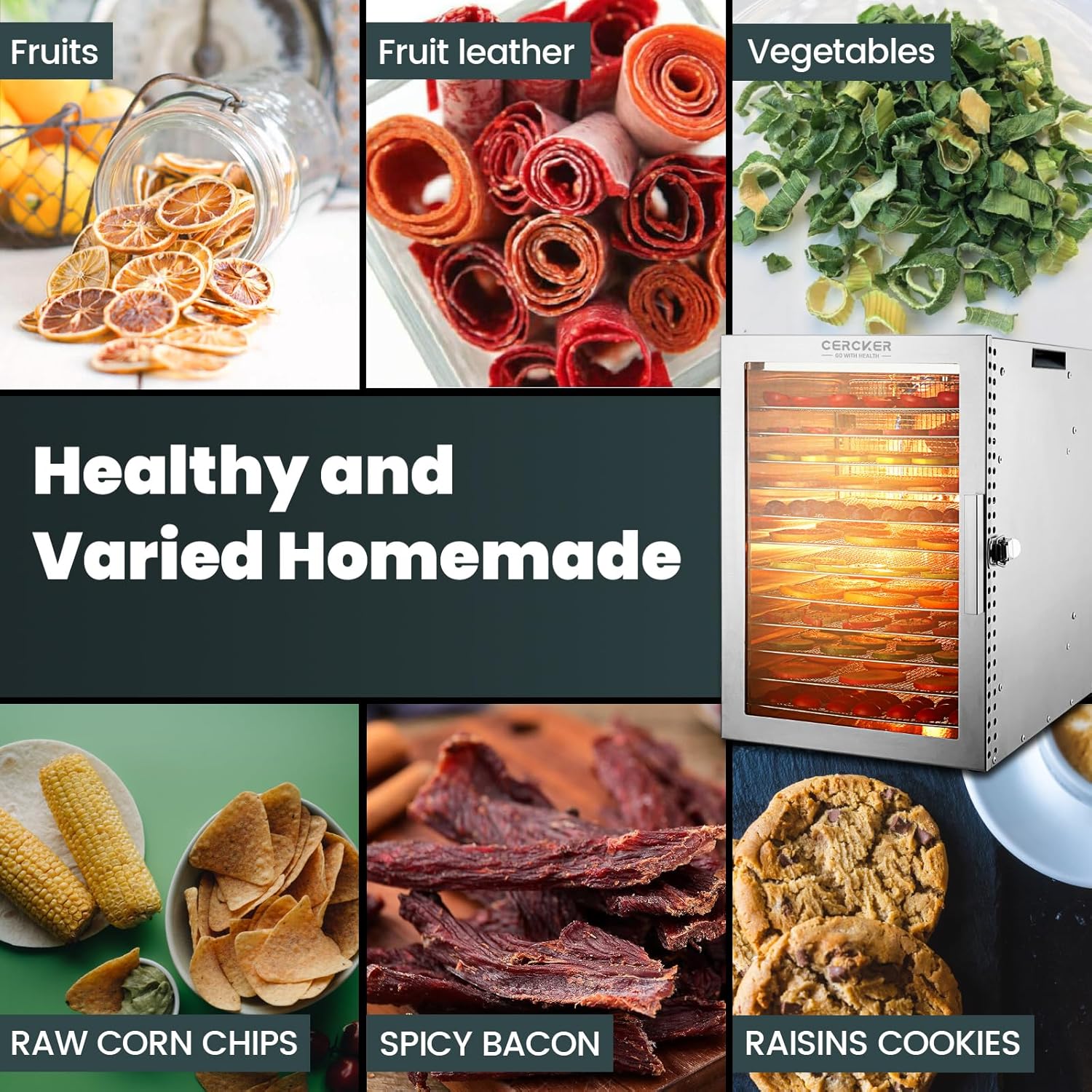
Image 3.2: All included components and accessories for the Cercker Food Dehydrator.
3.2 Key Features
- 12 Stainless Steel Trays: Food-grade, BPA-free, and dishwasher safe for large capacity drying.
- Dual Fan Design: Rear-mounted fans (1600 rpm, 2 m/s wind speed) ensure even and efficient heat distribution, preventing uneven drying.
- Electronic Thermostat & Timer: Precise temperature control from 70°F to 190°F (in 5°F increments) and a timer up to 24 hours (in 0.5-hour increments).
- 800W Power: Provides powerful and consistent drying performance.
- Quiet Operation: Operates at a noise level of ≤50 dB.
- Overheating Protection: Automatic shutdown function activates if the internal temperature reaches 120°C (248°F).
- Transparent Glass Door: Allows monitoring of the drying process without opening the door.
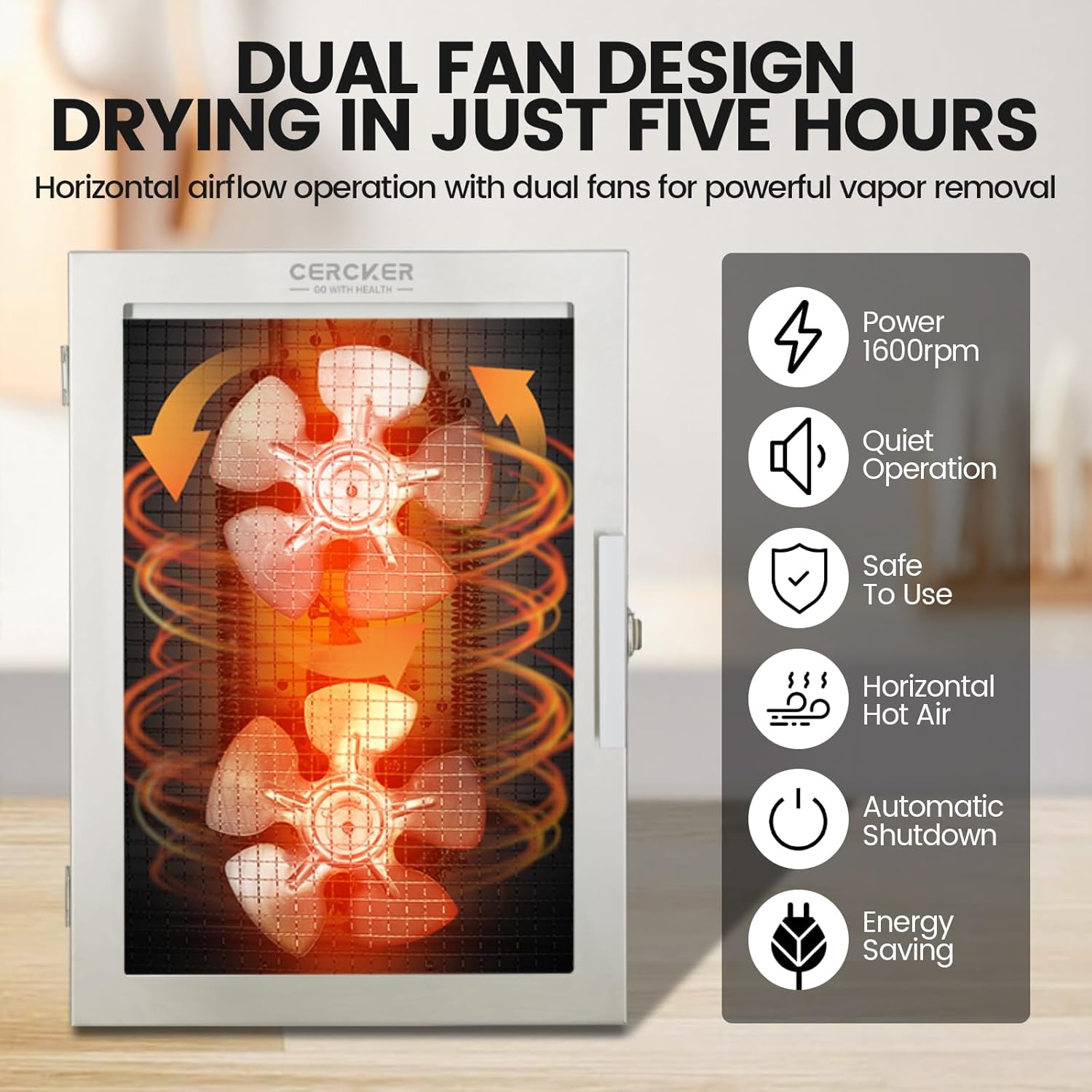
Image 3.3: Illustration of the dual fan system ensuring uniform heating and efficient vapor removal.
4. Setup
- Unpack: Carefully remove all packaging materials from the dehydrator and its accessories.
- Install Handle: Attach the door handle to the dehydrator using the provided screwdriver and screws.
- Initial Cleaning: Before first use, wash all trays and the drip tray in warm, soapy water, then rinse thoroughly and dry. Wipe the interior and exterior of the main unit with a damp cloth.
- Placement: Place the dehydrator on a stable, level, heat-resistant surface. Ensure there is at least 6 inches of clear space around all sides of the appliance for proper ventilation. Do not block the air vents.
- Power Connection: Insert the power cord into the back of the dehydrator, then plug it into a standard 120V AC electrical outlet.
- Initial Run (Optional): For the first use, it is recommended to run the dehydrator empty for 30 minutes at 160°F (70°C) to eliminate any manufacturing odors. Ensure the area is well-ventilated during this process.
5. Operating Instructions
5.1 Control Panel
The dehydrator features an intuitive touch control panel located on the top of the unit.

Image 5.1: The smart control panel for setting temperature and time.
- TEMP Button: Adjusts the drying temperature.
- ON/OFF Button: Powers the unit on or off. Also activates overheating protection.
- TIME Button: Adjusts the drying time.
- Display: Shows current temperature and remaining time.
5.2 Preparing Food for Dehydration
- Clean: Wash all food thoroughly before preparation.
- Slice: Cut food into uniform slices (approximately 1/4 inch thick) for even drying.
- Pre-treatment (Optional): Some foods, like apples or potatoes, may benefit from pre-treatment (e.g., blanching, lemon juice dip) to prevent discoloration. Refer to the included recipe book for specific recommendations.
- Arrange: Place food in a single layer on the stainless steel trays, ensuring there is space between pieces for air circulation. Do not overlap food.
5.3 Setting Temperature and Time
- Load the prepared food onto the trays and slide them into the dehydrator. Close the door securely.
- Press the ON/OFF button to power on the unit.
- Press the TEMP button. Use the '+' and '-' buttons (usually integrated with TEMP/TIME or separate) to adjust the temperature between 70°F and 190°F in 5°F increments.
- Press the TIME button. Use the '+' and '-' buttons to set the drying time between 0.5 and 24 hours in 0.5-hour increments.
- The dehydrator will begin operating once the settings are confirmed. The display will show the remaining time and current temperature.
5.4 Drying Process
- Monitor the drying process periodically through the transparent door.
- Drying times vary based on food type, thickness, moisture content, and ambient humidity.
- The dehydrator will automatically shut off once the set timer expires. An audible beep may indicate completion.
- Allow dehydrated food to cool completely before storing in airtight containers.

Image 5.2: Examples of healthy and varied homemade dehydrated foods.
6. Maintenance and Cleaning
Regular cleaning ensures optimal performance and extends the life of your dehydrator.
- Unplug: Always unplug the dehydrator from the power outlet and allow it to cool completely before cleaning.
- Clean Trays and Drip Tray: The stainless steel trays and drip tray are dishwasher safe. Alternatively, they can be washed by hand with warm, soapy water and a soft sponge. Rinse thoroughly and dry completely before reassembling.
- Clean Interior: Wipe the interior of the dehydrator with a damp cloth. For stubborn food residue, use a mild detergent solution, then wipe with a clean, damp cloth to remove any soap residue. Ensure the interior is completely dry before next use.
- Clean Exterior: Wipe the exterior of the dehydrator with a soft, damp cloth. Do not use abrasive cleaners or scouring pads, as they may scratch the stainless steel finish.
- Storage: Store the dehydrator in a clean, dry place when not in use.

Image 6.1: Stainless steel trays are easy to clean, either by hand or in a dishwasher.
7. Troubleshooting
If you encounter any issues with your Cercker Food Dehydrator, please refer to the following common problems and solutions:
| Problem | Possible Cause | Solution |
|---|---|---|
| Dehydrator does not turn on. |
|
|
| Uneven drying of food. |
|
|
| Dehydrator stops unexpectedly. |
|
|
| Unusual noise during operation. |
|
|
If these solutions do not resolve the issue, please contact Cercker customer support for further assistance.
8. Specifications
| Feature | Specification |
|---|---|
| Brand | Cercker |
| Model | CE-12 |
| Power | 800 Watts |
| Voltage | 120 Volts |
| Product Dimensions (D x W x H) | 12.4" x 16.5" x 17.7" |
| Number of Trays | 12 |
| Tray Material | Food-grade Stainless Steel |
| Temperature Range | 70°F - 190°F (21°C - 88°C) |
| Timer Range | 0.5 - 24 Hours |
| Noise Level | ≤50 dB |
| Material | Stainless Steel |
| Dishwasher Safe Trays | Yes |
9. Warranty and Support
The Cercker Food Dehydrator Machine (Model CE-12) comes with a 3-year warranty from the date of purchase. This warranty covers manufacturing defects and ensures the product is free from defects in material and workmanship under normal use.
For warranty claims, technical support, or any questions regarding your product, please contact Cercker customer service. Please have your purchase receipt and model number (CE-12) available when contacting support.
For the most up-to-date contact information, please refer to the Cercker official website or your purchase documentation.


