1. Introduction
Thank you for choosing the Audiocrazy AC-BT1702RUC Portable AM/FM/Shortwave Radio with Bluetooth. This manual provides detailed instructions for the safe and efficient operation of your new radio. Please read this manual thoroughly before use and retain it for future reference.

Image 1: Front view of the Audiocrazy AC-BT1702RUC Portable Radio, showcasing its retro wooden design, speaker grille, tuning dial, and control knobs.
2. Product Overview
Key Features:
- Multi-Band Reception: Supports FM (87.5-108 MHz), AM (520-1710 KHz), and Shortwave (3.5-23 MHz) frequency bands.
- Bluetooth Connectivity: Seamlessly connect to Bluetooth-enabled devices for audio streaming.
- Media Playback: Integrated SD/USB slot for playing audio files directly from storage media.
- Multiple Power Options: Operates via internal rechargeable battery, D-cell batteries, or direct AC power.
- Headphone Jack: 3.5mm output for private listening.
- Portable Design: Compact and lightweight with a convenient carrying handle.
Component Identification:
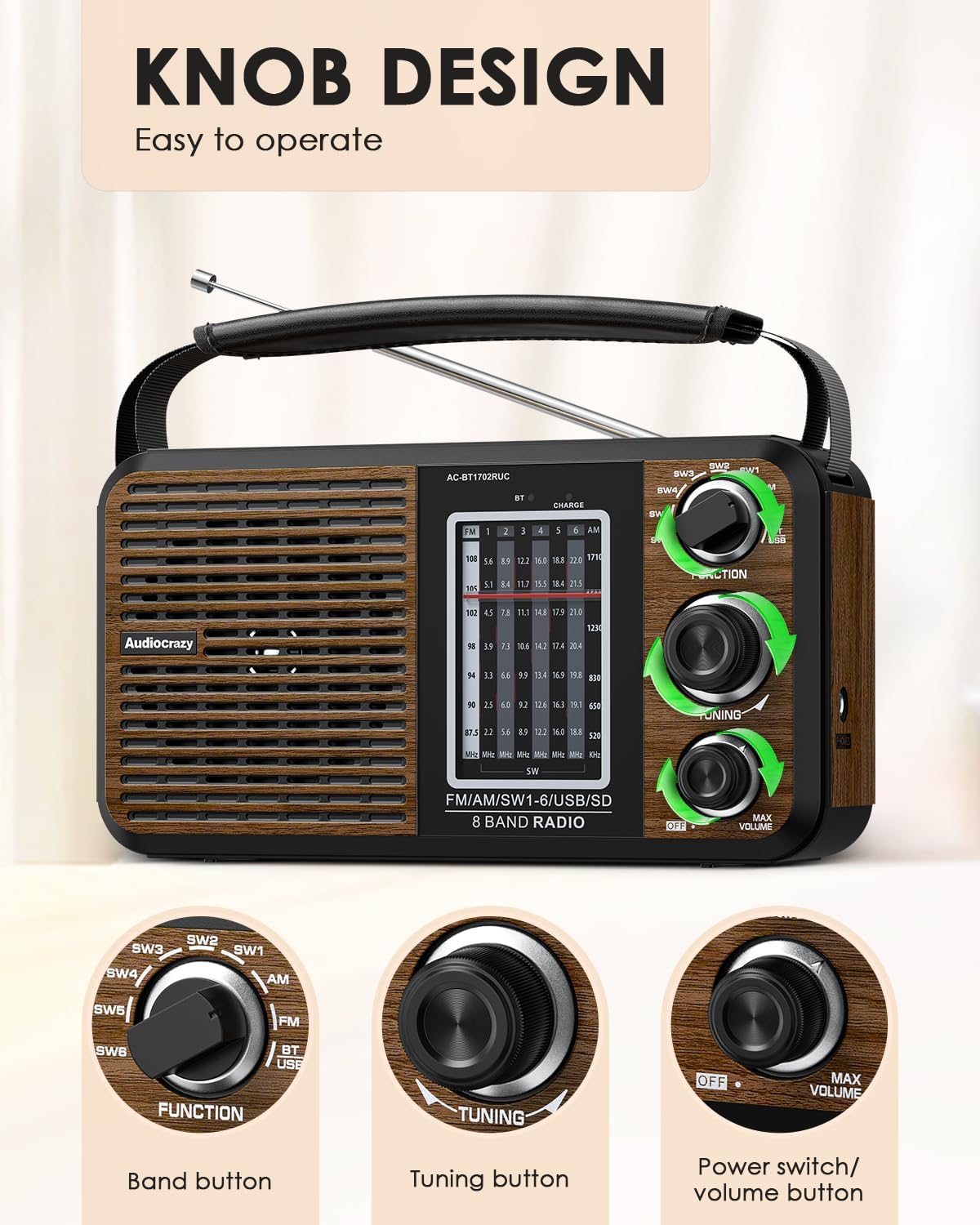
Image 2: Close-up view of the radio's control panel, highlighting the Function knob, Tuning knob, and Power/Volume knob. The tuning dial is also visible.
- Function Knob: Selects between SW1-6, AM, FM, and BT/USB modes.
- Tuning Knob: Adjusts the frequency to tune into radio stations.
- Power/Volume Knob: Turns the unit on/off and controls the audio volume.
- Telescopic Antenna: For improved radio reception.
- Speaker Grille: Front-facing speaker for audio output.
- Tuning Dial: Displays the current radio frequency.
- SD/USB Port: Located on the side for media playback.
- 3.5mm Headphone Jack: Located on the side for connecting headphones.
- AC Power Input: Rear input for connecting the power cord.
- Battery Compartment: Rear compartment for D-cell batteries.
3. Setup
Initial Charging:
Before first use, it is recommended to fully charge the internal rechargeable battery. Connect the supplied AC power cord to the radio's AC input and plug it into a standard wall outlet. The 'CHARGE' indicator light will illuminate during charging and turn off when fully charged.
Antenna Adjustment:
For optimal radio reception, extend the telescopic antenna fully when listening to FM or Shortwave bands. For AM reception, the internal ferrite bar antenna is used, and rotating the radio may improve signal strength.
4. Operating Instructions
Power On/Off and Volume Control:
Rotate the Power/Volume knob clockwise to turn the radio on. Continue rotating clockwise to increase the volume. Rotate counter-clockwise to decrease the volume and turn the radio off.
Radio Mode (AM/FM/Shortwave):
- Turn the Function knob to select your desired band: AM, FM, or one of the SW (Shortwave) bands (SW1-SW6).
- Slowly rotate the Tuning knob to scan for stations. The tuning dial will indicate the frequency.
- Adjust the telescopic antenna for best reception in FM and Shortwave modes.
Bluetooth Mode:
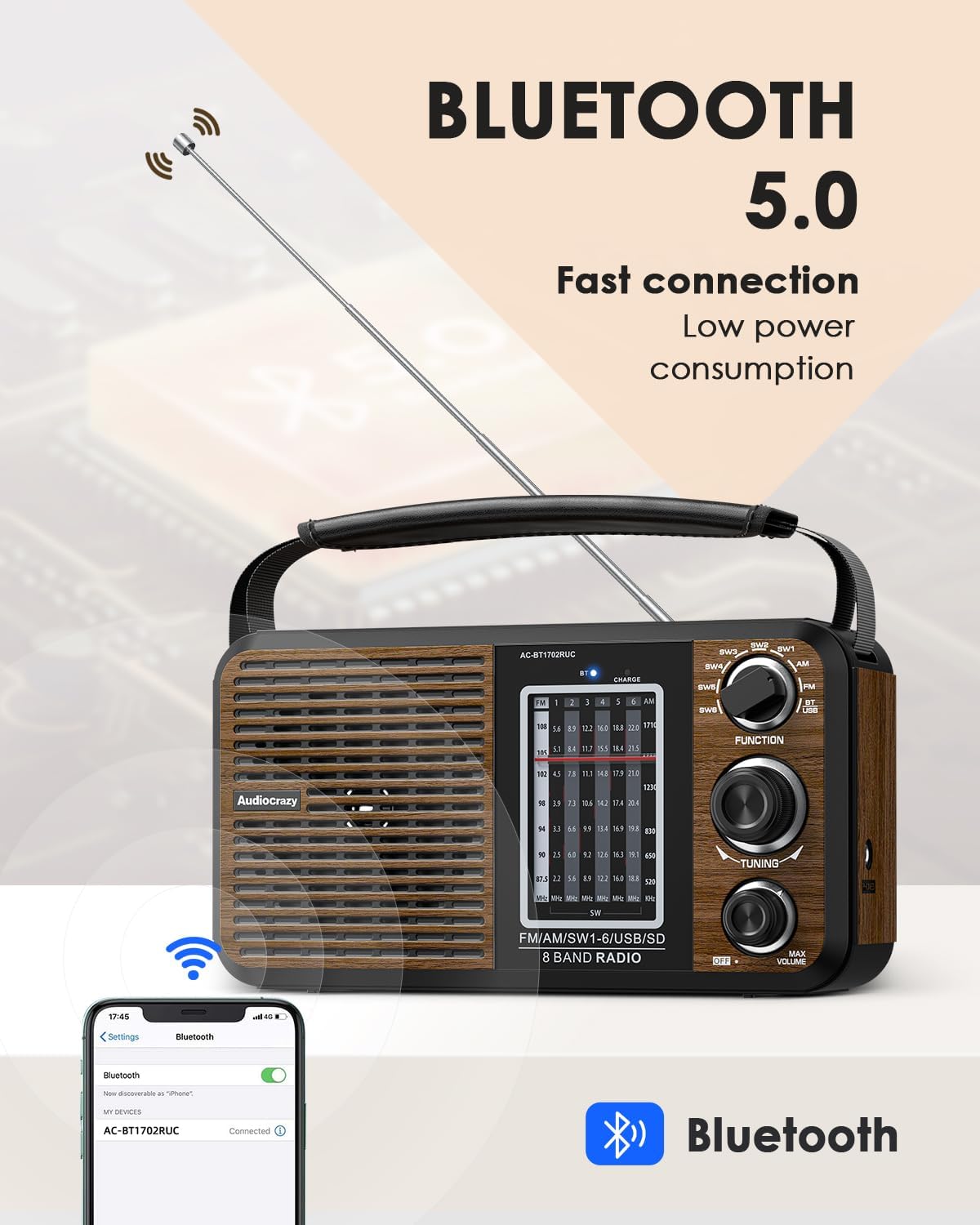
Image 3: The radio displaying its Bluetooth 5.0 capability, with a smartphone screen showing a successful Bluetooth connection to the device.
- Turn the Function knob to the 'BT/USB' position. The radio will enter Bluetooth pairing mode, indicated by an audible prompt.
- On your Bluetooth-enabled device (e.g., smartphone, tablet), search for available devices and select 'AC-BT1702RUC'.
- Once paired, you can stream audio from your device to the radio. Use your device's controls for playback (play/pause, skip tracks).
SD/USB Playback:
When the Function knob is set to 'BT/USB', insert an SD card or USB flash drive into the corresponding slot. The radio will automatically detect and begin playing compatible audio files (e.g., MP3). Use the playback control buttons (Play/Pause, Next/Previous Track) located near the slots to manage your audio.
Headphone Use:
Plug any standard 3.5mm headphones into the headphone jack located on the side of the radio for private listening. The internal speaker will automatically mute when headphones are connected.
5. Powering the Device
Your Audiocrazy radio offers three convenient power options:
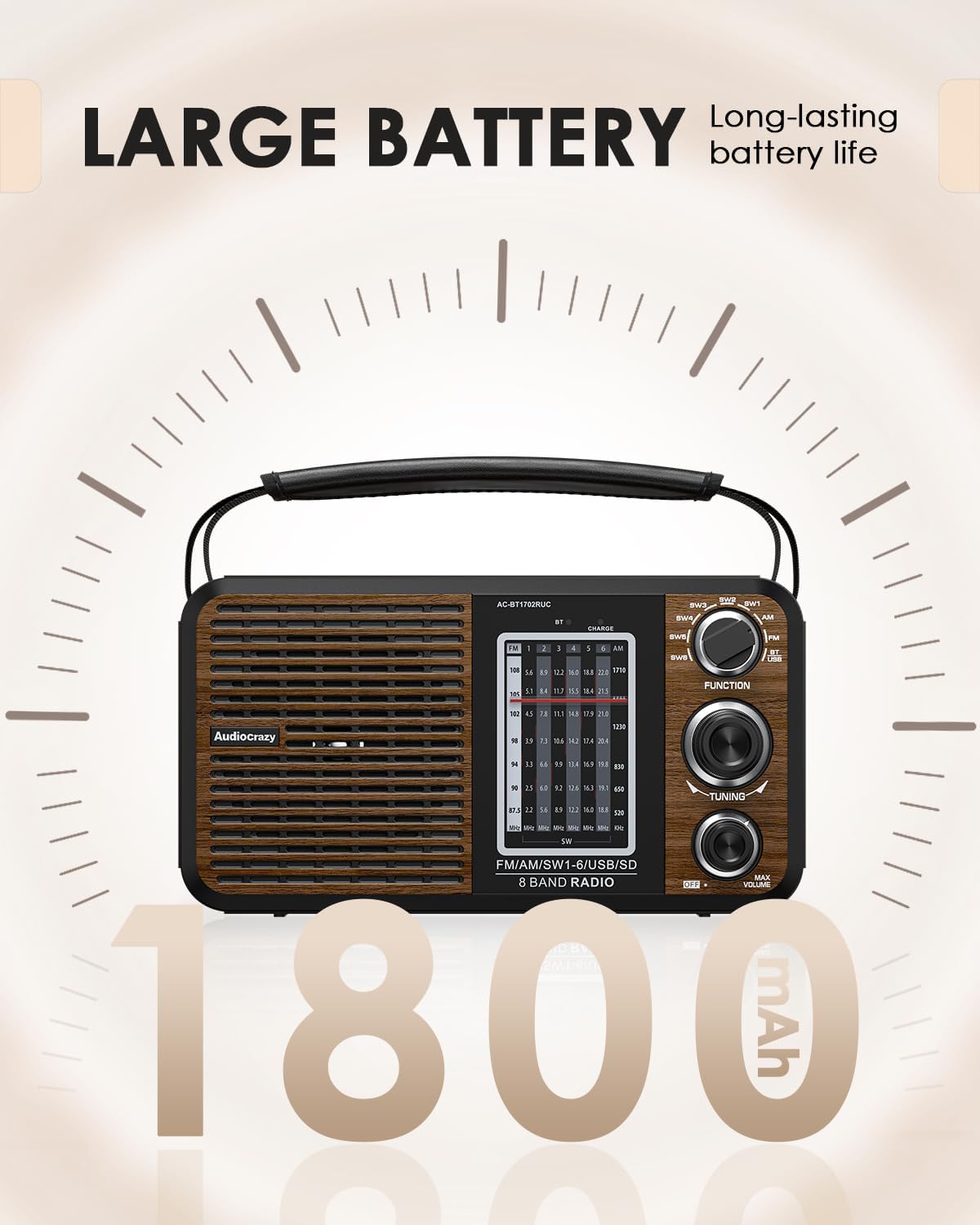
Image 4: The radio with an overlay indicating a large internal battery capacity (1800mAh), emphasizing long-lasting battery life.
- Internal Rechargeable Battery: The radio has a built-in 1800mAh Lithium Polymer battery. Charge it using the supplied AC power cord.
- D-Cell Batteries: For extended portable use, open the battery compartment on the rear of the radio and insert two (2) D-cell batteries (not included), ensuring correct polarity.
- AC Power: Connect the supplied AC power cord directly to a wall outlet for continuous operation and to charge the internal battery.
Note:
- When using D-cell batteries, ensure the AC power cord is disconnected.
- The internal rechargeable battery provides approximately 10 hours of playback on a full charge, depending on volume level and mode of operation.
6. Maintenance
- Clean the radio with a soft, dry cloth. Do not use abrasive cleaners or solvents.
- Keep the unit away from direct sunlight, extreme temperatures, and high humidity.
- If not used for an extended period, remove D-cell batteries to prevent leakage.
- Do not attempt to disassemble or repair the unit yourself. Refer to qualified service personnel.
7. Troubleshooting
| Problem | Possible Cause | Solution |
|---|---|---|
| No power | Battery depleted; AC cord not connected; D-cell batteries inserted incorrectly or depleted. | Charge internal battery; connect AC cord; check/replace D-cell batteries. |
| Poor radio reception | Antenna not extended; weak signal; interference. | Extend telescopic antenna; rotate radio for AM; try different location; reduce interference from other electronics. |
| Bluetooth not connecting | Radio not in Bluetooth mode; device not in pairing mode; too far from radio. | Set Function knob to 'BT/USB'; ensure device Bluetooth is on and discoverable; move device closer to radio. |
| SD/USB not playing | Incorrect file format; media not inserted correctly; corrupted media. | Ensure files are compatible (e.g., MP3); reinsert media; try different media. |
8. Specifications
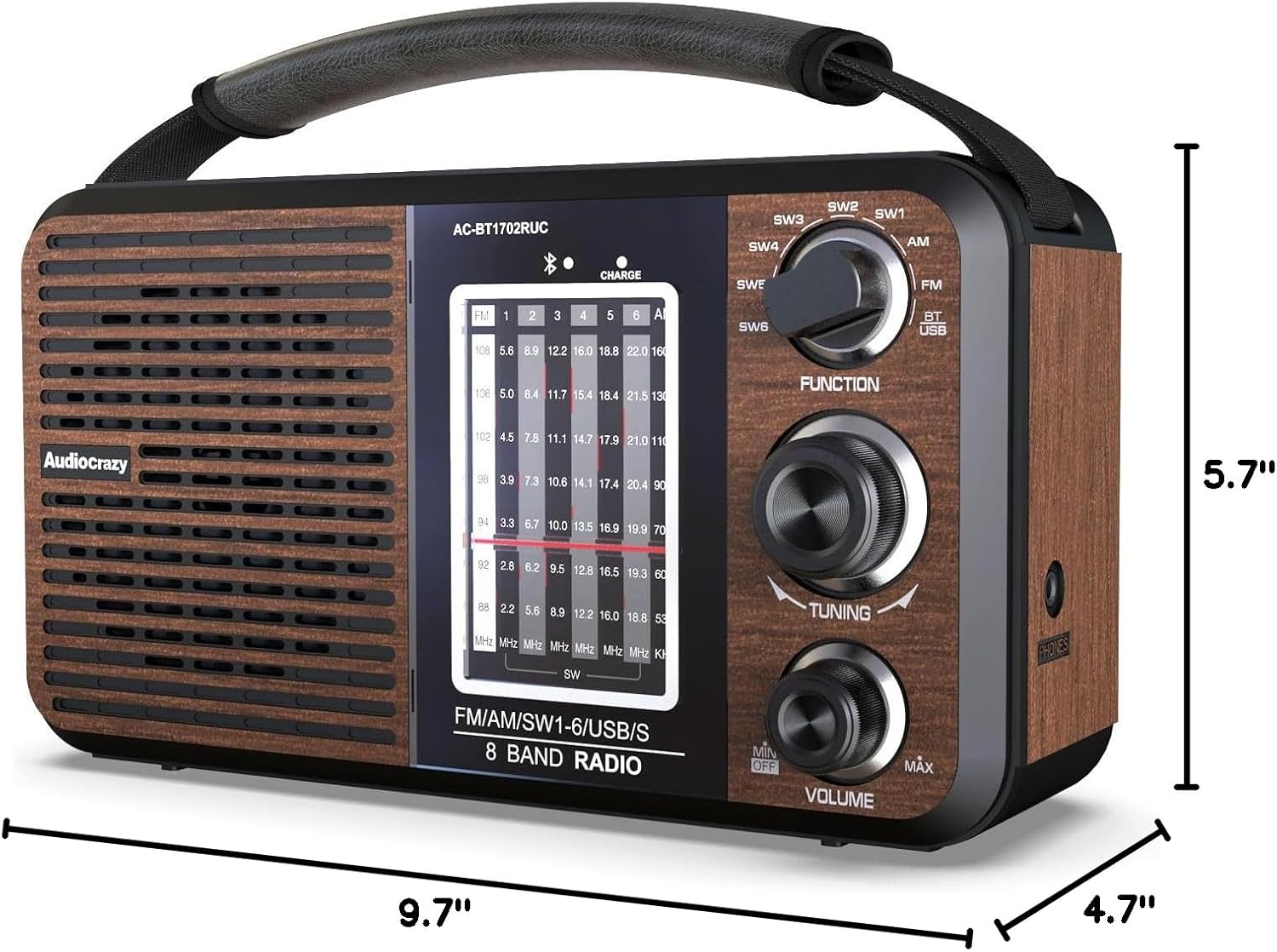
Image 5: The radio with its dimensions labeled: 9.7 inches (length), 4.7 inches (width), and 5.7 inches (height).
- Model Number: AC-BT1702RUC
- Product Dimensions: 9.7 x 4.7 x 5.7 inches
- Item Weight: 2.16 pounds
- Power Source: AC Power, Internal Rechargeable Lithium Polymer Battery (1800mAh), 2 x D-cell Batteries (not included)
- Radio Bands: FM (87.5-108 MHz), AM (520-1710 KHz), SW (3.5-23 MHz)
- Connectivity: Bluetooth 5.0, USB, SD/MMC Card Slot, 3.5mm Headphone Jack
- Manufacturer: Audiocrazy
9. Warranty and Support
Audiocrazy products are designed for reliability and performance. For any questions, technical support, or warranty inquiries, please refer to the contact information provided with your purchase or visit the official Audiocrazy website. Please retain your proof of purchase for warranty claims.
Video 1: Official Audiocrazy video demonstrating the AM/FM radio's reception and features, including the tuning process and sound quality.


