
Introduction
This manual provides essential instructions for the safe and efficient use of your KOPLO 7.4V 14400mAh Rechargeable Battery (Model: YJ-524A). Please read this manual thoroughly before using the product and retain it for future reference.
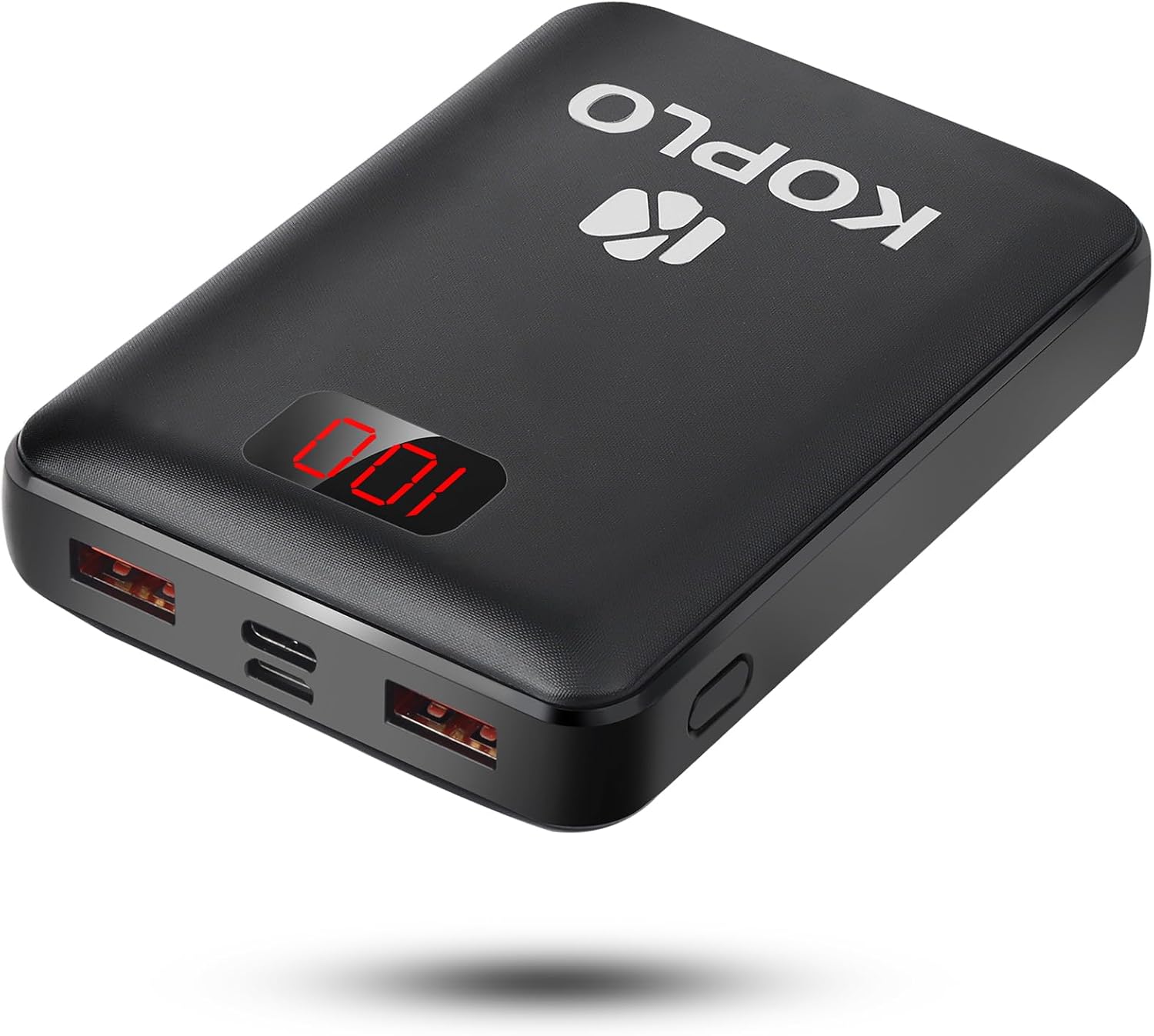
Image: The KOPLO 7.4V 14400mAh Rechargeable Battery, a compact black power bank with a digital display showing "100" and multiple USB ports.
Product Overview
The KOPLO YJ-524A is a high-capacity rechargeable battery designed to power heated apparel such as vests and jackets, and can also charge smart devices. It features multiple output ports and a digital display for battery status.
Key Features:
- 7.4V, 14400mAh capacity (Rated capacity 8700mAh)
- Compatible with KOPLO heated vests and jackets.
- Dual USB 3.0 output ports for charging external devices.
- Type-C and Micro USB input options for charging the battery.
- Intelligent LED display for battery percentage.
- Compact and portable design.
- TSA-friendly for carry-on luggage.
- UL Certified Safe.

Image: A close-up view of the KOPLO battery's ports, labeled as USB 3.0 Out (x2), Type-C In/Out, and Micro USB In. This illustrates the various input and output options available on the device.
Safety Instructions
To ensure safe operation and prolong the lifespan of your battery, please adhere to the following safety guidelines:
- Do not disassemble, modify, or repair the battery.
- Avoid exposing the battery to extreme temperatures (above 60°C/140°F or below -10°C/14°F), direct sunlight, or fire.
- Do not immerse the battery in water or other liquids.
- Keep the battery away from children and pets.
- Use only the provided or certified charging cables and adapters.
- If the battery swells, leaks, or emits an unusual odor, discontinue use immediately and dispose of it properly.
- Avoid dropping or subjecting the battery to strong impacts.
- Do not short-circuit the battery terminals.
Setup: Charging the Battery
Before initial use, fully charge the KOPLO rechargeable battery.
- Connect the Charging Cable: Use either a Type-C or Micro USB cable (not included) to connect the battery to a compatible USB power adapter (not included).
- Power Source: Plug the USB power adapter into a wall outlet.
- Monitor Charging: The LED display on the battery will show the charging progress. When the display shows "100", the battery is fully charged.
Note: A full charge may take several hours depending on the power adapter used.

Image: The KOPLO battery connected via a USB cable to a smartphone, indicating the battery's capability to charge external devices. The battery's digital display shows "100".
Operating Instructions
Using with Heated Apparel:
- Locate Battery Pocket: Insert the fully charged KOPLO battery into the designated battery pocket of your KOPLO heated vest or jacket.
- Connect Cable: Connect the power cable from your heated apparel to one of the USB 3.0 output ports on the KOPLO battery.
- Activate Apparel: Follow the instructions provided with your heated apparel to turn it on and select your desired heat setting.

Image: A person placing the KOPLO battery into a pocket of a heated vest, demonstrating how the battery integrates with heated apparel.
Charging External Devices:
- Connect Device: Use a compatible USB cable to connect your smartphone, tablet, or other USB-powered device to one of the USB 3.0 output ports on the KOPLO battery.
- Charging Begins: Charging will typically begin automatically. The battery's LED display will show its remaining charge.
- Disconnect: Disconnect your device once it is fully charged or when you no longer need to charge it.
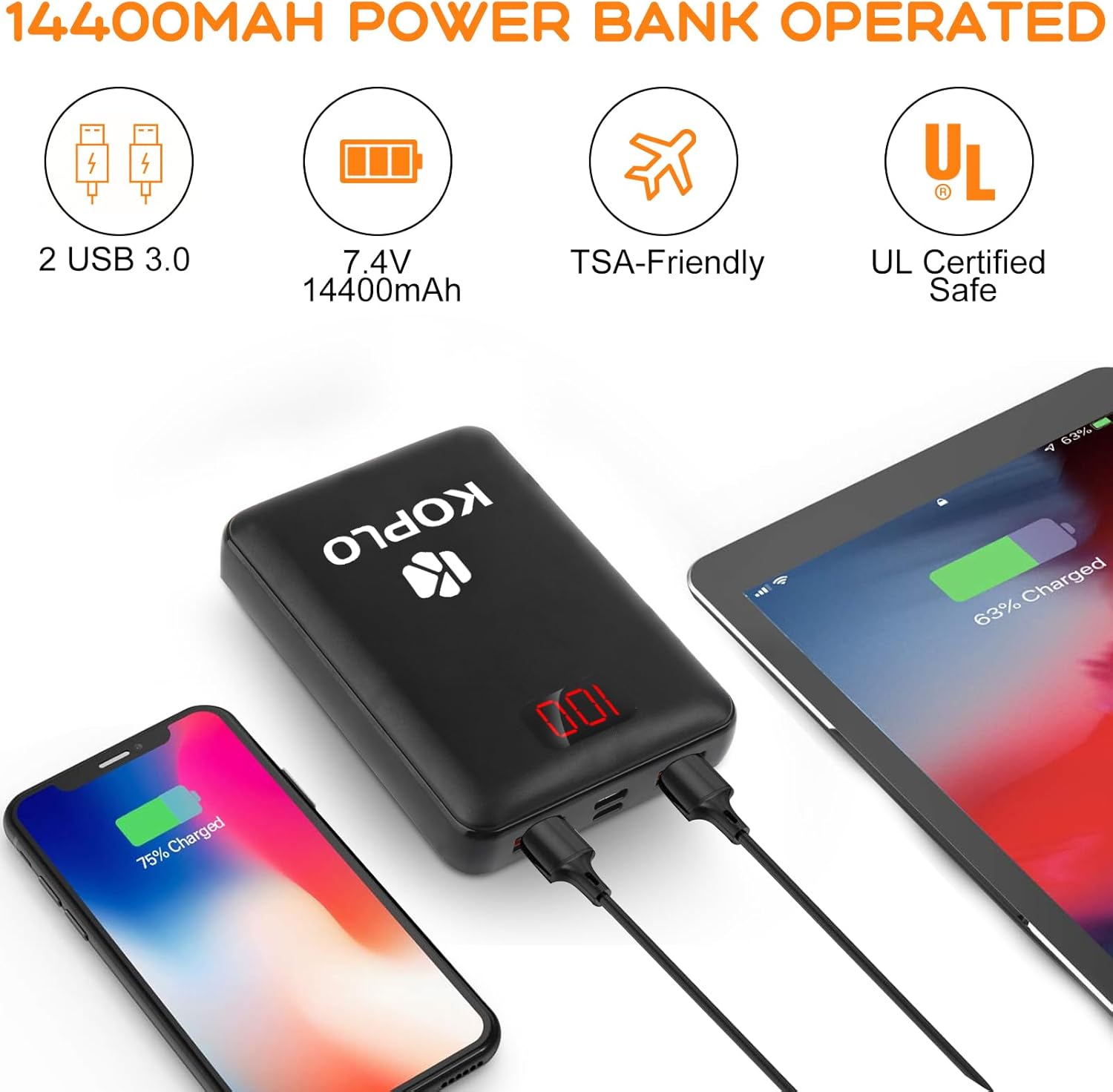
Image: The KOPLO battery being held in a hand and placed into a jean pocket, illustrating its compact and portable size for everyday carry.
Maintenance
- Cleaning: Wipe the battery with a soft, dry cloth. Do not use harsh chemicals or abrasive cleaners.
- Storage: Store the battery in a cool, dry place away from direct sunlight and extreme temperatures. For long-term storage, it is recommended to charge the battery to about 50-70% every three months to maintain battery health.
- Disposal: Dispose of the battery according to local regulations for lithium-ion batteries. Do not dispose of it with household waste.
Troubleshooting
| Problem | Possible Cause | Solution |
|---|---|---|
| Battery not charging | Loose cable connection, faulty cable/adapter, battery fully charged. | Check all connections. Try a different cable or adapter. If display shows "100", battery is full. |
| Device not charging from battery | Battery depleted, loose cable connection, incompatible device, faulty cable. | Ensure battery is charged. Check cable connections. Try a different cable. Verify device compatibility. |
| Heated apparel not working | Battery not connected, battery depleted, apparel malfunction. | Ensure battery is fully charged and properly connected to the apparel. Refer to your apparel's manual for troubleshooting. |
Specifications
- Model: YJ-524A
- Battery Type: Lithium Ion
- Voltage: 7.4V
- Capacity: 14400mAh (Rated capacity 8700mAh)
- Input: Type-C, Micro USB
- Output: 2 x USB 3.0, Type-C
- Dimensions: Approximately 4.13 x 3.74 x 1.14 inches
- Weight: Approximately 10.5 ounces
- Manufacturer: Dongguan OPAQI electronic technology Co, LTD.
- Certifications: UL Certified

Image: A bar chart illustrating the estimated working hours of the KOPLO 7.4V 14400mAh battery when used with heated apparel at different heat settings (High, Medium, Low) and heating zones (Chest Only, Back Only, Chest & Back, Chest & Back & Collar). The chart shows durations ranging from 4 to 20 hours.
Warranty and Support
KOPLO products are designed for reliability and performance. For warranty information or technical support, please refer to the contact details provided with your purchase or visit the official KOPLO website. Please have your model number (YJ-524A) and purchase details ready when contacting support.

