
XShock Portable Blender with Turbomix Technology
XShock Portable Blender User Manual
Model: Portable Blender with Turbomix Technology
Introduction
The XShock Portable Blender is a revolutionary, rechargeable, and wireless device designed to help you prepare fresh, nutritious, and delicious smoothies and shakes on the go. Its compact design allows you to enjoy your favorite beverages directly from the blending cup, anywhere you are. Featuring advanced Turbomix Technology, this blender ensures smooth and homogeneous results in seconds.
Safety Information
Please read all safety instructions carefully before using the XShock Portable Blender. Failure to follow these instructions may result in electric shock, fire, or serious injury.
- Do not immerse the motor base in water or other liquids.
- Keep hands and utensils out of the blending cup while operating to prevent injury.
- Ensure the cup is securely attached to the motor base before blending.
- Do not overfill the blending cup beyond the maximum fill line.
- Avoid blending extremely hot liquids, as pressure buildup may cause injury.
- Keep out of reach of children.
- Unplug the blender when not in use and before cleaning.
- Do not operate the blender if the cord or plug is damaged, or if the appliance malfunctions.
- Use only original XShock accessories and parts.
Product Components
The XShock Portable Blender consists of the following main components:
- Blending Cup: 490 ml capacity, made for direct drinking.
- Blade Assembly: Integrated with 6 sharp stainless steel blades, powered by Turbomix Technology.
- Motor Base: Contains the powerful 18,000 RPM motor and rechargeable battery.
- Lid: Securely seals the blending cup.
- USB Charging Cable: For convenient recharging.
- Anti-slip Silicone Band: Provides a secure grip.

Image: XShock Portable Blender packaging, showcasing its features and design.

Image: The XShock Portable Blender surrounded by fresh fruits, symbolizing its purpose.
Setup
- Initial Charge: Before first use, fully charge your XShock Portable Blender. Connect the included USB cable to the charging port on the motor base and plug the other end into a USB power source (e.g., wall adapter, computer, power bank). The indicator light will show charging status and turn off when fully charged. A full charge provides up to 10 blending cycles.
- Clean Before Use: Wash the blending cup and lid with warm soapy water. Rinse thoroughly and dry. Do not immerse the motor base in water.
- Prepare Ingredients: Cut fruits and vegetables into small pieces (approximately 1-2 cm) to ensure optimal blending performance and prevent blade jamming.
Operating Instructions
- Add Ingredients: Place your desired ingredients into the blending cup. For best results, add liquids first, then soft fruits, leafy greens, and finally harder ingredients or ice. Do not exceed the 490 ml capacity.
- Secure the Lid: Screw the lid onto the blending cup tightly to prevent leaks during operation.
- Attach to Base: Align the blending cup with the motor base and twist clockwise until it locks securely into place.
- Start Blending: Press the power button on the motor base to start blending. The powerful 18,000 RPM motor and 6-blade Turbomix Technology will create a unique tornado effect for smooth results. For optimal results, you may gently shake the blender during operation to ensure all ingredients come into contact with the blades.
- Stop Blending: The blender will typically run for a set cycle (e.g., 30-60 seconds) or you can press the power button again to stop it manually.
- Enjoy: Once blending is complete, detach the cup from the base and enjoy your fresh beverage directly from the cup.

Image: The XShock Portable Blender filled with fresh ingredients, ready to blend.

Image: Illustration of the Turbomix Technology blades creating a powerful blending vortex.

Image: The XShock Portable Blender demonstrating its portability for active lifestyles.

Image: The XShock Portable Blender with a freshly prepared drink.

Image: The XShock Portable Blender held in hand, showcasing its convenience for fresh nutrients.
Maintenance and Cleaning
The XShock Portable Blender features a convenient self-cleaning function.
- Self-Cleaning: After use, add a small amount of water and a drop of dish soap into the blending cup.
- Secure the lid and attach the cup to the motor base.
- Press the power button to run a short blending cycle (5-10 seconds).
- Rinse the cup thoroughly with clean water.
- Manual Cleaning: For a more thorough clean, detach the cup and lid and wash them with warm soapy water using a brush if necessary.
- Wipe the motor base with a damp cloth. Do not submerge the motor base in water.
- Ensure all parts are completely dry before reassembling or storing.
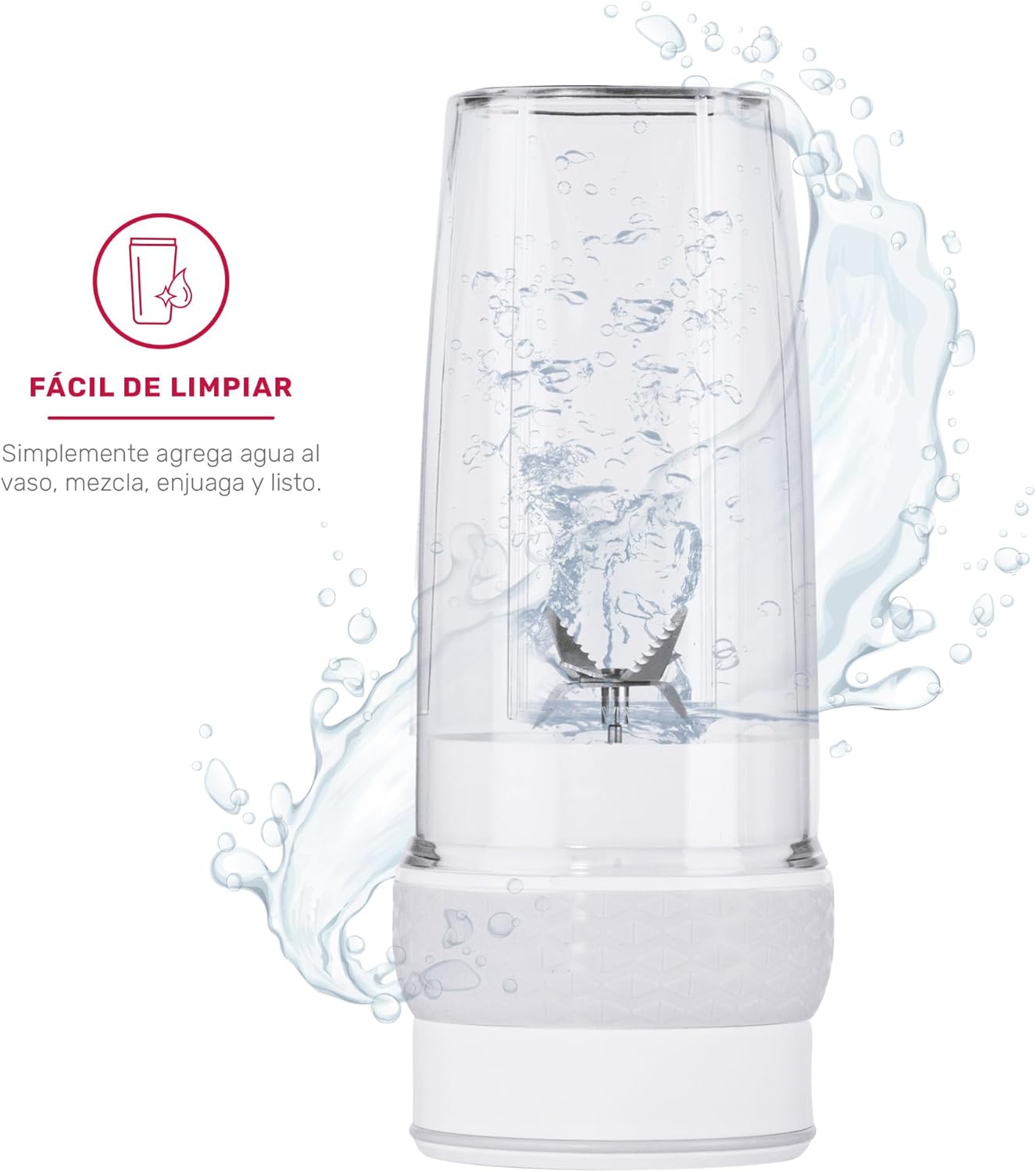
Image: The XShock Portable Blender undergoing its self-cleaning process with water.
Troubleshooting
| Problem | Possible Cause | Solution |
|---|---|---|
| Blender does not turn on. | Low battery; Cup not securely attached; Safety mechanism engaged. | Charge the blender; Ensure cup is twisted and locked onto the base; Check for obstructions. |
| Ingredients are not blending smoothly. | Too many ingredients; Not enough liquid; Ingredients too large. | Reduce ingredient quantity; Add more liquid; Cut ingredients into smaller pieces. |
| Blender stops during operation. | Overload protection activated; Low battery. | Remove some ingredients and restart; Charge the blender. |
| Leaking from the cup. | Lid not properly sealed; Cup not properly attached to base. | Ensure lid is tightly screwed on; Re-attach cup to base until locked. |
Specifications
| Brand | XShock |
| Model | Portable Blender with Turbomix Technology |
| Color | White |
| Capacity | 490 Milliliters |
| Motor Speed | 18,000 RPM |
| Blades | 6 sharp stainless steel blades |
| Power Source | Rechargeable Battery (USB charging) |
| Battery Life | Up to 10 cycles per charge |
| Material | Rubber (for anti-slip band/seals) |
| Product Weight | 730 g |
| Dimensions (approx.) | 13 cm (D) x 11 cm (W) x 15 cm (H) |
Warranty and Support
XShock products are manufactured with high-quality standards. For any warranty claims or technical support, please refer to your purchase documentation or contact XShock customer service directly. Keep your proof of purchase for warranty validation.
For further assistance, please visit the official XShock website or contact their customer support team through the contact information provided with your product.
Ask a question about this manual
Ask about setup, troubleshooting, compatibility, parts, safety, or missing instructions. Manuals+ will review the question and use this page’s manual context to help answer it.