
OGWAI JPDS-01
OGWAI Rechargeable Digital Food Scale User Manual
Model: JPDS-01 | Brand: OGWAI

Image: The OGWAI Rechargeable Digital Food Scale, a sleek silver kitchen scale with a digital display and control buttons.
1. Introduction
Thank you for choosing the OGWAI Rechargeable Digital Food Scale. This precision instrument is designed to provide accurate measurements for a variety of items, from culinary ingredients to small craft materials. Its compact design, multiple unit options, and rechargeable battery make it a versatile and convenient tool for any kitchen or workspace. Please read this manual thoroughly to ensure proper use and maintenance of your scale.
2. Product Overview
Key Features:
- High-Precision Sensors: Accurately measures weight up to 3000g (6.6lb) with an accuracy of 0.1g (0.0035oz).
- Rechargeable Design: Equipped with a USB charging cable, a full charge can last up to 2 months.
- Convenient Unit Switching: Easily switch between 7 measurement units: grams (g), ounces (oz), troy ounces (ozt), pennyweights (dwt), carats (ct), grains (gn), and taels (tl).
- Tare Function: Allows you to subtract the weight of a container for net weight measurement.
- Counting Mode: Accurately measures the quantity of small, uniform items.
- Detachable Trays: Includes two plastic trays that can also serve as protective covers.
- High-Brightness LCD Screen: Ensures clear readability of measurement results in various lighting conditions.
Components:
- Weighing Platform (Stainless Steel)
- LCD Display
- Control Buttons (Power, Mode, PCS, Tare)
- USB Charging Port
- Two Detachable Trays

Image: A top-down view of the OGWAI Digital Kitchen Scale, highlighting its compact size and key features such as high precision sensors, seven unit conversion, USB rechargeable version, maximum weighing capacity of 3000g, and inclusion of two trays.

Image: An illustration showing the seven measurement units available on the OGWAI food scale: G (grams), OZ (ounces), OZT (troy ounces), DWT (pennyweights), CT (carats), GN (grains), and TL (taels), with a resolution of 0.1g/0.01oz and a maximum weighing capacity of 3000g.
3. Setup
- Unpacking: Carefully remove the scale and all accessories from the packaging.
- Protective Film: Before first use, peel off any blue protective film from the stainless steel weighing platform.
- Initial Charge: Although the scale comes with some charge, it is recommended to fully charge it before first use. Connect the provided USB charging cable to the scale's charging port and a suitable USB power source. The display will indicate charging status. A full charge can last up to two months.
- Placement: Place the scale on a flat, stable, and level surface to ensure accurate readings. Avoid placing it near strong electromagnetic fields or vibrating equipment.
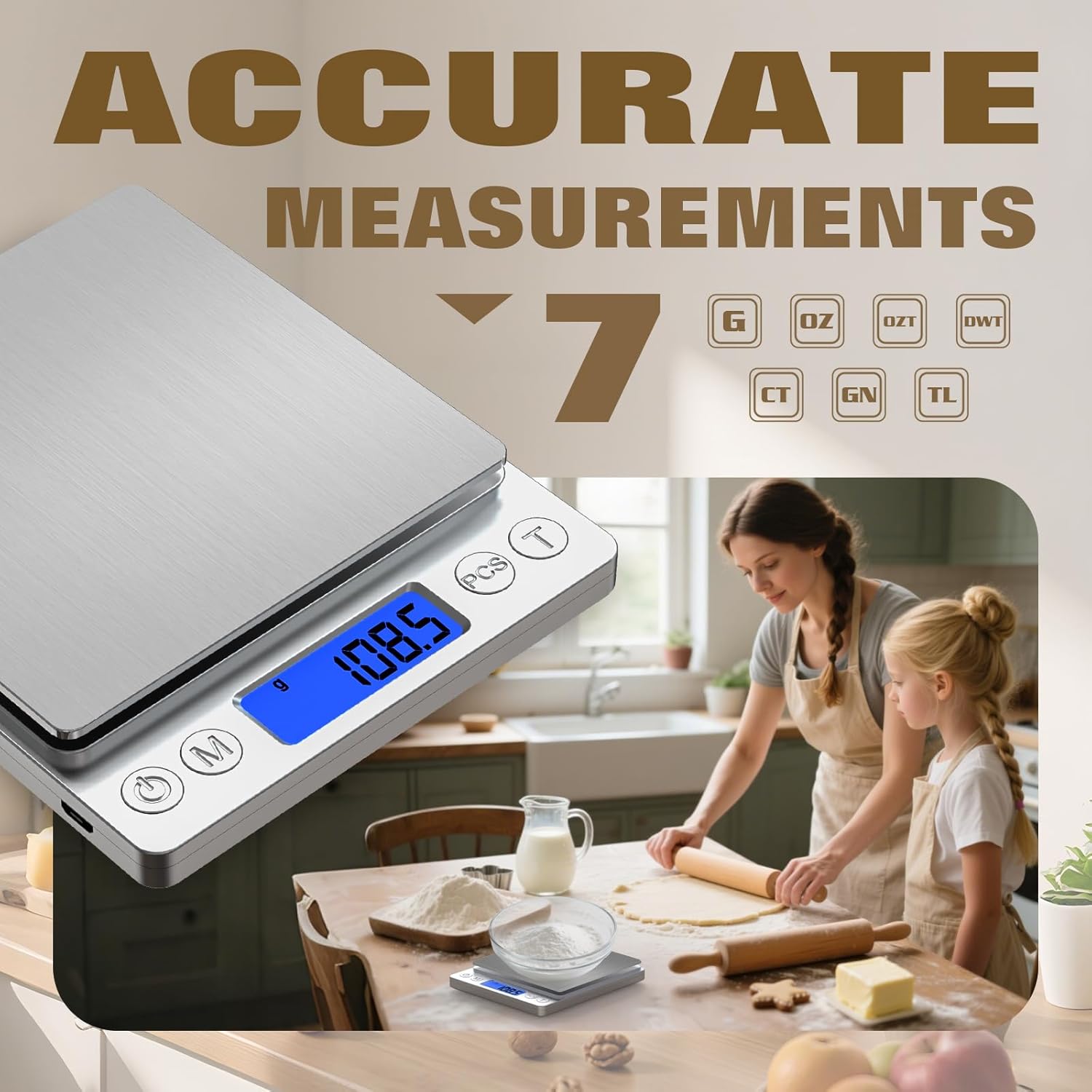
Image: The OGWAI Digital Food Scale connected to a USB charging cable, with a whole and a sliced apple placed on its weighing tray, demonstrating its rechargeable feature.
4. Operation
Power On/Off:
- Press the Power button () to turn the scale on.
- Press and hold the Power button to turn the scale off. The scale will automatically shut off after a period of inactivity to conserve battery.
Unit Switching:
- With the scale on, press the Mode button () to cycle through the available units: g, oz, ozt, dwt, ct, gn, tl.
Tare Function:
The Tare function allows you to weigh items in a container by subtracting the container's weight.
- Place an empty container on the weighing platform.
- Wait for the display to stabilize.
- Press the Tare button (). The display will reset to zero.
- Add the items you wish to weigh into the container. The display will show only the net weight of the items.

Image: A demonstration of the Tare Function, showing a clear plastic tray with various vegetables (tomatoes, cucumbers, basil) on the OGWAI scale, with the display showing a weight of 286.5, indicating the net weight of the produce after taring the container.
Counting Mode (PCS):
This mode is useful for counting multiple pieces of uniform items.
- Place a sample quantity of items (e.g., 25, 50, 75, or 100 pieces) on the platform.
- Press and hold the PCS button () until the display shows a number (e.g.,
Ask a question about this manual
Ask about setup, troubleshooting, compatibility, parts, safety, or missing instructions. Manuals+ will review the question and use this page’s manual context to help answer it.