
Introduction
This manual provides instructions for the setup, operation, and maintenance of your AZBME replacement remote control for Onkyo Audio Video (AV) receivers. This remote is designed to be a direct replacement, offering full functionality without the need for programming.
Setup
1. Battery Installation
The remote control requires two (2) AAA batteries (not included) for operation. Follow these steps to install the batteries:
- Locate the battery compartment on the back of the remote control.
- Press down on the latch and slide the battery cover downwards to open it.
- Insert two AAA batteries, ensuring the positive (+) and negative (-) terminals align correctly with the markings inside the compartment.
- Slide the battery cover back into place until it clicks securely.
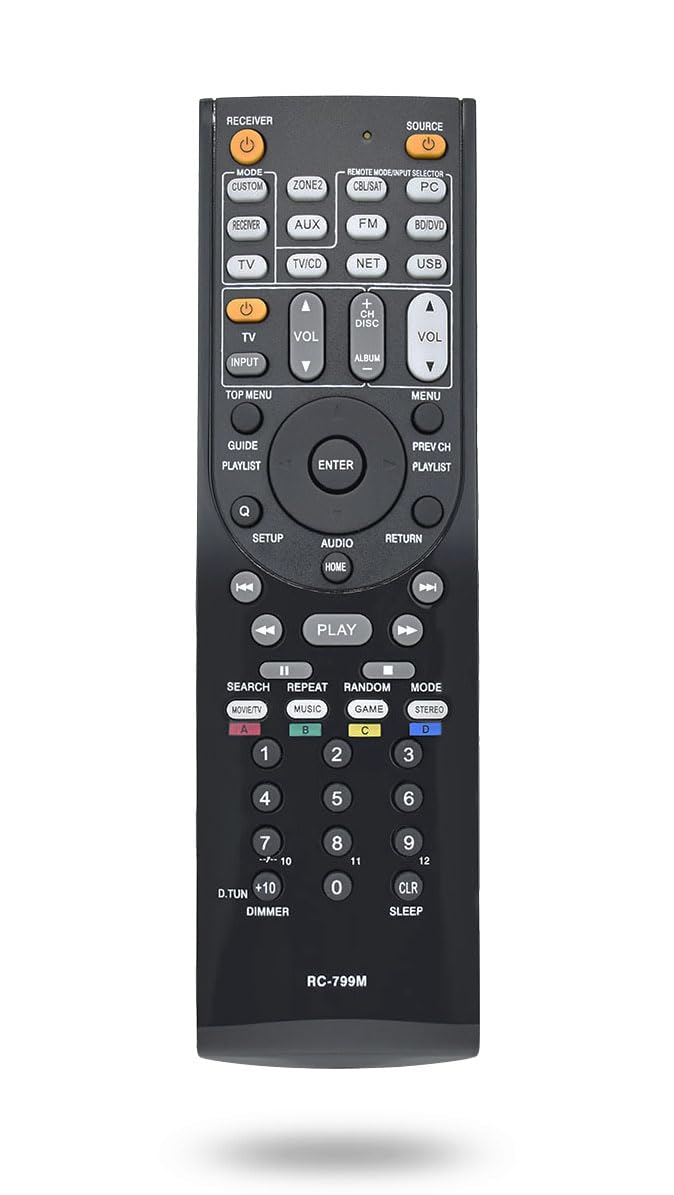
Image: Back view of the remote control with the battery compartment visible. The compartment cover is located at the bottom half of the remote's back.
2. Initial Use
This AZBME replacement remote control is pre-programmed and does not require any setup or programming. Once batteries are installed, it is ready for immediate use with compatible Onkyo AV receivers.
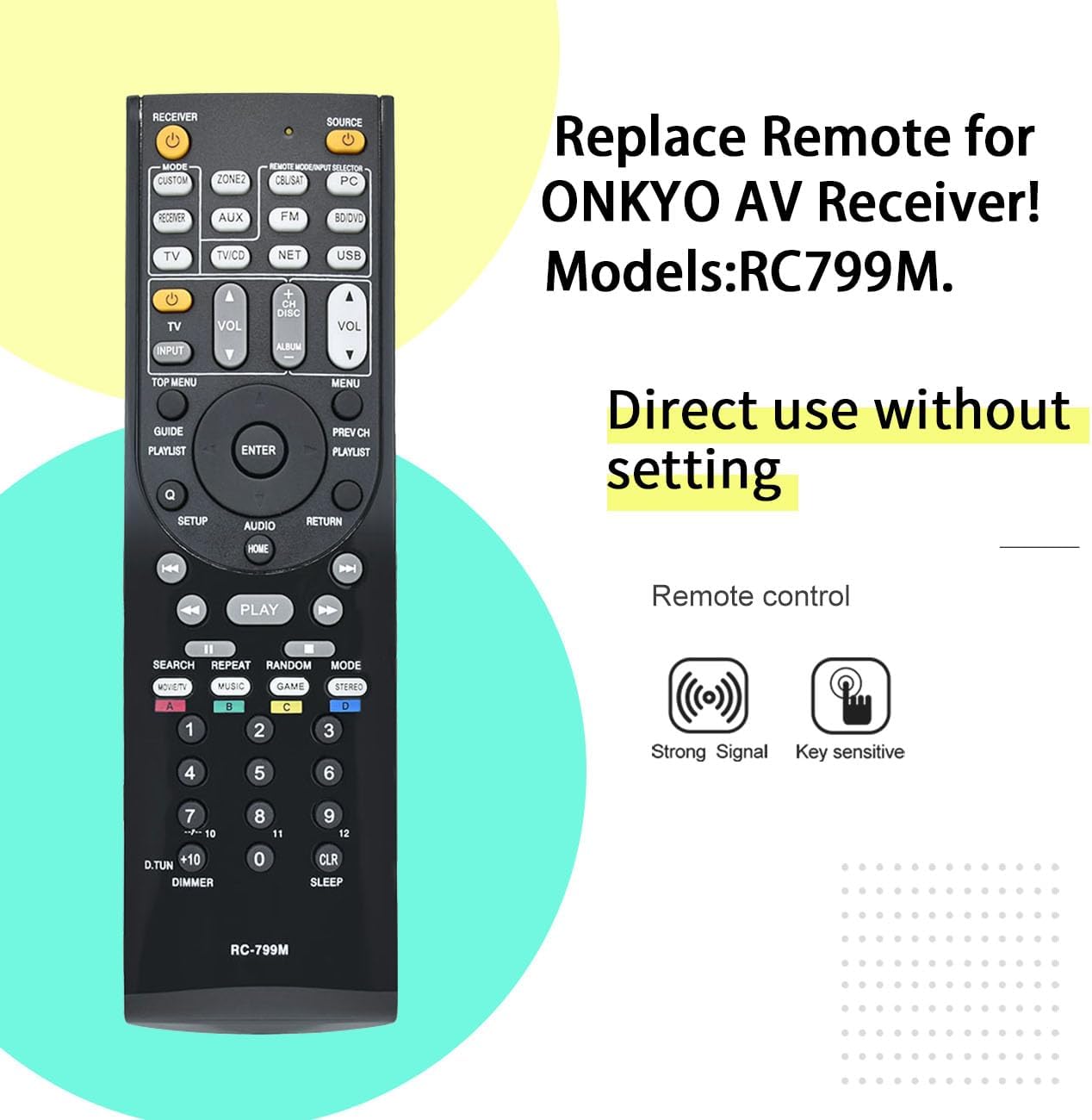
Image: Front view of the remote control, highlighting its buttons and a text overlay stating "Direct use without setting".
Operating Instructions
The remote control provides full functionality for your Onkyo AV receiver. Point the remote directly at your receiver's infrared sensor for optimal performance.
Key Functions:
- Power Button: Turns the receiver on or off.
- Source Selection Buttons (e.g., TV, CD, DVD, NET, USB): Selects the desired input source.
- Volume Up/Down: Adjusts the master volume level.
- Mute Button: Mutes or unmutes the audio output.
- Navigation Buttons (Up, Down, Left, Right, Enter): Used for menu navigation and selection.
- Play/Pause/Stop/Skip Buttons: Controls media playback for compatible sources.
- Number Buttons (0-9): For direct input or channel selection.
- Setup/Menu Buttons: Accesses the receiver's settings and on-screen display.
This remote is compatible with various Onkyo AV receiver models, including but not limited to: RC-707M, RC-709M, RC-710M, RC-717M, RC-735M, RC-737M, RC-738M, RC-762M, RC-764M, RC-799M, RC-801M, RC-803M, RC-834M, RC-838M, RC-863M, RC-865M, RC-866M, RC-879M, RC-880M, RC-882M, RC-896M, TX-NR414, TX-NR515, TX-NR717, TX-SR507S, TX-SR507, HT-R391, HT-R558, HT-R590, HT-R591, HT-S5500, HT-RC430, HT-S3500, HT-S5400, TX-SR309, TX-SR313.
Maintenance
Cleaning the Remote Control
To maintain the remote control's appearance and functionality, clean it regularly:
- Use a soft, dry cloth to wipe the surface of the remote.
- For stubborn dirt, slightly dampen the cloth with water or a mild, non-abrasive cleaner. Avoid excessive moisture.
- Do not use harsh chemicals, solvents, or abrasive cleaning pads, as these can damage the remote's finish or internal components.
Battery Replacement
Replace the batteries when the remote control's response becomes sluggish or it stops functioning. Refer to the "Battery Installation" section for detailed steps. Always replace both batteries at the same time with new ones of the same type (AAA).
Troubleshooting
| Problem | Possible Cause | Solution |
|---|---|---|
| Remote control is not working. | Dead or incorrectly installed batteries. | Replace batteries with new AAA batteries, ensuring correct polarity. |
| Remote control range is poor. | Obstruction between remote and receiver; low battery power. | Ensure a clear line of sight to the receiver's IR sensor. Replace batteries if they are old. |
| Specific buttons are not responding. | Dirt or debris under the button; remote malfunction. | Clean the remote surface. If the issue persists, contact customer support. |
Specifications
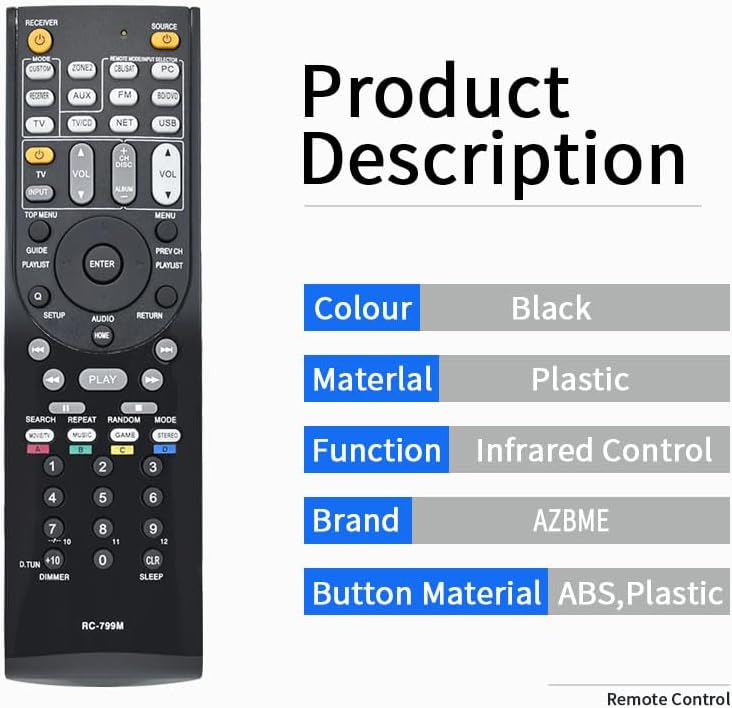
Image: Front view of the remote control alongside a graphic detailing its specifications.
- Brand: AZBME
- Color: Black
- Material: ABS Plastic
- Connectivity Technology: Infrared (IR)
- Max Number of Supported Devices: 1 (Onkyo AV Audio Receiver)
- Battery Type: 2 x AAA (not included)
- Maximum Range: 10 Meters
- Item Weight: 0.1 Kilograms
- Special Feature: Digital Display (referring to the receiver's display, not the remote itself)
- Button Quantity: 25
Support
For any questions or assistance regarding your AZBME replacement remote control, please contact our customer support. We are committed to helping you with any queries you may have.


