
ACTWIND Q22
ACTWIND Q22 Under Desk Walking Pad Treadmill User Manual
Model: Q22
Introduction
Welcome to your new ACTWIND Q22 Under Desk Walking Pad Treadmill. This manual provides essential information for safe operation, proper setup, routine maintenance, and effective troubleshooting. Please read it thoroughly before first use to ensure optimal performance and user safety.

Image: The ACTWIND Q22 Walking Pad Treadmill in use, demonstrating its compact design and a user walking on it. The image also shows the treadmill in a folded state, highlighting its portability.
Important Safety Information
To reduce the risk of serious injury, always follow basic precautions when using this appliance.
- Read all instructions carefully before operating the treadmill.
- Keep children and pets away from the treadmill during operation and when it is unattended.
- Place the treadmill on a flat, stable surface with adequate clear space around it (at least 2 feet from walls or furniture).
- Do not use the treadmill if the power cord or plug is damaged. Contact customer support for replacement.
- The maximum user weight capacity for this treadmill is 265 lbs (120 kg). Do not exceed this limit.
- Always disconnect the power cord from the outlet when the treadmill is not in use or before performing any cleaning or maintenance.
- Consult a physician before starting any new exercise program, especially if you have pre-existing health conditions.
- Wear appropriate athletic footwear and clothing during use.
- Do not operate the treadmill in areas with aerosol (spray) products or where oxygen is being administered.
Package Contents
Verify that all items are present in the package:
- ACTWIND Q22 Walking Pad Treadmill
- Remote Control
- Power Cord
- User Manual (this document)
- Lubricant (small bottle of silicone oil, if included)
Product Overview
Familiarize yourself with the main components and features of your ACTWIND Q22 Walking Pad Treadmill.
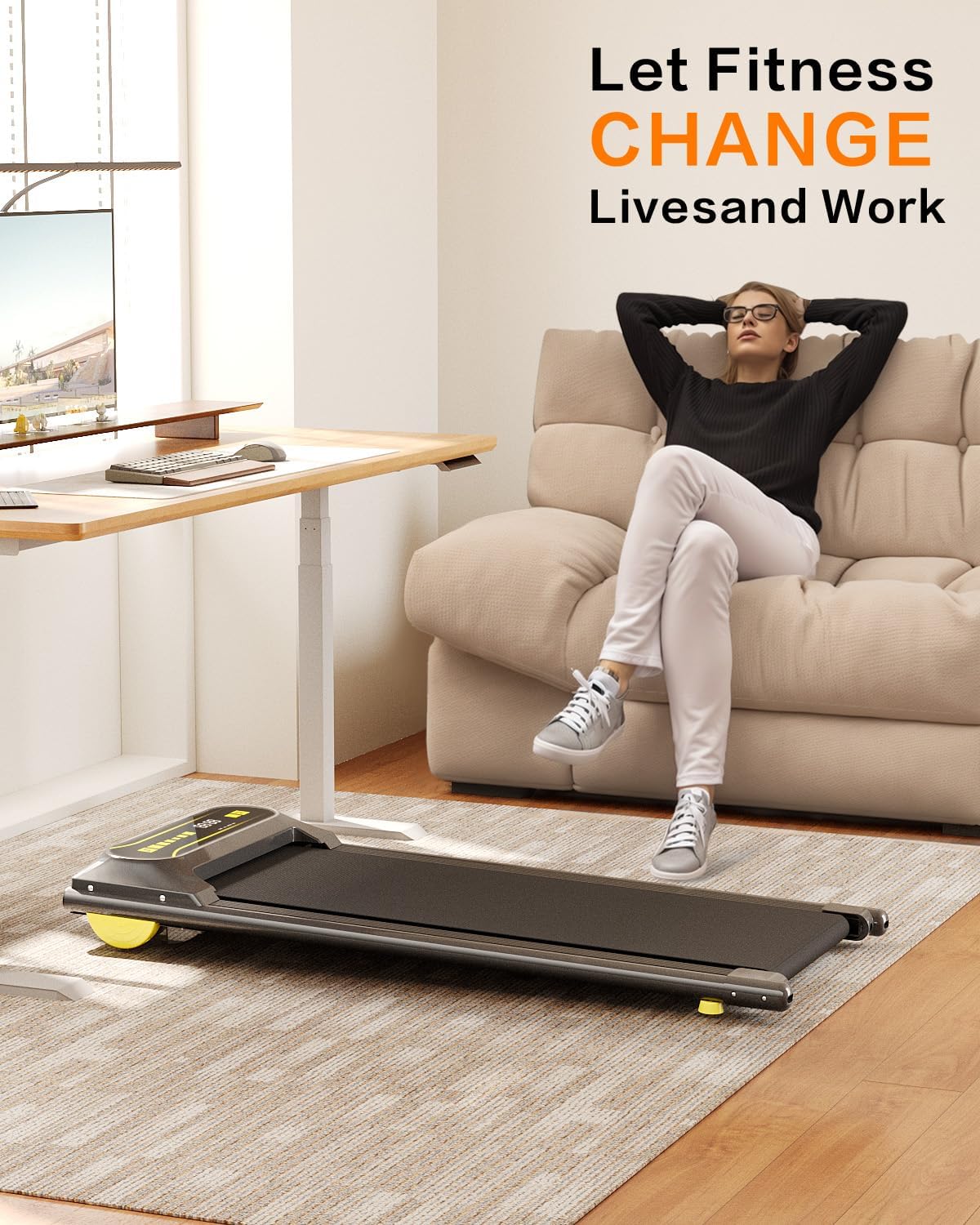
Image: A detailed view of the treadmill's colorful multifunctional LED display and the smart remote control, indicating various functions and data points.
- Walking Belt: The primary surface for walking or jogging.
- LED Display: Integrated into the front panel, showing real-time workout data.
- Motor Cover: Protects the internal motor and electronics.
- Transport Wheels: Located at the front for easy mobility.
- Remote Control: Used to power on/off, adjust speed, and select programs.
- Power Inlet: Connection point for the power cord.
Setup
Follow these steps for the initial setup of your walking pad:
- Unpacking: Carefully remove the treadmill from its packaging. Retain packaging for future storage or transport.
- Placement: Place the treadmill on a firm, level surface. Ensure there is at least 2 feet of clear space behind and to the sides of the treadmill for safety.
- Power Connection: Connect the power cord to the treadmill's power inlet, then plug the other end into a standard grounded electrical outlet (120V AC).
- Remote Control: Open the battery compartment on the remote control and insert two AAA batteries (not included), ensuring correct polarity. Close the compartment.

Image: A user walking on the ACTWIND Q22 Walking Pad Treadmill in a room, demonstrating typical usage in a home or office environment, often placed under a standing desk.
Operating Instructions
Power On/Off
Press the Power button on the remote control to turn the treadmill on or off. The LED display will illuminate upon activation.
Starting and Adjusting Speed
- Step onto the walking belt.
- Press the Start button on the remote. The treadmill will begin at a low default speed.
- Use the + and - buttons on the remote to increase or decrease the speed. Speed can be adjusted in increments of 0.1 mph (0.16 km/h) within a range of 0.5-4 mph (0.8-6.5 km/h).
Pre-set Programs
The treadmill features 12 pre-set programs designed for varying workout intensities. Press the Mode button on the remote to cycle through these programs. Each program has a unique speed profile that changes automatically over time.
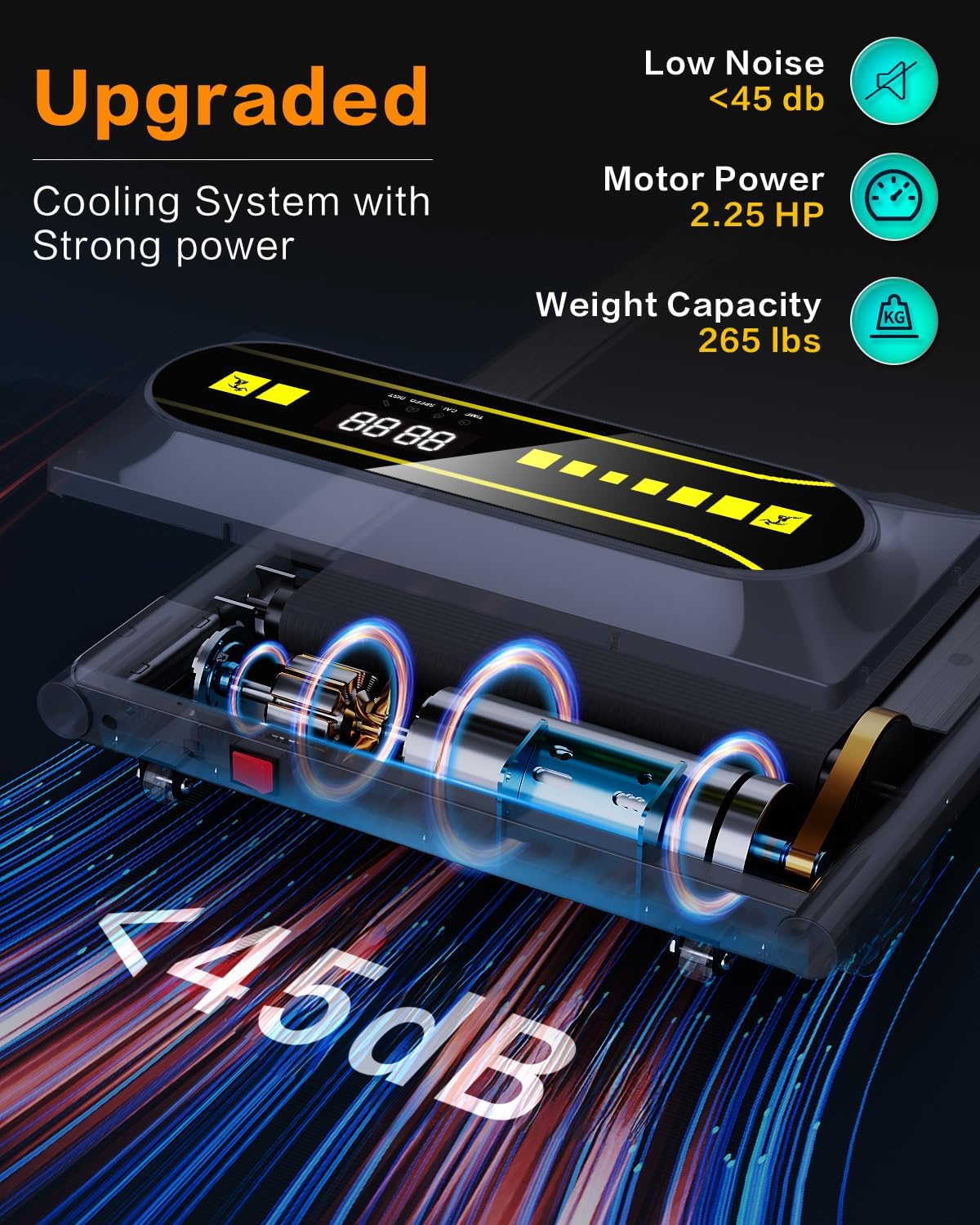
Image: A user jogging on the ACTWIND Q22 Walking Pad Treadmill, illustrating its use for more active exercise. An infographic highlights the 12 HIIT programs and the remote control functionality.
Display Information
The integrated LED display cycles through various workout metrics:
- Time: Displays the duration of your current workout session.
- Speed: Shows your current walking or jogging speed.
- Distance: Tracks the total distance covered during your workout.
- Calories: Provides an estimated number of calories burned.
Maintenance
Regular maintenance ensures the longevity and smooth operation of your treadmill.
Cleaning
Wipe down the treadmill's surfaces, including the walking belt and display, with a damp cloth after each use. Do not use abrasive cleaners or solvents, as these can damage the finish and electronic components. Ensure the treadmill is unplugged before cleaning.
Lubrication
The walking belt requires periodic lubrication to reduce friction and ensure smooth operation. Apply silicone oil (typically included or recommended by the manufacturer) under the walking belt every 3-6 months, or after approximately 100 hours of use. Lift the edge of the belt and apply a thin line of lubricant to the center of the deck. Run the treadmill at a low speed for a few minutes to distribute the lubricant evenly.
Belt Adjustment
If the walking belt becomes misaligned (drifts to one side) or slips during use, it may require adjustment. This typically involves using an Allen wrench (often included) to adjust the tension bolts at the rear of the treadmill. Refer to the detailed instructions in the full user manual for precise adjustment procedures. Incorrect adjustment can damage the belt or motor.
Troubleshooting
Refer to the table below for common issues and their solutions. If the problem persists, contact customer support.
| Problem | Possible Cause | Solution |
|---|---|---|
| Treadmill does not power on. | Power cord not securely connected; power switch off; circuit breaker tripped; remote control batteries dead. | Check power cord connection at both ends; ensure the main power switch (if present) is on; reset household circuit breaker; replace remote control batteries. |
| Walking belt slips or hesitates. | Belt needs lubrication; belt is too loose; user weight exceeds capacity. | Lubricate the walking belt as per maintenance instructions; adjust belt tension (refer to full manual); ensure user weight is within 265 lbs limit. |
| Remote control not working. | Batteries are dead or incorrectly inserted; remote is too far from the treadmill. | Replace batteries, ensuring correct polarity; operate remote within close proximity to the treadmill's front panel. |
| Unusual noise during operation. | Loose components; belt friction; foreign object under the belt; motor issue. | Inspect for any loose screws or parts and tighten; lubricate belt if dry; check for and remove any obstructions; if noise persists, contact customer support. |
| Display not showing correct data. | Sensor issue or temporary electronic glitch. | Turn off the treadmill, unplug it for 30 seconds, then plug back in and restart. If the problem persists, contact customer support. |
Specifications
Detailed technical specifications for the ACTWIND Q22 Walking Pad Treadmill:
| Feature | Detail |
|---|---|
| Model Number | Q22 |
| Brand | ACTWIND |
| Motor Horsepower | 2.25 HP |
| Speed Range | 0.5 - 4 mph (0.8 - 6.5 km/h) |
| Maximum Weight Capacity | 265 lbs (120 kg) |
| Product Dimensions (L x W x H) | 116.89 x 52.1 x 13.69 cm (46.02" x 20.51" x 5.39") |
| Item Weight | 22 kg (48.5 lbs) |
| Walking Area (L x W) | Approx. 41.34" x 16.54" |
| Display Type | LED (displays Speed, Distance, Time, Calories) |
| Frame Material | Aluminum, Alloy Steel |
| Number of Programs | 12 Pre-set Programs |
| Power Source | Corded Electric |
| Color | Black |

Image: An internal view of the treadmill's motor and cooling system, emphasizing its powerful yet quiet operation and robust weight capacity, with a noise level below 45 dB.
Warranty and Customer Support
For detailed warranty information, please refer to the warranty card or documentation included with your ACTWIND Q22 Walking Pad Treadmill. This typically outlines the coverage period and terms for manufacturing defects.
If you encounter any issues not covered in this manual, require technical assistance, or need to make a warranty claim, please contact ACTWIND customer support. You can usually find contact information (email, phone, or website) on the product packaging, warranty card, or the official ACTWIND website.
When contacting support, please have your model number (Q22) and purchase date readily available.