
RADLEY RYS20-2126-SET
Radley Series 20 Smart Calling Watch User Manual
Model: RYS20-2126-SET
Brand: RADLEY
Introduction
Thank you for choosing the Radley Series 20 Smart Calling Watch. This manual provides essential information for setting up, operating, and maintaining your new smartwatch. The Series 20 is designed to enhance your daily life with advanced calling capabilities, comprehensive wellness tracking, and versatile fitness features.

Image: The Radley Series 20 Smart Calling Watch, featuring a gold-plated case and a light green silicone strap, displayed alongside an interchangeable black silicone strap. The watch face shows the time and a Radley dog logo.
Package Contents
Upon opening your Radley Series 20 Smart Calling Watch package, please ensure all the following items are present:
- Radley Series 20 Smart Calling Watch (with Eucalyptus Leather Strap attached)
- Interchangeable Black Silicone Strap
- USB Charging Cable
- Instruction Manual
- Radley London Presentation Gift Box
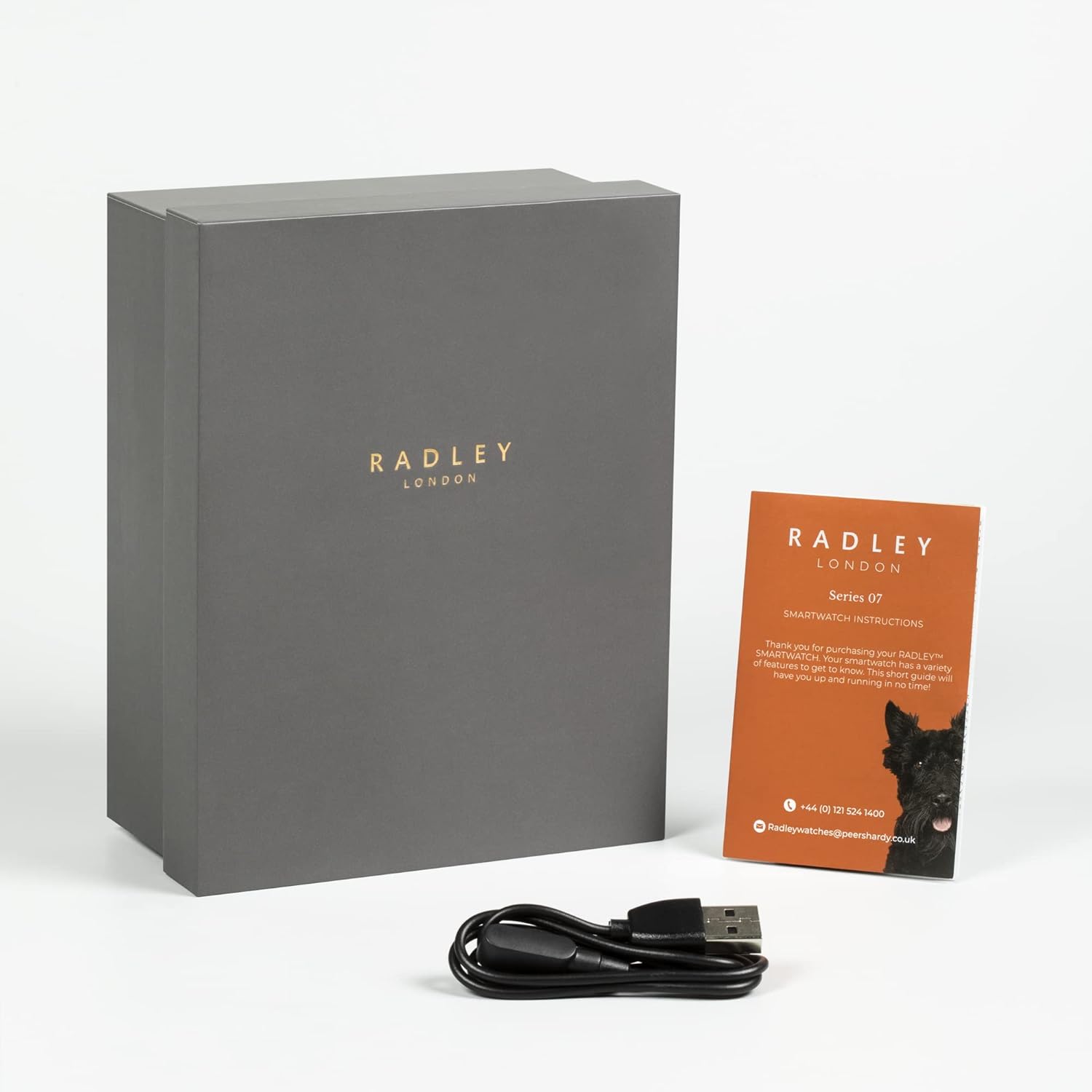
Image: The Radley Series 20 Smart Calling Watch presentation box, an instruction manual, and a USB charging cable, indicating the complete package contents.
Setup Guide
1. Initial Charging
Before first use, fully charge your smartwatch. Connect the provided USB charging cable to the charging port on the back of the watch and plug the other end into a USB power source (e.g., computer USB port, wall adapter). A full charge typically takes approximately 2 hours.
2. Download the Radley Active App
The Radley Series 20 Smart Calling Watch requires the companion Radley Active App for full functionality. Download the free app from your device's app store:
- For iOS devices: Search "Radley Active" in the Apple App Store.
- For Android devices: Search "Radley Active" in the Google Play Store.
3. Pairing Your Watch
- Ensure Bluetooth is enabled on your smartphone.
- Open the Radley Active App and follow the on-screen instructions to create an account or log in.
- Select "Add Device" or similar option within the app.
- The app will search for your Radley Series 20 watch. Select your watch from the list of discovered devices.
- Confirm the pairing request on both your watch and smartphone.
- Once paired, the app will synchronize data with your watch.
4. Changing Straps
Your Radley Series 20 watch comes with interchangeable Eucalyptus leather and Black silicone straps. To change a strap:
- Locate the quick-release pins on the underside of the strap where it connects to the watch case.
- Gently pull the pin inwards to detach the strap from the watch.
- Align the new strap with the watch case, insert one end of the pin into the lug hole, then pull the quick-release pin inwards to slide the other end into the opposite lug hole.
- Release the pin to secure the strap. Tug gently to ensure it is firmly attached.
Operating Your Smartwatch
Basic Navigation
- Touchscreen: Swipe left/right, up/down to navigate menus and screens. Tap to select.
- Side Button: Press to wake the screen, return to the home screen, or access the app menu.
Key Features
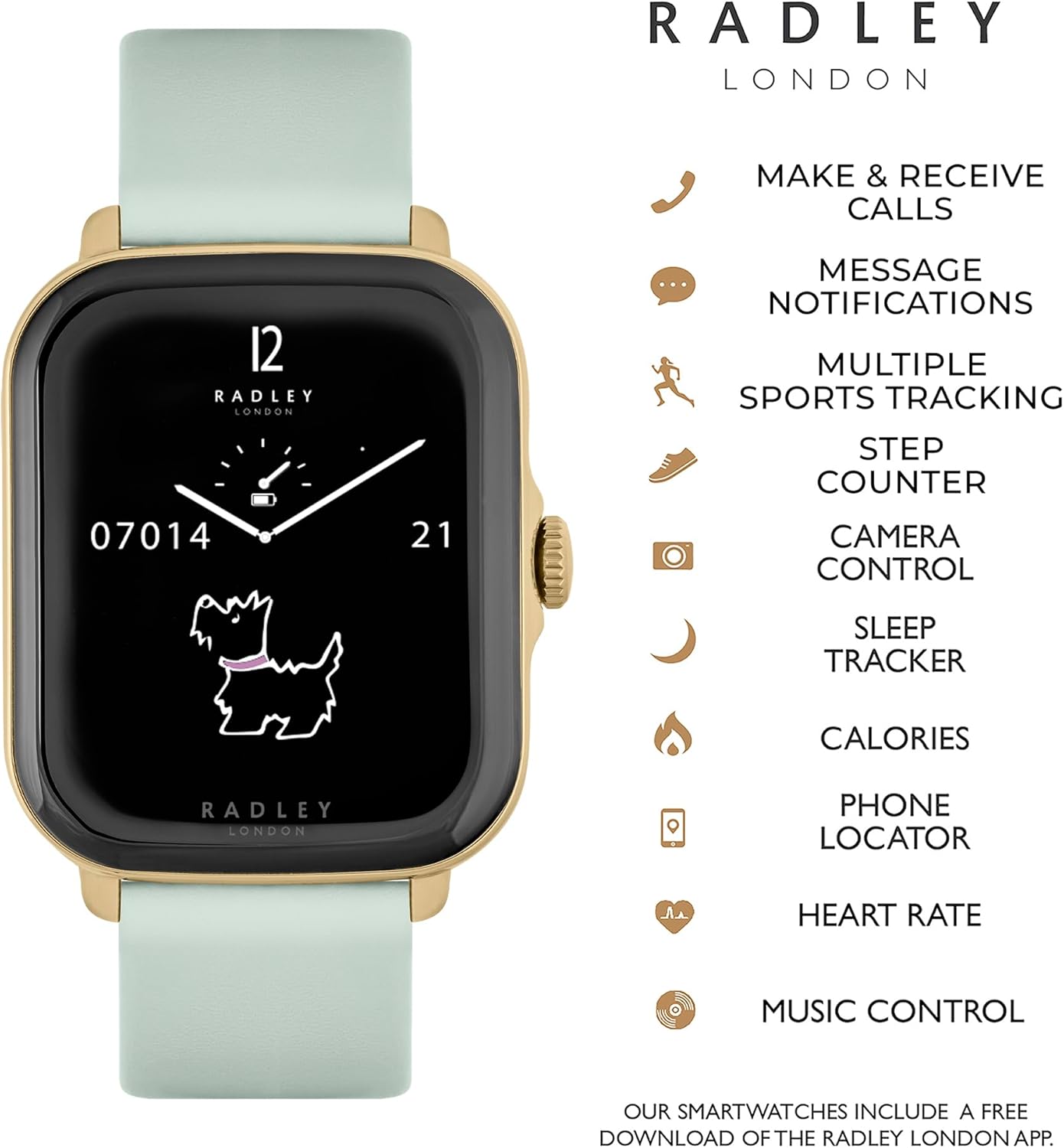
Image: The Radley Series 20 Smart Calling Watch displaying its key functionalities, including make & receive calls, message notifications, multiple sports tracking, step counter, camera control, sleep tracker, calories, phone locator, heart rate, and music control.
- Smart Calling: Make and receive calls directly from your watch. Ensure your watch is connected to your phone via Bluetooth and the calling feature is enabled in the app.
- Message Notifications: Receive alerts for incoming calls, texts, and app notifications. Manage notification settings via the Radley Active App.
- Wellness Tracking:
- Sleep Analysis: Monitor your sleep patterns and quality.
- Hydration Reminders: Set reminders to drink water throughout the day.
- Breathing Exercises: Guided breathing sessions for relaxation.
- Fitness Tracking:
- Heart Rate Monitor: Track your heart rate in real-time.
- Multiple Sports Tracking: Record various activities like running, walking, cycling, etc.
- Step Counter: Monitor your daily steps.
- Calorie Tracking: Estimate calories burned based on activity.
- Music Control: Control music playback on your smartphone directly from your watch.
- Camera Control: Use your watch as a remote shutter for your smartphone camera.
- Phone Locator: Find your misplaced phone by triggering an alert sound from your watch.
Customization
Personalize your watch experience:
- Change Dials: Select from a variety of pre-installed watch faces.
- Custom Backgrounds: Upload your own photos to use as watch face backgrounds via the Radley Active App.
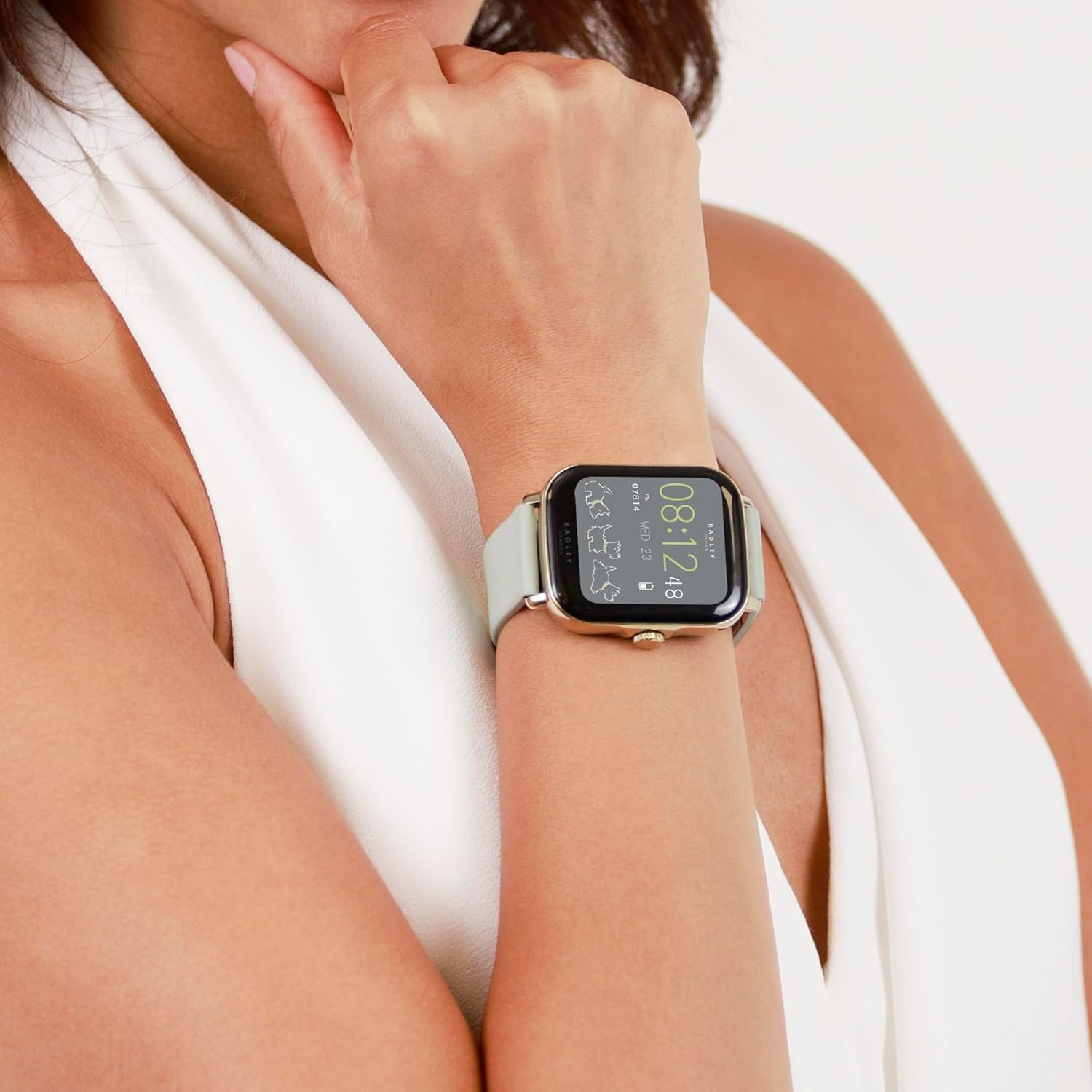
Image: A close-up of the Radley Series 20 Smart Calling Watch with the Eucalyptus leather strap, worn on a wrist, showing the watch face displaying time and activity data.
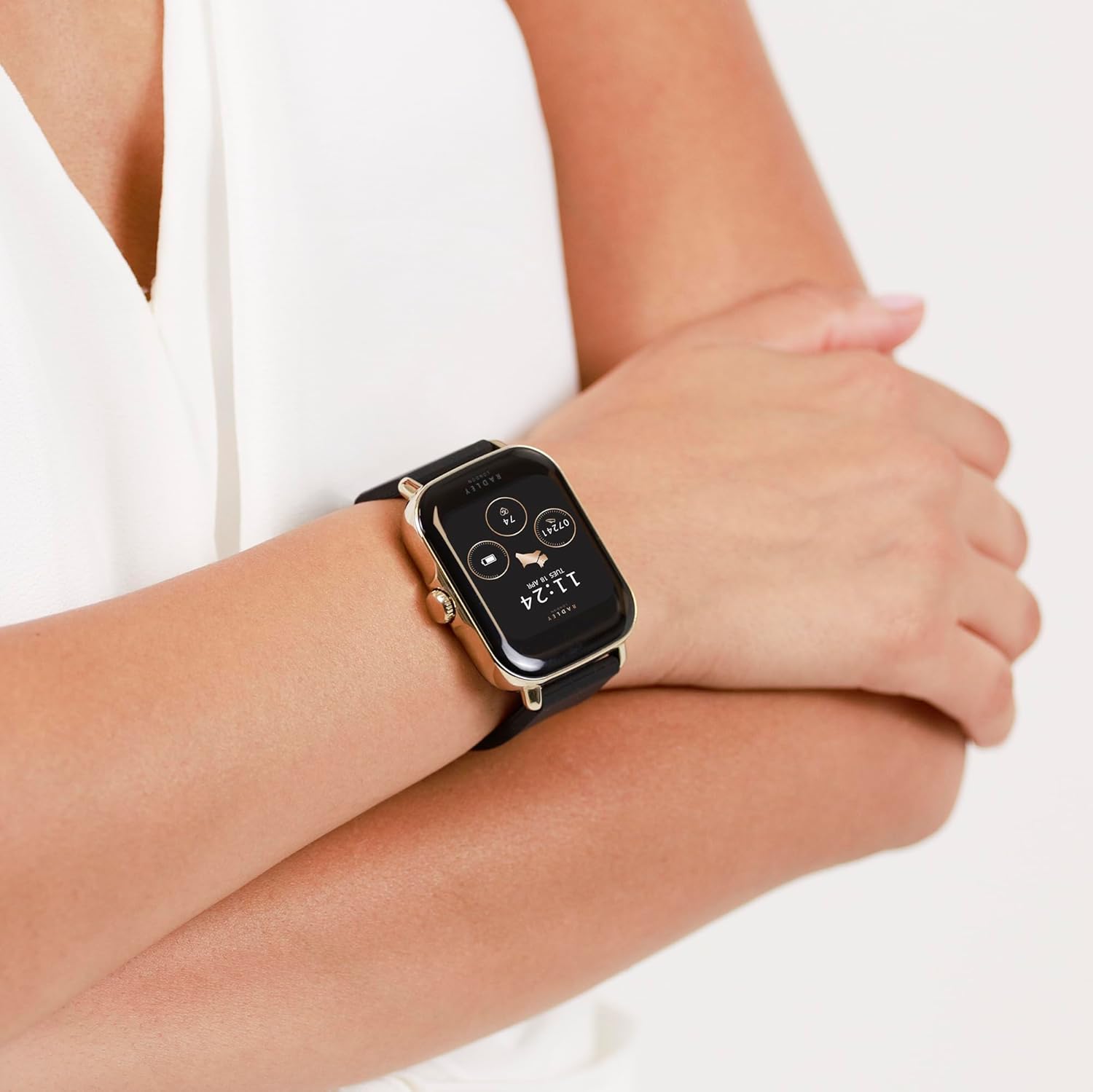
Image: A close-up of the Radley Series 20 Smart Calling Watch with the black silicone strap, worn on a wrist, showing the watch face displaying time and activity data.
Maintenance
Cleaning Your Watch
- Wipe the watch screen and case with a soft, lint-free cloth.
- For silicone straps, use mild soap and water, then rinse thoroughly and dry.
- For leather straps, wipe with a dry or slightly damp cloth. Avoid excessive moisture and harsh chemicals.
- Do not use abrasive cleaners or solvents.
Battery Care
- The watch contains a sealed rechargeable Lithium Ion battery. Do not attempt to replace it.
- Charge the watch regularly to maintain battery health.
- Avoid exposing the watch to extreme temperatures (hot or cold) as this can affect battery life.
Troubleshooting
If you encounter issues with your Radley Series 20 Smart Calling Watch, please refer to the following common solutions:
| Problem | Solution |
|---|---|
| Watch not turning on/charging | Ensure the USB charging cable is correctly connected to the watch and a working power source. Try a different USB port or adapter. Allow the watch to charge for at least 30 minutes before attempting to turn it on. |
| Cannot pair with smartphone | Ensure Bluetooth is enabled on your phone. Make sure the watch is charged and within range. Close and reopen the Radley Active App. Restart both your phone and watch. Forget the device in your phone's Bluetooth settings and try pairing again. |
| Inaccurate activity tracking | Ensure the watch is worn snugly on your wrist, about one finger's width above your wrist bone. Calibrate the watch through the Radley Active App if available. Ensure your personal information (height, weight) is accurate in the app. |
| Notifications not appearing | Check notification settings within the Radley Active App. Ensure your phone's notification permissions are granted to the app. Verify that your phone's Bluetooth is connected to the watch. |
| Calling feature not working | Confirm that the watch is properly connected for calls via Bluetooth (often a separate Bluetooth connection for audio). Check call permissions in the Radley Active App and your phone's settings. |
For further assistance, consult the help section within the Radley Active App or contact customer support.
Specifications
| Feature | Detail |
|---|---|
| Model Number | RYS20-2126-SET |
| Battery Type | 1 Lithium Ion battery (included, sealed rechargeable) |
| Package Dimensions | 17.1 x 12.4 x 2.9 cm |
| Item Weight | 45.6 g |
| Manufacturer | Peers Hardy |
| Country of Origin | China |
| Compatibility | iOS & Android Compatible |
Warranty and Support
Your Radley Series 20 Smart Calling Watch is covered by a 2-year manufacturer guarantee from the date of purchase. This warranty covers manufacturing defects under normal use.
For warranty claims or technical support, please:
- Refer to the Radley Active App for FAQs and troubleshooting guides.
- Contact Radley customer support directly via email: radleywatches@peershardy.co.uk
- Retain your proof of purchase for warranty validation.
Please note that the warranty does not cover damage caused by misuse, accidents, unauthorized repairs, or normal wear and tear.
Ask a question about this manual
Ask about setup, troubleshooting, compatibility, parts, safety, or missing instructions. Manuals+ will review the question and use this page’s manual context to help answer it.