
1. Product Overview
These LZYDD replacement ear pads are designed to refresh the comfort and sound isolation of your compatible gaming headsets. Crafted from memory foam, they provide a comfortable fit for extended use.
- Designed for Logitech G535, G335, and G733 Headphones.
- Features original corresponding memory foam for enhanced comfort.
- Includes one pair of replacement ear pads.
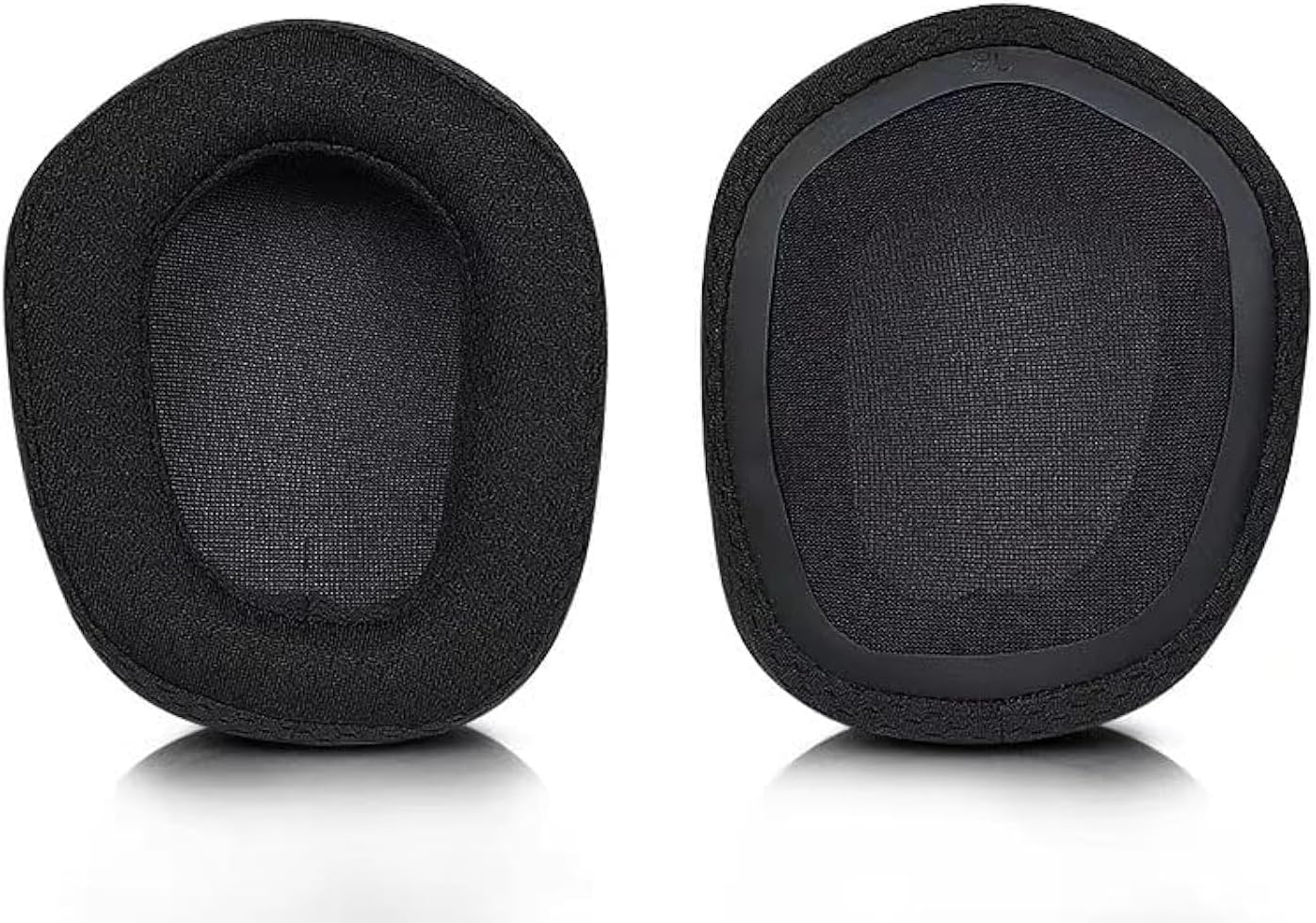
Image 1: A pair of LZYDD replacement ear pads, showing the soft, black fabric and memory foam construction. The left ear pad is on the left, and the right ear pad is on the right.
2. Compatibility
These ear pads are specifically compatible with the following Logitech gaming headset models:
- Logitech G535 Gaming Headset
- Logitech G335 Gaming Headset
- Logitech G733 Gaming Headphones
3. Installation Instructions
Follow these steps to replace the ear pads on your compatible Logitech gaming headset:
- Remove Old Ear Pads: Gently peel off the existing ear pads from your headset. They are typically held in place by a thin rim or adhesive. Take care not to damage the headset's speaker housing or internal components.
- Clean Headset Surface: If necessary, carefully clean any residue or dust from the headset's ear cup surface where the new pads will attach.
- Align New Ear Pads: Identify the left and right ear pads. Align the new LZYDD ear pad with the ear cup, ensuring the attachment rim or clips match the headset's design.
- Attach New Ear Pads: Carefully stretch the edge of the new ear pad over the ear cup's rim, working your way around until it is securely seated. Ensure the entire circumference of the ear pad is firmly attached and there are no gaps.
- Verify Fit: Once installed, gently press on the ear pads to ensure they are securely in place and feel comfortable.
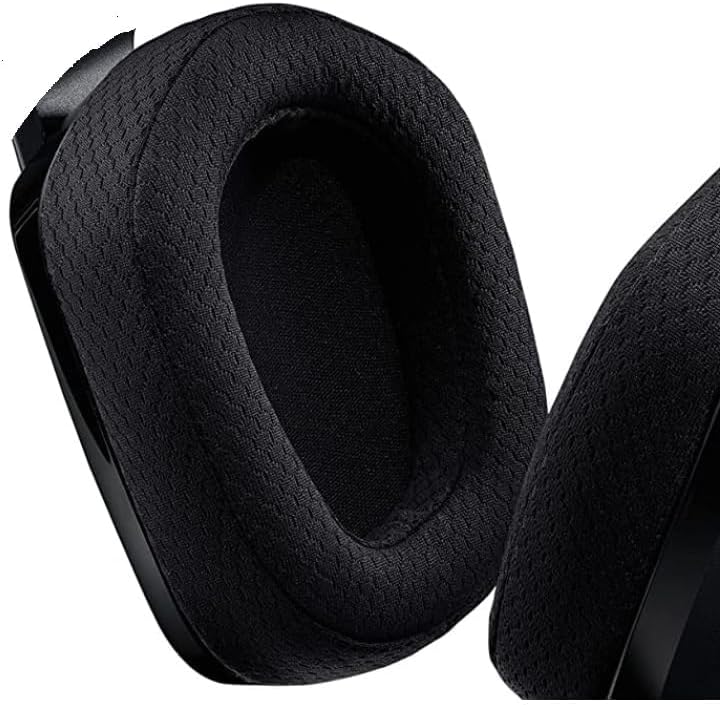
Image 2: A close-up view of a black replacement ear pad, highlighting its soft, breathable fabric texture and how it integrates with a headphone's ear cup.
4. Usage
Once installed, your new LZYDD ear pads will provide renewed comfort and help maintain the acoustic performance of your Logitech gaming headset. They are designed for daily use during gaming, listening to audio, or communication.
5. Care and Maintenance
To ensure the longevity and hygiene of your ear pads, follow these maintenance guidelines:
- Regular Cleaning: Gently wipe the surface of the ear pads with a soft, dry, lint-free cloth to remove dust and light debris.
- Deep Cleaning (if necessary): For more thorough cleaning, lightly dampen a cloth with a small amount of mild soap and water. Gently wipe the ear pads, then immediately wipe with a clean, dry cloth. Allow them to air dry completely before use. Avoid excessive moisture.
- Avoid Harsh Chemicals: Do not use strong detergents, alcohol-based cleaners, or abrasive materials, as these can damage the fabric and memory foam.
- Storage: When not in use, store your headset in a clean, dry environment away from direct sunlight and extreme temperatures.
6. Troubleshooting
If you encounter any issues with your LZYDD replacement ear pads, consider the following:
- Poor Fit or Loose Attachment: Re-check the installation steps. Ensure the ear pad's rim is fully and evenly seated around the headset's ear cup. Sometimes, a firm but gentle stretch is needed to secure it properly.
- Discomfort: Allow a short period for the memory foam to adapt to the shape of your ears. If discomfort persists, ensure the ear pads are correctly oriented (left/right) and not twisted.
- Visible Defects: Before installation, carefully inspect both ear pads for any manufacturing defects such as rips or holes. If defects are found upon receipt, contact customer support immediately.
7. Product Specifications
| Feature | Detail |
|---|---|
| Brand | LZYDD |
| Model Number | G535ACCESSORIES |
| Compatible Devices | Logitech G535, G335, G733 Gaming Headphones |
| Material | Memory Foam |
| Color | Black |
| Item Weight | 0.704 ounces (approximately 20 grams) |
| Package Dimensions | 6.18 x 4.06 x 1.65 inches |
| Manufacturer | LZYDD |
8. Warranty and Support Information
For any questions, concerns, or support regarding your LZYDD replacement ear pads, please contact the seller or manufacturer directly through the platform where the purchase was made. Please retain your proof of purchase for warranty claims, if applicable.
For specific return policies, refer to the retailer's terms and conditions at the time of purchase.