
Hiya-Naya YHY-TYD
Hiya-Naya Astronaut Star Projector Galaxy Light User Manual
Model: YHY-TYD
Introduction
The Hiya-Naya Astronaut Star Projector Galaxy Light is designed to transform any room into a captivating celestial experience. It projects vivid nebulae and twinkling stars, creating a serene and immersive atmosphere. With its unique astronaut design, remote control, and timer functions, this projector is perfect for various settings, from bedrooms to game rooms, offering both aesthetic appeal and practical features.
What's Included
- Astronaut Star Projector Unit
- Remote Control
- USB Power Cable
- User Manual

Figure 1: Package Contents - Astronaut Projector, Remote, USB Cable, and User Manual.
Product Overview
Familiarize yourself with the main components of your Astronaut Star Projector.
Astronaut Projector Unit
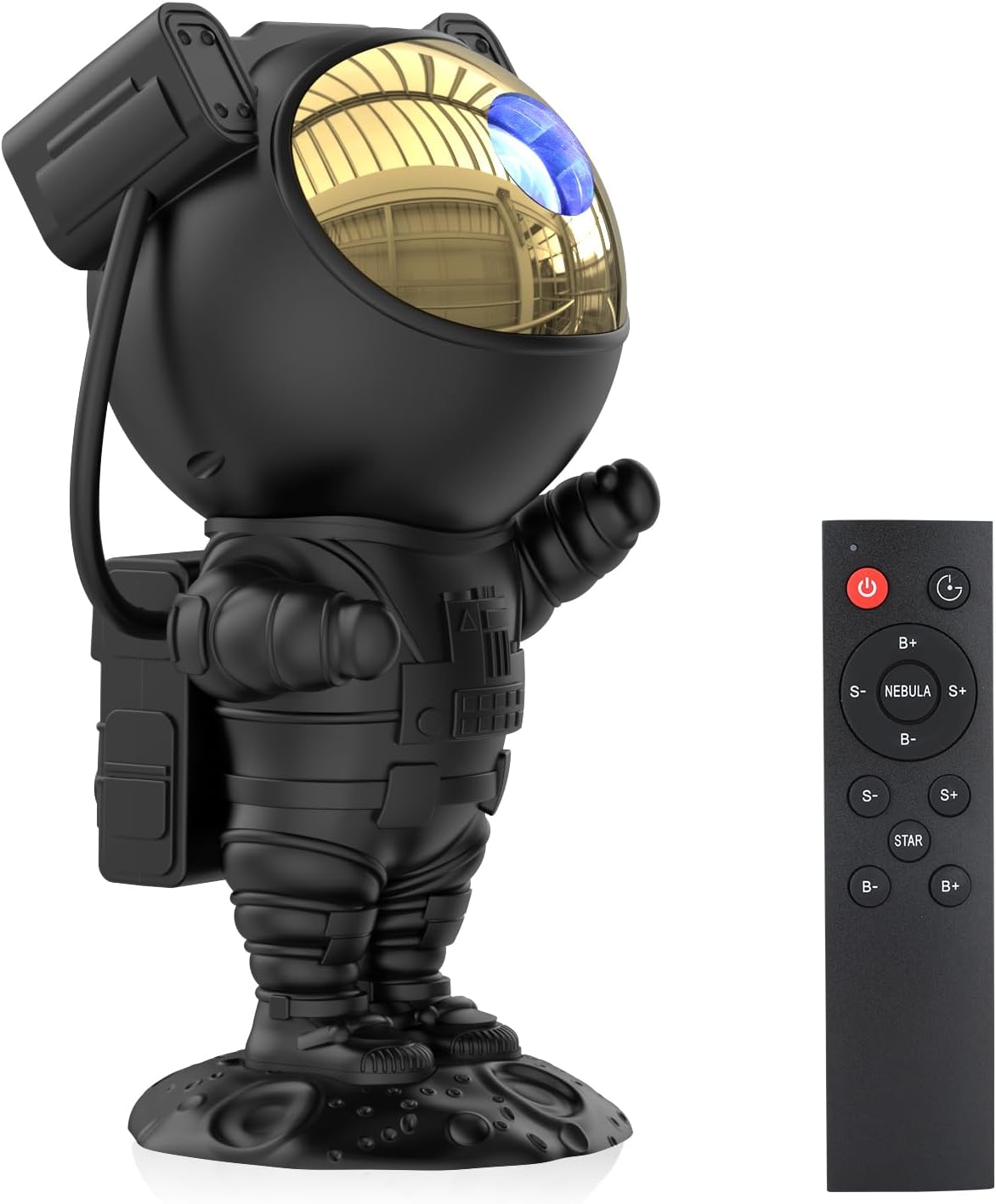
Figure 2: Astronaut Projector and Remote Control.
The main projector unit is shaped like an astronaut. Its head is magnetically attached and can be rotated 360 degrees to adjust the projection angle. The arms are also adjustable, allowing for various poses. The projector emits nebula and star patterns from its visor.
Remote Control
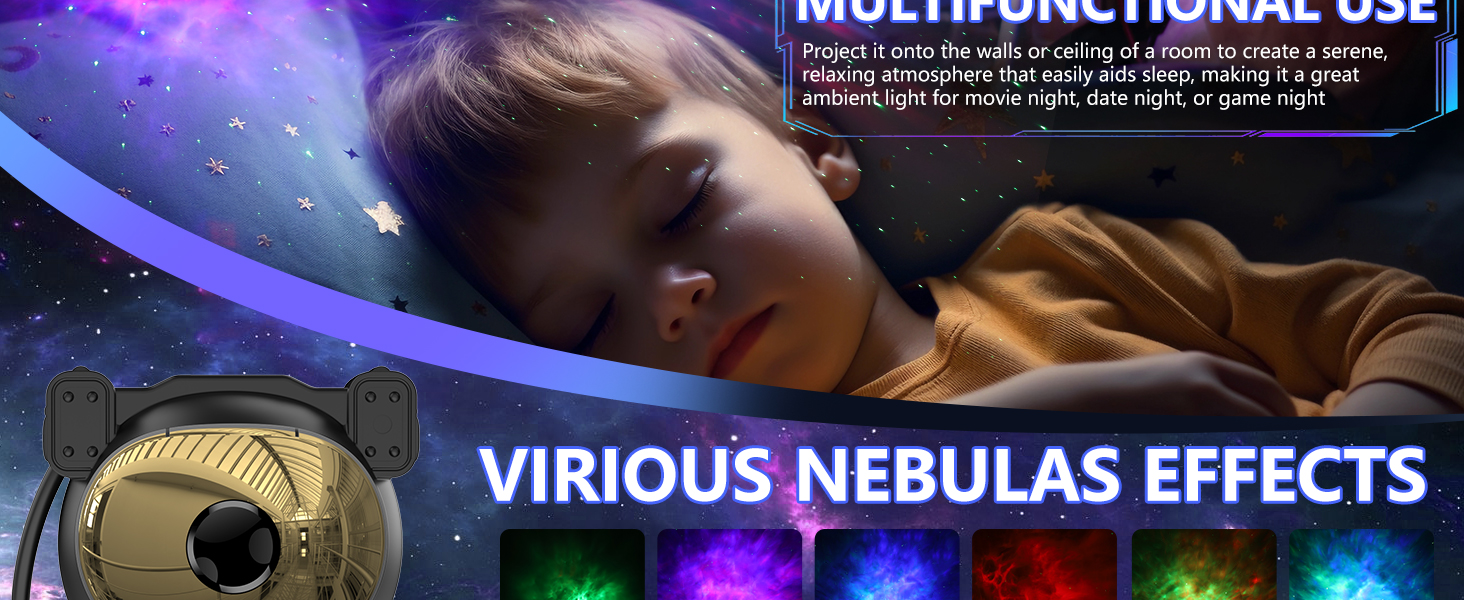
Figure 3: Remote Control Layout.
The remote control provides convenient access to all functions, including power, timer settings, nebula color and brightness adjustments, and star effects. It requires 2 AAA batteries (not included).
Setup
- Unpack the Contents: Carefully remove the Astronaut Star Projector, remote control, and USB cable from the packaging.
- Insert Batteries into Remote: Open the battery compartment on the back of the remote control and insert 2 AAA batteries (not included), ensuring correct polarity.
- Connect Power: Plug the small end of the USB power cable into the power input port on the back of the astronaut projector. Connect the larger USB-A end to a compatible USB power adapter (e.g., phone charger, computer USB port) or a wall outlet with a USB adapter (not included).
- Position the Projector: Place the astronaut projector on a stable, flat surface. Adjust the astronaut's head and arms to direct the projection towards your desired surface (ceiling, wall, etc.). The magnetic head allows for 360-degree rotation.
Operating Instructions
The projector can be operated using the buttons on the unit or the included remote control.
Remote Control Functions:
| Button | Function |
|---|---|
| Power Button (⑂) | Turns the projector ON/OFF. |
| Timer Button (⏱) | Sets auto-off timer to 45 minutes or 90 minutes. Press once for 45 min, twice for 90 min, third time to cancel. |
| NEBULA (S+, S-, B+, B-) |
|
| STAR (S+, S-, B+, B-) |
|
Key Features:
- Adjustable Projection Angle: The astronaut's head is magnetically connected, allowing for 360-degree rotation to project the galaxy light anywhere.

Figure 4: 360° Rotatable Head and Adjustable Arms.
- Multiple Nebula Colors: Choose from various nebula colors and patterns, which can be displayed with or without the stars.

Figure 5: Various Nebula Colors and Combinations.
- Brightness and Speed Control: Independently adjust the brightness and movement speed of the nebula, and the brightness and breathing rate of the stars.

Figure 6: Brightness and Speed Adjustment.
- Auto-Off Timer: Set the projector to automatically turn off after 45 or 90 minutes, ideal for falling asleep.

Figure 7: Auto-Off Timer Function.
Maintenance
- Cleaning: Use a soft, dry cloth to wipe the surface of the projector. Do not use abrasive cleaners or solvents.
- Storage: When not in use for extended periods, store the projector in a cool, dry place, away from direct sunlight and moisture.
- Battery Replacement: Replace remote control batteries when the range decreases or functions become unresponsive.
Troubleshooting
| Problem | Possible Cause | Solution |
|---|---|---|
| Projector does not turn on. | No power connection or faulty cable. | Ensure the USB cable is securely connected to both the projector and a working power source. Try a different USB adapter or port. |
| Remote control not working. | Batteries are dead or incorrectly inserted. Obstruction between remote and projector. | Replace batteries (2 AAA). Check polarity. Ensure no objects are blocking the signal path to the projector. |
| Projection is dim or unclear. | Room is too bright. Lens is dirty. Brightness setting is too low. | Use in a darker environment. Gently clean the projector lens with a soft, dry cloth. Increase brightness using the remote control. |
| Stars are not visible. | Star effect is turned off or brightness is too low. | Press the STAR button on the remote to activate the stars. Increase star brightness using the remote. |
Specifications
| Feature | Detail |
|---|---|
| Model Number | YHY-TYD |
| Brand | Hiya-Naya |
| Product Dimensions | 8.1"D x 4.2"W x 3.8"H |
| Item Weight | 1.28 pounds (0.58 Kilograms) |
| Material | Acrylonitrile Butadiene Styrene, Polycarbonate, Polyvinyl Chloride |
| Light Source Type | LED |
| Power Source | Corded Electric (USB) |
| Control Method | Remote Control |
| Special Features | Color changeable, Adjustable (360° rotation), Timer function |
| Indoor/Outdoor Usage | Indoor Only |
Warranty and Support
For warranty information or technical support, please refer to the contact details provided on the product packaging or the official Hiya-Naya website. Keep your purchase receipt for warranty claims.
For common questions and further assistance, you may also visit the product's listing page on Amazon.com.
Ask a question about this manual
Ask about setup, troubleshooting, compatibility, parts, safety, or missing instructions. Manuals+ will review the question and use this page’s manual context to help answer it.