
EtliN 2269
EtliN Compatible Vacuum Cleaner Filters User Manual
For Shark IZ300, IZ300UK, IZ320, IZ320UK Anti Hair Wrap Cordless Vacuum Cleaners
Introduction
This manual provides essential information for the proper use and maintenance of your EtliN compatible replacement filters for Shark IZ300, IZ300UK, IZ320, and IZ320UK Anti Hair Wrap Cordless Vacuum Cleaners. These filters are designed to maintain the performance of your vacuum by effectively capturing dust, pollen, and other allergens, ensuring cleaner air and optimal suction.
The package includes 1 pack of main filter and 2 packs of foam and felt filters, providing a comprehensive set for filter replacement.
Package Contents
- 1 x Main Filter (similar to the one shown in the housing)
- 2 x Foam Filters
- 2 x Felt Filters
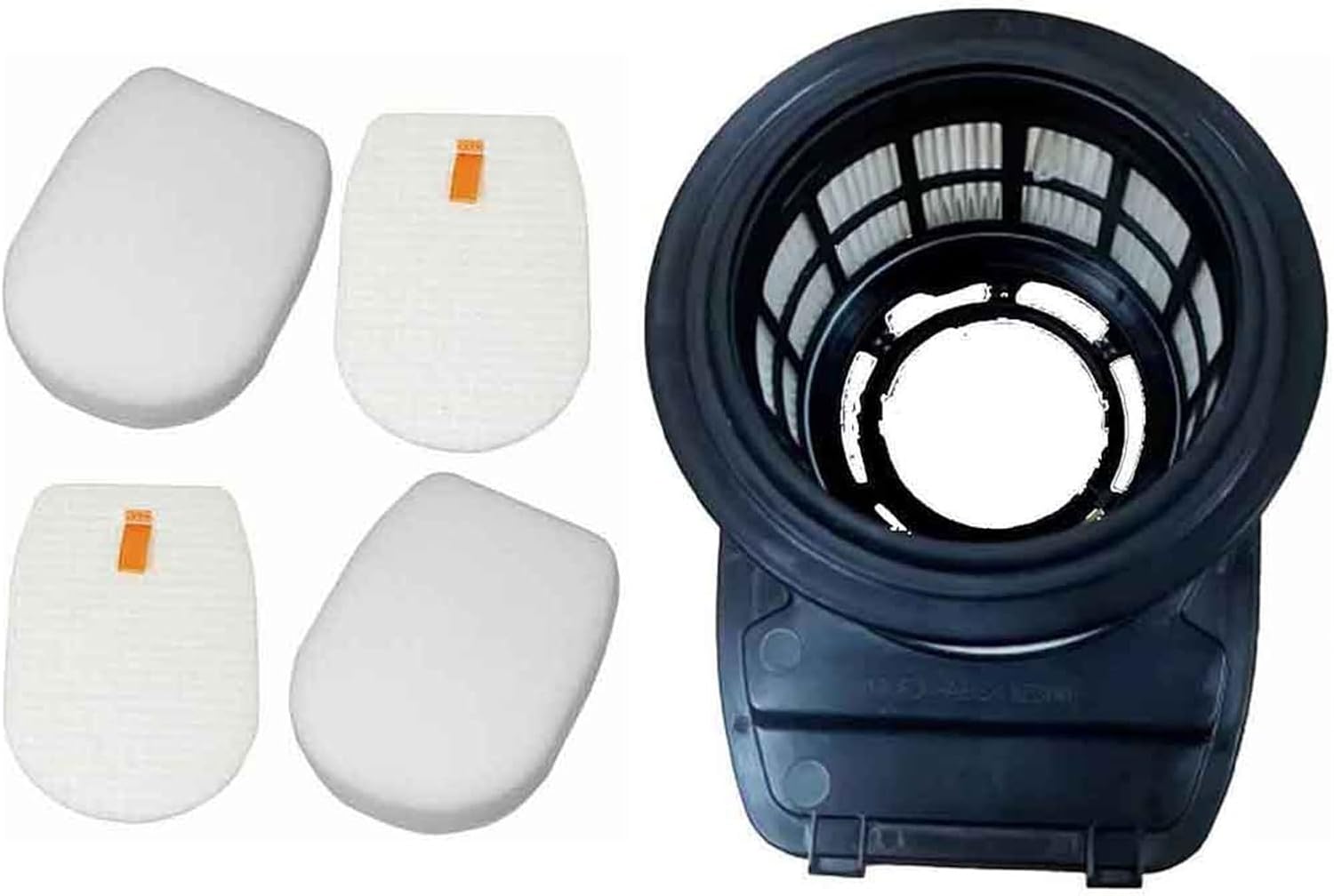
Image: A complete set of EtliN compatible filters, including the main filter assembly and four individual foam and felt filters, ready for installation.
Setup and Installation
Replacing the filters in your Shark IZ300/IZ320 series vacuum cleaner is a straightforward process. Always ensure the vacuum cleaner is turned off and unplugged before attempting any maintenance or filter replacement.
Steps for Filter Replacement:
- Locate Filter Compartment: Refer to your Shark vacuum cleaner's original manual to locate the main filter and foam/felt filter compartments. These are typically found in the dust cup assembly.
- Remove Old Filters: Carefully remove the existing main filter and the foam and felt filters. Dispose of them according to local regulations.
- Install New Filters:
- Insert the new foam filter first, followed by the felt filter, ensuring they are seated correctly in their designated slots.
- Place the new main filter into its housing, ensuring it clicks securely into place.
- Reassemble Vacuum: Reattach the dust cup assembly to the vacuum cleaner, ensuring all components are securely fastened before use.

Image: The main filter housing, which contains the pleated filter, shown alongside the foam and felt filters, illustrating the components involved in replacement.
Operating Principles
These EtliN compatible filters are integral to the filtration system of your Shark vacuum cleaner. The foam and felt filters work together to capture larger particles and protect the main filter. The main pleated filter then traps finer dust, pollen, and allergens, preventing them from recirculating into the air you breathe. Proper installation ensures that the vacuum maintains optimal suction power and air purification capabilities.

Image: A detailed view of the main filter housing, highlighting the pleated filter element responsible for trapping fine dust and allergens.
Maintenance
Regular cleaning and timely replacement of your filters are crucial for maintaining the efficiency and longevity of your vacuum cleaner. These filters are designed for durability and long service life with proper care.
Cleaning Instructions:
- Frequency: It is recommended to clean the foam and felt filters at least once a month, or more frequently with heavy use. The main filter can be cleaned less often, typically every 3 months.
- Washing: Tap off loose dirt from the filters. Rinse the foam and felt filters under lukewarm water until the water runs clear. For the main filter, gently tap it over a bin to remove dust; avoid washing the main pleated filter unless specifically instructed by your vacuum's original manual for washable filters.
- Drying: Allow all filters to air dry completely for at least 24 hours before reinserting them into the vacuum cleaner. Do not use a hairdryer or other heating devices, as this can damage the filter material. Ensure filters are completely dry to prevent mold or mildew growth and damage to the vacuum.
Replacement Schedule:
For optimal performance, it is recommended to replace the foam and felt filters every 3-6 months, and the main filter every 6-12 months, depending on usage and household conditions (e.g., pets, allergies).
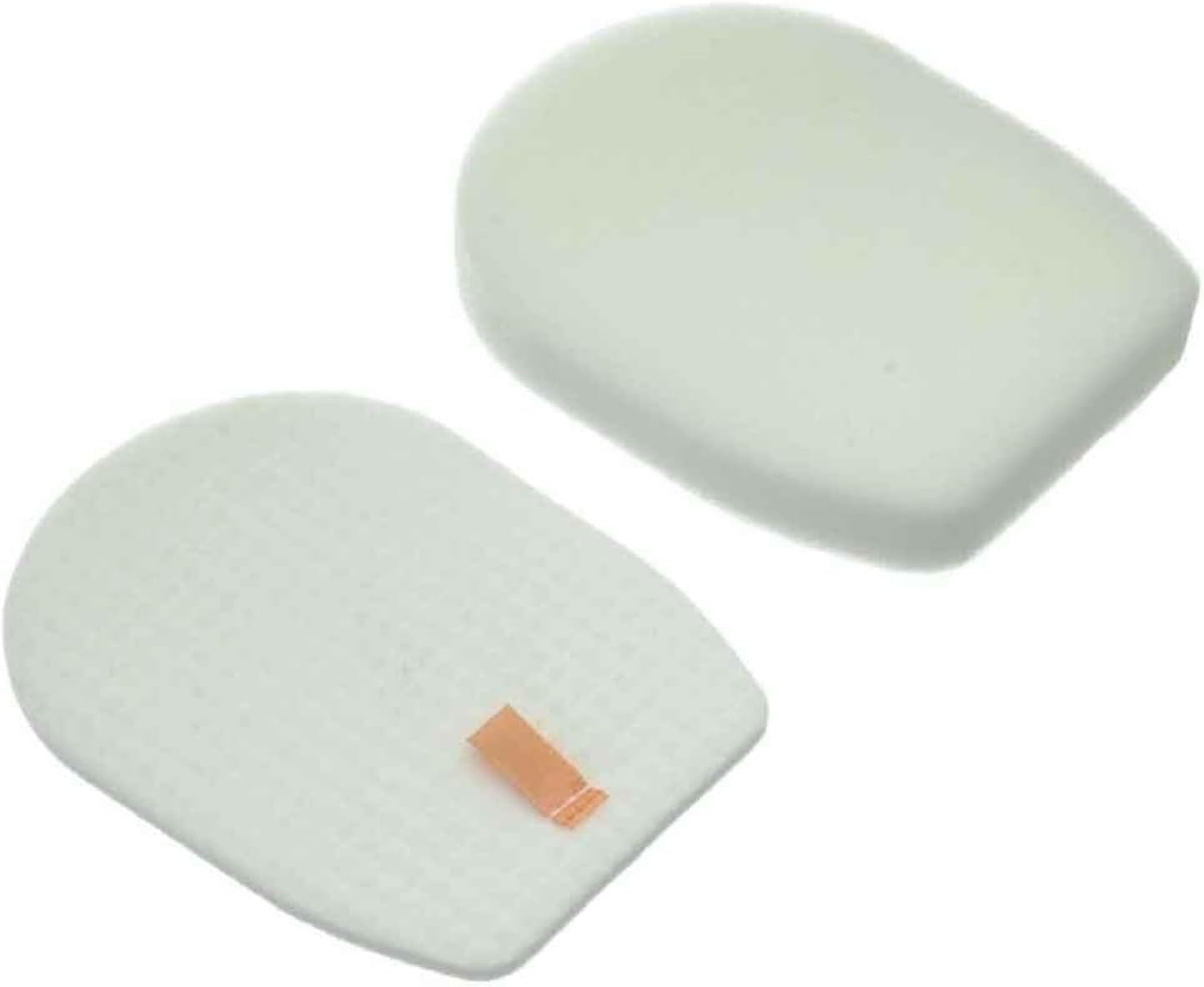
Image: A pair of clean foam and felt filters, highlighting their simple design and readiness for maintenance or replacement.
Troubleshooting
If you experience issues with your vacuum cleaner after installing new filters, consider the following common troubleshooting steps:
- Reduced Suction:
- Ensure all filters are correctly seated and the dust cup is securely attached.
- Check if filters are clogged. Even new filters can become clogged quickly in very dusty environments. Clean or replace if necessary.
- Verify there are no blockages in the vacuum hose or brush roll.
- Unusual Noises:
- Confirm filters are installed correctly and not obstructing any moving parts.
- Ensure the dust cup is properly closed and sealed.
- Filter Does Not Fit:
- Double-check the model numbers of your vacuum cleaner (IZ300, IZ300UK, IZ320, IZ320UK) against the compatibility listed for these filters.
- Ensure you are attempting to install the correct filter type (foam, felt, or main filter) into its designated slot.
If issues persist, consult your original Shark vacuum cleaner manual or contact the vacuum cleaner manufacturer's support.
Specifications
| Attribute | Detail |
|---|---|
| Brand | EtliN |
| Compatible Models | Shark IZ300, IZ300UK, IZ320, IZ320UK Anti Hair Wrap Cordless Vacuum Cleaner |
| Item Model Number | 2269 |
| Package Contents | 1 x Main Filter, 2 x Foam Filters, 2 x Felt Filters |
| Material | High quality foam and felt materials |
| Item Weight | 1.76 ounces (approx. 50 grams) |
| Package Dimensions | 1.18 x 0.79 x 0.39 inches (approx. 3 x 2 x 1 cm) |
| Country of Origin | China |
Warranty and Support
For specific warranty information regarding your EtliN compatible filters, please refer to the product listing on the retailer's website or contact the seller directly. As these are compatible replacement parts, warranty and support are typically provided by the third-party seller or manufacturer of the filters, not the original vacuum cleaner manufacturer.
For any questions regarding the installation or performance of these filters, please reach out to the EtliN customer support channel as indicated on the product packaging or purchase platform.