
Product Overview
The Lancoon Wooden Digital Alarm Clock is a versatile device designed to display time, date, temperature, and humidity. It features sound activation, adjustable brightness, and multiple alarm settings, making it suitable for various home and office environments.

Image: The Lancoon Wooden Digital Alarm Clock displaying time, humidity, and temperature, positioned on a bedside table.
1. Setup
1.1 Package Contents
Verify that all items are present in the package:
- Lancoon Wooden Digital Alarm Clock
- USB Cable
- User Manual

Image: The alarm clock, USB cable, and user manual laid out, representing the package contents.
1.2 Powering the Device
The alarm clock can be powered in two ways:
- USB Power (Recommended): Connect the provided USB cable to the DC 5V power input port on the back of the clock and plug the other end into a USB power adapter (not included) or a USB port.
- Battery Power: Insert 4 AAA batteries (not included) into the battery compartment located on the back of the clock. Note that battery power is primarily for backup and the display may enter energy-saving mode more frequently to conserve power.
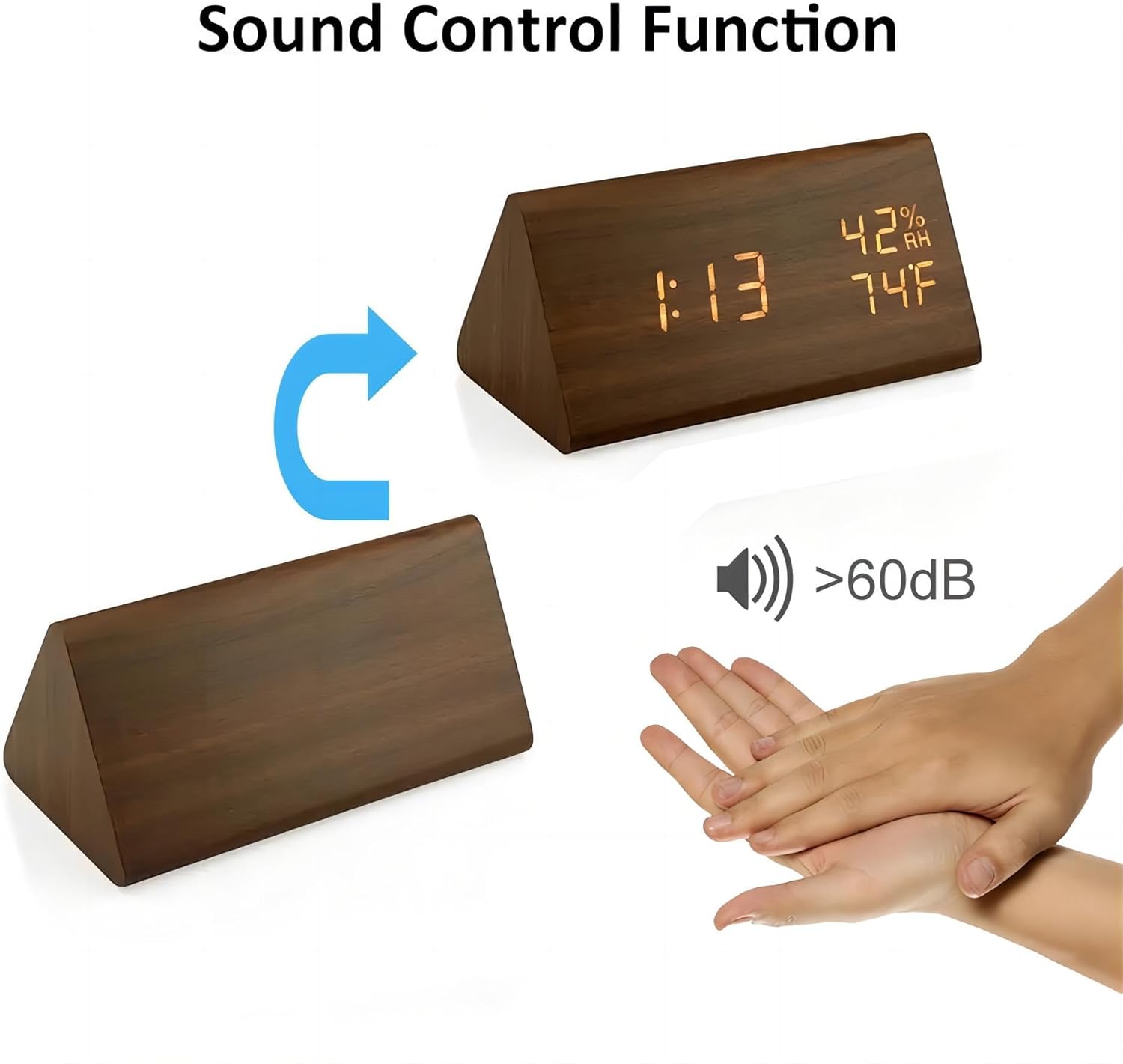
Image: The rear view of the clock, highlighting the battery compartment where 4 AAA batteries are inserted.

Image: The rear of the clock with the USB power cable connected to the DC 5V input port.
2. Operating Instructions
2.1 Controls and Display
The clock features a clear LCD display and control buttons on the back:
- SET Button: Used to enter setting modes (Time, Date, Alarm).
- UP Button: Used to increase values or navigate options during settings.
- DOWN Button: Used to decrease values or navigate options during settings. Also toggles sound activation mode.
- Reset Button: A small button to reset the clock to factory defaults.

Image: The back panel of the clock, clearly labeling the 'SET', 'UP', 'DOWN' buttons, 'DC Power Hole', and 'Reset' button.
2.2 Setting Time and Date
- Press the SET button to enter time setting mode. The year will flash.
- Use the UP or DOWN buttons to adjust the year.
- Press SET again to move to month, then day, hour, and minute, adjusting each with UP/DOWN.
- After setting minutes, press SET to choose between 12H or 24H format. Adjust with UP/DOWN.
- Press SET one last time to exit time/date setting.
2.3 Setting Alarms
The clock supports up to three alarms (A1, A2, A3).
- From normal display, press SET repeatedly until 'A1' (or A2, A3) appears.
- Press and hold SET to enter alarm setting for A1. The hour will flash.
- Use UP or DOWN to set the alarm hour. Press SET.
- Use UP or DOWN to set the alarm minute. Press SET.
- Use UP or DOWN to enable ('ON') or disable ('--') the alarm. Press SET to confirm.
- Repeat for A2 and A3 if desired.
2.4 Brightness Adjustment
The clock offers 3 levels of brightness (L1, L2, L3) to suit your preference.
- In normal time display mode, press the UP button.
- The display will show 'L1', 'L2', or 'L3'.
- Press UP again to cycle through the brightness levels (L1 = lowest, L3 = highest).
- The selected brightness level will be saved automatically after a few seconds.

Image: Visual representation of the three brightness levels (L1, L2, L3) on the clock display.
2.5 Sound Activation Mode
In energy-saving mode, the display will turn off after 10 seconds. You can activate the display by making a sound (e.g., clapping hands) or by touching the clock.
- To toggle sound activation mode, press the DOWN button once.
- If the display shows 'ON Sd', sound activation is enabled. The display will turn off after 10 seconds of silence.
- If the display shows '-- Sd', sound activation is disabled. The display will remain continuously on.

Image: A visual guide demonstrating how a sound (like a clap) activates the clock display from its off state.
2.6 Temperature and Humidity Display
The clock features built-in sensors to display real-time ambient temperature and humidity. The temperature can be displayed in Celsius or Fahrenheit. To switch between °C and °F, press the DOWN button and hold for 3 seconds.
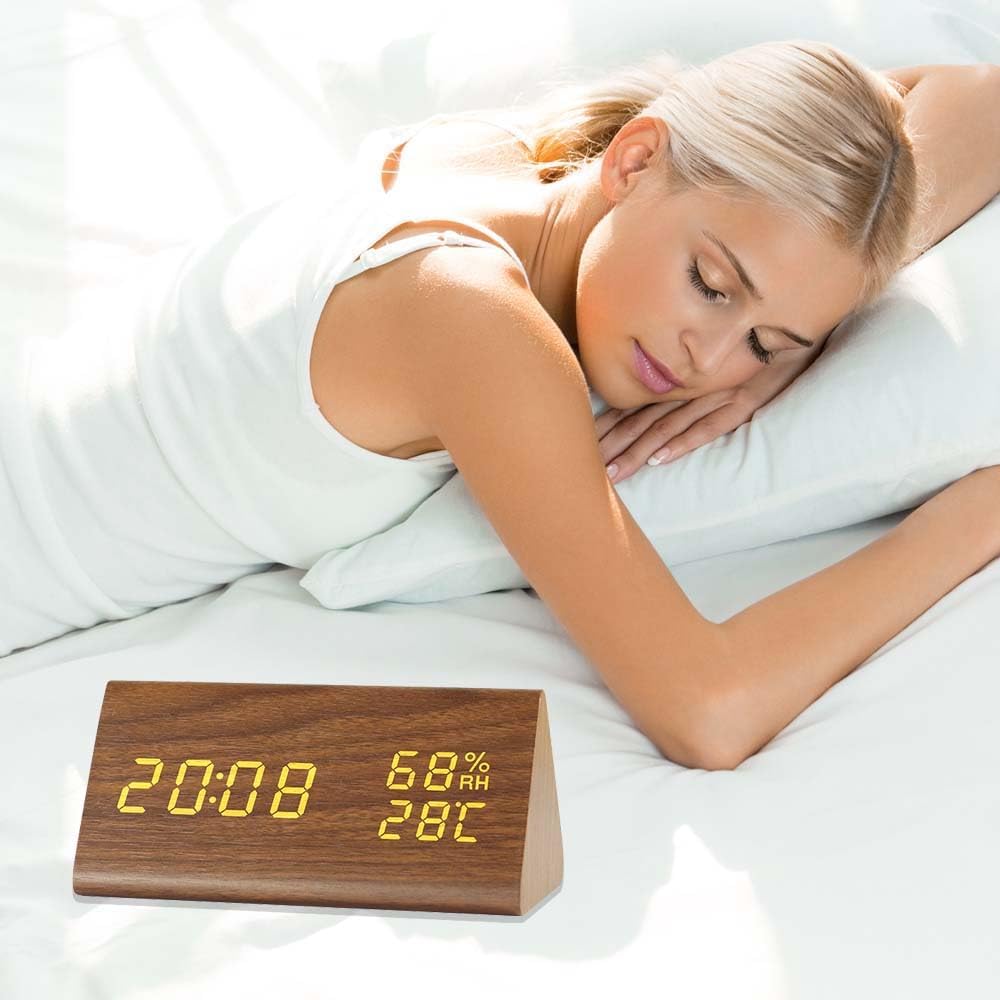
Image: The clock display showing the current time, relative humidity (RH), and temperature in Fahrenheit.
3. Maintenance
To ensure the longevity and proper functioning of your alarm clock:
- Clean the clock with a soft, dry cloth. Avoid using abrasive cleaners or solvents.
- If using batteries, replace them when the display dims or functions become erratic. Remove batteries if the clock will not be used for an extended period.
- Keep the device away from direct sunlight, extreme temperatures, and high humidity.
4. Troubleshooting
- Display is blank or dim: Check power source. If using batteries, replace them. If using USB, ensure the cable is securely connected and the power adapter is working.
- Display turns off frequently: The clock is likely in sound activation mode. Press the DOWN button to toggle it off ('-- Sd') if you prefer the display to remain continuously on.
- Time/Date is incorrect: Re-enter the time and date settings as described in section 2.2. If the issue persists, perform a reset using the Reset button and then set the time again.
- Alarm does not sound: Ensure the alarm is set to 'ON' in the alarm settings (section 2.3). Check the volume settings if applicable (this model does not have explicit volume control, but some digital clocks do).
- Temperature/Humidity readings seem inaccurate: Ensure the clock is placed in a location with good air circulation, away from direct heat sources or vents that could affect readings.
5. Specifications
- Model Number: LK-AE18
- Dimensions: 3.15"W x 2.76"H (approx. 15x8x7cm)
- Material: Acrylonitrile Butadiene Styrene (ABS), Wood
- Display Type: Digital LCD
- Power Source: USB (DC 5V) or 4 x AAA Batteries (not included)
- Special Features: Adjustable Brightness (3 levels), Humidity Display, Temperature Display, Sound Activation, 12/24H Time Format, 3 Alarm Settings
- Item Weight: 6.3 ounces (180 Grams)
6. Warranty and Support
For warranty information or technical support, please refer to the contact details provided on the product packaging or contact Lancoon customer service directly. Keep your purchase receipt for warranty claims.