
1. Important Safety Information
Please read this manual carefully before installation and operation. Keep it for future reference.
- Electrical Safety: Always disconnect power at the circuit breaker before installing, servicing, or cleaning the fixture. Ensure proper grounding to prevent electric shock.
- Qualified Electrician: Installation should be performed by a qualified electrician or a person familiar with the construction and operation of the product and the hazards involved.
- Voltage: Ensure the power supply voltage (AC 100-277V) is compatible with the fixture.
- Mounting: Mount the fixture securely to a stable surface capable of supporting its weight.
- Operating Temperature: Do not operate outside the specified temperature range of -13°F to +113°F (-25°C to +45°C).
2. Package Contents
Verify that all components are present before beginning installation:
- LED Barn Light Fixture (1 unit)
- Instruction Manual
- Expansion Rubber Plugs
- Screws
- Hexagonal Small Wrench
- Wiring Caps
3. Product Features
- High Brightness: 150W, 20000 Lumens, 6500K Daylight color temperature.
- Dusk-to-Dawn Functionality: Integrated photocell sensor automatically turns the light on at night and off during the day.
- Adjustable Angle: The light head can be adjusted up to 150 degrees to direct illumination.
- Durable Construction: IP66 waterproof rating for outdoor use, resistant to extreme weather conditions (-13°F to +113°F). Constructed from aluminum and polycarbonate.
- Energy Efficient: Designed to save over 85% on electricity compared to traditional lighting.
- Long Lifespan: Over 50,000 hours of operation.
- Versatile Mounting: Supports both wall mount and pole mount (compatible with poles up to 1.62 inches inner bore diameter).
4. Setup and Installation
Before You Begin: Ensure power is disconnected at the main circuit breaker. Wear appropriate safety gear.
- Choose Mounting Location: Select a suitable location for wall or pole mounting. Ensure the surface is sturdy enough to support the fixture. For optimal performance of the dusk-to-dawn sensor, ensure no obstructions block the sensor.
- Mounting Bracket Installation:
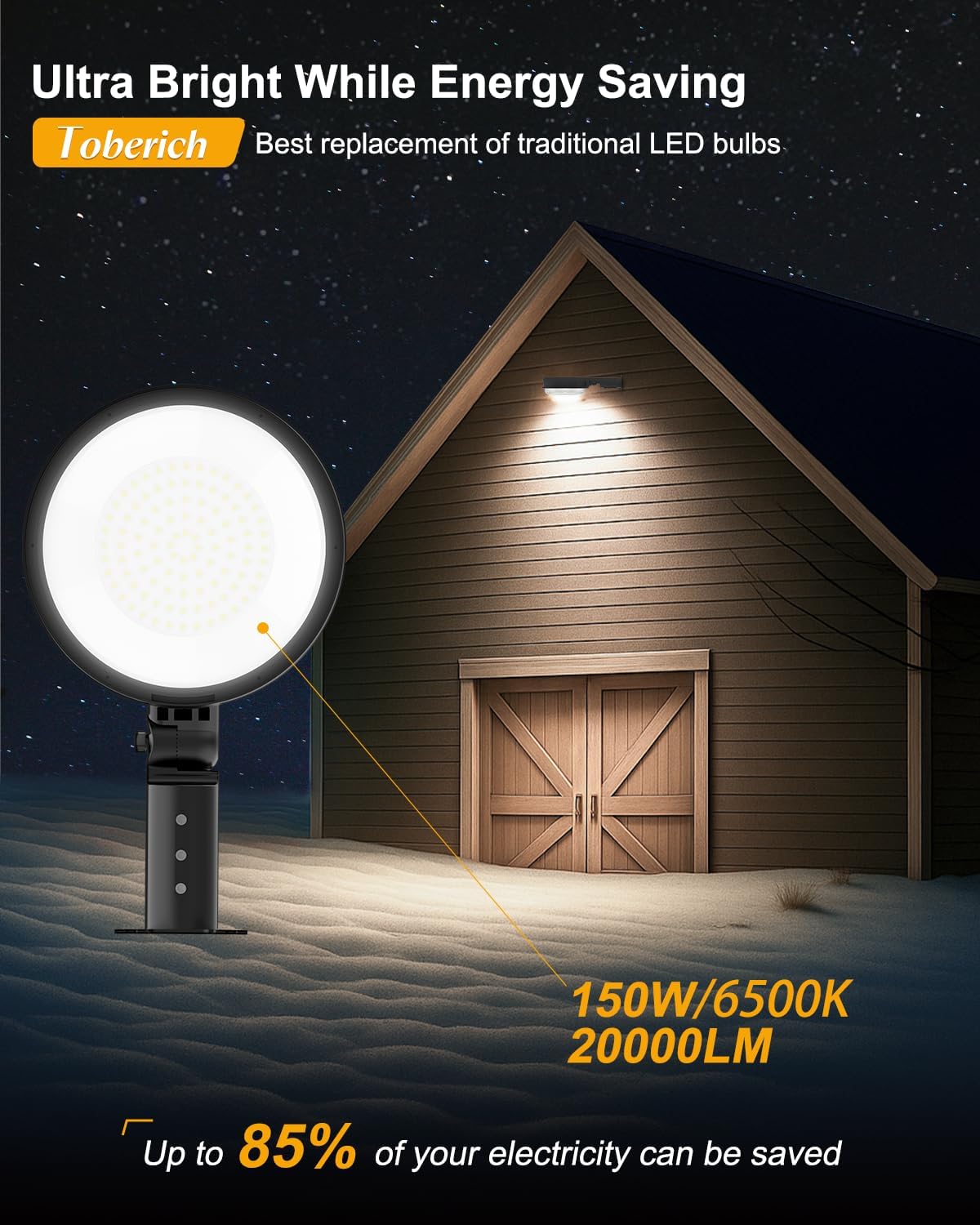
Figure 4.1: Wall and Pole Mounting Options
Wall Mount: Use the provided screws and expansion rubber plugs to securely attach the mounting bracket to the wall. Ensure the bracket is level.
Pole Mount: Insert the fixture's arm into a compatible pole (maximum 1.62 inches inner bore diameter). Secure it using the provided screws and hexagonal wrench.

Figure 4.2: Wall Mount Installation Diagram

Figure 4.3: Pole Mount Installation Diagram
- Wiring Connections:

Figure 4.4: Wiring Diagram
- Connect the black wire from the fixture to the Live (L) wire of your power supply.
- Connect the white wire from the fixture to the Neutral (N) wire of your power supply.
- Connect the green/yellow wire from the fixture to the Ground (GND) wire of your power supply.
Use the provided wiring caps to secure all connections. Ensure all connections are tight and insulated.
- Adjust Angle: Loosen the adjustment screws on the fixture arm, set the desired lighting angle (0 to 150 degrees), and then tighten the screws to secure the position.
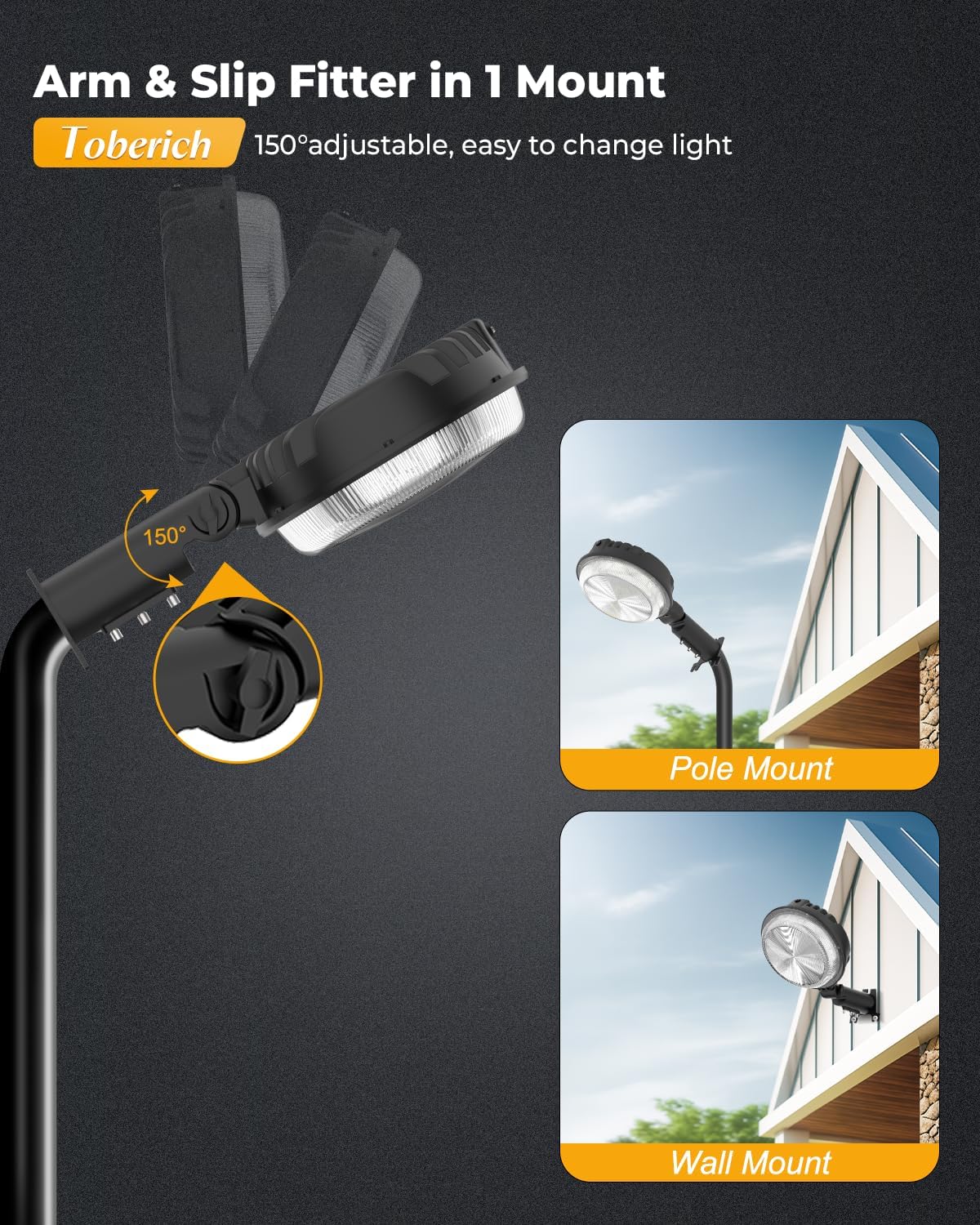
Figure 4.5: Adjustable Angle Feature
- Restore Power: Once installation is complete and all connections are secure, restore power at the circuit breaker.
5. Operation
The toberich LED Barn Light is designed for simple, automatic operation.
- Dusk-to-Dawn Sensor: The built-in photocell sensor automatically detects ambient light levels. The light will turn on when it gets dark (dusk) and turn off when it becomes bright (dawn).
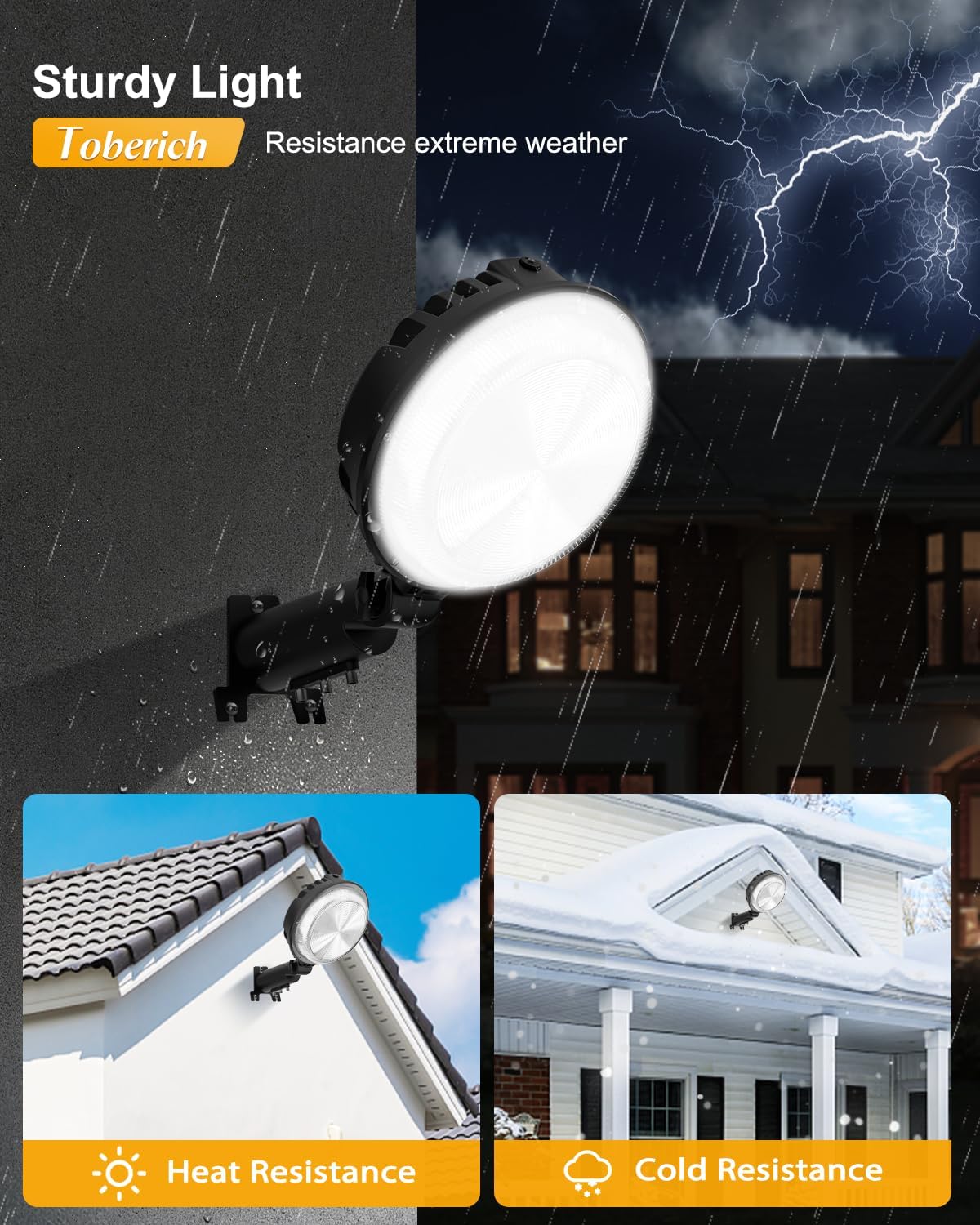
Figure 5.1: Dusk-to-Dawn Operation
- Photocell Placement: Ensure the photocell sensor (small dome on top of the fixture) is not obstructed by any objects, as this can interfere with its proper function.
- Manual Override: This fixture does not feature a manual override switch for the dusk-to-dawn function. Control is automatic based on light levels.
6. Maintenance
Regular maintenance helps ensure optimal performance and longevity of your LED barn light.
- Cleaning: Periodically clean the outer surface of the fixture and the photocell sensor with a soft, damp cloth. Do not use abrasive cleaners or solvents. Ensure power is off before cleaning.
- Inspection: Annually inspect the fixture for any signs of damage, loose wiring, or corrosion. Address any issues promptly.
- No User-Serviceable Parts: The LED chips and internal components are not user-serviceable. Do not attempt to open the fixture, as this may void the warranty and pose a safety risk.
7. Troubleshooting
If you encounter issues with your toberich LED Barn Light, refer to the following common problems and solutions:
| Problem | Possible Cause | Solution |
|---|---|---|
| Light does not turn on at night. |
|
|
| Light stays on during the day. |
|
|
| Light flickers or dims. |
|
|
If these steps do not resolve the issue, please contact toberich customer support for assistance.
8. Specifications
| Brand | toberich |
| Model Name | GCD-01 |
| Wattage | 150 Watts |
| Brightness | 20000 Lumens |
| Color Temperature | 6500 Kelvin (Daylight) |
| Material | Aluminum, Polycarbonate |
| Product Dimensions | 12.99"L x 7.68"W x 2.99"H |
| Item Weight | 2.1 Pounds |
| Voltage | 120 Volts |
| Indoor/Outdoor Usage | Outdoor |
| Water Resistance Level | IP66 Waterproof |
| Special Features | Dusk to Dawn, Adjustable Angle, Wall Mounting & Pole Mounting, Wide Temperature Range (-13°F to +113°F) |
| Light Source Type | LED |
| Number of Light Sources | 150 |
| Mounting Type | Wall Mount / Pole Mount |
9. Warranty and Support
This toberich LED Barn Light comes with a Limited Warranty. For specific warranty details, please refer to the product packaging or contact toberich customer service.
If you have any questions, require technical assistance, or need to report an issue, please contact our customer support team. We are committed to providing quality products and support.
Contact Information: Please refer to the official toberich website or your purchase documentation for the most current customer support contact details.


