
Introduction
Thank you for choosing the WINH Electronic Sports Watch for Kids. This manual provides detailed instructions for setting up, operating, and maintaining your watch. Please read it carefully to ensure proper use and to enjoy all the features of your new watch.
Product Overview
The WINH Electronic Sports Watch is designed for active children, offering durability, water resistance, and multiple functions. Its robust construction and user-friendly interface make it ideal for daily wear and outdoor activities.
Key Features:
- Multifunctional: Includes night light, alarm, hourly chime, stopwatch, week, date display, and 12/24 hour format.
- Water Resistant: WR30M rating, suitable for swimming, rain, and immersion in water.
- Durable Design: Made with ABS plastic case, silicone strap, stainless steel back cover, and acrylic resin mirror for shock resistance.
- Luminous Display: Easy to read in low light conditions.
Watch Components:
Familiarize yourself with the watch's buttons:
- MODE Button: Cycles through different display modes (Time, Alarm, Stopwatch).
- LIGHT Button: Activates the backlight for visibility in the dark.
- START Button: Used to start/stop the stopwatch, and adjust values during setting.
- RESET Button: Used to reset the stopwatch, and select options or reset values during setting.

Image: Front angled view of the WINH Electronic Sports Watch, showing the digital display and side buttons.
Setup Instructions
Setting Time and Date:
- From the normal time display, press the MODE button three times to enter time setting mode. The seconds will flash.
- Press the RESET button to cycle through the setting options: Seconds > Hours > Minutes > Month > Date > Day of the Week.
- While the desired value is flashing, press the START button to adjust the value.
- Once all settings are correct, press the MODE button to exit setting mode and return to the normal time display.
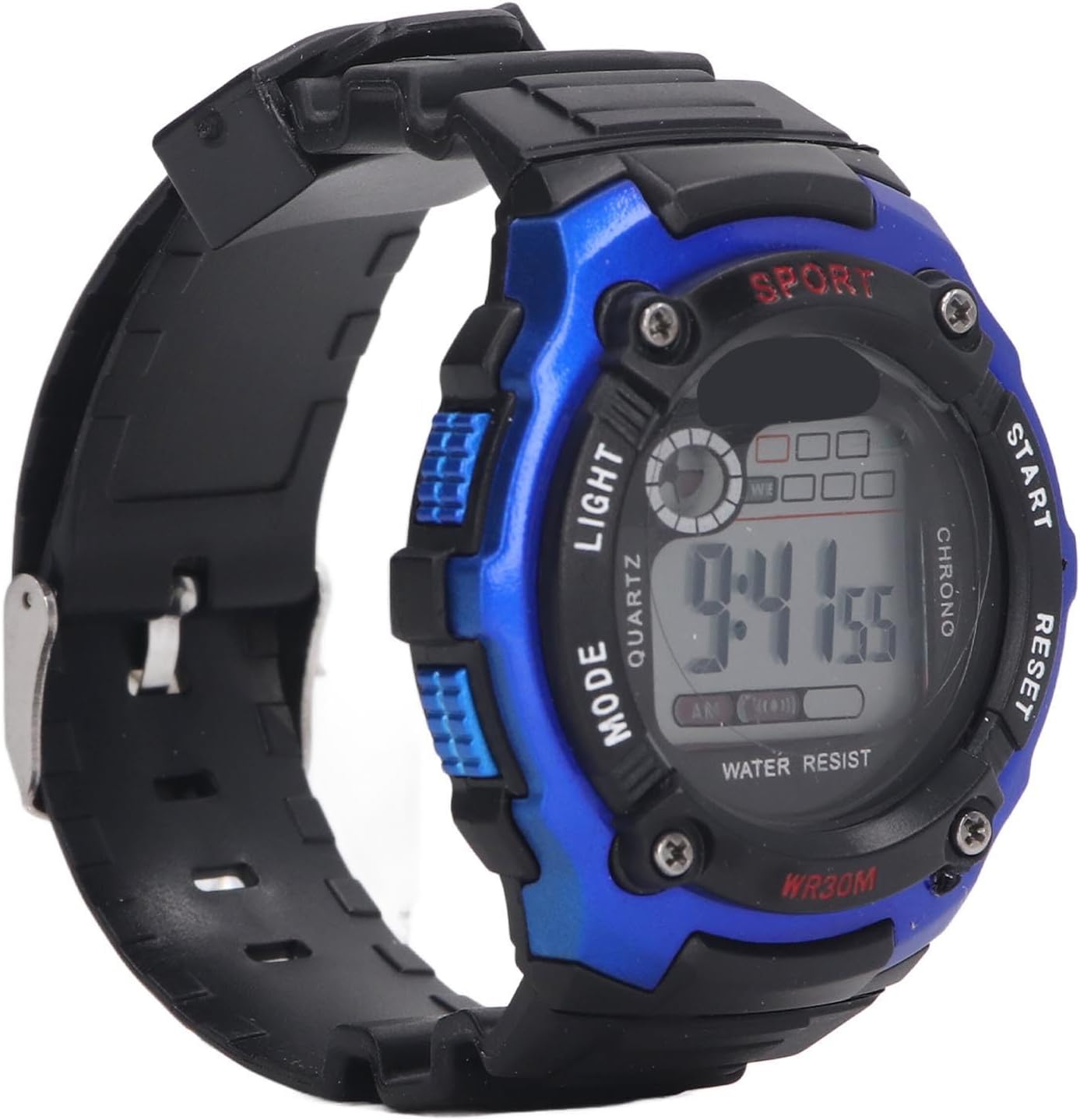
Image: Close-up of the watch face, showing the digital display with time and date information.
Setting the Alarm:
- From the normal time display, press the MODE button once to enter alarm mode.
- Press the RESET button to select the hour or minute to set.
- Press the START button to adjust the flashing hour or minute.
- Press the MODE button to exit alarm setting mode.
- To activate/deactivate the alarm, press the START and RESET buttons simultaneously in alarm mode. An alarm icon will appear/disappear.
Setting the Hourly Chime:
In alarm mode, press the MODE button to return to the normal time display. Then, press the RESET button and hold the START button simultaneously. The hourly chime icon will appear/disappear to indicate activation/deactivation.
Operating Instructions
Using the Backlight:
Press the LIGHT button at any time to illuminate the display for a few seconds.
Using the Stopwatch:
- From the normal time display, press the MODE button twice to enter stopwatch mode.
- Press the START button to begin timing.
- Press the START button again to pause timing.
- Press the RESET button to reset the stopwatch to zero.
- Press the MODE button to exit stopwatch mode.
Switching 12/24 Hour Format:
In normal time display, press the START button to toggle between 12-hour (with AM/PM indicator) and 24-hour formats.
Maintenance
Cleaning:
Wipe the watch regularly with a soft, damp cloth. Avoid using harsh chemicals or abrasive cleaners, as these can damage the watch's materials.
Water Resistance (WR30M):
Your watch is rated WR30M, meaning it is resistant to splashes, rain, and can be worn while swimming or immersed in water. However, it is not suitable for hot water activities like showering or sauna, as steam can penetrate the seals. Do not operate buttons while the watch is submerged to prevent water ingress.
Battery Replacement:
The watch uses one LR1130 3V 68mAh battery. When the display becomes dim or stops functioning, it's time to replace the battery. We recommend having battery replacement performed by a qualified watch technician to ensure water resistance is maintained.
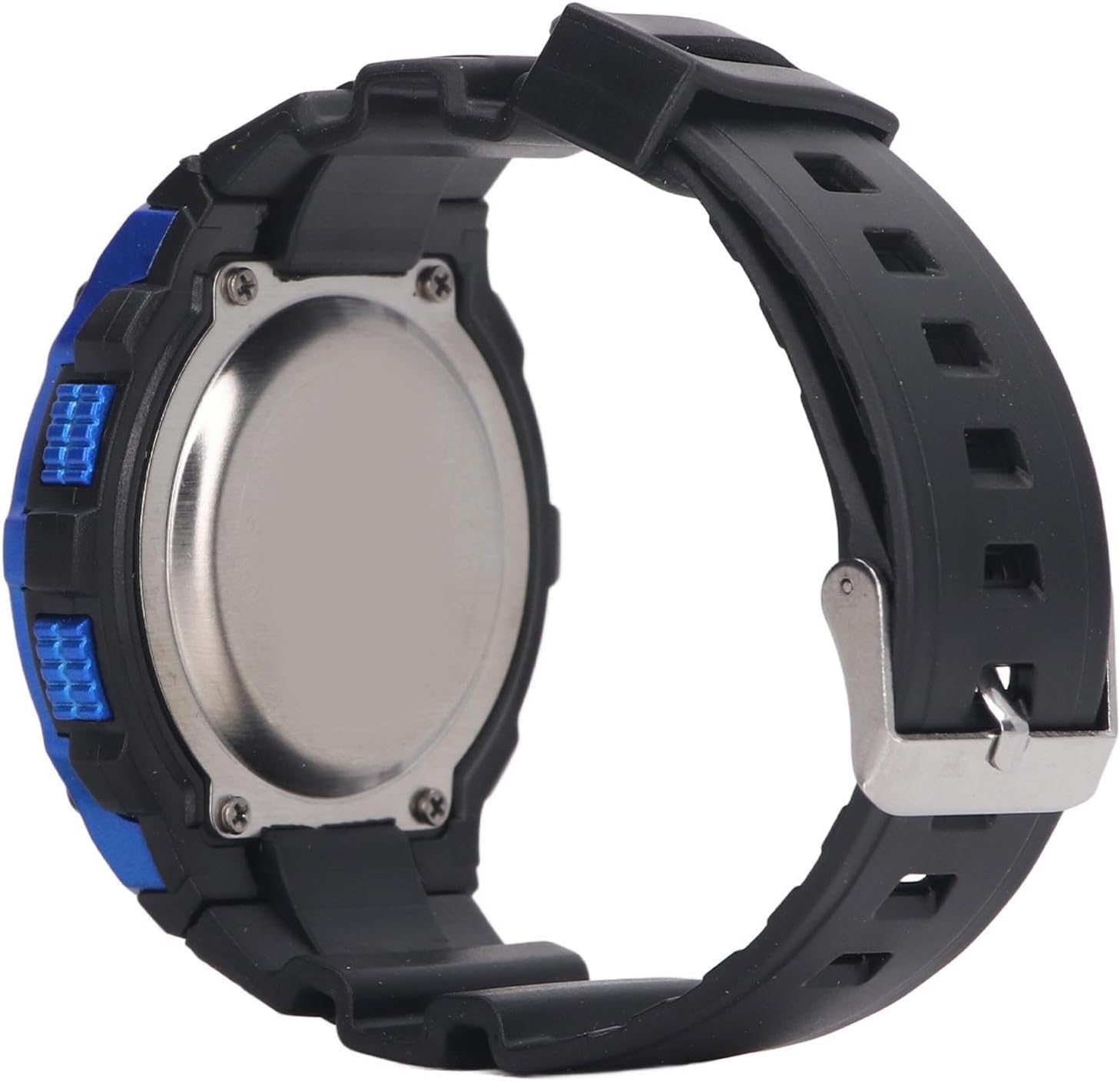
Image: Back view of the watch, showing the stainless steel back cover where the battery compartment is located.
Strap Replacement:
The watch features a quick-release strap design, allowing for easy replacement. To replace the strap, locate the quick-release pins on the underside of the strap where it connects to the watch case. Slide the pin to detach the strap. Attach a new compatible strap by reversing the process.

Image: Close-up of the watch buckle, part of the silicone strap.
Troubleshooting
- Display is blank or dim: The battery may be low or depleted. Replace the battery (LR1130).
- Buttons are unresponsive: Try pressing all buttons firmly. If the issue persists, the watch may require a battery replacement or professional inspection.
- Time is incorrect: Follow the "Setting Time and Date" instructions in the Setup section to reset the time.
- Water inside the watch: Although the watch is WR30M water-resistant, operating buttons underwater or exposing it to hot water/steam can compromise the seals. If water enters, stop using the watch immediately and seek professional repair to prevent further damage.
Specifications
| Feature | Specification |
|---|---|
| Model Number | WINHgpqecsmxzw-13 |
| Case Material | ABS Plastic |
| Strap Material | Silicone |
| Back Cover Material | Stainless Steel |
| Mirror Material | Acrylic Resin |
| Water Resistance | WR30M |
| Battery Type | 1x LR1130 3V 68mAh (integrated) |
| Display Format | Digital (12/24 hour) |
| Functions | Luminous, Alarm, Hourly Chime, Stopwatch, Day/Week Display |
| Case Diameter | 3 cm |
Warranty Information
Specific warranty details for this product may vary by retailer and region. Please retain your purchase receipt as proof of purchase. For information regarding warranty coverage, terms, and conditions, please refer to the documentation provided at the time of purchase or contact your retailer directly.
Customer Support
If you encounter any issues or have questions not covered in this manual, please contact the seller or the retailer from whom you purchased the WINH Electronic Sports Watch. They will be able to provide further assistance and support.