Introduction
This manual provides essential information for the proper use and care of your Zopsc Portable EVA Hard Protective Mouse Storage Case. Please read these instructions carefully to ensure optimal protection for your device and to prolong the lifespan of the case.
Product Overview
The Zopsc Portable EVA Hard Protective Mouse Storage Case is designed to safeguard your computer mouse during travel and storage. Constructed from durable nylon and EVA materials, it offers wear resistance and shock absorption. Its compact and lightweight design, coupled with a comfortable hand strap, ensures easy portability.
Key Features:
- Premium Materials: Made of nylon and EVA for durability and wear resistance.
- Lightweight and Portable: Compact design with a hand strap for easy carrying.
- Shockproof Design: Features a recessed scroll wheel port to secure the mouse and prevent movement.
- Smooth Zipper: Equipped with a sturdy zipper for reliable opening and closing.
- Compatibility: Specifically designed to fit Hyperspeed Lightweight Gaming Mice.

Image: The Zopsc Portable EVA Hard Protective Mouse Storage Case in its closed state, featuring a durable exterior and a convenient hand strap for portability.
Setup
The mouse storage case requires minimal setup. Follow these steps to prepare it for use:
- Unpack the Case: Remove the case from its packaging.
- Open the Zipper: Locate the zipper pull and smoothly open the case completely.
- Inspect Interior: Ensure the interior is clean and free of any debris before placing your mouse inside.
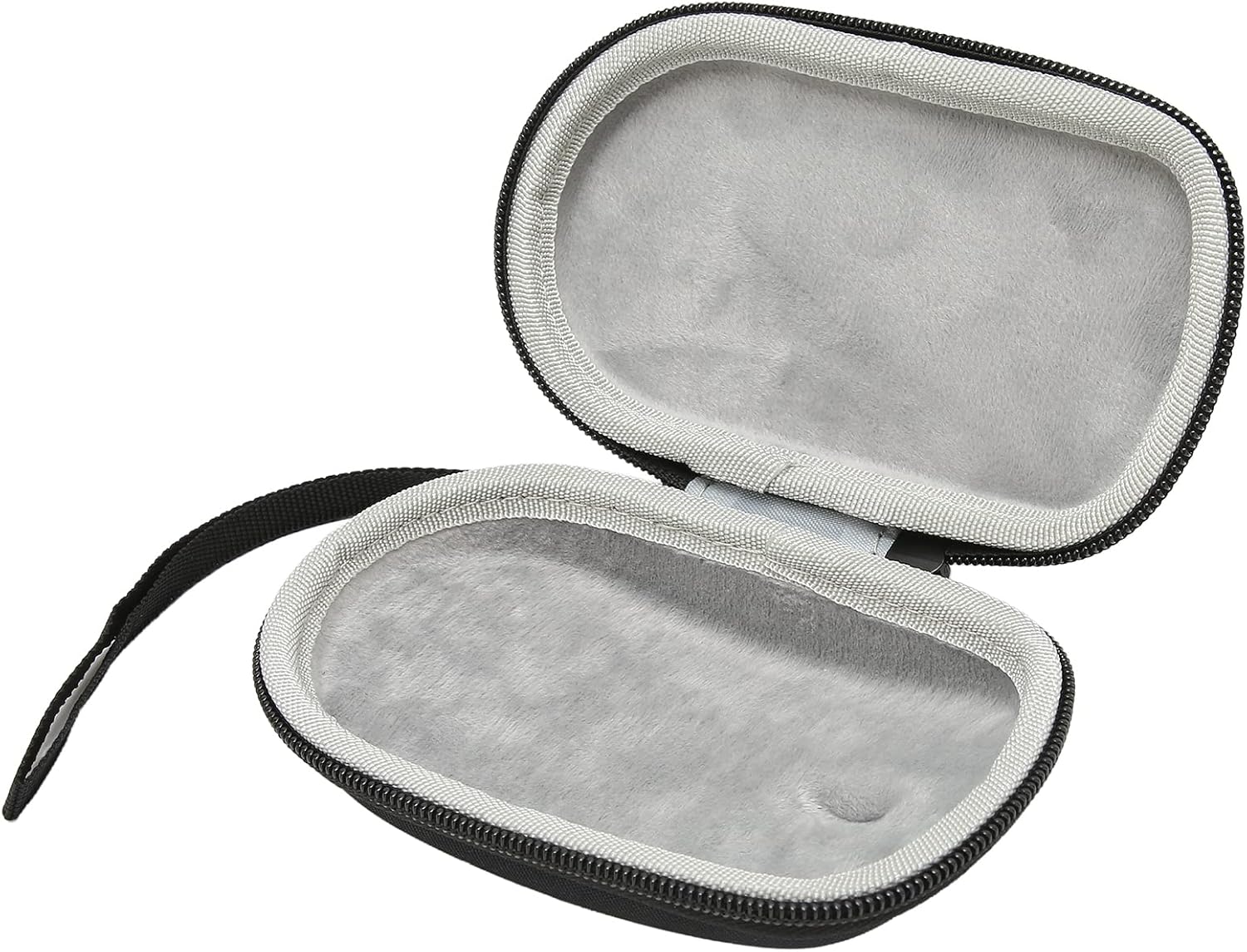
Image: The interior of the Zopsc mouse case, showing the soft lining and the recessed area designed to hold a mouse securely.
Operation
Using the Zopsc mouse case is straightforward. Follow these instructions to properly store and transport your mouse:
- Place the Mouse: Carefully place your compatible mouse into the open case. Ensure the mouse fits snugly within the molded interior, aligning the scroll wheel with the designated recessed port for optimal shock protection.
- Close the Case: Hold both halves of the case together and gently pull the zipper around the perimeter until the case is fully closed. Ensure the zipper is completely sealed to prevent dust or debris from entering.
- Carry the Case: Utilize the integrated hand strap for easy carrying. The compact design allows it to fit into bags, backpacks, or laptop cases.
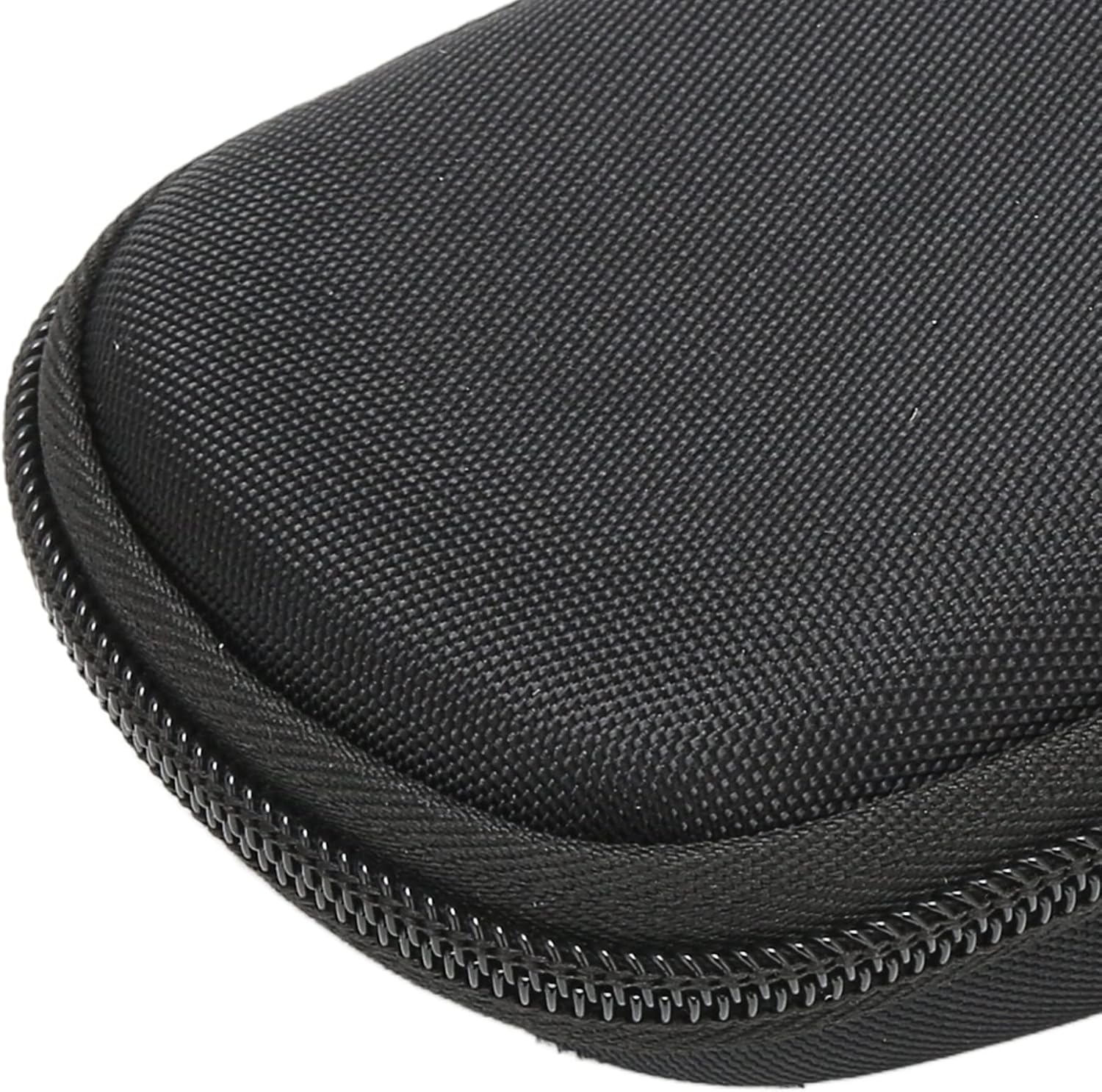
Image: The Zopsc mouse case positioned alongside a gaming mouse, demonstrating the intended fit and purpose of the product.
Maintenance
To keep your Zopsc mouse case in excellent condition, follow these maintenance guidelines:
- Cleaning the Exterior: Wipe the exterior surface with a soft, damp cloth. For stubborn dirt, a mild soap solution can be used, followed by wiping with a clean, damp cloth. Allow to air dry completely.
- Cleaning the Interior: Use a soft, dry brush or a lint roller to remove dust and small debris from the interior lining. Avoid using harsh chemicals or abrasive materials that could damage the fabric.
- Zipper Care: Periodically check the zipper for any obstructions. If the zipper becomes stiff, a small amount of zipper lubricant can be applied.
- Storage: Store the case in a cool, dry place away from direct sunlight and extreme temperatures when not in use.
Troubleshooting
If you encounter any issues with your Zopsc mouse case, refer to the following common problems and solutions:
| Problem | Possible Cause | Solution |
|---|---|---|
| Zipper is stiff or stuck. | Dirt, debris, or lack of lubrication. | Clean the zipper teeth with a small brush. Apply a small amount of zipper lubricant (e.g., wax or silicone spray) to the teeth. |
| Mouse does not fit properly. | Incorrect mouse model or improper placement. | Ensure your mouse is a compatible model (e.g., Hyperspeed Lightweight Gaming Mouse). Adjust the mouse position to align with the interior molding. |
| Case appears dirty or stained. | Accumulated dirt or spills. | Refer to the "Maintenance" section for cleaning instructions. |
Specifications
| Specification | Detail |
|---|---|
| Model Number | Zopscxb569wms8o |
| ASIN | B0CBGBTLGC |
| Manufacturer | Zopsc |
| Package Dimensions | 6.14 x 3.86 x 1.85 inches |
| Item Weight | 2.29 ounces |
| Materials | Nylon, EVA |
Warranty and Support
Zopsc products are manufactured to high-quality standards. For specific warranty information regarding your Portable EVA Hard Protective Mouse Storage Case, please refer to the product packaging or contact Zopsc customer support directly.
For technical assistance, troubleshooting, or any inquiries about your product, please visit the official Zopsc store on Amazon or contact their customer service department. Contact information can typically be found on the product packaging or the Zopsc brand store page.
Zopsc Brand Store: Visit the Zopsc Store on Amazon